Scrolled the whole page for a download button? MYM videos save three ways
You subscribed to a creator on MYM.fans, there is one video you would like to keep and watch slowly, and you scroll the whole page without finding a download entry; you think about screen recording, but worry the result will not be the original. Content on platforms like this only lives inside the platform: the creator deletes a post or closes the account, or your subscription expires, and the history goes with it.
MYM has a few more counter-intuitive corners than most platforms in the same space: it serves a blurred version to accounts that have not unlocked anything, it has live streams, and it takes tracing content quite seriously. Getting these straight saves a fair amount of wasted effort.
MYM.fans Content Falls Into Four Types, With Three Save Methods
MYM.fans creators publish four kinds of content: photos, videos, live streams and private messages. The ones that actually "play" are videos and live streams, and saving them is not the same process at all.
This is not guesswork. MYM.fans is run by the French company AIR MEDIAS SAS (Lyon trade register 809 565 906), and on the page for law enforcement the platform states that creators offer subscribers "photos, video, live content and even private messages".
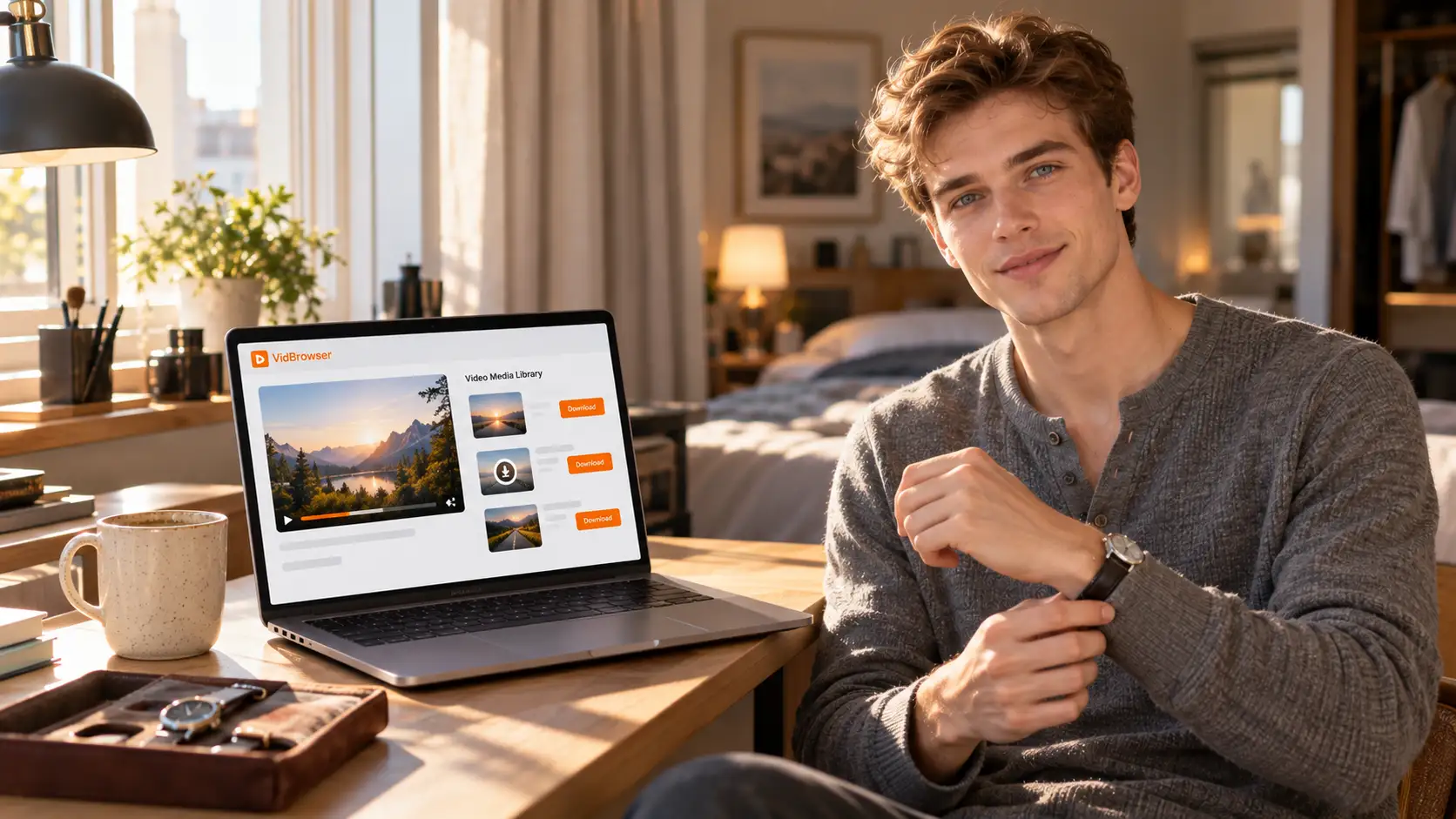
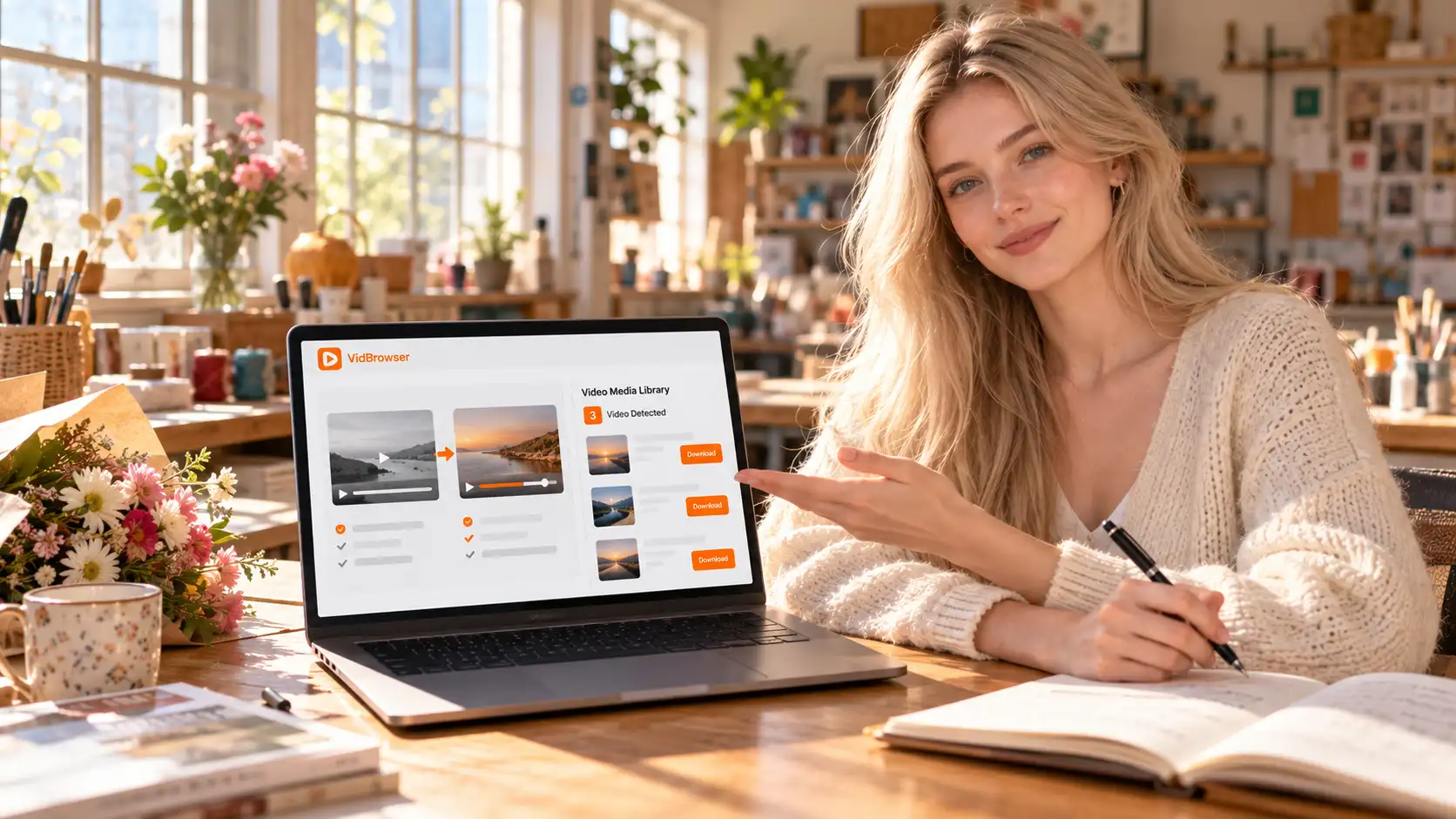
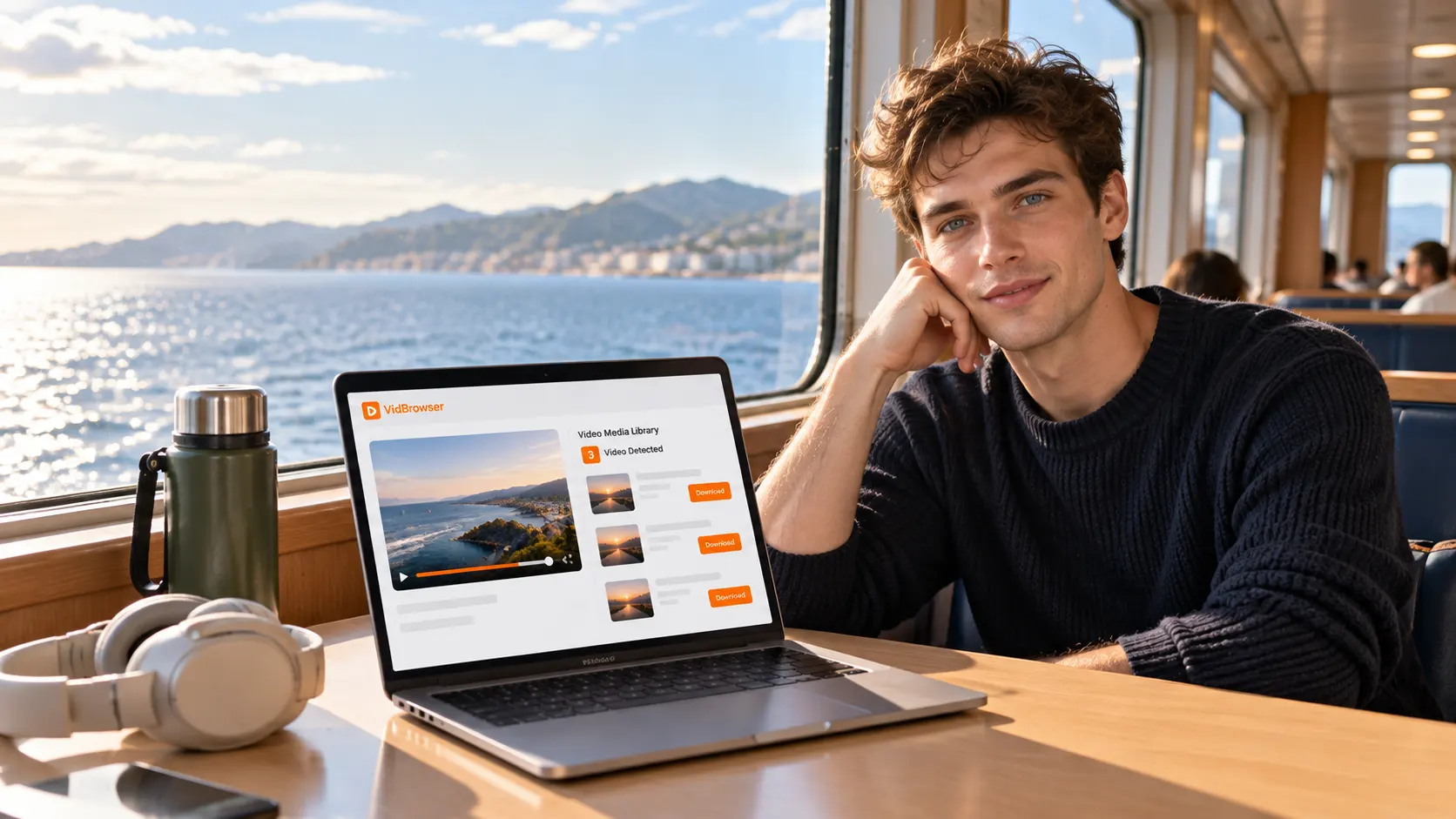
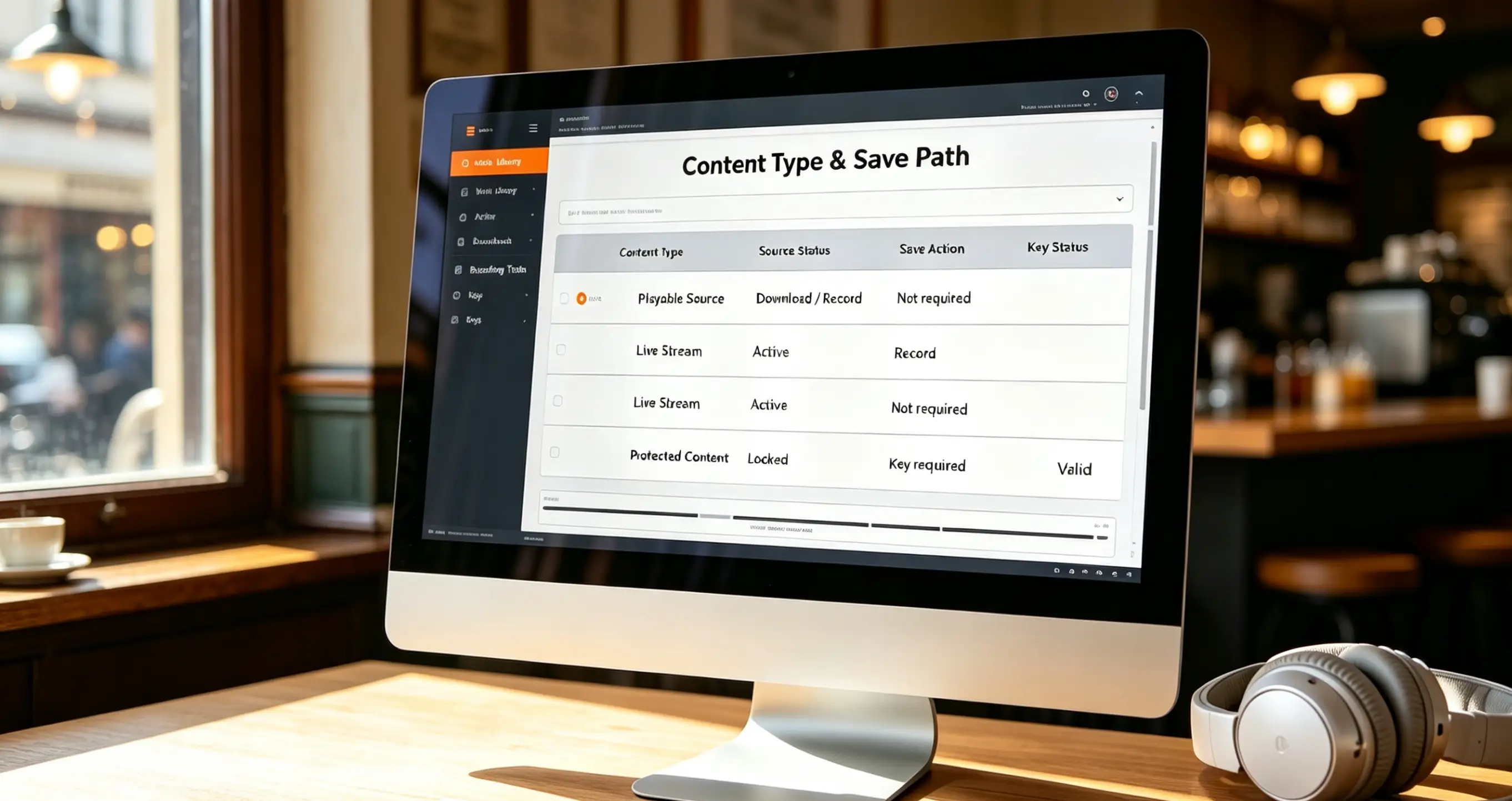
- Videos in the subscription feed, and videos unlocked individually: anything that plays normally can be saved. VidBrowser detects the video stream as the page plays, lists it in the Video Library panel on the right, and one click on the orange Download button saves it as MP4; if the panel stays empty, switch to recording.
- Live streams: real-time streams, which the download panel cannot catch. What works is recording, and it has to happen while the stream is live, because once it is over there is nothing left to record.
- Private media: content unlocked one item at a time in direct messages. On MYM the real spending often sits here rather than in the subscription fee. Once unlocked, it saves exactly like any other video.
How paid single items are saved across platforms is broken down in our saving private messages and paid videos; to compare the platforms first, see how MYM compares with OnlyFans.
A Blurred Preview Stays Blurred After You Save It
A locked blurred preview is still blurred once saved, because the platform is handing unsubscribed accounts a processed version, and no tool changes that.
In MYM's public feed, locked previews carry a blur: you can make out the outline, not the detail, and seeing it clearly means subscribing or unlocking that one item. Record while it is blurred and you record the blur.
This is the easiest point to overlook and the easiest way to waste an afternoon: people think "record it now, decide about subscribing later", then end up with a blurry file that eats space and cannot be watched. The moment worth saving is after unlocking, because that is when playback is the clear version and a recording means something.
One aside: the mechanism is designed as "try first, pay later", not as a loophole for accounts that have not unlocked anything. the MYM.fans platform guide goes into the full logic of blurred previews.
Saving a Copy Is One Thing, Passing It On Is Another
Keeping an offline copy for yourself and forwarding the file to somebody else are two different acts on the platform, and the second runs into two tracing mechanisms: watermarking and account records.
Embedding a digital watermark in what subscribers see is standard practice among subscription platforms. Another subscription platform spells the purpose out in its own help centre: content is watermarked so that, done well, it becomes possible to tell which subscriber shared it. The watermark travels with the file, and screenshots, screen recordings and re-saves do not remove it.
The evidence on MYM's side is more direct. That page for law enforcement states that, on a lawful request from French authorities, the platform can provide a user's name, date of birth and phone number, the account's creation date and IP address, and the content that user created. What an account does on the platform is traceable.
Both mechanisms point at passing content on and redistributing it, not at watching it on your own device. So the line runs through whether the file left your hands, not through whether you saved it, because personal offline storage and redistribution were always two different things.
What Is Worth Saving on the Spot
The test is plain: who decides how long the content lives. Anything whose life is decided by the platform or the creator is worth a local copy first.
- Live streams: platforms usually give viewers no replay entry, so whether you can watch again depends on the creator reposting it, not on you.
- Paid single items you already unlocked: the money is spent, yet access still hangs on the account state, and that is not worth staking your viewing on.
- Profiles that post often and delete often: how long content stays up is not your call, so handle it while it is there.
- Before a subscription expires: once it expires the subscription feed is no longer visible, so save what you want in advance.
Saving MYM.fans Videos in VidBrowser
Step 1: Download and install VidBrowser
VidBrowser is a desktop video browser for watching videos, trimming clips and saving them locally on Windows and Mac, with downloading and recording both built in. Setup takes a few minutes.
Step 2: Open MYM.fans in VidBrowser and log in
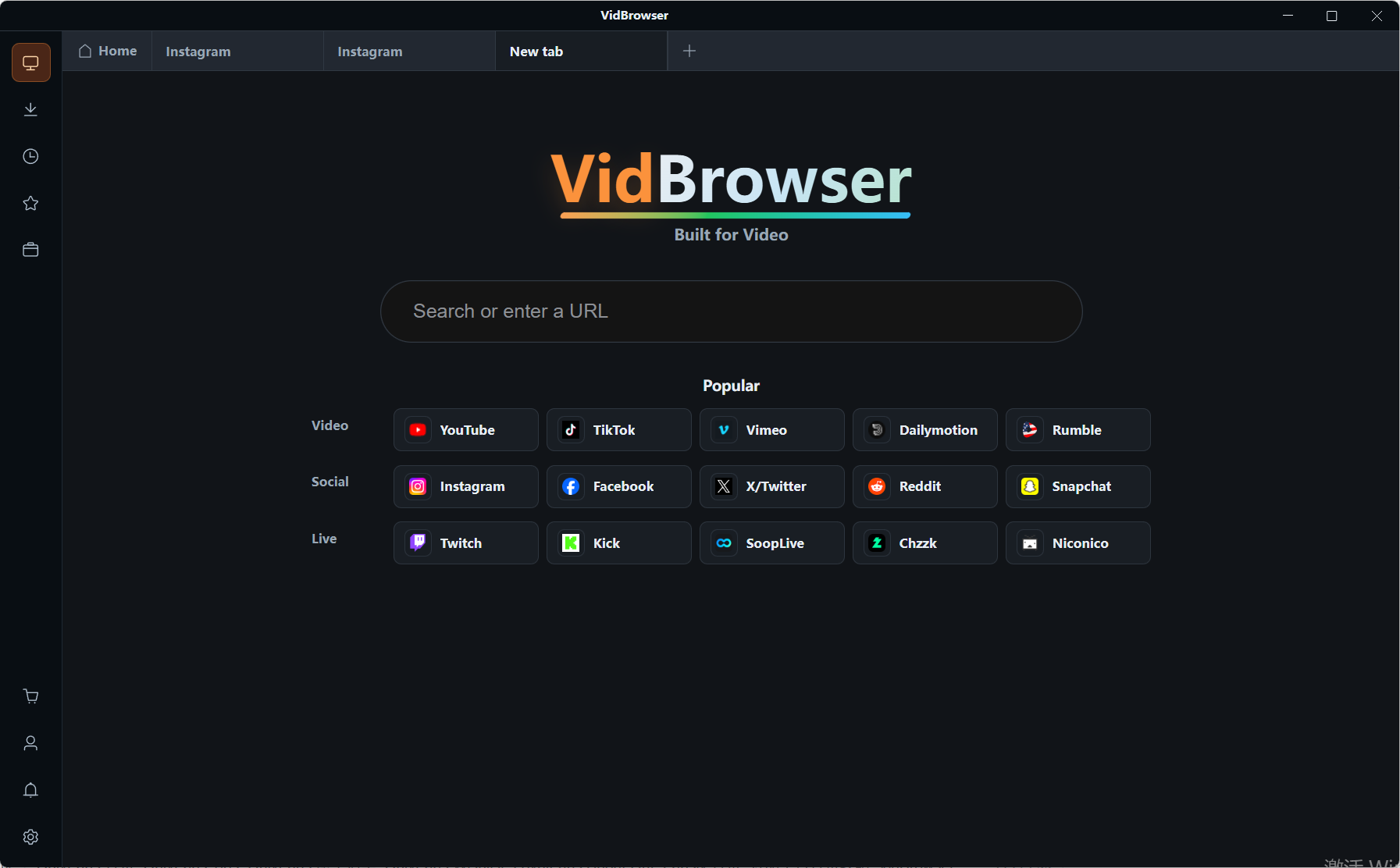
Launch VidBrowser, go to mym.fans and sign in with your own account. Your existing subscriptions and unlocks are exactly as they are in an ordinary browser.
Step 3: Open the content you want to save and play it
The subscription feed, private media you have unlocked, and a live stream in progress all work. Play for a few seconds and VidBrowser detects the video stream in the background, listing the savable items in the Video Library panel on the right.
Step 4: Save it with recording (the first choice for protected content)
Videos on subscription platforms such as MYM.fans are mostly copyright-protected and ordinary download tools cannot reach them, so recording in VidBrowser is the most reliable way to save them: move the mouse over the picture and the recording controls appear as an overlay, where you choose a recording speed (1x real time, or 2x and 4x to finish faster); hit Record All to capture the whole video, and the record button on the left starts or pauses at any point. Anything that plays can be recorded.
A live stream is the case that has to go through this step, and once it is missed there is no chance to record it.
Where a video downloads directly, the Video Library panel on the right also lists it with an orange Download button; one click saves it as MP4, and you can pick a resolution first.
Step 5: Find the file in the download history
When the save or the recording is done, you can open the file from the folder you chose, or check the download history through the clock icon in the left navigation. Play it back offline whenever you like in VLC, QuickTime or a similar player, with no dependency on the account or the subscription state.
FAQ
Why is a blurred preview still blurred after saving?
Because while an item is locked, the version the platform distributes is the blurred one, and that is the version a save or a recording captures. A clear picture means subscribing or unlocking that item first; after unlocking, playback is the clear version, and that is when saving is worth doing.
Do MYM videos have to be recorded, or can they be downloaded?
It depends on the content. Videos that play normally in the subscription feed usually show up as download entries in the panel, so the orange Download button is enough; live streams and protected content whose stream cannot be caught are recording only, and a live stream has to be recorded on the spot.
Is there a problem with saving a copy to watch again and again?
Watching offline yourself and forwarding the file are two different things. The watermark and account-record mechanisms target passing content on and redistributing it; keeping it to watch again falls within the reasonable use of saving, provided you already have viewing rights through a subscription or an unlock.