
OnlyFans removed the content or froze the account: your money and your videos
One day the creator you follow goes half-empty on OnlyFans; even more abrupt, the account is frozen and the login page just says something went wrong. Neither is an accident — the terms spell both out as platform powers, and the difference lies only in what triggers them. From a subscriber's point of view, this piece walks through the rules on content removal and account freezes, and what happens to your money and your access.
Removing content does not need your consent — the terms put the removal right in plain sight
The official terms of service write "removing content, suspending or terminating accounts" down as platform rights, with no duty of pre-review. Everyday removal is the first layer — the platform keeps the right to suspend or remove violating content, states it has "no obligation to pre-review", yet "reserves the right to pre-review, monitor or reuse content"; the legal duty is the second layer — once aware of illegal content on the site, remove it quickly with "proportionate measures".
Section 12.03 adds that the platform "reserves the right to use classifiers and artificial intelligence and machine learning tools to detect and remove content that violates the policies". A removal does not necessarily come from the creator's own hand — automated detection does the bulk of it, and a whole batch of similar posts vanishing overnight usually traces back to this.
Creators deleting posts, deactivating or unsubscribing also empties a page — the five reasons OnlyFans content disappears piece sorted those situations out. Here the focus is the enforcement layer — the most sudden and the least negotiable.
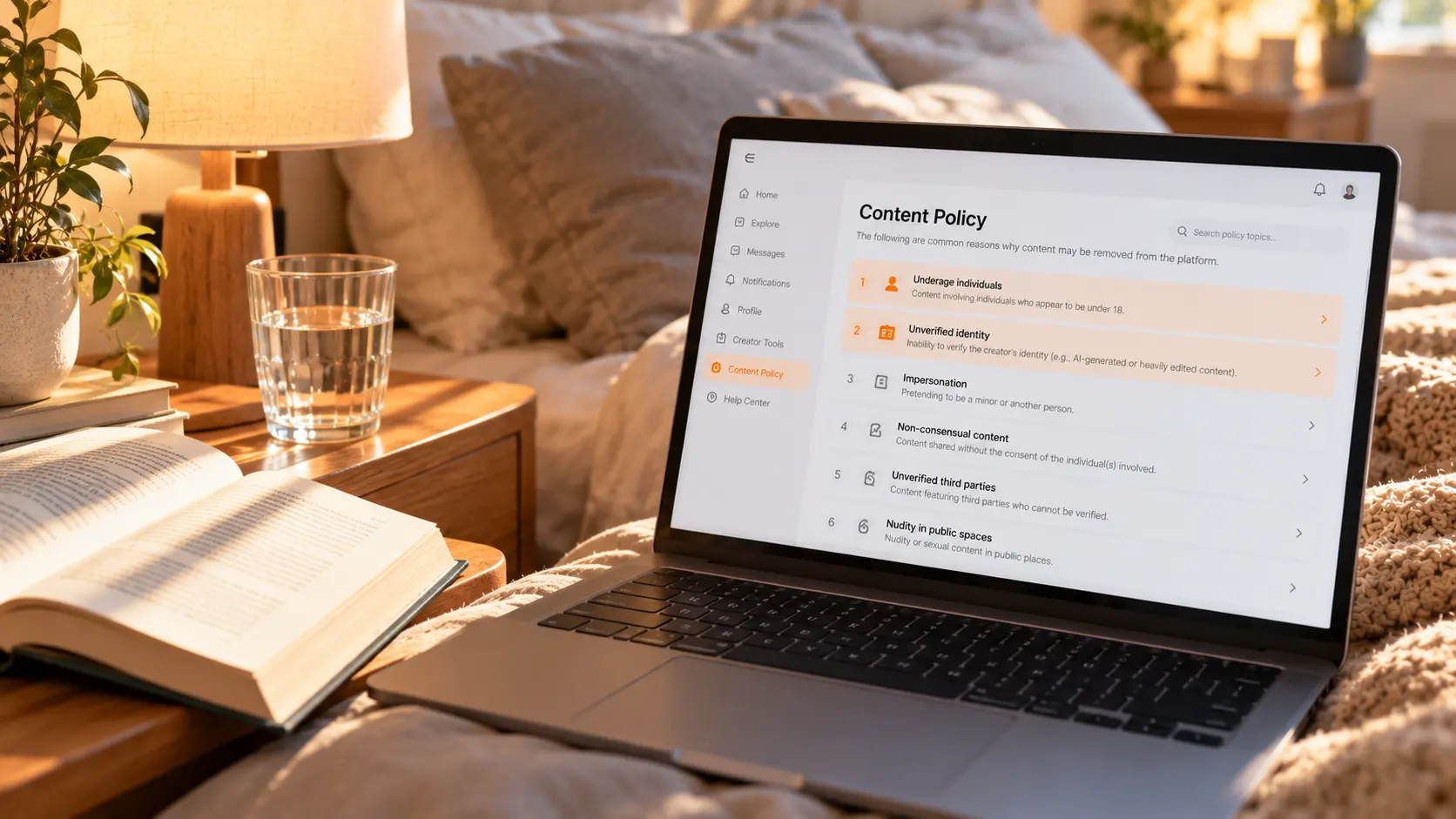
The official removal-reason list centers on identity and consent
The official creator guide lists removal reasons, and most of the thirteen items check the same thing: who is in the frame and whether they consented. Identity items include failing to verify being over 18, unverifiable creator identity (the guide names AI-generated or heavily edited images), pretending to be a minor, and unverified third parties; scene and object items include public nudity, gore or violent extremism, weapons and illegal drugs, and SFS chains of similar accounts. The same rules are written into the acceptable use policy, working alongside the account-disposal clauses.
What deserves even more attention is the scope of review: the platform "reviews all published content, including your direct messages with fans". DMs are not a law-free zone — private messages selling pictures or videos get scanned all the same.
For subscribers the list means something very direct: if the creator trips any item, the content you subscribed to disappears with it — one post, or the whole account — and all you see is "404 everywhere", with the reason never pushed to you.
When an account is frozen, the platform can touch your money at the same time
Section 14 of the terms gives the platform two tiers of disposal: suspend or delete an account on 30 days' notice for any reason, and immediate action with no warning. The first tier is loose — "at any time, for any reason, suspend or delete an account after 30 days' notice". The second tier leaves no buffer, with three triggers: serious or repeated breaches; an attempted breach with potentially serious consequences; suspected earnings from illegal or fraudulent activity.
Immediate action can move four things at once: suspend or delete the account and its content, pause fan payments, withhold creator earnings, and "pause, refund or cancel fan payments". For subscribers the key part is section 14.3: when a fan account is terminated for violations, "fan payments, including prepaid subscription fees, will not be refunded".
The frozen one is not always the creator — it can be you. Section 09.12 states that fans agree not to file refunds or chargebacks without proper reason, and if the platform judges the action malicious it "may suspend or delete your user account" — going around the platform to claw money back walks exactly this ban path.
Subscribers get no notification channel and no compensation
The official promise on disposal notices is "we will try to notify you" — and the "you" is the account holder, not the fans on a subscription list. Section 12.06 reads "where we do so, we will try to notify you" — the subject is the disposed account. When content is removed in batches, the site has no mechanism to tell subscribers why.
The channel for asking is equally closed to fans. The official appeal form is for the disposed account holder, demands "detailed evidence", and refuses outright without it. Fans are not the disposed party and cannot get internal review records — by design, that door does not open for you.
The subscriber-side reality: when content is gone there is no compensation — the terms hold no such arrangement; do not treat refunds and chargebacks as leverage, they boomerang onto your own account (the refund cases available when a creator is banned were unpacked in the creator account gone piece); what you can count on is getting a copy while the content is still there.
Saving while it is still there: trading access for local files
Between the platform's removal right and your access sits a license that can end at any time; saving while it lasts turns the license into files.
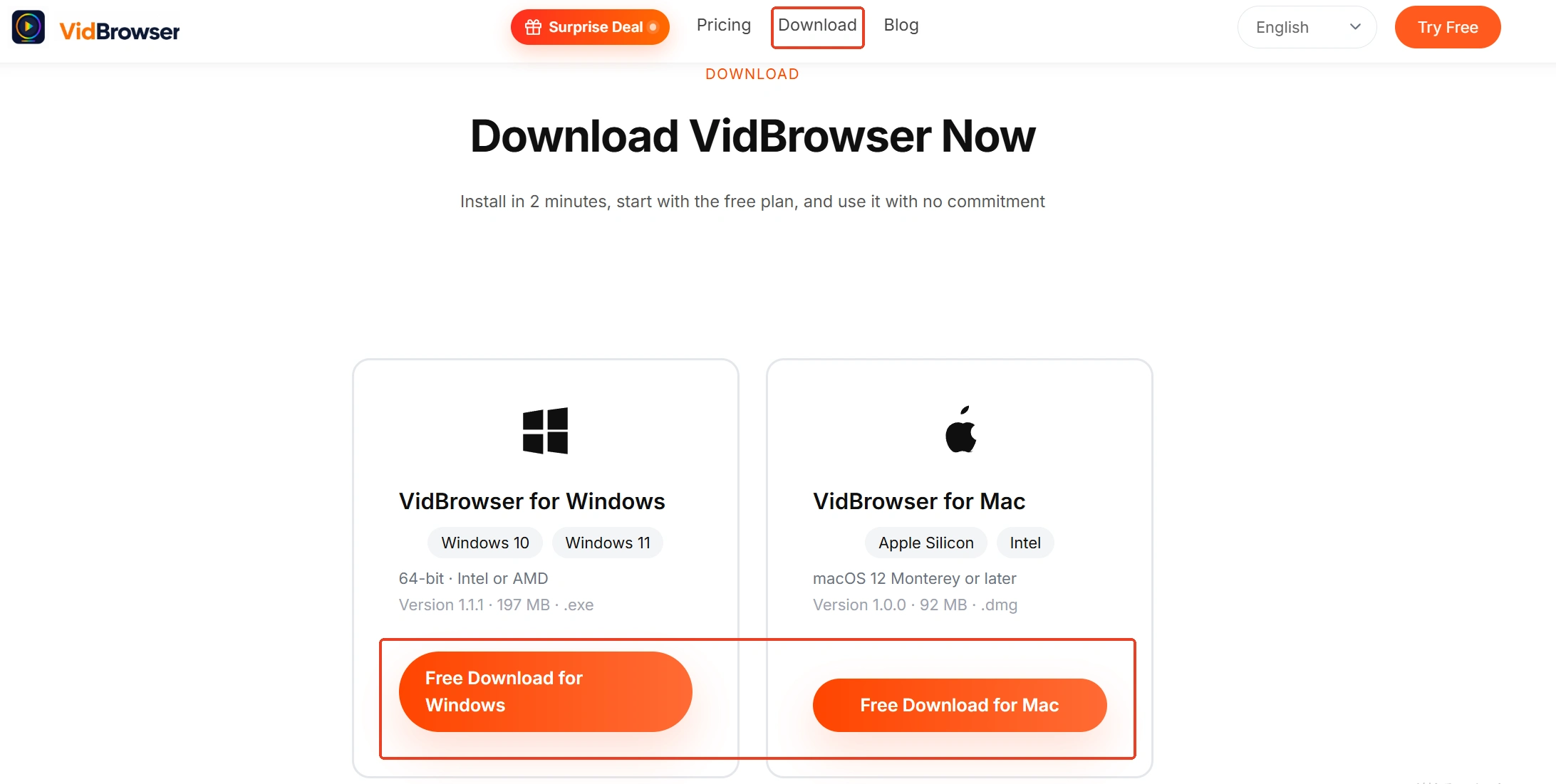
Step 1: Download and install VidBrowser
VidBrowser is a desktop video browser for Windows and Mac to watch and save videos, with download and recording built in — installed in minutes.
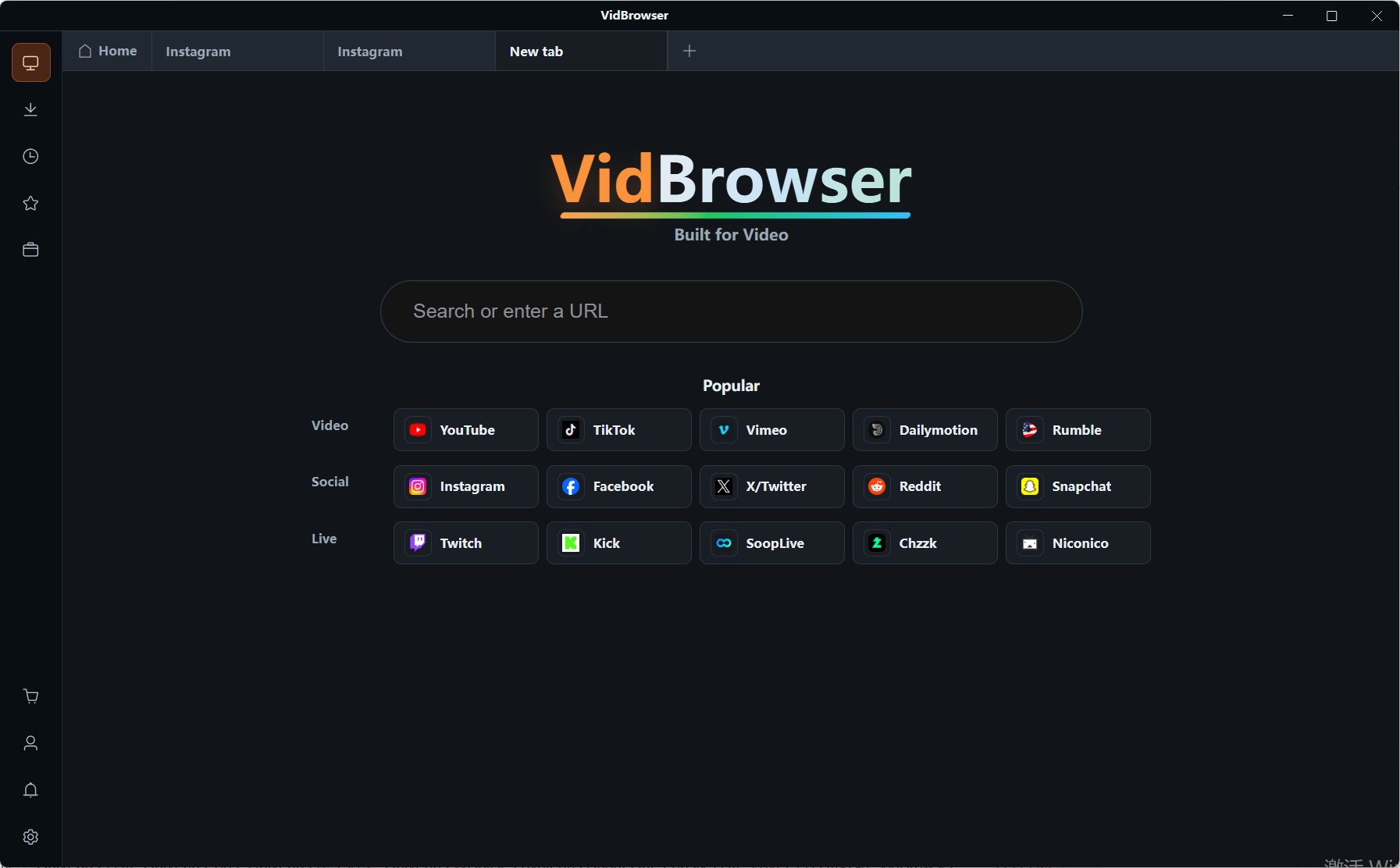
Step 2: Open OnlyFans and log in
Open OnlyFans inside VidBrowser and log in; your subscriptions and unlocked posts are all in place.
Step 3: Play the video you want to keep
Open the video and let it play normally; check the picture and sound, and confirm your access is still within its valid period.
Step 4: Save with recording (first choice for protected content)
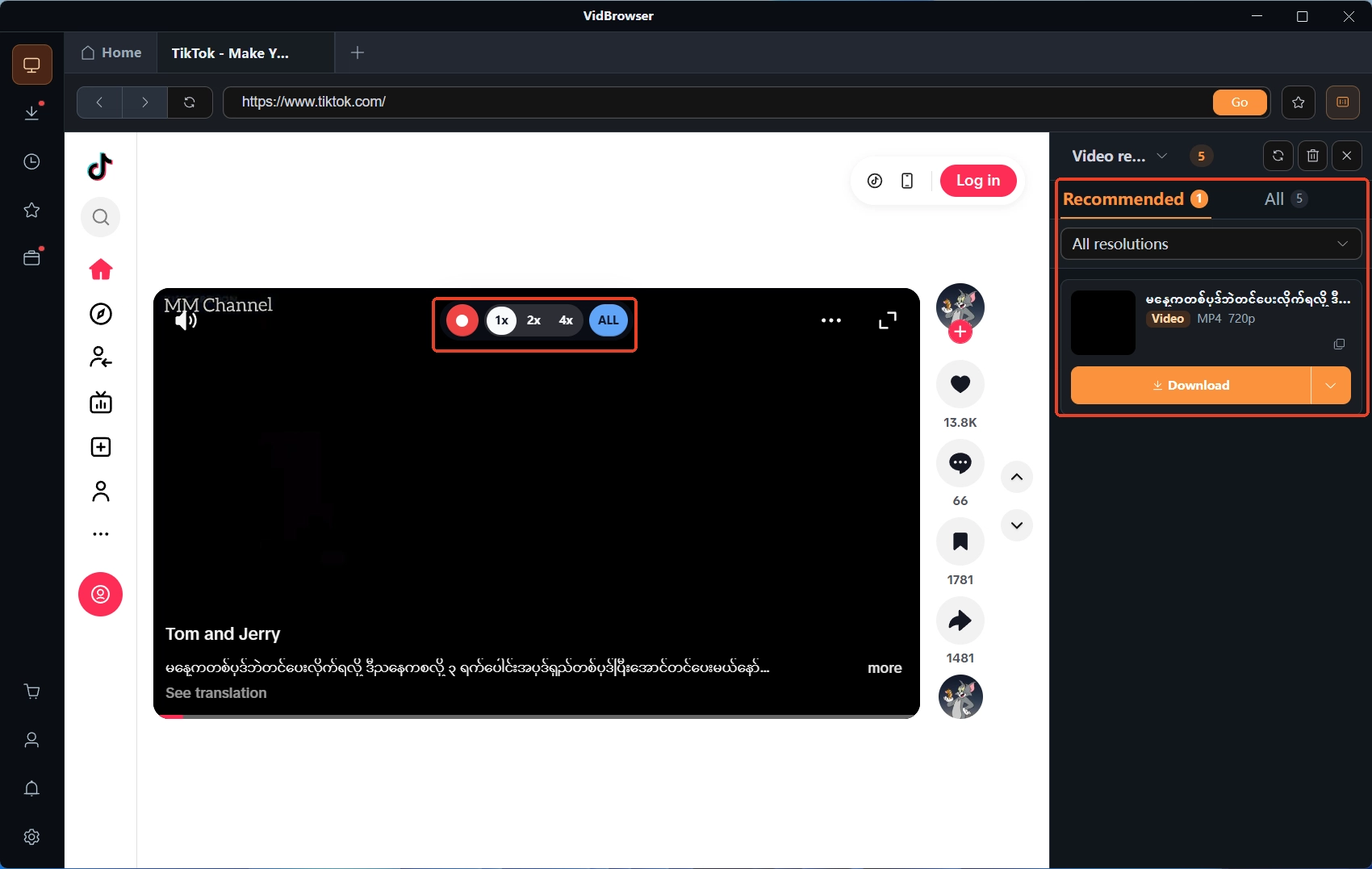
Most subscription-platform videos are protected, and recording is the most dependable way to keep a copy: move the mouse over the video and the recording controls overlay appears — pick a recording speed (1x real time, 2x or 4x to finish faster), press record-all to start, and the record button on the left can pause at any time; anything that plays can be recorded. If the video can be downloaded directly, the "video media library" on the right lists items with an orange "download" button — click to save. Download records live in the download history on the left.
FAQ
Can I get a refund when the platform removes a creator's content?
Mostly no. The terms state the "prepaid subscriptions are non-refundable" case as "the fan account being terminated for violations"; removal of a creator's content carries no subscriber-side compensation — you bought access for the subscription period, not a guarantee that posts persist. When a creator deactivates or gets banned, the refunds official support takes up concentrate in "charged right before it stopped working" and "content not delivered" — a low-probability shot worth trying.
Can I still view purchased content after the account is frozen?
No. Section 12.07 states that once an account is terminated you can no longer access the content under it. Unlocked paid posts, collections and message records lock together with it, and the platform offers no subscriber-side export or recovery. This is the hardest reason to save early while you can — a freeze is more sudden than a removal.
Where is the line when saving purchased content myself?
A paid subscription buys an access license, not file ownership — keeping it for personal viewing and re-uploading or sharing it out are two different things. What the terms restrict is moving it off-platform for distribution; one copy on a personal device for yourself is entirely different from reselling. The boundaries of authorization are laid out in the legal boundaries of content downloading piece.


