
OnlyFans charges without a heads-up, and the renewal date follows the day you subscribed
That charge shows up on your statement out of nowhere: you could swear you subscribed mid-month, and several creators each bill on their own schedule. You assume everyone gets billed on the 1st, when in fact every subscription keeps its own date. This piece walks through how OnlyFans works out the billing date, whether you get told before a renewal, and where to look up the next one.
The day OnlyFans charges you next depends on the day you subscribed
The renewal date follows the day you originally subscribed — not the 1st, and not any fixed spot on the calendar. Subscribe on the 22nd and the next charge lands around the 22nd of the following month; shift the moment you signed by a day and every cycle shifts with it. the official terms put it as renewing "for additional periods of the same duration" — anchored to the moment you hit subscribe, not to a common calendar date. Subscriptions under one account don't interfere with each other either: five creators means five billing lines, each with its own date and its own switch.
After spelling out automatic renewal, clause 09.10 lists four exceptions — the only cases where it stops: a declined payment with no second method on file, a price increase, the auto-renew toggle on that creator's page being switched off, and closing the account before a new cycle begins. Outside those four, it charges on schedule. The neighbouring clause 09.09 adds a line worth knowing: with more than one payment method linked, a failed charge on the first gets retried on the second, so "that card is dead" doesn't mean the subscription is.
The platform doesn't send a renewal reminder, and that line is in the official terms
The official terms state it outright: once you subscribe, you will not receive further notice about that subscription renewing. The sentence right after is blunter still — pressing subscribe counts as accepting all of it. "No separate notice" is a mechanism written into the contract, not a support team forgetting to email. The only reminder you get is the date you keep in your own head.
It reached court in 2026. As reported by legal outlets including Law360 and Mealey's, on 30 June the US Ninth Circuit Court of Appeals revived a class action against OnlyFans' operator (case 24-7831), the dispute being whether the way auto-renewal is disclosed and agreed to meets California's "clear and conspicuous" standard; one plaintiff says their subscription was advertised at $4 a month while $20 was actually taken. The appeals court dealt only with jurisdiction and sent the case back down, so no finding of illegality has been made. But it shows the when-and-how-much of renewals is being pushed out into the open.
To find your next charge date, match the subscription list against billing history
The next renewal date for every subscription is listed for you, right there in the account's subscription list. Sign in to onlyfans.com, go to settings and find Subscriptions: every creator you're subscribed to sits in one list, each with the current price, the next renewal date and whether auto-renew is on or off. Cancelled subscriptions stay in that list too, only showing an expiry date instead — that difference between the two fields is exactly how you tell whether a line is still charging.
To reconcile backwards, open billing history on the same page: subscription charges come at a steady interval, while tips and one-off unlocks are scattered with no pattern to their dates, so reading them apart tells you quickly what you're billed monthly. If a renewal falls on the 29th, 30th or 31st, take the date the list shows for months that are too short. When the merchant name on the statement means nothing to you, the matching method is set out in how the billing descriptor works.
The second month often costs more: promo pricing ending and creators repricing
The same creator charging more the second time usually comes from one of two sources: a first-month promo expiring back to full price, or you unsubscribing and resubscribing into a new price.
- When the discount month ends, it renews at full price: plenty of accounts run a first-month promo ($3, $4 or half off), and the discount is limited to that first cycle — from the second one the standard monthly rate applies. That gap in the lawsuit above, "advertised at $4, charged $20", comes from exactly here rather than from an over-charge.
- A creator's price rise doesn't reach existing subscribers: after a monthly price goes up, people already subscribed renew at the price they signed at, and the new price only applies to new subscribers; unsubscribing and resubscribing makes you a new subscriber on current pricing, so "drop it and rejoin" isn't automatically cheaper (the cancellation steps are in the cancellation guide).
Subscriptions bill on a cycle while tips and PPV settle on the spot
Recurring billing covers subscriptions only; everything else leaves your account the moment you do it. Clause 09.08 describes the two separately: subscriptions are charged on a cycle, while anything outside a subscription — unlocking a single PPV, tips, paid messages — settles the instant you place the order. So the odd amounts on your statement don't wait for the renewal date to be settled together; the money goes the second you confirm.
Telling the two apart saves you a whole class of false alarms: if the monthly total comes in over budget, don't jump to a price rise — adding up that month's one-off spending usually finds it. How the two split is worked out in a breakdown of monthly spending, where subscription fees come to roughly half of the sample bill.
While the membership still runs, keep a copy of what you want to watch
No amount of clarity about billing dates solves the other half of the problem: the access you paid for expires on its own. Expiry, cancellation, a creator deleting a post or closing the account — any one of them makes paid-for content vanish. A subscription buys access, not a copy, so anything you want to keep needs to be put on your own machine while it still plays. Saving subscription content with VidBrowser takes four steps:
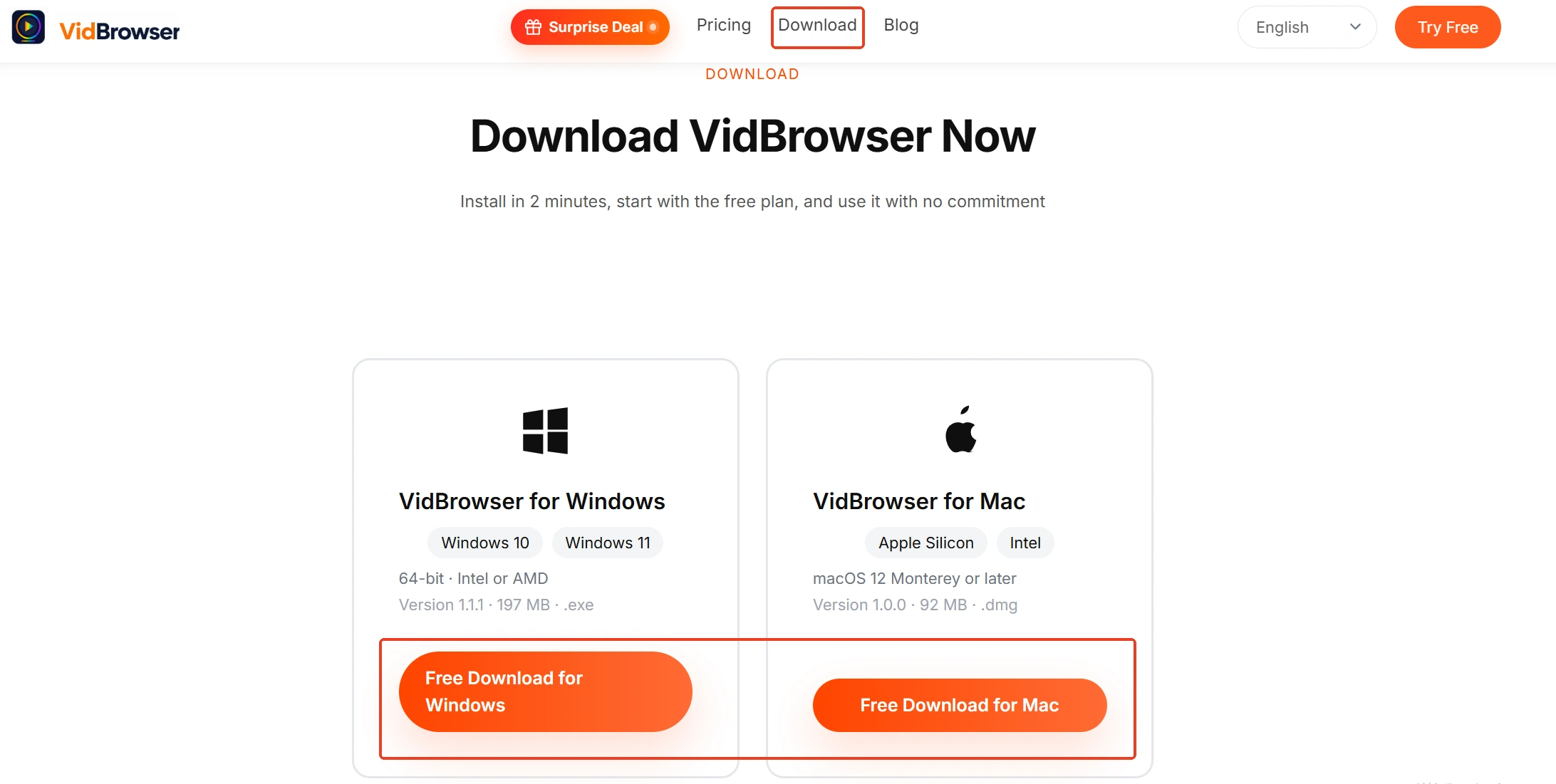
Step 1: Download and install VidBrowser
VidBrowser is a desktop video browser for Windows and Mac with download and recording built in, and installation takes a few minutes.
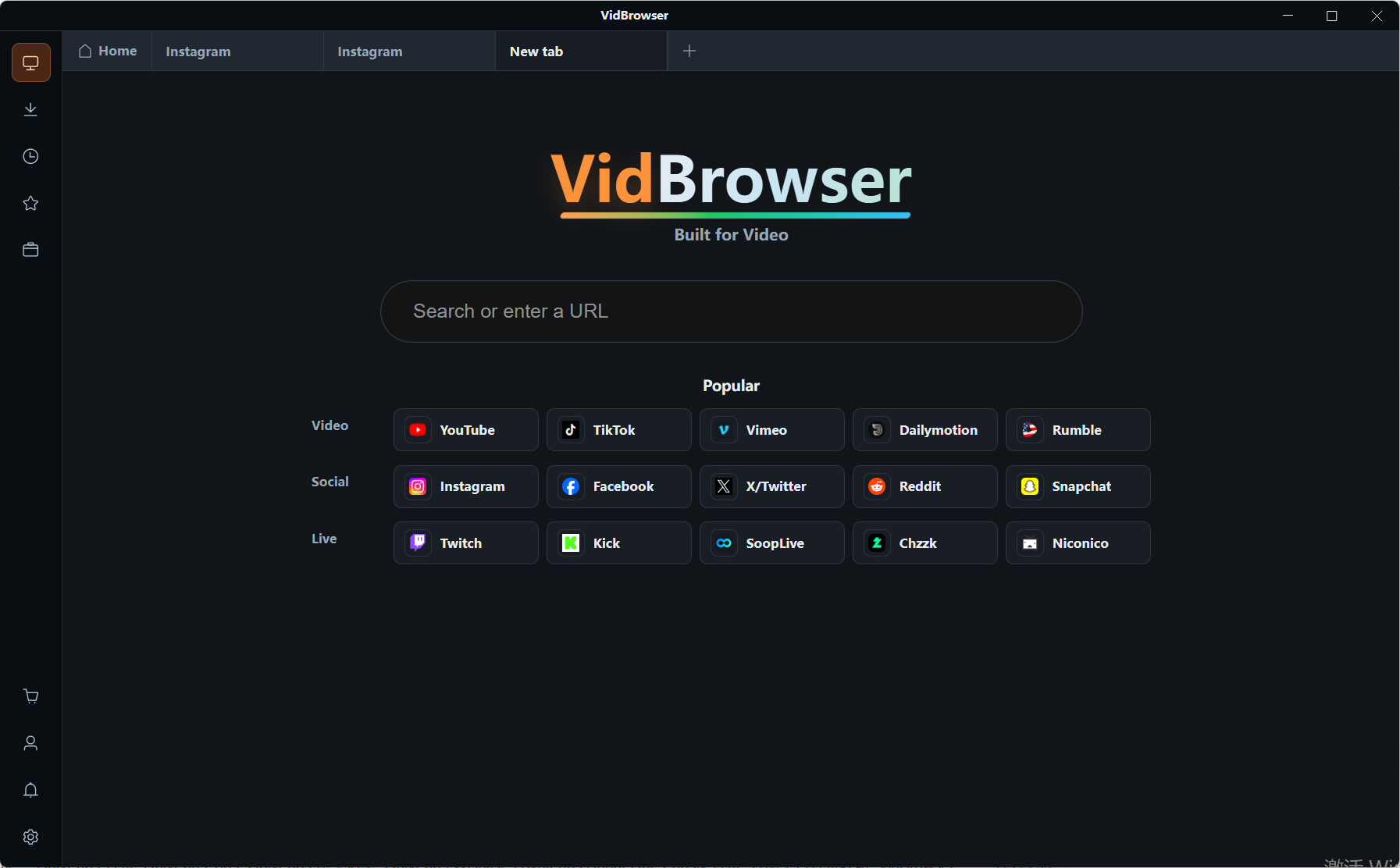
Step 2: Open OnlyFans inside VidBrowser and sign in
Go to onlyfans.com and sign in with your own account; subscription status and content match what you see in an ordinary browser.
Step 3: Play the video you want to keep
Open it and let it run a few seconds — VidBrowser spots the video resources on the page and lists them in the media library panel on the right.
Step 4: Record or download it to your computer
Most video on subscription platforms counts as protected content that ordinary downloaders can't reach, so recording comes first: hover over the picture and the recording controls appear, pick a speed (1x real time, or 2x and 4x to finish faster), hit Record all to capture the whole thing, and the button on the left starts or pauses whenever you like. If that particular video does allow a direct download, the media library will hold a row with an orange Download button — one click saves it as an MP4. Finished files turn up in download history on the left and don't depend on account status.
Frequently asked questions
Does OnlyFans bill everyone on the 1st of the month?
No. Each subscription's renewal date points at the day you subscribed, and creators don't affect each other, so the dates in one account usually scatter across the start, middle and end of the month.
Will the platform email me or drop an in-app note before a renewal?
It won't. The official terms say renewal brings no further notice, so the date is yours to remember; if you want to know ahead, open the subscription list in settings and read the next renewal date beside each entry.
Do free follows renew too, as a "subscription"?
They do, at a cost of zero. Free subscriptions sit under the same auto-renewal mechanism, so they stay in the subscription list and keep delivering the creator's paid messages to your inbox; to stop one, switch auto-renew off the same way.


