
StreamFab Alternative in 2026: Prices, Lifetime Terms, and Three Routes Compared
People who type "StreamFab alternative" into a search box generally fall into two groups: those hesitating at the $299.99 price tag, and those scrambling for a backup after a platform update broke their downloads. This article isn't here to talk you into anything. It lays out how StreamFab actually works, what users complain about most, and who each alternative route suits. By the end, you should be able to answer one question: is this money worth spending?
Why So Many People Are Searching for a StreamFab Alternative
Most people searching for a "StreamFab alternative" aren't leaving because it doesn't work — they're stuck on three things: price, lifetime-license terms, and the waiting period after platform updates.
Price first. According to StreamFab's official pricing page, a single-platform module costs $54.99/month, the lifetime plan starts at $89.99, and the All-In-One lifetime package covering 60+ streaming services — Netflix, Prime Video, Disney+ and more — sells for $299.99. That's first-tier pricing among download tools, yet many users simply want to save videos to their local drive.
Then the terms. Its lifetime plan carries an NPG (New Product Guarantee) policy: platform modules released after your purchase are not automatically included in the "lifetime" — you pay the difference to use them. This is the most frequent complaint on Trustpilot and Reddit: "I bought lifetime, why am I paying again?"
Finally, update cadence. Download tools depend on platforms' page structures and content protection mechanisms; when a platform revamps its site, the tool can break until the developer ships a patch. In 2026 community reports, some platforms still failed to download even after the officially announced fix, and Mac M-series users have reported long batch jobs crashing. You paid a premium for peace of mind, yet the most stressful part is waiting for patches.
To Be Fair: What StreamFab Actually Does Well
StreamFab is one of the most broadly covered modular streaming downloaders around, and its 4.6 Trustpilot score (700+ reviews) is not unearned.
It is built by the DVDFab team, which has been making disc software for more than 20 years, and it has kept a high update frequency since launching in 2019. Direct downloads without re-encoding, selectable H.264/H.265, Dolby Vision and HDR10 preserved — third-party reviews put its real-world success rate around 99%. For heavy streaming users, the All-In-One plan works out to just a few dollars per module, and the math does check out.
The real problem is not "it doesn't work" — it's that what you pay and what you actually use don't match: most people watch on two or three sites year-round, yet pay for a "60+ platform" pricing structure. That's where the alternative discussion starts.
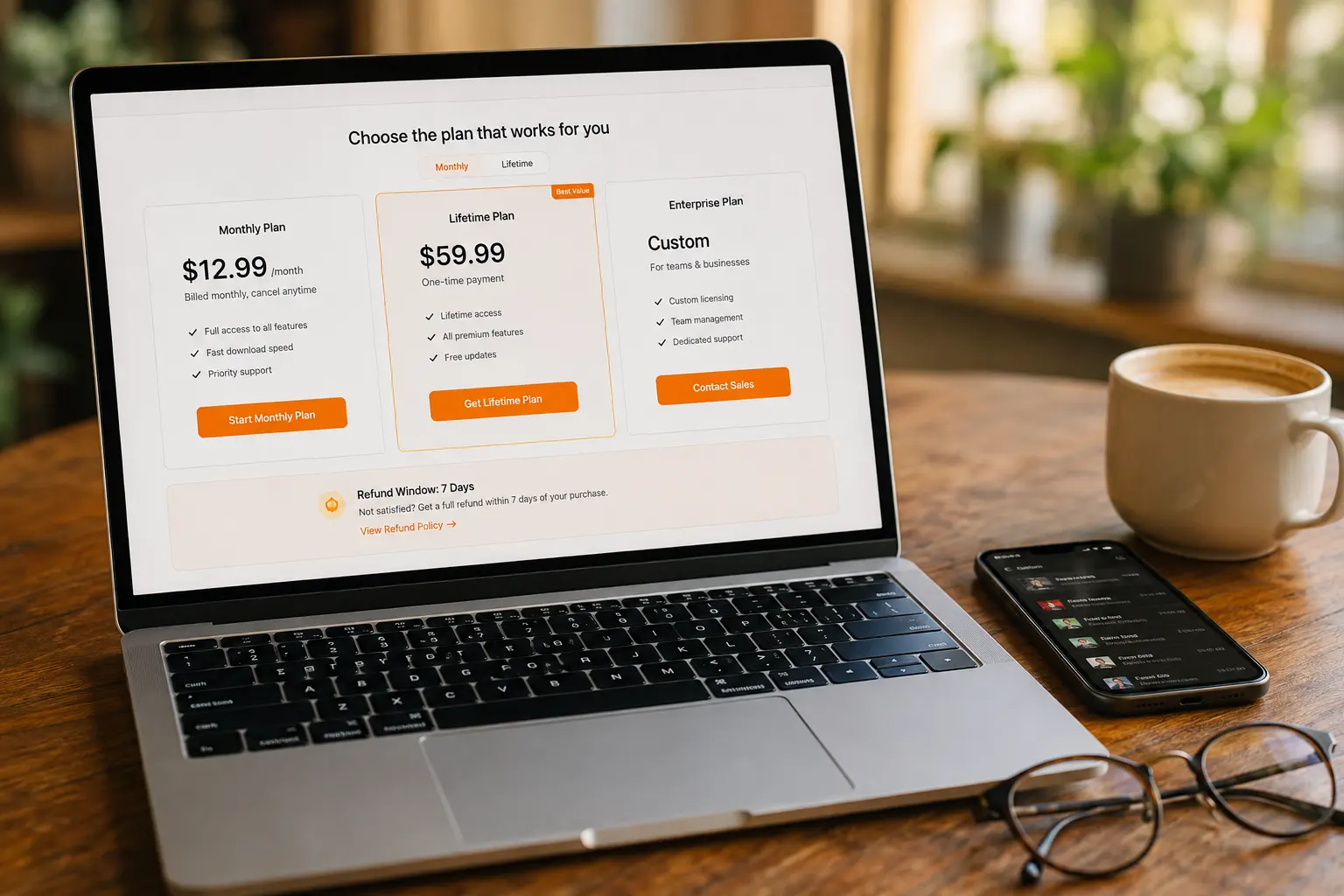
StreamFab 2026 US Pricing Snapshot
Based on StreamFab's official pricing page (August 2026):
- Single-module lifetime: from $89.99 (1 platform, 1 PC)
- Single-module monthly: $54.99/month
- MyCombo bundle (2+ modules): from $159.99
- All-In-One lifetime: $299.99 (60+ services, 5 PCs)
- Refund window: 7 days for monthly, 14 days for lifetime
Before Switching Download Tools, Answer These Three Questions
Whether an alternative works for you depends on what you want to download, not on how famous the tool is.
- What kind of videos do you mainly save? Mainstream streaming (Netflix and the like), subscription platforms (OnlyFans, Fansly, LoyalFans and similar), or general video sites? The three categories have completely different save paths, and no single tool covers all three.
- Which payment model can you accept? Monthly suits short, concentrated download bursts; lifetime pays off in the long run, but you must accept the NPG terms above; if you're budget-sensitive, you may never need "60+ platform" coverage at all.
- What system is your computer running? Community reports suggest M-series Macs are less stable than Windows. Don't just read the spec page — run your real workflow through the trial before you pay.
Another Route: the "Watch and Save" Approach of a Video Browser
If your target isn't mainstream streaming but subscription platforms and videos across all kinds of sites, a video browser like VidBrowser takes a completely different route.
It doesn't do "platform modules". VidBrowser is a desktop video browser with built-in download and recording: whatever site you open is the site it saves from — no per-platform fees, no concept of module counts. When it detects video resources on a page, the media library panel on the right lists them, and one click on the orange button starts the download. For content that can't be downloaded directly — protected content on subscription platforms, encrypted streams, live broadcasts in progress — the recording feature saves it anyway.
How to choose between the two routes, one-line version:
- Mainly watch Netflix, Disney+ and the big platforms, want archival-quality originals → a modular downloader fits better
- Regularly browse subscription platforms and all kinds of sites, want "save whatever I see" → a video browser is less hassle, with no "pay extra for each new platform"
- Both scenarios apply → run each tool's trial for a week and let real usage decide
Incidentally, we compared four routes (online sites, extensions, screen recorders, video browsers) in our LoyalFans downloader comparison, and the conclusion carries over here: whether a tool can handle protected content is the metric subscription-platform users should actually care about.
Saving Videos with a Video Browser Takes Just Three Steps
Step 1: Download and install VidBrowser
Windows and Mac supported. Grab the installer from the official site and you're done in minutes, with downloading and recording built in.
Step 2: Open the sites you use and log in, right inside the browser
It works like any browser: type the URL, log in, open the video. The video browser automatically detects video resources on the page and lists them in the media library panel on the right in real time.
Step 3: Download or record — two ways to save
For videos that can be downloaded directly, click the orange "Download" button in the panel to save as MP4 (pick the resolution from the dropdown first). For content that can't be downloaded — say, protected videos on subscription platforms or a live stream in progress — use recording: hover over the video, pick a speed in the overlay controls (1x real-time, 2x or 4x to finish faster), hit "Record All" to capture the whole video, and the record button on the left can pause at any time. Saved videos are always available in "History" on the left.
If a downloaded file turns out black, silent, or unopenable, don't rush to switch tools — most cases can be resolved by following our black-screen fix guide.
Frequently Asked Questions
Is StreamFab's "lifetime" plan really lifetime?
Under the official NPG policy, the lifetime plan only covers modules that existed at purchase; platforms launched later cost extra, and the refund window is just 14 days. If you're considering buying, read the terms in full first and weigh them against your usage frequency. Another lesson worth remembering: in June 2024, RedFox — the parent company of similar tool AnyStream — shut down overnight, its servers and forums vanishing, and lifetime buyers received no refund; TorrentFreak covered the story. Before buying "lifetime", take a hard look at whether the company itself will still be around.
Are there free StreamFab alternatives?
Free online download sites can handle public videos without protection, but quality is limited, ads and pop-ups are everywhere, and anything behind a login is basically out of reach. Rather than "free but saves nothing", verify with trials first: StreamFab offers a 30-day trial (3 videos per platform, no card required), and VidBrowser has a free version you can install. Confirm "can it actually save the sites I use" before talking price.
StreamFab or a video browser — which one should I pick?
Follow the money. If you subscribe to one or two big streaming services and want archival-quality originals, the matching StreamFab module earns its price. But if your subscription money already went to OnlyFans, Fansly and the platforms themselves, paying extra for a pile of modules you'll never use is poor value — in that case, an "open and save" video browser like VidBrowser has near-zero marginal cost, and its recording feature covers what ordinary downloaders can't.


