
Fansly removes content without warning first - the notice is in the terms
One day a creator you subscribe to posts less often, you open the media tab, and a few videos you paid for show up grey and unplayable, gone from the profile too. Content vanishing on Fansly is more common than people expect, and the reasons come in layers — some are written into the terms, some hide inside the copyright process, some trace back to the creator's own decision.
The common reasons Fansly content gets removed fall into three layers: the platform deletes under its terms, a rights holder takes it down through DMCA, or the creator withdraws it. Each layer has its own trigger and its own room for recourse, and knowing which layer you are facing is what tells you what to do. This piece takes the official terms apart layer by layer, then closes with a set of self-checks and an early-save habit.
The first layer of Fansly removal: deletion rights written into the terms
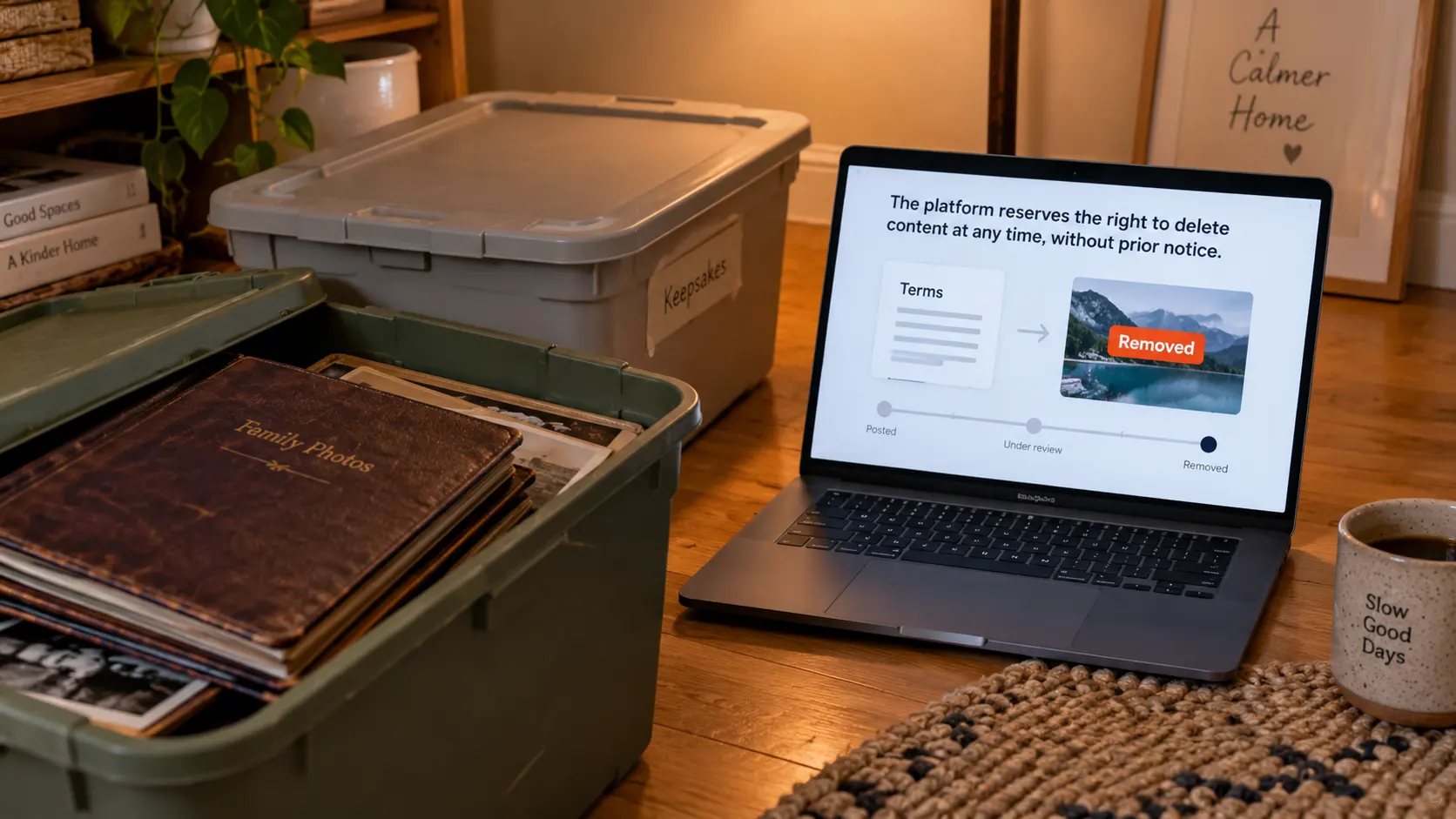
When a platform removes content, Fansly puts it plainly in its terms of service — at any time, without notice. Under Section 01.6 of the Fansly Terms of Service, the platform reserves the right to modify or discontinue the service, restrict account access, and "delete any content posted by users" at any time without notice, provided it reasonably believes the content violates the terms or applicable law. A takedown does not come with a warning shot, and it may not come with an explanation either.
The penalty clauses are just as firm: Section 04.2 states that accounts engaging in prohibited conduct may be "immediately suspended or terminated without notice", and the platform may also forfeit earnings already made by violating users; a creator who violates the exclusivity rule can, under Section 03.13, have the account deleted and permanently banned without any payment being made. Whether content stays on the platform is, in the end, the platform's call.
The topic red lines: the prohibited-content list in Section 04.1
The most direct trigger for removal is content crossing a red line, and Fansly writes the full list into Section 04.1 of its terms. Explicitly prohibited material includes: any depiction involving minors, violence, coercion and non-consensual scenarios, revenge pornography, drug and self-harm related content, hate speech, and more. Explicit nudity in avatar and banner positions is also listed separately as prohibited — a detail many people overlook, since a non-compliant cover image can trigger action all the same.
One item on the list deserves to be singled out: the artificial intelligence clause. AI-generated photorealistic likenesses (including deepfakes and face swaps), letting AI interact with users directly without human supervision, and passing AI-generated material off as real performances are all banned. This is one of the newer enforcement priorities, and once AI-synthesized content is identified, action comes quickly. For subscribers, the meaning of this list is: some disappearances are not glitches but the creator being acted on by the platform, and this kind of removal has virtually no recovery path.
Copyright reports and DMCA: one compliant notice can take content down
The second layer of removal comes from the copyright machinery, and its threshold is lower than most people think. Section 11.1 of the terms says all media on the platform can be reported by any user; formal copyright complaints run through the DMCA process. Fansly's DMCA policy page lists six elements of a notice — a signed statement from the copyright owner, a description of the work, the specific URLs of the infringing content, contact information, good-faith and accuracy-of-statement declarations — with the designated agent being a law firm in Florida.
Three mechanics on that page are worth remembering. One: "terminating the accounts of repeat copyright infringers is Fansly's established policy". Two: the party taken down can file a counter-notice claiming the removal resulted from a mistake, and the platform will restore the content within 10 to 14 business days of receiving it, unless the complainant has already filed suit. Three: the policy cites 17 U.S.C. § 512(f) — abusing the notice process or making misrepresentations carries liability for damages, costs and attorneys' fees. There is also one hard requirement: notices and counter-notices must be written in English; submissions in other languages are treated as non-compliant and ignored. When content disappears over a copyright complaint, the lever for restoring it sits with the creator; on the subscriber's side there is nothing actionable.
First tell which kind of disappearance it is: three self-checks
When content will not show up, run three checks before deciding whether to worry. Follow them in order and you will usually reach your own conclusion:
- Check whether the creator's profile still exists — account intact but individual items gone points to content-level removal (a copyright complaint or a topic violation); the whole profile vanished suggests a ban or deactivation.
- Check whether the entry turned grey or disappeared entirely — still in the list but unplayable leans toward an access or unlock issue; the Fansly video playback troubleshooting piece sorted those symptoms into types you can match against.
- Check your email inbox — copyright takedowns notify affected users, while terms-level bans promise no reminder; no email does not mean nothing happened.
There is also a kind of "disappearance" that has nothing to do with removal: the region or network exit triggered an access restriction. Fansly's geo-blocking has two layers, and the geo-blocking guide explains how to tell — rule that layer out first. For the disappearance question on subscription platforms generally, there is a full breakdown on the OnlyFans side; this Fansly piece covers the parts unique to its terms and processes.
Save what you want to keep while it is still there
Removal needs no notice, so once it is gone it is too late to save — content worth keeping should land on your local drive early. VidBrowser's built-in browser makes this a no-setup affair, in four steps:
Step 1: Download and install VidBrowser
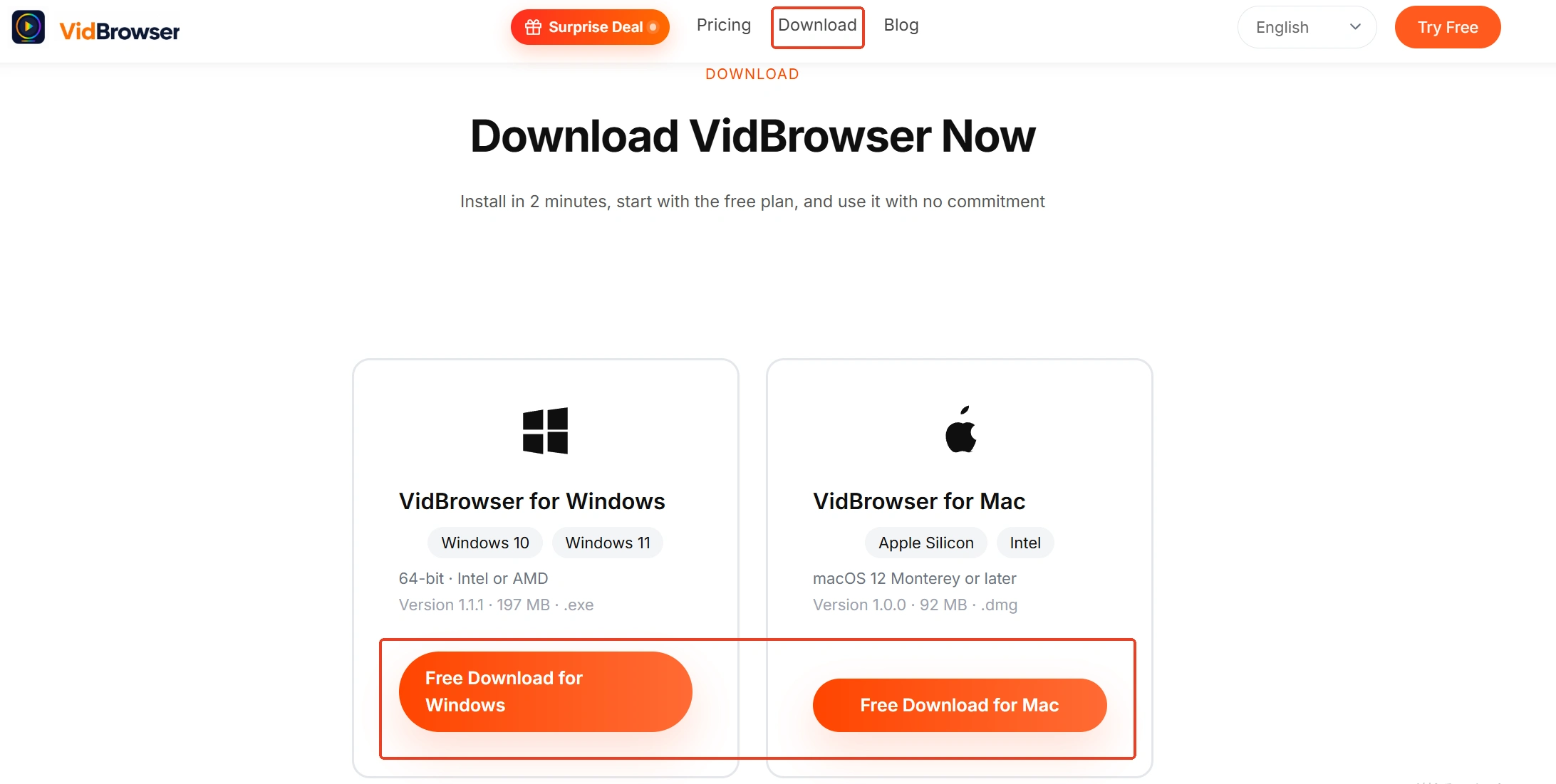
VidBrowser is a desktop video browser for watching videos, trimming clips and saving them locally on Windows and Mac, with downloading and recording built in; the official homepage has the download. Installation takes a few minutes.
Step 2: Open Fansly and log in
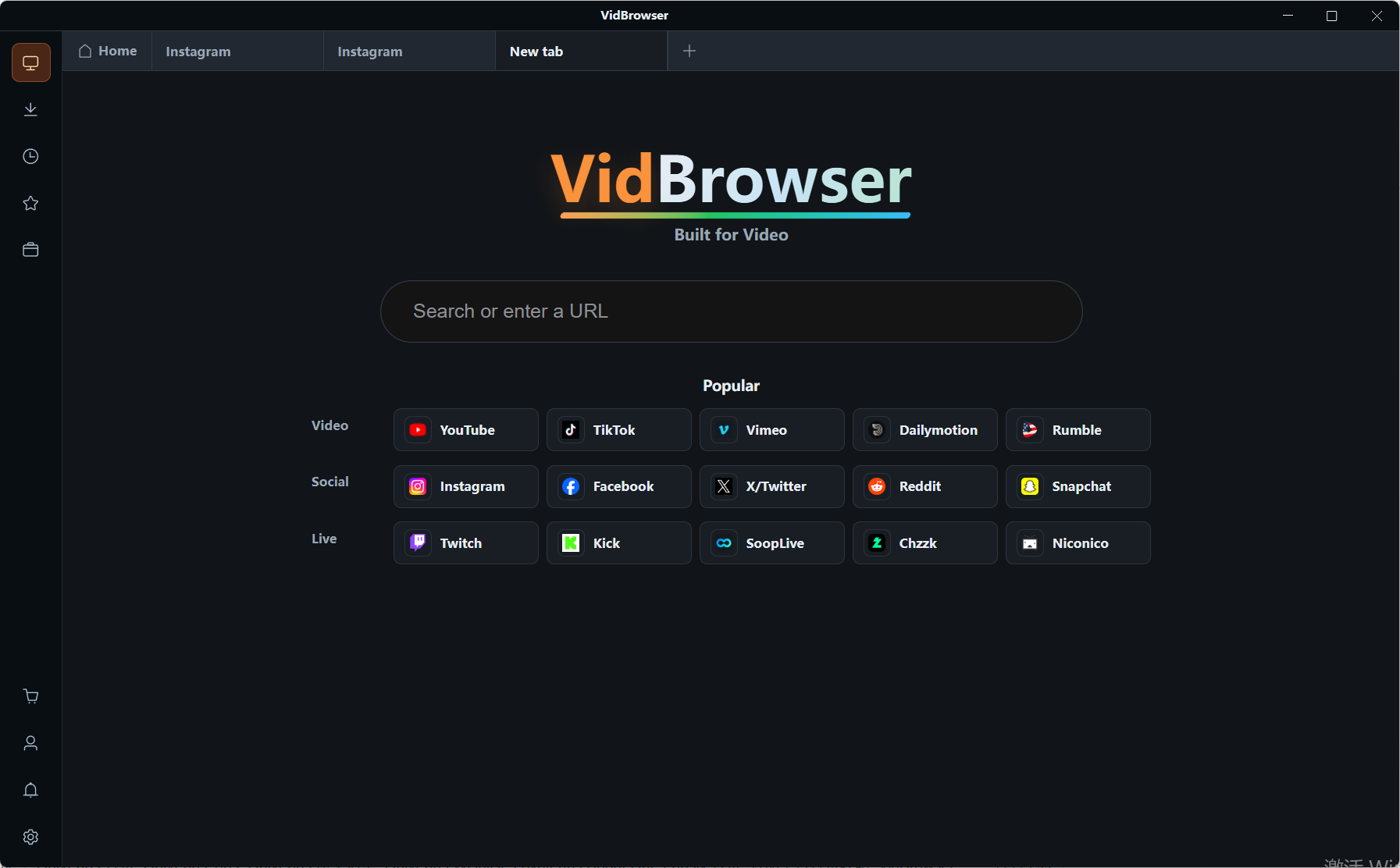
Open the Fansly web version in VidBrowser's built-in browser and log in; the session is kept by the browser environment on your own machine.
Step 3: Save with recording first (the route for protected content)
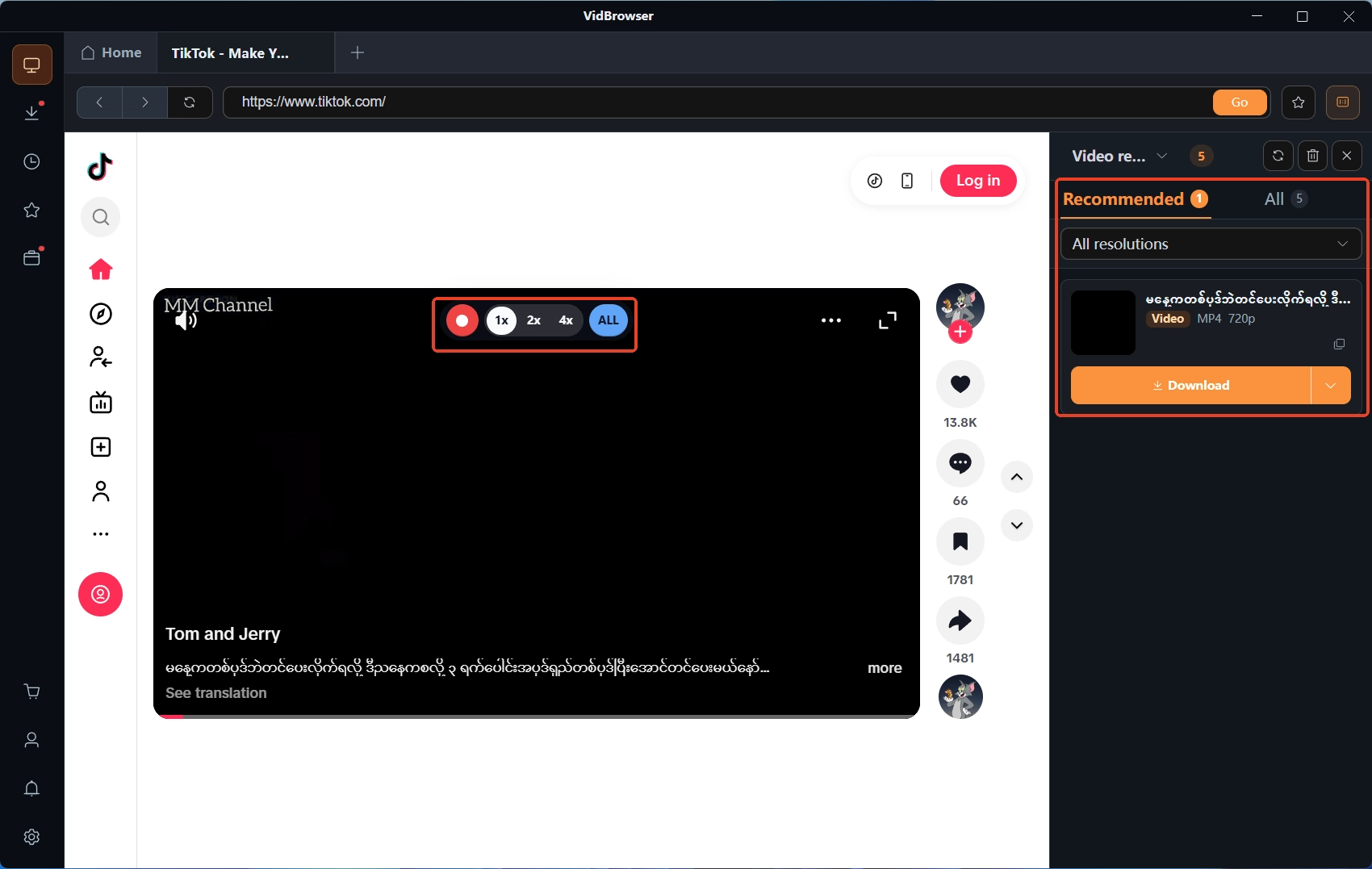
Most videos on subscription platforms like Fansly are copyright-protected and ordinary download tools cannot grab them, so recording is the most dependable save route: move the mouse over the frame and the recording controls appear — choose a recording speed (1x real time, or 2x and 4x to finish faster) and click record-all to capture the whole video, with the record button on the left able to start or pause at any time.
Step 4: Supplement with the panel for entries that can download directly
If a video can be downloaded directly, the "video media library" panel on the right will list it with an orange download button; click it to save as MP4 (you can pick the resolution first). Everything saved can be found in the download history, opened from the clock icon in the left navigation.
FAQ
Can removed content still be restored?
It depends on the layer. A copyright takedown restored through a successful counter-notice carries the official 10-to-14-business-day promise; topic red-line removals have no matching recovery mechanism in the terms, so the workable path is an appeal conversation; a deactivated or banned account takes its content with it. The official side has never promised any recovery path — that is the most practical reason to save early.
Does the platform notify you when content disappears?
Section 01.6's deletion right explicitly includes "without notice", and violation bans work the same way; a DMCA takedown does notify the affected account, but that notice goes to the creator. What a subscriber can rely on is email and on-site messages — receiving no alert does not mean nothing happened.
If the creator deletes content themselves, will the platform step in?
No — deleting their own uploads is a creator's legitimate right, and user-side protection stops at "paid access". Once a creator empties their profile, deactivates, or gets banned, paid content disappears along with it — what you paid for was an access license, not permanent custody of a file.


