Before converting to MP3, see how YouTube splits offline listening and file export
Turning a YouTube video into an MP3 is probably one of the most searched-for needs out there: looping a playlist on the commute, sampling a reference video while editing, not wanting to stare at a screen before bed, or letting a podcast run in the background — all of these moments point to the same search term. But behind that term sit two different needs: offline listening, and getting an actual audio file. The platform treats the two completely differently, so it pays to understand the rules first and then decide which route to take.
Offline listening has an official channel; YouTube gives no MP3 file
Offline listening is a feature the platform fully supports, while getting an audio file is almost entirely outside what it officially provides.To listen to music and podcasts without a network, the official path is YouTube Music Premium: members can download songs, albums and podcasts to a mobile device for offline playback. The official help page spells out two key limits — the device must connect online at least once every 30 days or the downloads stop working, and everything stays inside the YouTube Music app rather than showing up in your storage as MP3 files.
The official side also ships a convenient switch: once Offline Mixtape is on, the app auto-downloads content based on your listening history, so you never tap track by track. One detail that is easy to miss — podcast downloads have nothing to do with membership status, and you can save shows for offline listening without paying at all. What "convert to MP3" wants is the second kind: an audio file that any player can open, that you can edit, and that you can copy into a car stereo. That layer has no official channel — Premium offline videos are likewise stored encrypted inside the app and cannot be exported as files, a point unpacked in the Premium offline article; both kinds of offline copies are closer to "a license lent to you for a while" than a file handed over.

Why third-party MP3 sites cross the line: the terms say it outright
The YouTube terms put downloads plainly: unless the page shows a download or similar link provided by YouTube itself, you may not download any content.The rule does not look at a video's copyright status — even if a video is openly licensed, grabbing it with a third-party tool still violates the platform terms. Those converter sites you find by searching "YouTube to MP3" all fall into this category.
Beyond crossing the line, two practical risks are worth weighing: these sites rely heavily on ads and pop-ups, so mis-taps and redirects make for a poor experience, and the converted audio comes out at wildly varying bitrates with quality loss as the norm; music is also the category rights holders watch most closely, and converter sites get taken offline in batches, so a link that works today may be dead tomorrow. The legal boundaries of content downloading article covered how platform terms and copyright law are two separate systems, and the MP3 scenario fits that framing especially well.
The three legitimate routes: each with its own boundary
Skip the gray-area sites, and the platform side actually offers three routes, each for a different audience.
- Just want to listen offline: Music Premium offline downloads.The smoothest official option, at the cost of a 30-day connectivity check, content locked inside the app, and no conversion to other players. Music Premium has its own subscription tier, so if your need stops at "listening," there is no reason to pay for the full video Premium.
- Want your own content: the creator exit.Whoever uploaded a video can download it from YouTube Studio, and bulk retrieval runs through Google Takeout; once you have the MP4, extracting the audio track is straightforward — the ceiling on download resolution is covered in detail in the Shorts saving article.
- Content under an open license: follow the license terms.Content under Creative Commons and similar open licenses can be copied and reused within the license scope, but the license requirements (such as attribution) must be followed.
What the three routes share is a legitimate source: either an official platform feature, your own content, or content whose license has been opened up.
With a legitimate source, extracting and saving the audio
Once you have a legally sourced video file, audio extraction is pure technical work. The common uses are all plain ones: producing a podcast track from your own video, turning a course recording into audio for the road, or keeping a clean production track for an editing project. The "Extract Audio" entry on the tools page does it in a few steps.Download the legitimately sourced video to your machine (your own uploads come through Studio, or use the desktop video browser's recording function to keep a copy), then hand it to the tool:
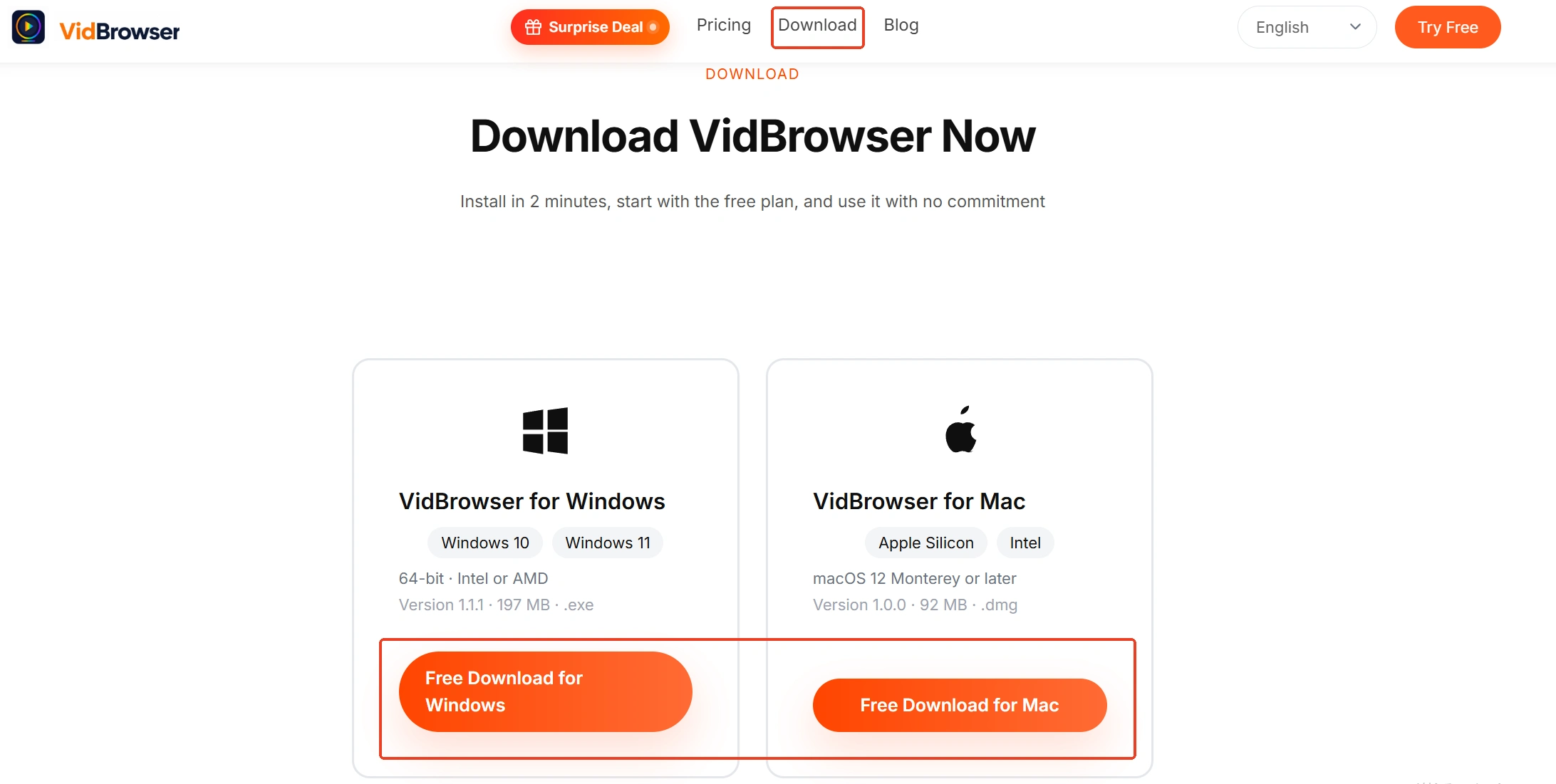
Step 1: Download and install VidBrowser
Visit the VidBrowser website, download the Windows or Mac version and finish the installation; the audio extraction function lives on the tools page.
Step 2: Prepare a legitimately sourced video file
Download your own uploads from Studio, or play your content in VidBrowser's built-in browser and record a copy locally — the recording keeps picture and sound in sync, so after the track is extracted the video portion remains on disk as a backup.
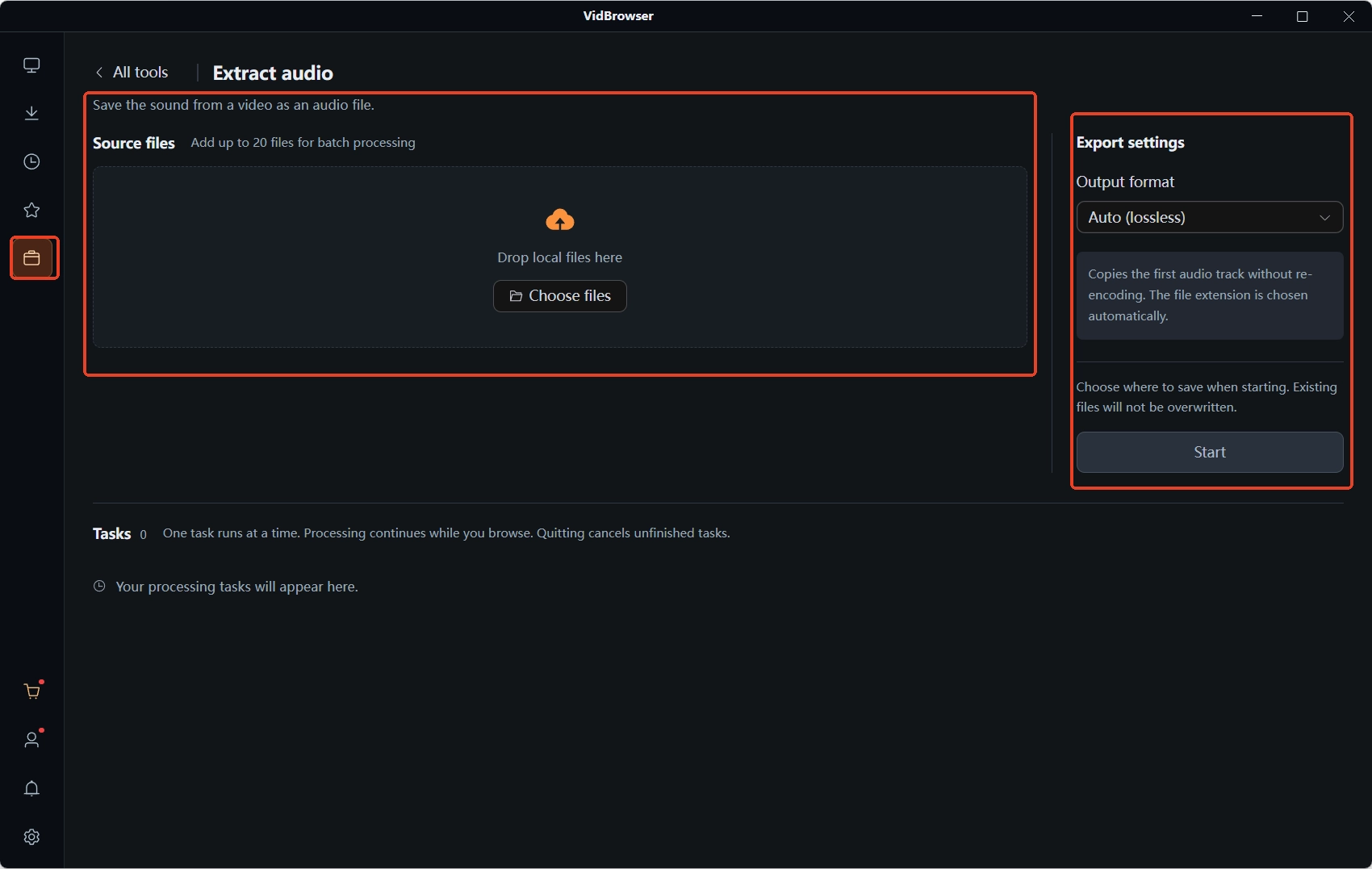
Step 3: Open the Extract Audio entry on the tools page
Find "Extract Audio" among the tool entries on the left side of the software and drop the video file in. Lossless direct-copy is fast, and the output format follows the source file; the full walkthrough lives in the audio extraction tutorial, so it will not be repeated here.
Step 4: Export the audio file and archive it
Save the finished audio locally, and you have a file that any player can handle; copying it to a car stereo is no problem either.
Frequently asked questions
Will using a third-party MP3 site get my account banned
On the terms side, third-party grabbing counts as a violation and the platform is theoretically entitled to act on accounts, though enforcement in practice concentrates on the tools rather than individual users. The more realistic risks are the ads, redirects and dead links on these sites — neither the experience nor the safety is in your own hands.
Are songs downloaded with YouTube Music Premium MP3 files
No. Downloaded offline content is locked inside the YouTube Music app, requires an online check every 30 days, and the platform offers no channel to export it as MP3.
How do I extract audio from my own videos
First download your own upload from YouTube Studio, then use the desktop video browser's audio extraction tool to split out the track; the output format follows the source file, and you will have an audio file in minutes.