
Same Creator on Multiple Platforms? How to Avoid Duplicate Subscriptions
You subscribed to a creator on OnlyFans, then spotted the same name while browsing free posts on Fansly — the cover looks familiar. Hold off on subscribing twice. Creators posting on multiple platforms is the norm, and duplicate subscriptions are the most easily overlooked waste: when content overlaps heavily, the second subscription means paying twice for the same videos. OnlyFans' official Terms of Service doesn't restrict creators from posting on multiple platforms, so having both is fully compliant — the judgment is entirely on you. Budget-side management like subscription ledgers and billing dates was covered in our multi-platform budget guide; this article tackles one thing only: how to tell whether two platforms are duplicating content.
The four distribution patterns when a creator posts on multiple platforms
Creators on multiple platforms usually fall into four patterns: full sync, differentiated posting, funnel posting, and migration transition — match yourself to one first, then decide whether to subscribe to the second platform.
- Full sync: the content on both platforms is nearly identical, down to near-simultaneous post dates. The tell is simple: matching post dates and identical covers — one subscription is enough.
- Differentiated posting: the main platform hosts the full videos, the secondary platform gets behind-the-scenes clips, archives, or daily fragments. Whether the second platform is worth it depends on whether you'd pay separately for the extras.
- Funnel posting: all full videos live on the main platform; other accounts only post previews and announcements — the "second platform" is often just another preview stage.
- Migration transition: the creator is switching platforms, both are active, and content temporarily exists on both — this one is easiest to misjudge, covered separately below.
One creator can belong to two patterns at once — say, differentiated posting on the main platform and funnels on social accounts. Use the checks in the next section to confirm which.
Ten minutes before subscribing: four checks for content overlap
You don't need to subscribe first and learn by trial and error — spend ten minutes before subscribing on four checks and you'll know.
- Cross-check the link hub page: most creators use a tool like Linktree to gather every platform entry behind one homepage link. Look at which entries they list — if two subscription platforms are both there, one is usually the main stage and one the side base.
- Use free posts as a sampling window: the posts visible without subscribing (covers, previews, announcements) are ready-made samples. Compare post dates and covers of free posts on both sides — same day, same cover, and you can basically call it synchronized reposting.
- Compare total media counts: profile pages usually show total posts or media. A main stage with hundreds and a side platform with a few dozen means the side platform is probably just a "curated repost."
- Compare update frequency: main platform updating weekly while the secondary moves once a month means the secondary isn't the priority — the two sides will only converge further.
Funnel accounts are not content accounts
The creator accounts you come across on X, Reddit, and Telegram are mostly funnel windows, not the content itself — treating them as "yet another content platform" to subscribe to is the most common entrance to double paying.
The division of labor is fixed:
- X (Twitter): teasers, countdowns, and stills from new releases, plus discount announcements;
- Reddit: preview images in relevant subreddits, funneling people toward the subscription platform;
- Telegram: an official channel pushing new-release notifications, occasionally with a short preview.
The common mistake: you see "full version on another platform" on X and casually subscribe to a second paid platform. Search the main platform for the same video's title or post date first — the full version was very likely already posted. The right use of funnel accounts is waiting for teasers and discounts, not subscribing as a second content source.
Migration periods and "exclusive" claims: the two easiest traps for double paying
Even after all the checks, two dynamic variables can cost you an extra subscription — a creator's platform transition, and "exclusive to this platform" marketing.
Migration period: when a creator moves from platform A to platform B, both often update simultaneously. B's "new platform exclusive" may only cover newly posted content, while A's historical archive is actually bigger. Judge by the data: if A has a deep archive and B just started, don't rush to subscribe to B — wait until the exclusive ratio is clear.
Verifying "exclusive": exclusive usually means "new content going forward," not "the entire library." Before subscribing, browse the platform's post history and confirm whether exclusivity covers everything or only the latest few acquisition posts. If unsure, wait for a free trial and verify again — we wrote about how to spot Fansly trials and discounts before.
Tier mismatch: the same creator offers a full-access tier at $10 on platform A, while B's $5 entry tier already includes the same content — without checking tier content lists, it's easy to over-subscribe. For the free/paid content boundaries on multi-tier platforms like Fansly and LoyalFans, see our LoyalFans free vs paid guide.
The most direct overlap test: save one sample from each side and compare
Screenshots and memory are unreliable. The most direct verification is saving one representative video from each platform and comparing them side by side — finish before the subscription period ends, and you can still rewatch after canceling.
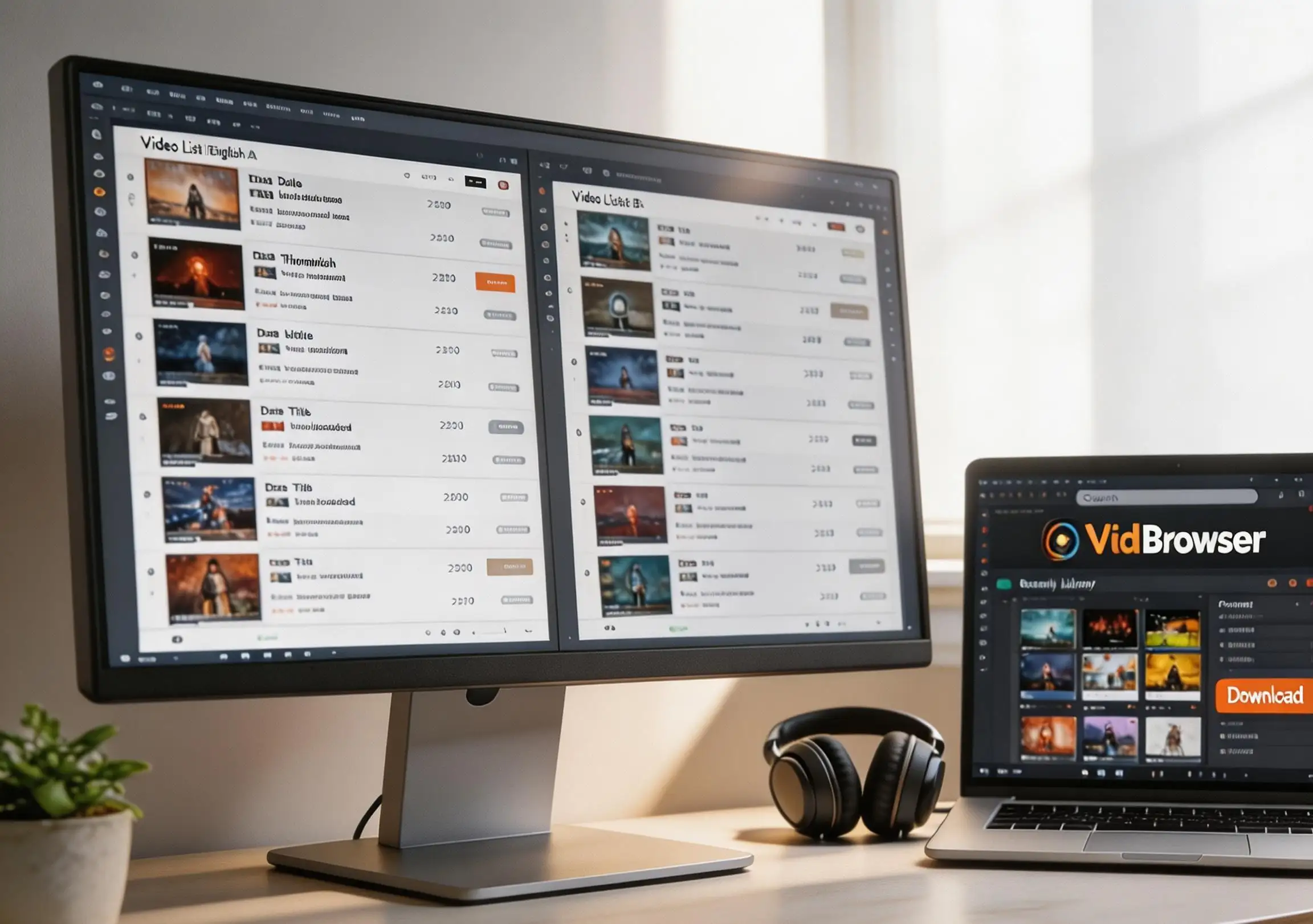
With a desktop video browser like VidBrowser, it takes a few minutes:
Step 1: Download and install VidBrowser
VidBrowser is a desktop video browser for Windows and Mac for watching videos, clipping moments, and saving them locally, with built-in download and recording. Installation takes minutes.
Step 2: Open both platforms in VidBrowser and log in
Launch VidBrowser and visit the two platforms you've subscribed to, logging in with your own accounts. Each platform's subscription access behaves exactly as in a normal browser.
Step 3: Play the videos you want to compare
Pick one representative video on each platform and play a few seconds. VidBrowser automatically detects videos on the page and lists detected saveable streams in the "Video Library" panel on the right.
Step 4: Save with the recording feature (first choice for protected content)
Videos on these subscription platforms are mostly copyright-protected and beyond ordinary download tools, so VidBrowser's recording is the most reliable way to save: hover over the video and recording controls appear — pick the speed (1x real-time, or 2x/4x to finish faster), click "Record All" to capture the whole video, and pause anytime with the record button on the left. Anything that plays can be recorded.
If a video can be downloaded directly, the "Video Library" panel on the right also lists entries with an orange "Download" button — one click saves it as MP4 (you can pick the resolution first).
Step 5: Compare side by side, then decide what to keep
Put both samples in the player side by side and sync or exclusive becomes obvious. Once you've confirmed the overlap, cancel the duplicate subscription — the samples you saved are unaffected, and you won't need to renew another month just to "double-check."
FAQ
The content is identical on both platforms — can I get a refund?
Most platforms define a subscription as "content access for a period of time," and "duplicate content" generally isn't a refund ground (per each platform's official terms). Do the checks before subscribing, not the appeal after.
A creator says "exclusive to the new platform" — how do I verify it?
Check three things: the count and dates of historical posts, whether exclusivity covers the whole library or just the latest few, and whether the same content appears in free previews. Ten minutes tells you whether "exclusive" is a norm or a pitch.
After confirming duplication, which platform should I keep?
Keep the one with more media and more frequent updates; before canceling, save the representative videos you still want using the method above — you can still watch them after the cancellation.


