
LoyalFans Browser Test Ranking: Which One Is Worth It in 2026?
You paid for a subscription on LoyalFans, yet your browser keeps letting you down at the worst moments: videos load a beat slow, live streams stutter like a slideshow, and when you want to keep a copy, you discover you simply can't save anything. Many people blame the network first, but switching browsers can change the experience instantly — after all, everything you do on these platforms, from logging in to playing to saving, happens inside the browser.
This article goes straight to the tests: we ran 6 browsers through a real LoyalFans account, scored them against the same criteria, and closed with scenario-based recommendations for 2026.
LoyalFans Browser Test: Method and Scoring Criteria
What matters in a LoyalFans browser comes down to five abilities: playback stability, protected content playback, quality ceiling, privacy and security, and video saving — miss one, and the experience limps. First, our test conditions:
- Test environment: same computer, same network, a real paid subscription account — ruling out account-permission and network differences.
- Test content: three rounds covering regular on-demand videos, time-limited PPV unlocks, and live streams — the three main content formats on LoyalFans.
- Scoring criteria: smooth and stable playback, whether protected videos play correctly, maximum playable quality, how browsing traces and account info are handled, and — the decisive one — whether you can actually save the video.
The last item, "saving ability," is the most overlooked yet matters most for the long run: subscriptions renew monthly, but content can be deleted or expire at any time. Start with a counter-example — if your videos won't play right now, don't rush to switch browsers; run through our LoyalFans video not playing fix guide first and confirm the browser itself isn't the problem before choosing one.
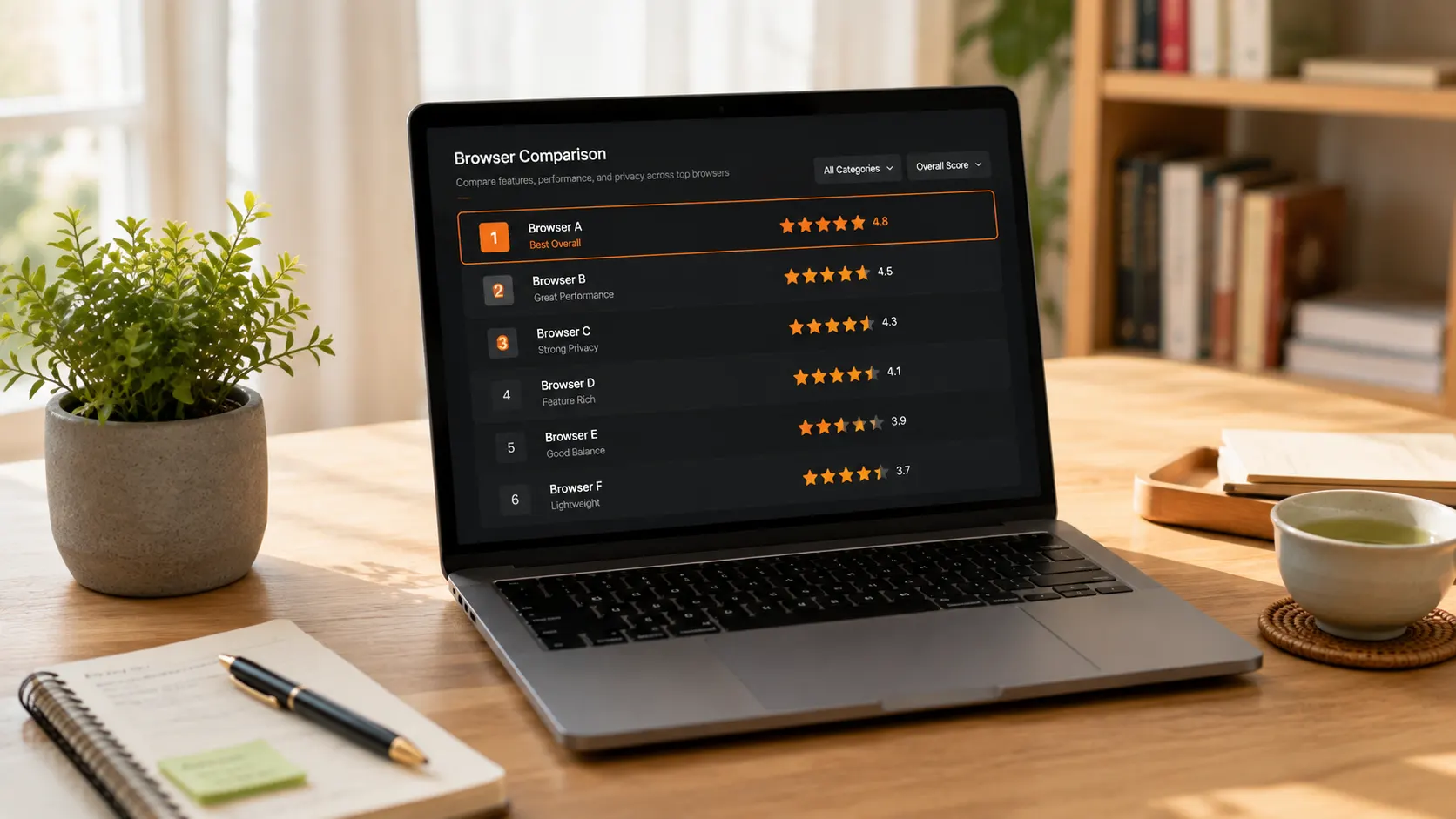
Six Browsers Tested and Ranked: Real Results for Chrome, Firefox, Edge, Safari and Brave
Test verdict first: all five mainstream browsers pass on playback, the ranking gaps come from details and shortcomings, and on "saving ability" the entire field scores zero. One by one:
- #1 Chrome (playback experience): protected content plays out of the box, all three content types passed on the first try, and long sessions were the most stable. Deductions: high memory usage — a dozen tabs and the fans spin up; and if you run an ad-blocking extension, whitelist LoyalFans or the player script may get killed by mistake.
- #2 Edge: same engine as Chrome, near-identical playback, ships with Windows, and tab sleeping saves memory. The weakness is just as clear: it can play, but it can't save.
- #3 Firefox: an independent engine with the best privacy reputation. But there is a trap many users hit — according to Mozilla's official support documentation, Firefox by default requires manually enabling the protected content playback component in settings; without it you get a black screen. Many blame the video when the switch was in their own hands.
- #4 Safari: Apple devices only, the best energy efficiency, laptops stay coolest during live streams. Windows users can skip it entirely.
- #5 Brave: last place not for performance but for default policy — Shields aggressively blocks scripts by default, and in testing LoyalFans' player script got blocked, leaving the video area blank; the rules can also interfere with login and payment pages. Fine for tinkerers who configure whitelists, not for out-of-the-box use.
After five browsers, the shared weakness is a single one: protected video content — nobody can save it.
Why Mainstream Browsers All "Can Play but Can't Save"
The mechanism in one line: LoyalFans videos are delivered as encrypted streams; playback relies on the browser's built-in component, and the decryption step needed for saving is simply not offered by browsers. No single browser is slacking — this is the unified stance of every major vendor.
A different lens makes it clearer: according to Statcounter Global Stats, Chrome alone holds roughly two-thirds of the global browser market — vendors' priority is letting billions of people watch smoothly, not helping you keep paid content. This gap has sent crowds of users searching "Loyalfans downloader" for tools, but external tools can't access your login session, and in our tests they failed across the board (we tested every category in this LoyalFans Downloader comparison).
The only option left that can play and has full browser capabilities: a browser built for video.
Play and Save: How VidBrowser Performed in Our Tests
On the same five tests, VidBrowser was the only contender to score full marks on "saving ability" — it is a complete desktop video browser, with playback on par with top Chromium-based browsers plus built-in download and recording. Test by test:
- Playback stability: Chromium engine — if Chrome plays it, it plays; all three content types passed.
- Protected content playback: normal login, normal playback, no manual component enabling required.
- Quality: resolution selection supported; maximum quality plays fine.
- Privacy: login, playback and saving all happen locally on your device — no account or link is submitted to third parties.
- Saving: download + recording dual channels; anything that plays can be kept.
The whole flow takes a few steps:
Step 1: Download and install VidBrowser
VidBrowser is a desktop video browser for Windows and Mac; installation takes a few minutes.
Step 2: Open LoyalFans in VidBrowser and log in
Visit loyalfans.com and log in with your own account — subscription and viewing permissions are exactly the same as in a regular browser.
Step 3: Play the video you want to keep
Open the target video and let it play for a few seconds; VidBrowser automatically detects the video resources on the page.
Step 4: Use recording to save (first choice for protected content)
Videos on subscription platforms like LoyalFans are mostly copyright-protected, so recording is the most reliable way to save: move your mouse over the video and the recording controls appear as an overlay — pick a recording speed (1x real-time, or 2x / 4x to finish faster), click "Record All" to capture the whole video, and use the record button on the left to start or pause anytime. Anything that plays can be recorded.
If a video can be downloaded directly, the "Video Library" panel on the right lists entries with an orange "Download" button — one click saves it as MP4 (you can pick the resolution first).
Step 5: Find the file in download history
Once saved, open download history via the clock icon in the left navigation and locate the file by name, time or status for offline viewing anytime. (For the full platform walkthrough, see our LoyalFans video download guide.)
Which LoyalFans Browser in 2026: Match Your Scenario
There is no all-round champion, only the best fit per scenario — that is the most important conclusion of this test. Pick by how you actually use it:
- Watch on the web only, never keep copies: Chrome or Edge is enough — stable playback, zero learning curve.
- Chase live streams and limited-time content: beyond player performance, live streams can only be saved by recording — VidBrowser handles it in one place, no tool-switching mid-stream.
- Subscribe to multiple creators long term and archive regularly: VidBrowser is the only solid answer — play and save without switching windows, and everything gets stored before subscription content expires.
- All-Apple household: use Safari for everyday browsing, open VidBrowser when you want to keep something — the two don't conflict.
- Privacy-sensitive: Firefox is worth considering, but remember to enable protected content playback in settings first, then use VidBrowser to cover the saving gap.
Back to the opening question: which browser is best for LoyalFans? The answer depends on whether you want to save — and if the answer is "yes," the ranking has only one name.
FAQ
Do LoyalFans videos go black or keep loading on Chrome — is it the browser's fault?
Not necessarily. Troubleshoot in order: clear the cache, disable ad-blocking extensions, check your subscription status. If you are on an aggressively blocking browser like Brave, whitelist LoyalFans first and retry. Still failing? Follow our LoyalFans playback fix guide item by item.
Is there a big difference between mobile and desktop browsers for LoyalFans?
Quite a lot. Mobile browsers restrict protected video playback more tightly, live features are often simplified, and saving has basically no viable path. If your subscriptions are video- and stream-heavy, the desktop experience is noticeably more complete — and it is the only place with a reliable saving option.
Will switching to VidBrowser affect my subscription or account?
No. VidBrowser is a complete desktop browser; you log in with your own account and subscriptions, messages and payments work exactly as in a regular browser. From the platform's perspective it is normal viewing, and no save notification is ever sent to creators.


