
LoyalFans Videos Not Playing? 6 Causes to Check, Most You Can Fix Yourself
You subscribed to a creator on LoyalFans, clicked a video — and it just keeps spinning, freezes, goes black, or throws an error. Paid content that won't play is more frustrating than almost anything. Don't rush to blame your account or network: LoyalFans playback failures have more than one cause, and any weak link from network to cache to browser compatibility can stop the video.
This guide walks through the common causes of LoyalFans videos not playing and their fixes in order from simple to complex, so you can follow it in 2026 and solve most cases yourself.
LoyalFans Videos Not Playing: Check Against These 6 Common Causes First
Bottom line: when LoyalFans videos won't play, it's almost always one of six things — unstable network, corrupted cache, expired subscription, ad blocker interference, VPN disruption, or poor browser compatibility. Compare this list first to locate your case:
- Network issues: below 5 Mbps or an unstable connection leaves the video stuck loading.
- Corrupted cache: broken browser cache files cause abnormal page loads and dead video.
- Expired subscription: once it lapses you lose access; clicking the video only spins or errors.
- Ad blockers over-blocking: blocking rules also kill the scripts LoyalFans needs to load video.
- VPN disruption: slow VPN servers or restricted IPs get playback requests rejected.
- Browser compatibility: the browser lacks support for protected video content — won't play or quality is limited.
Work through the list top to bottom: most cases resolve within the first three steps; if those are clear, move on to browser-level problems.
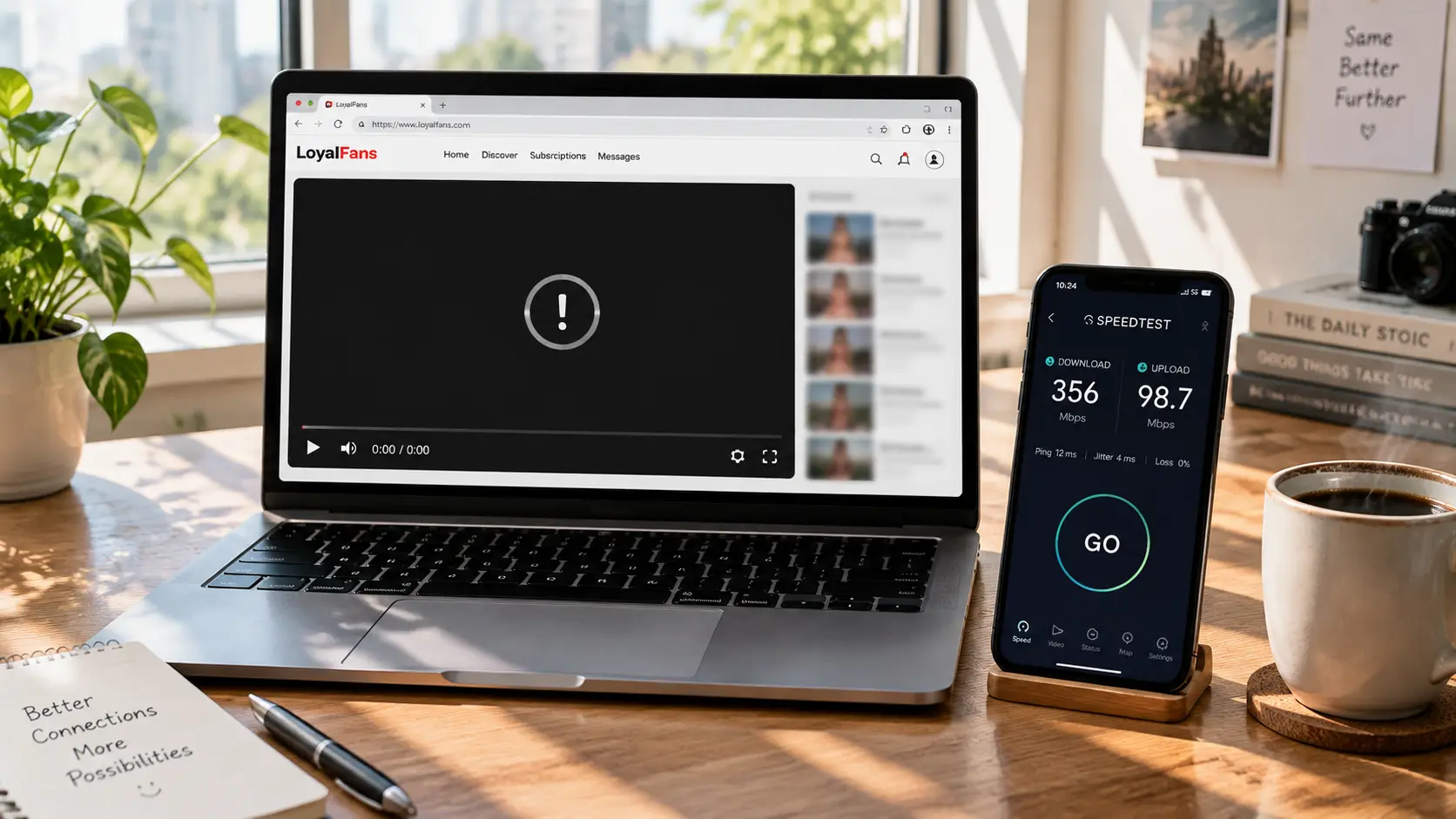
Basic Checks in Three Steps: Network, Cache, Subscription Status
More than half of playback problems live in these three steps — start with the simplest. Check one by one:
- Test your speed: run a test at speedtest.net — by general streaming standards, under 5 Mbps will very likely stutter, 10 Mbps or more plays smoothly. If speed is lacking, switch networks (try phone hotspot); if speed is fine but it stutters, refreshing usually recovers.
- Clear cache: press Ctrl+Shift+Delete (Command+Shift+Delete on Mac), tick "cached images and files" to clear, then log back into LoyalFans. Per common user reports, plenty of "video suddenly won't play" cases recover right after clearing cache.
- Check subscription status: open account settings to confirm the subscription is still active and the payment method isn't failing — an expired subscription is the most overlooked cause: content access dies with the subscription, so videos naturally refuse to play. For detailed subscription management see our guide to cancelling an OnlyFans subscription; LoyalFans works the same way.
All three normal but still not playing? Keep going down.
Ad Blockers and VPNs: The Two Most Hidden Culprits
If the basics are clean but nothing plays, these two "hidden killers" are likely — they don't throw errors outright, they just quietly fail the video. Handle each separately:
- Ad blocker over-blocking: extensions like uBlock Origin or AdBlock apply rules that may block the script requests LoyalFans relies on to load video — the page looks normal but the video area stays blank. Fix: whitelist LoyalFans in the blocker, or disable the extension temporarily and refresh. If it plays now, that was the culprit.
- VPN double trouble: one, the VPN server is slow or unstable and the stream cuts off mid-load — switching to a lower-latency server node usually fixes it; two, the VPN's IP gets flagged as suspicious by LoyalFans' CDN and requests are rejected — turn off the VPN temporarily and retry; if it plays, it's the IP.
- The geo-restriction special case: if you see an explicit message like "this content isn't available in your region", that's not a playback failure — the creator enabled geoblocking, which is a personal creator setting handled differently (see our LoyalFans geoblocking guide).
In one line: kill extensions first, then the VPN, eliminate one by one, lock onto the culprit before choosing a long-term fix.
Browser Compatibility: Why Switching Browsers Can Fix It
If network, cache, extensions, and VPN are all ruled out, the problem is most likely the browser itself — browsers differ widely in support for protected video content. Typical symptoms:
- Weak protected-content support: LoyalFans streams use encrypted delivery, and some browsers decrypt them poorly — video with sound but no picture, or no play at all, usually traces back here.
- Outdated browser version: the LoyalFans player updates with the platform, and old browsers may lack the newest playback features — upgrading often clears up batches of "mysteriously won't play".
- Hardware support differences: the same video playing in Chrome but not Safari (or vice versa) genuinely happens — per general compatibility patterns, Chromium-based browsers (Chrome/Edge) handle subscription platform video best.
Quick verification: open the same video in another browser — if it plays there, your original browser has a compatibility problem; if it fails everywhere, the issue is network or account-side, go back to earlier steps.
Playback Fixed? Now Save the Content While You Can
Fixing playback is only step one — paid content can vanish anytime from deleted posts or expiring subscriptions; saving what you like locally while it still plays is the real "fix." One more warning: most so-called loyalfans downloader tools online are useless against protected videos — don't waste time trying them one by one.
VidBrowser handles playback and saving in one place:
Step 1: Download and install VidBrowser
VidBrowser is a desktop video browser with a complete built-in video engine — better compatibility with protected content on subscription platforms means many videos that won't play in ordinary browsers play fine directly in VidBrowser. Windows and Mac supported, install takes minutes.
Step 2: Open LoyalFans in VidBrowser and log in
Launch VidBrowser, visit loyalfans.com, log in with your own account. Your subscriptions and permissions work exactly as in a normal browser.
Step 3: Play the video you want to watch
Open the previously unplayable video and let it play for a few seconds. VidBrowser automatically detects video resources on the page in the background; recognized saveable streams appear listed in the "video library" panel on the right.
Step 4: Save with the recording feature (first choice for protected content)
Most videos on subscription platforms like LoyalFans are copyright-protected and ordinary download tools can't grab them; VidBrowser's recording feature is the most reliable: hover over the video and recording controls appear as an overlay — pick a speed (1x real-time, or 2x/4x to finish faster), click "Record All" to capture the whole video, and the record button on the left starts or pauses at any time. Anything that plays can be recorded.
If the video can be downloaded directly, the right-side "video library" panel also lists entries with an orange "Download" button — one click saves as MP4 (you can pick resolution first).
Step 5: Find the files in the library
After saving or recording, open the file from your chosen folder or find it via VidBrowser's download history. Play offline anytime with VLC, QuickTime, or any player — local files don't depend on browser, network, or subscription status, and playback problems become someone else's problem forever. (For the complete saving workflow see our LoyalFans video download guide.)
FAQ
LoyalFans video keeps spinning and never loads — what do I do?
The two most common causes: insufficient speed or corrupted cache. Run a speed test first (10 Mbps or above is ideal), then clear browser cache and log in again — most cases recover there.
Video has sound but no picture — what's wrong?
Usually weak decryption support for protected video — audio decodes fine while video fails. Upgrade your browser to the latest version, or switch to a Chromium-based browser like Edge or VidBrowser.
Subscription still active — why does it still say content unavailable?
After ruling out subscription status, either the creator deleted the content or enabled geoblocking. The former can't be recovered; the latter shows an explicit region notice and is a personal creator setting — see our LoyalFans geoblocking guide for handling.
Will saving a LoyalFans video notify the creator?
No. VidBrowser saves the video to your local device; from the platform's and creator's perspective it's just normal playback — no save records or notifications sent, no effect on your account or subscriptions.


