
OnlyFans leaves discovery off-platform — Fansly built it in
People complain about the Fansly explore page the same way every time: the same handful of faces over and over. The cause is not how much content exists — it is the mechanism, which only surfaces creators who opted into the pool.
That is a different road from OnlyFans. There, discovery happens off-platform: in-site search is good for confirming a username you already know, and nothing more. On Fansly, both search and browsing stay inside, and the platform will actively suggest creators you have not followed. Here is how the three entry points, the tag system and the qualifying switches actually work.
Fansly Discovery vs OnlyFans: Where New Creators Come From
Fansly builds three discovery surfaces inside the platform — the For You page, the Suggestions tab, and a Discovery page with search — while OnlyFans has no equivalent browse-by-interest path. All three are documented in the Fansly help centre.
- The For You page (FYP): a cross-platform personalised content feed, not limited to people you already follow; you reach it from Made for You at the top of the home page.
- Suggestions: a list of creators matched to your interests, appearing under headings such as Who to Follow and Streams You Might Like.
- The Discovery page: searchable by tag, keyword or creator name, with trending tags and recommended creators alongside — reach it from the magnifying-glass icon, or go straight to fansly.com/explore/discover.
OnlyFans pushes that work off-site instead: search only works well when you know the exact username, and there is no page for browsing creators by interest or tag, which is why social profiles and subreddits carry all the weight — a route mapped out in the OnlyFans creator-discovery guide. The difference is not who is friendlier. On Fansly you can go looking; on OnlyFans you mostly wait to be pointed.

The Fansly For You Page Is a Subset, Not the Whole Platform
The FYP only shows content that opted in, so a creator who posts constantly may still be absent from it entirely.
Fansly describes it as a curated cross-platform feed driven by behaviour-based ranking. Two switches decide eligibility: ticking Post to FYP when publishing, and attaching a free preview to locked media.
Two things follow for a viewer. A thin or repetitive FYP does not mean the platform is thin on content — it reflects only the opted-in pool plus the signals your own engagement left behind. And a creator who never appears is not proof the account does not exist. That is exactly what the other two entry points are for.
Fansly Profile Tags and Hashtags Do Two Different Jobs
Profile tags are private labels that feed search and Suggestions; hashtags are public labels written into captions, and they are clickable.
- Profile tags are set by the creator in the Tags area of their profile page and are not shown publicly — Fansly's official discoverability guide is explicit about that. They match the account to people with similar tastes and feed it into their Suggestions; Fansly's own example is that labelling yourself "cosplayer" or "redhead" makes you easier to find.
- Hashtags are public. They sit in captions, appear in hashtag searches, and let others search a creator's page for a particular kind of post; clicking one opens the related content.
So a failed search is usually a wording problem, not a supply problem — and the platform's own advice to creators points the same way: be accurate, and do not pile tags on.
A Fansly Search Routine That Actually Finds New Creators
Start with the FYP, narrow with tags, and let Suggestions catch what search cannot express.
- Open Discovery — the magnifying glass, or fansly.com/explore/discover.
- Search a subject, not a name. Type an interest instead of guessing a handle; if the first term comes back quiet, try a variation.
- Click a tag in a caption you just liked. That is the fastest route to more of the same.
- Narrow with the filter icon — above the FYP or the tag results, you can stack up to five hashtags for one search; the filters reset when you leave the page.
- Let Suggestions fill the gaps — it reaches creators whose content was never opted into the FYP, matched against the tags you have explored.
Two limits the platform states outright:
- Suggestions is tailored per account, so if it feels repetitive, the usual reason is too little engagement.
- Creators can also arrive through Connections: once someone links Twitch or X, the people who follow them there may see that profile recommended if those accounts are also connected or signed in — one layer wider than tags alone.
Following is free and tiers are set by each creator — the Fansly beginner guide covers the difference between following and subscribing.
Found Someone Worth Following? Save the Content
Discovery ends in a subscription, and a subscription is a rental — keep what you want while it still plays.
Creators delete posts, close tiers and deactivate accounts, and subscriptions lapse; what is available today may be gone next month, without the access you paid for coming back. Subscription-platform video is generally protected, which is why ordinary download tools fail or return a broken file; the Fansly saving walkthrough goes into more detail.
VidBrowser is a desktop video browser for Windows and Mac, built for that step.
Step 1: Download and install VidBrowser
Downloading and recording are built in, on both Windows and Mac, and setup takes a few minutes.
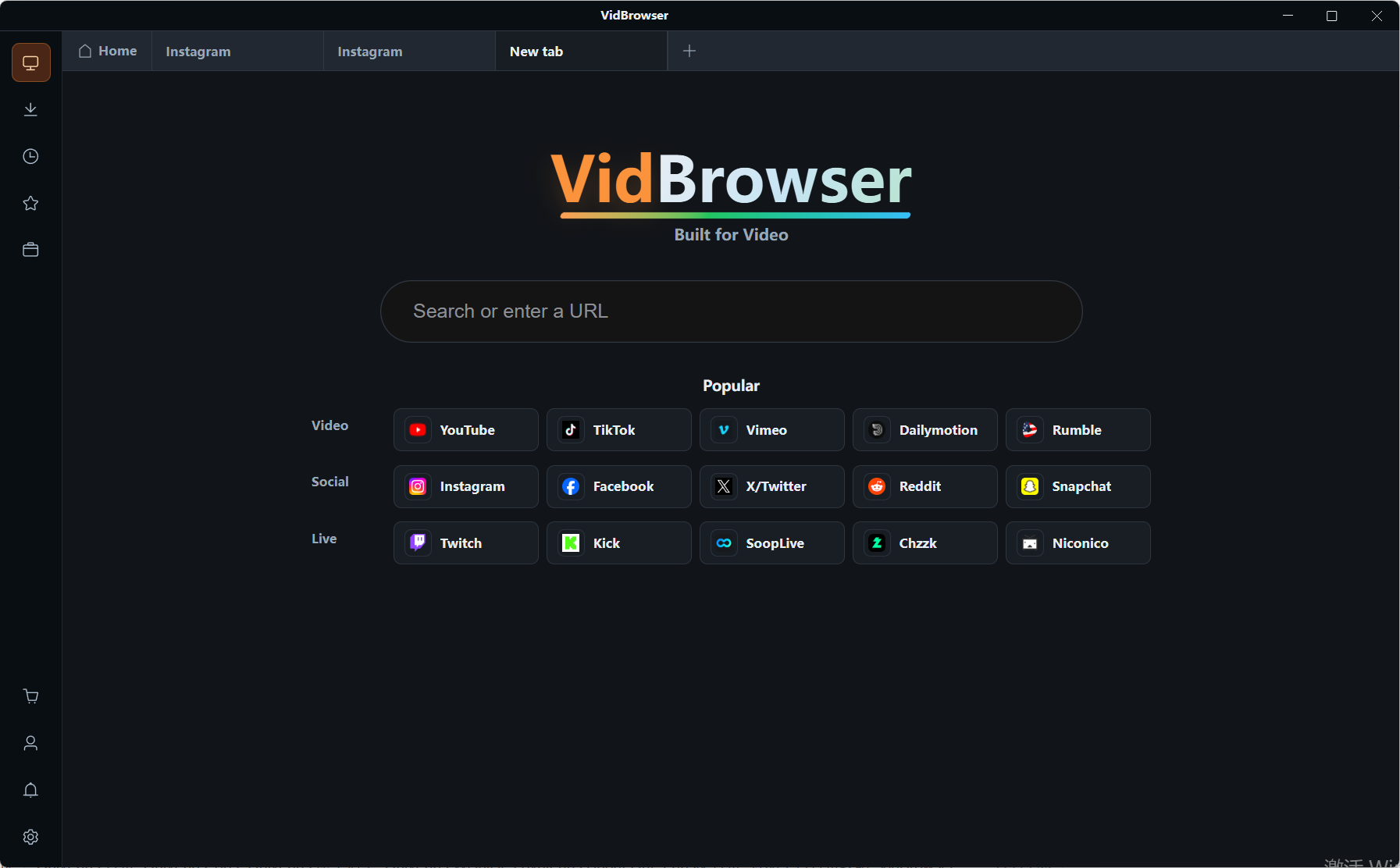
Step 2: Open Fansly in VidBrowser and log in
Sign in with your own account — subscriptions and follows appear exactly as they do in a normal browser.
Step 3: Play the video you want to keep
Let it play for a few seconds and VidBrowser lists the savable streams in the Video Library panel on the right.
Step 4: Save it with the recording feature (first choice for protected content)
Hover over the video and the recording controls appear as an overlay: choose a recording speed (1x real time, or 2x and 4x to finish faster), then hit Record All to capture the whole video, with a button on the left to start or pause at any point. If a file can be downloaded directly, the same panel lists it with an orange Download button and saves it as MP4.
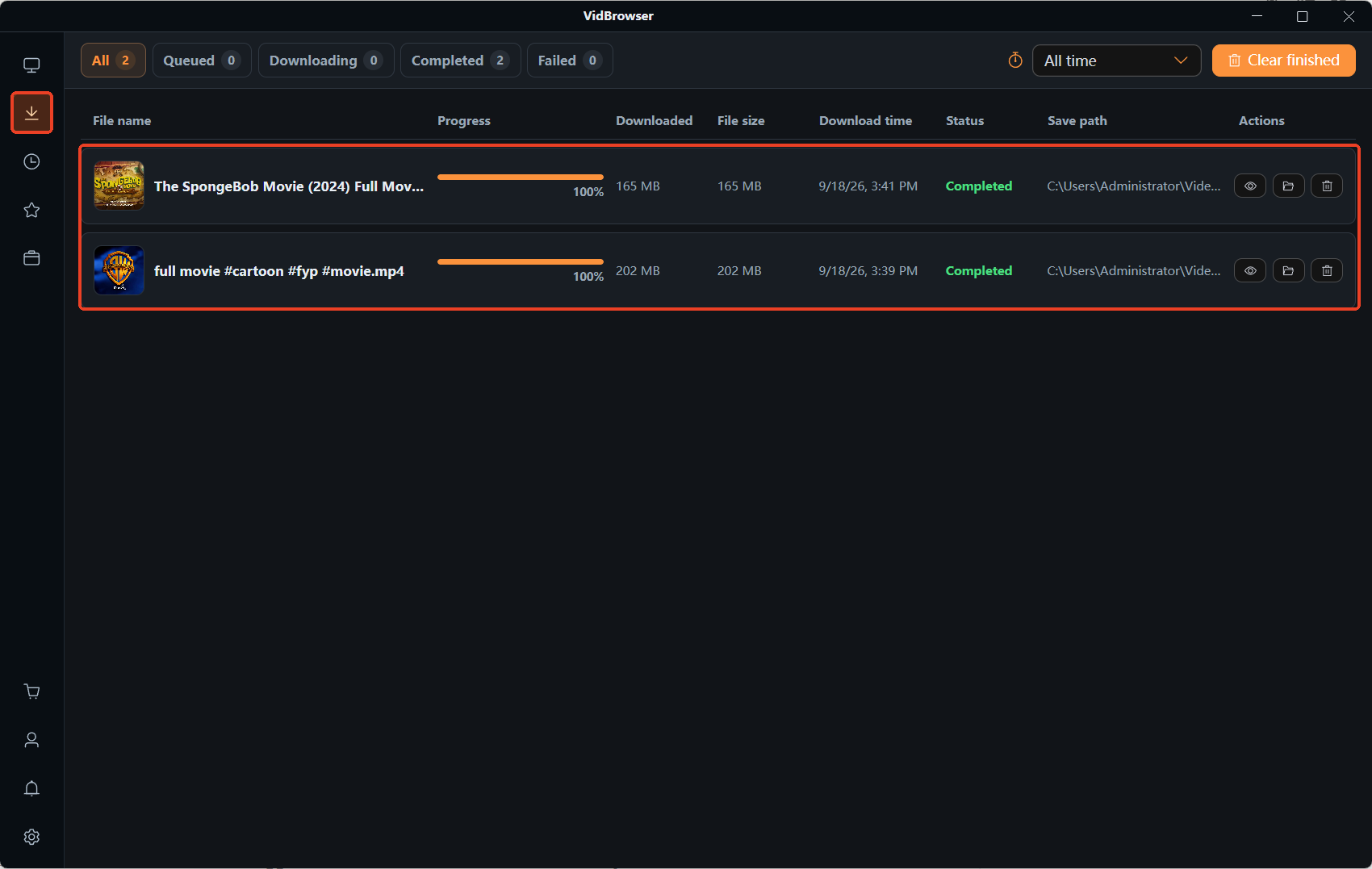
Step 5: Find the file in your media library
Open it from the folder you chose, or find it through the download history, and watch offline in VLC, QuickTime or similar.
Fansly Discovery FAQ
Is there a Fansly explore page?
Yes. The Discovery page lives at fansly.com/explore/discover, or behind the magnifying-glass icon, and searches by tag, keyword or creator name; the For You page and Suggestions add recommendations for creators you have not followed.
Why do the same creators keep appearing in my Suggestions?
Suggestions is built from your engagement history, and repetition usually means the algorithm's picture of you is too narrow; the platform's advice is to browse and engage more widely.
Why can a creator I know about not show up when I search?
Three common causes: their tagging uses different words from yours; their content was never opted into the For You page; or the account is restricted, blocked, or unavailable in your region. A nearby term, or switching to Suggestions, covers the first two.


