
How to Find New OnlyFans Creators on Reddit and Twitter (2026 Guide)
You've seen enough of the creators you follow and want to discover new faces—but opening OnlyFans reveals that the platform has no "browsing" feature at all, and on-site search is so weak it's basically nonexistent. Many subscribers' tastes just stay stuck on the few people they first followed. The truth is, new creators' traffic entrances aren't inside OnlyFans at all—they're outside: Reddit and Twitter (X) are where creators drive traffic.
This article explains how to discover new OnlyFans creators on Reddit and Twitter, and how to judge whether a newcomer is worth subscribing to. Follow along in 2026.
Where to Discover OnlyFans Creators: Reddit and Twitter
Bottom line first: OnlyFans has no discovery mechanism on-site; creators drive traffic almost entirely from external platforms, and Reddit and Twitter are the two biggest entrances.
- Inside OnlyFans: you can only visit profiles directly by username; there's no category browsing and no recommendation feed—"browsing" simply isn't possible on-site.
- Reddit: creators gather in various subreddits (topic communities) to post previews and promos—the best place to "discover creators by content type".
- Twitter (X): where creators post daily updates, shout each other out, and hang links—a discovery space you "follow by interest".
To discover new creators, shift your mindset: don't look inside OF; find them on Reddit and Twitter, then follow the links back to OF.
How to Find Creators on Reddit: Subreddits and Promo Posts
Reddit is organized by communities (subreddits); finding creators is about finding the right community:
- Content-type communities: find the subreddit matching the content type you like—creator posts there often carry OF links, the most direct way to "discover by type".
- Creator directory communities: some communities specialize in creator recommendations and directories (like "today's picks"), good for regular browsing.
- Hang out in comment sections: on hot posts, creators self-promote or fans recommend in the comments—a hidden entrance for digging up newcomers.
When checking creators on Reddit, focus on two things: post engagement (whether the like/comment ratio feels real) and profile activity (whether they post steadily)—cold communities and individuals usually correspond to creators who don't run their pages seriously.
How to Find Creators on Twitter: Shoutouts, Search, and Hashtags
Twitter is where creators stay active daily, and discovery feels more "stream-like":
- Shoutouts: creators recommending each other is the most common way—peers that creators you follow retweet are usually quality and similar in taste, so following along is a safe bet.
- Keyword search: type "onlyfans + content type you like" into the search box (English works better) to surface tons of tweets carrying OF links.
- Hashtags: subscription-platform hashtags (like #onlyfans, #fansly, and niche type tags) are full of creator self-promos—great for browsing by tag.
- Timeline recommendations: Twitter's algorithm recommends similar accounts based on your interactions; after following a few creators in your niche, new faces appear in your timeline automatically.
Twitter moves fast. To judge whether a creator is reliable, look at their account history—accounts with long, steady posting are trustworthy; accounts that just registered and spam links should make you cautious.
How to Judge Whether a Newcomer Is Worth Subscribing To
Discovering new creators isn't hard; the hard part is not wasting money on fake accounts and subscriptions that aren't worth it. Run these four signals before subscribing:
- Quality of free preview content: newcomers usually have free posts showing their level—if the free content is high quality, paid content probably is too.
- Update frequency: has there been steady posting in the last two weeks? Accounts that stopped updating long ago aren't worth subscribing to no matter how impressive.
- Real engagement: are comments and likes real interaction? Fake accounts usually buy engagement, and it's easy to spot the unnatural look.
- Link closed loop: do the social profile and OF profile link to each other? Being able to confirm it's the same person from the social account basically rules out impersonation (for identifying fake accounts, see our finding OnlyFans creators from Pornhub guide).
Only subscribe when all four signals pass—start with a low/mid tier or a free account to test the waters, then upgrade if satisfied (for weighing free vs paid, see our OnlyFans free vs paid subscription guide).
Found New Creators? Save the Content After Subscribing
Finding and subscribing to new creators all the way from Reddit and Twitter isn't the end: content on subscription platforms like OnlyFans is mostly copyright-protected and ordinary downloaders can't grab it; creators can delete posts and take content down, and once the subscription expires all history becomes invisible—content you just subscribed to is best saved locally while it still plays.
Saving with VidBrowser is simple:
Step 1: Download and install VidBrowser
VidBrowser is a desktop video browser for Windows and Mac: watch videos, capture clips, and save them locally, with built-in download and recording. Installation takes just a few minutes.
Step 2: Open OnlyFans in VidBrowser and sign in
Launch VidBrowser, visit onlyfans.com, and sign in with your own account. Your existing subscriptions and purchases work exactly as in a normal browser.
Step 3: Play the video you want to save
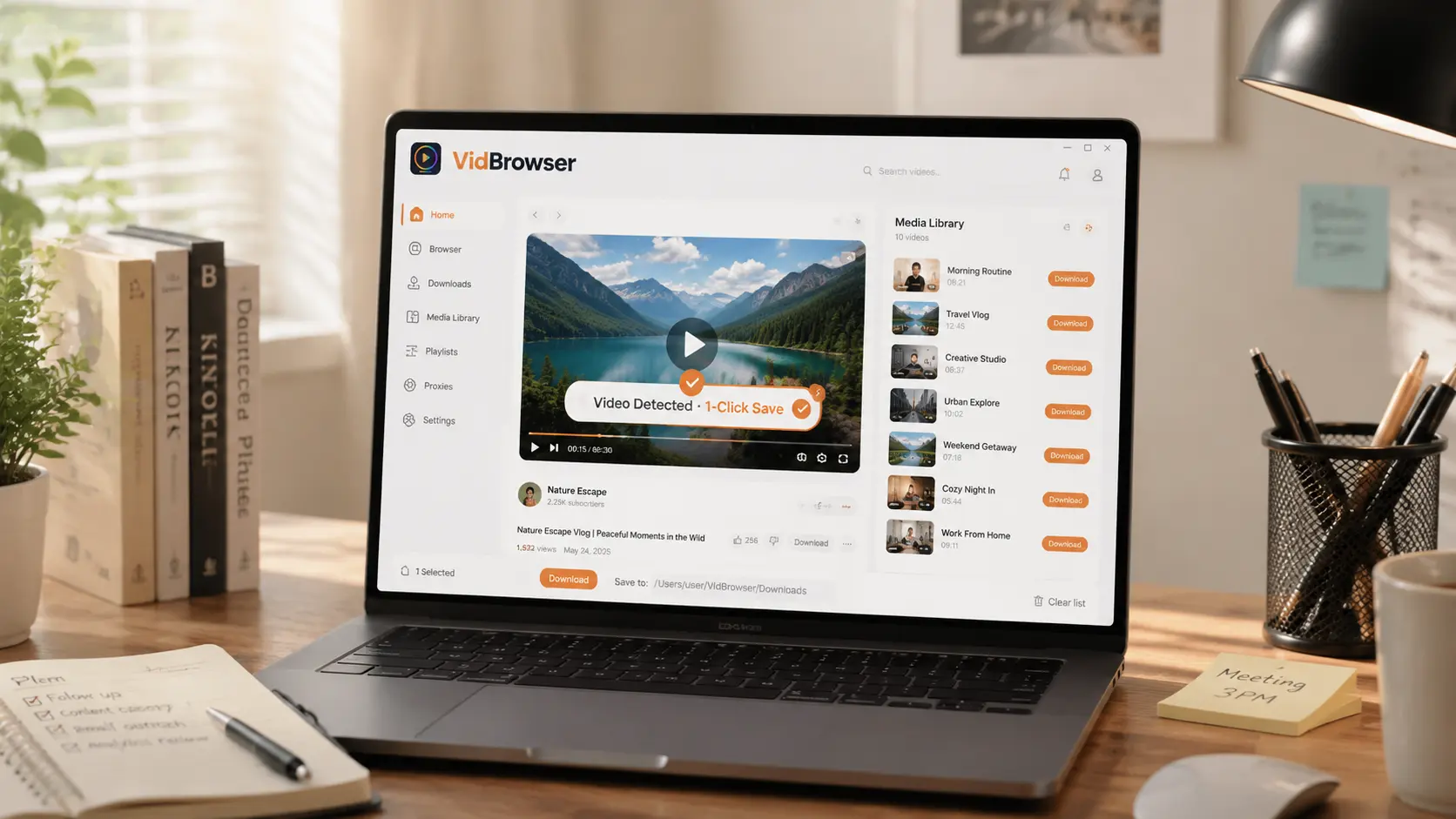
Open a subscribed post or an unlocked video and let it play for a few seconds. VidBrowser automatically detects video resources on the page and lists detected streams in the "Video Library" panel on the right.
Step 4: Save with the recording feature (first choice for protected content)
Most videos on subscription platforms like OnlyFans are copyright-protected and ordinary downloaders fail on them; VidBrowser's recording is the most reliable way to save: hover your mouse over the video and recording controls appear—pick a speed (1x real-time, or 2x/4x to finish faster), click "Record All" to capture the whole video, and the button on the left lets you start or pause anytime. Anything that plays can be recorded.
If a video can be downloaded directly, the "Video Library" panel lists it with an orange "Download" button—one click saves it as MP4 (you can also pick the resolution first).
Step 5: Find the file in your library
After saving or recording, open the file from your chosen folder or find it in VidBrowser's download history. Play it offline anytime with VLC, QuickTime, or any player—no account or subscription required. (For the full OnlyFans workflow, see our OnlyFans subscriber beginner's guide.)
FAQ
Can I browse and discover new creators inside OnlyFans?
Basically no. OnlyFans has no category browsing or recommendation feed; on-site you can only visit profiles by username. Discovering new creators happens off-site—Reddit subreddits and Twitter shoutouts, search, and hashtags.
How do I avoid subscribing to unreliable newcomers?
Check four signals before subscribing: free preview quality, update frequency, real engagement, and whether social and OF links form a closed loop. Subscribe only when all four pass, and start with a low/mid tier or free account.
Are accounts promoted via creator shoutouts reliable?
Generally yes. Creators only recommend peers with similar style and solid quality; a shoutout is essentially a credibility endorsement. But always judge the final call by the other person's free content and update frequency—don't subscribe just because it was "recommended".
Does saving OnlyFans videos notify creators?
No. VidBrowser saves videos to your local device and sends no save records to any platform or creator, and it doesn't affect your account or subscription.


