
OnlyFans Referral Codes: Two Systems and Three Scam Checks
A half-off first month link in a creator bio, a screenshot of huge referral earnings going around social media — both travel under the name of an OnlyFans referral code, and clicking them leads to completely different places: the first may genuinely save you a few dollars, the second usually works for someone else. Mixing up the two systems costs more than missed savings — phishing pages imitating promotion offers wait precisely for people who cannot tell them apart. This guide takes the two official rules apart: how commission is calculated, where links come from, and what to check before you click.
An OnlyFans referral code is not one universal code: the referral program and promotion links each follow their own rules
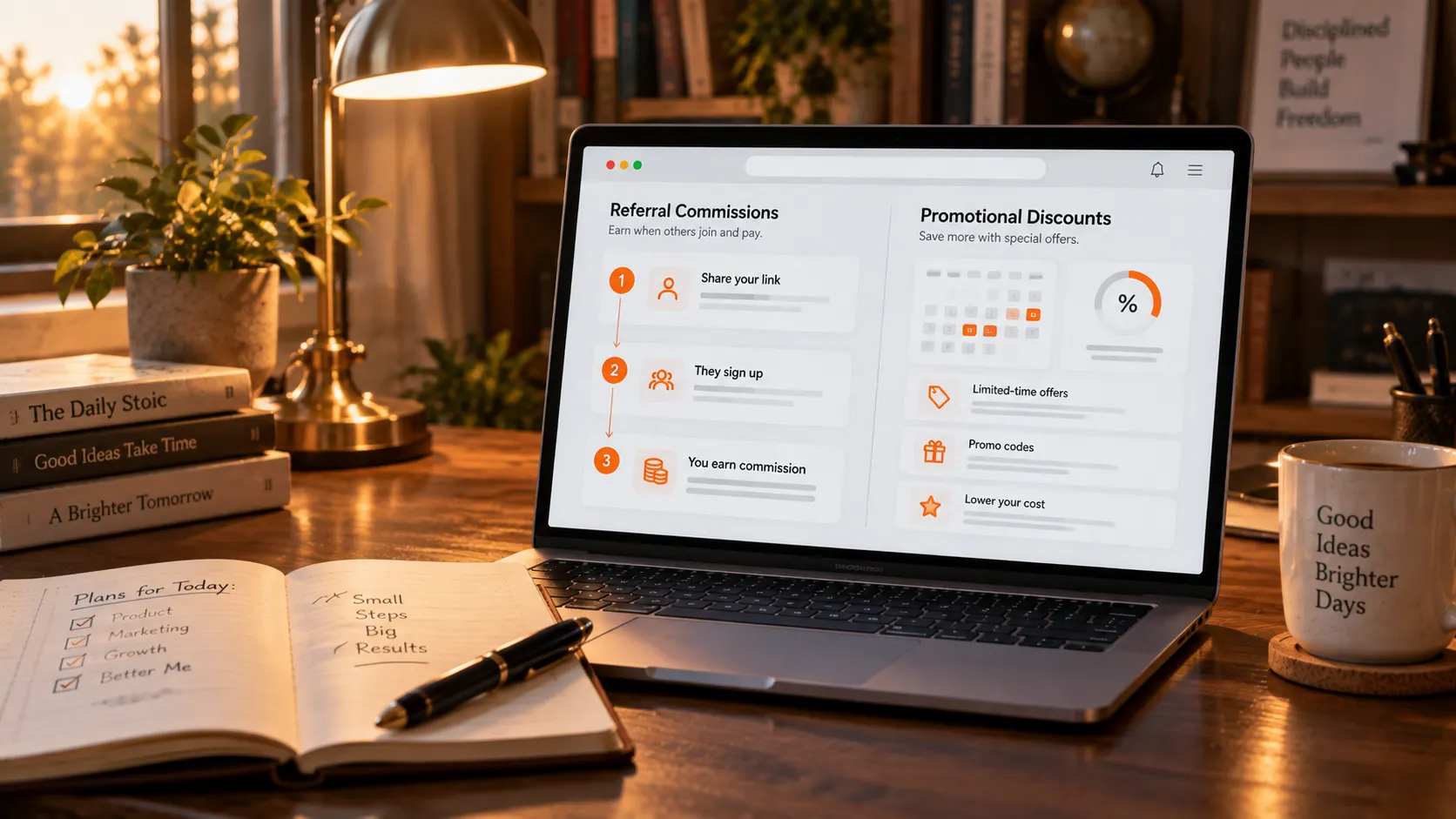
The official documents define two layers of referral: the Referral Program is aimed at creators, promotion campaigns at subscribers. The referral program has creators bring in new creators: send a tracked link to someone thinking of opening an account, and once that person registers and starts earning, you receive a percentage; a promotion campaign has creators give subscribers a break: set a free trial or a first-month discount and put the link in the bio and on social media. Both lines generate links from the creator account, but the person paid, the settlement method and the beneficiary differ in each case; entering a promotion link as a referral code, or ordering through a referral link expecting a discount, will not produce the result you wanted.
The creator referral program: 5% paid for 12 months, capped at 50,000 dollars per person
Under the official OnlyFans referral program terms, the referrer earns 5% of what the referred creator pays during their first 12 months, whichever is lower against the 50,000 dollar cap. The base is the Fan Payments a referred creator makes within twelve months of registering, with a 50,000 dollar ceiling per person; the platform bears the cost — the terms state it plainly: We bear the cost of the referral payment, not the Referred Creator, so nothing is deducted from the referred account earnings. Commission accumulates by calendar month and lands around the start of the next one; the referred creator can leave the program at any time and commission stops; the platform also reserves the right to change or end the program, while amounts already earned before a change are still paid. This is a completely different mechanism from the LoyalFans referral scheme that rewards consumer spending per purchase: OnlyFans recruits creators, and the payments run for twelve months and then stop.
Referral links live on the Statistics page; fan accounts have no access
The path given by the official blog: Statistics page, Statements menu, Referrals button — copy your personal link and track results on the same page. Eligibility has boundaries as well: this is a feature of verified creator accounts, and a creator counts toward your totals after registering through your link and starting to earn; a regular subscriber account has no such entry. The terms also carry a statutory warning: under the UK trading schemes regulations of 1997, persuading anyone to pay for the benefits of joining a scheme by recruiting others is an offence, and the official text warns against being misled by easy-money claims. Commission screenshots and passive-income promises circulating on social media have already been debunked by the platform itself.
Promotion links are set by creators themselves: the official options are a free trial and a first-month discount
The discounts subscribers can actually use come from promotion campaigns creators run themselves, and the official options come in two tiers: free trial and first-month discount. The official OnlyFans creator blog describes the steps: open Subscription price and bundles in Settings, press Start Promotion Campaign and pick one of the two — a trial needs a slot limit, an end time and a trial length, a first-month discount needs a slot limit, an end time and the discount rate — then Copy Link to Profile and share it. What happens when a trial ends, and which price a discounted month renews at, are covered in the free-trial mechanics and renewal date guides; one note here: slots and deadlines are set by each creator, so a link going dead after a few days is normal — landing on a full-price page does not mean you were singled out, the campaign has simply ended.
Three checks before clicking a link keep phishing pages outside
Fake promotion pages give themselves away at the domain and the login step; check three things before clicking. First the domain: a real campaign page lives under onlyfans.com — close lookalike domains on sight; second the login: pages outside the official site will never ask you to re-enter your email, password or payment details — any third-party page demanding you sign in first to claim a reward is phishing; third, verify inside the platform: for a discount you are unsure about, open the creator profile directly and look for a trial or discount badge — that beats trusting the link itself. The same verify-inside-the-platform logic as the Fansly fake-account guide applies here; the difference is that OF scammers work mostly at the link layer. If you do land on a suspicious page, report it through official support and fill in nothing.
Save the creator content worth following
Trial and discount windows are short; save the videos you want to keep while they last:
Step 1: Download and install VidBrowser
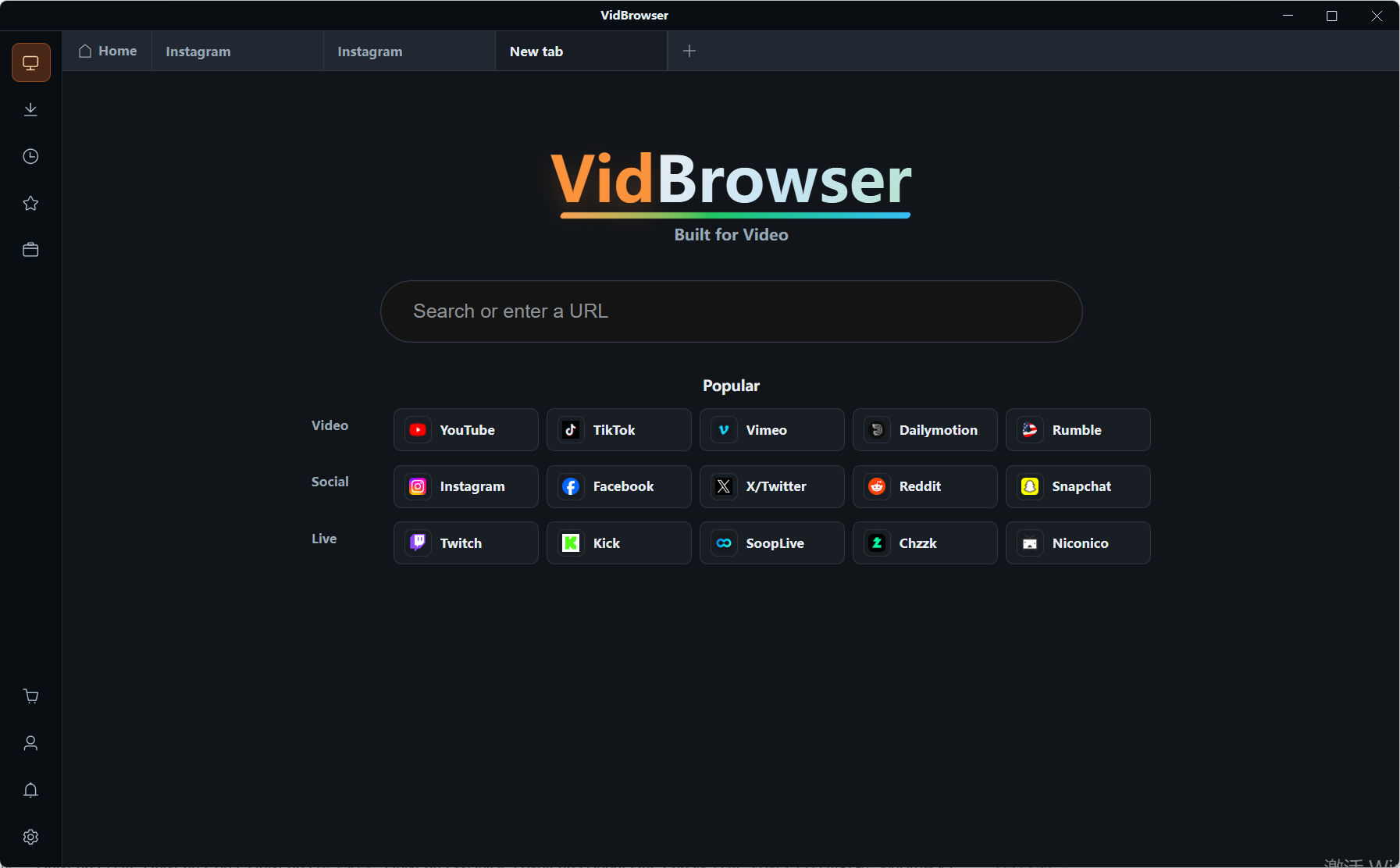
VidBrowser is a desktop video browser for Windows and Mac to watch videos, clip segments and save them locally, with downloading and recording built in; installation takes a few minutes.
Step 2: Open the platform and sign in
Open the platform you subscribe to inside VidBrowser and sign in; subscription status and content permissions work exactly as in a regular browser.
Step 3: Download videos that allow downloading
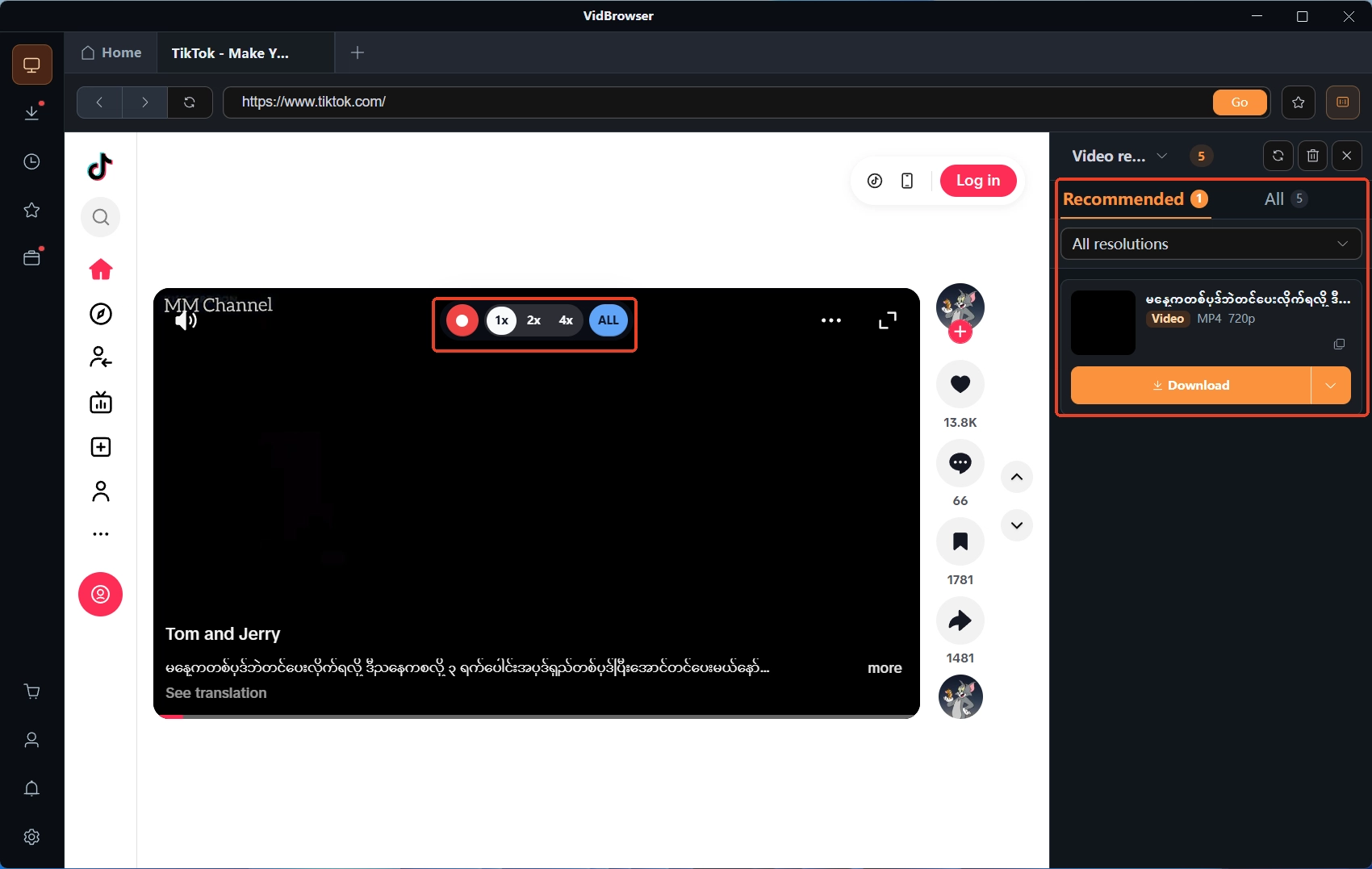
While playing, the video media library on the right lists the detected videos, each with an orange download button — one click saves it as MP4, and you can filter by resolution first to pick the spec. The clock icon on the left shows the progress, size and save location of every task.
Step 4: Recording as the fallback
For protected content without a download entry, use recording: hover the mouse over the picture and the recording controls appear, pick a speed (1x real time, 2x or 4x to finish faster), press record-all for the whole video, and the record button on the left pauses at any moment — whatever plays can be recorded.
FAQ
Does entering a referral code make subscriptions cheaper for subscribers?
No. Referral commission is bound to creators and paid by the platform to the referrer; subscription prices do not change because of it. To spend less, watch for the promotion links creators post — trials and first-month discounts are the channel that benefits subscribers.
Does referral commission reduce the referred creator income?
No. The terms state the platform bears the cost and the referred account settles as usual. When the referred creator leaves the program, commission stops — the impact stays on the referrer side.
How long does referral commission keep coming?
Twelve months under the terms, counted from the day the referred creator registers, with a 50,000 dollar ceiling per person. The platform can adjust or end the program, so factor rule changes into any long-term plan.


