
Does OnlyFans Notify You When You Screenshot? What Creators Can See
People searching "does OnlyFans notify when you screenshot" fall broadly into two camps: subscribers who want a quiet copy and dread being caught, and creators who fear their work being taken and want to know whether any safety net exists. Both are really asking the same thing — does the platform know you took a screenshot.
The answer is blunt: none of the three platforms notifies anyone, and it is not a case of quietly looking the other way — the signal never reaches them in the first place. Getting the mechanism straight is far more useful than memorising a yes or a no, because it also explains why so many screen recorders come out black and what a creator can actually see.
How OnlyFans screenshot notifications work: none of the three tells the creator
OnlyFans, Fansly and LoyalFans currently have no screenshot notification at all — take a screenshot with a system shortcut, record the screen with software, or use a third-party capture tool, and the creator gets no alert while your account leaves no record.
The conclusion is identical across the three, and so is the reason, which the next section unpacks. One distinction matters here: reading "no notification" as "the platform does not care" is inaccurate. It is not that they do not care — it is that their effort sits in pursuing things after the fact rather than blocking them up front. Third-party review sites say much the same about all three (whether screenshots and screen recording fall inside the detection scope), and none of them claims to do real-time blocking.
Another thing gets muddled constantly: what a creator can see is transactions and interactions, not screenshots. Mixing the two is exactly what makes people assume a screenshot will be noticed.
Phone screenshots, desktop screenshots, screen recording: why no signal reaches the platform
Screenshots and screen recording are actions the operating system performs, not the web page — a web app receives no system-level capture callback, so even wanting to notify would lead nowhere.
Browsers give every site a sandbox to work inside; system-level keys (Print Screen, Cmd+Shift+3, the screenshot buttons on a phone) are handled by the operating system itself and never report back to the page. For a creator to be notified, the platform would first have to know that a screenshot just happened — and that event never arrives.
Then why can disappearing-message apps detect screenshots? Because they run as native apps and can receive the phone system's screenshot callback, a capability both major app stores later tightened. Subscription platforms have no native app in the stores; the mobile experience is an "add to home screen" web app that is still a browser underneath (this is exactly why Snapchat can notify). That is also why claims like "Fansly notifies on screenshots" do not hold up: that detection exists only in native apps, and Fansly does not have one.
And there is a gap nothing closes: record the screen with a second device, or mirror the feed to an external monitor and capture that, and no software can catch it.
What creators actually get notified about: payment and interaction only
Platform notifications cover only the transactions and interactions you actively make — never what you looked at or what you screenshotted.
Which actions carry a username and which stay invisible — a third-party rundown of visible information draws that boundary very clearly (the list of what subscription platforms make visible). The actions that trigger a notification and surface for the creator are these:
- You subscribe, renew or cancel
- Every tip and every pay-per-view unlock
- The DMs you send, the likes and comments you leave
- Post-level view totals (an aggregate number only, pointing at nobody in particular)
Conversely, these stay hidden from them:
- Whether you took a screenshot or recorded the screen
- Who viewed a particular post
- Who merely browsed the profile without subscribing
- Your real name, card and billing details, precise location and IP
- Whether you opened a given piece of content (this content carries no read receipt)
In other words, watch quietly, grab a screenshot on the way through, and the creator's side stays silent. What really ties you to a piece of content is payment and interaction (browsing traces and identity clues went through the other places that leave traces).
The three line up on mechanism: the watermark is the real protection
All three notify across broadly the same surface; the difference lies in the granularity of watermarks and content-protection tools — what actually makes a leak traceable is the watermark, not screenshot notification.
- OnlyFans: dynamic watermarks can be switched on for content, layering the creator's and the viewer's usernames into the frame; the terms of service forbid reposting, and the platform runs a separate infringement process. Its user base is the largest, which is why this question gets asked about it most.
- Fansly: watermarks content automatically, offers finer-grained geo-blocking, and requires identity verification from subscribers in some regions; still no screenshot notification.
- LoyalFans: a Canadian platform that locks video inside its own player with no built-in download button for subscribers, and no mention of screenshot notification in public materials either.
The common thread: all three put their effort on the after-the-fact side, and not one can block anything up front. That is exactly where a watermark earns its keep — once content turns up elsewhere, it points back to the subscriber account that let it out.
Keeping what you have watched for the long run: how to handle the saving step
Content that plays normally can usually be saved by recording, but subscription platforms mostly protect their content and ordinary download tools cannot reach it — the reliable route is a tool with recording built in, saving to your own machine.
This is where many people hit a black screen for the first time: they reach for a system or generic screen recorder and get a black picture with sound only. Nothing is broken — it is the usual behaviour of protected content during capture, and moving to a desktop tool tends to sidestep it. The steps are simple:
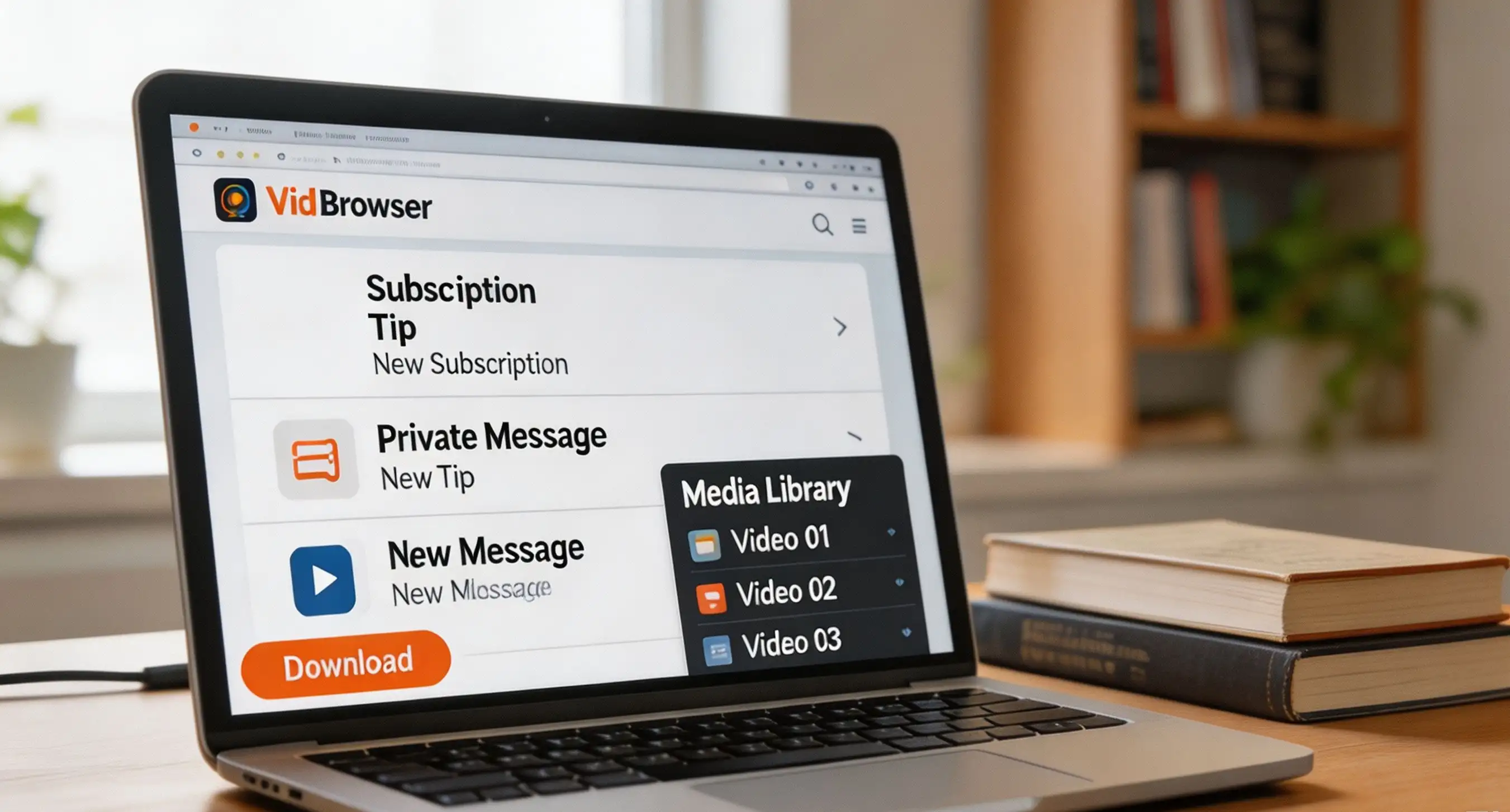
Step 1: Download and install VidBrowser
VidBrowser is a desktop video browser with downloading and recording built in, made for watching and saving on Windows and Mac. Setup takes a few minutes.
Step 2: Open onlyfans.com in VidBrowser and sign in
Use the software to visit onlyfans.com, sign in to your account, open the content you subscribe to and start playing.
Step 3: Save with the recording feature (the first choice for protected content)
Video on these subscription platforms is mostly protected and ordinary download tools cannot reach it, so recording is the most reliable route: hover over the video and the recording controls appear on top — choose a recording speed (1x real time, 2x or 4x to finish faster), click Record All to capture the whole video, and the record button on the left starts or pauses at any moment. Anything that plays can be recorded.
Step 4: Download the entries that offer it directly
If the page offers items you can download directly, the Video Library panel on the right lists them with an orange Download button — one click saves an MP4 (you can also pick a resolution first). For why some content cannot be grabbed at all, how streaming downloads really work goes deeper.
Saving is for your own re-watching. Forwarding content or uploading it elsewhere is a different matter entirely — it breaches the terms of service, raises copyright issues, and the watermark may well pull you into it.
FAQ
Will the other person get a notification if I record the screen?
No. Screen recording sends the platform no signal, just like a screenshot, so the creator gets no alert. Do watch the quality and the black screen, though: ordinary recorders tend to capture nothing but black on protected content, and a tool built for this kind of content is steadier.
What happens if I forward the content?
It can get messy. The watermark prints your username into the frame, the creator can use it to file a takedown, and the platform may suspend the account. A screenshot kept for yourself and a file sent onward are two entirely different things.
Which of the three polices screenshots most strictly?
None of the three notifies on screenshots. The difference is in protection tools: Fansly's watermarking and geo-blocking are finer-grained, OnlyFans covers the most users and its watermark mechanism gets discussed most, while LoyalFans locks video inside its own player and attracts the least outside discussion.


