
OnlyFans Tips, Gifts and Wishlists: What You Are Actually Paying For
On a subscription platform like OnlyFans, the subscription fee is only the entry ticket.
What really sends your monthly spending off the rails are the separate actions that come afterwards: tipping a post you liked, sending a gift in a live stream, or picking something off the creator's wishlist to have shipped to them. All three look like "paying a bit more", yet the mechanics differ — one charges the moment you confirm and cannot be undone, one waits on shipping, and one brings back something definite.
Tips, gifts, wishlists: how the three ways of spending differ
The core difference between them is simple: whether your money brings back something definite. Split along that line, they fall into three different categories:
- Tips: pure cash support. The amount is up to you, it is charged the moment you confirm, it unlocks no content and promises no return
- Gifts: money in exchange for a clear delivery. Think LoyalFans Shout Outs (paying for a personalised short video), the gift icons in Fansly live streams, or custom content you have agreed on
- Wishlists: buying a physical item and shipping it. The list is hosted by a third party and the item goes to the creator in person
Unit price, how fast it arrives and what you get back all differ, and mixing them up is the quickest way to waste money. (For how much of your bill goes to subscriptions, PPV and tips respectively, see breaking down what OnlyFans costs each month.)
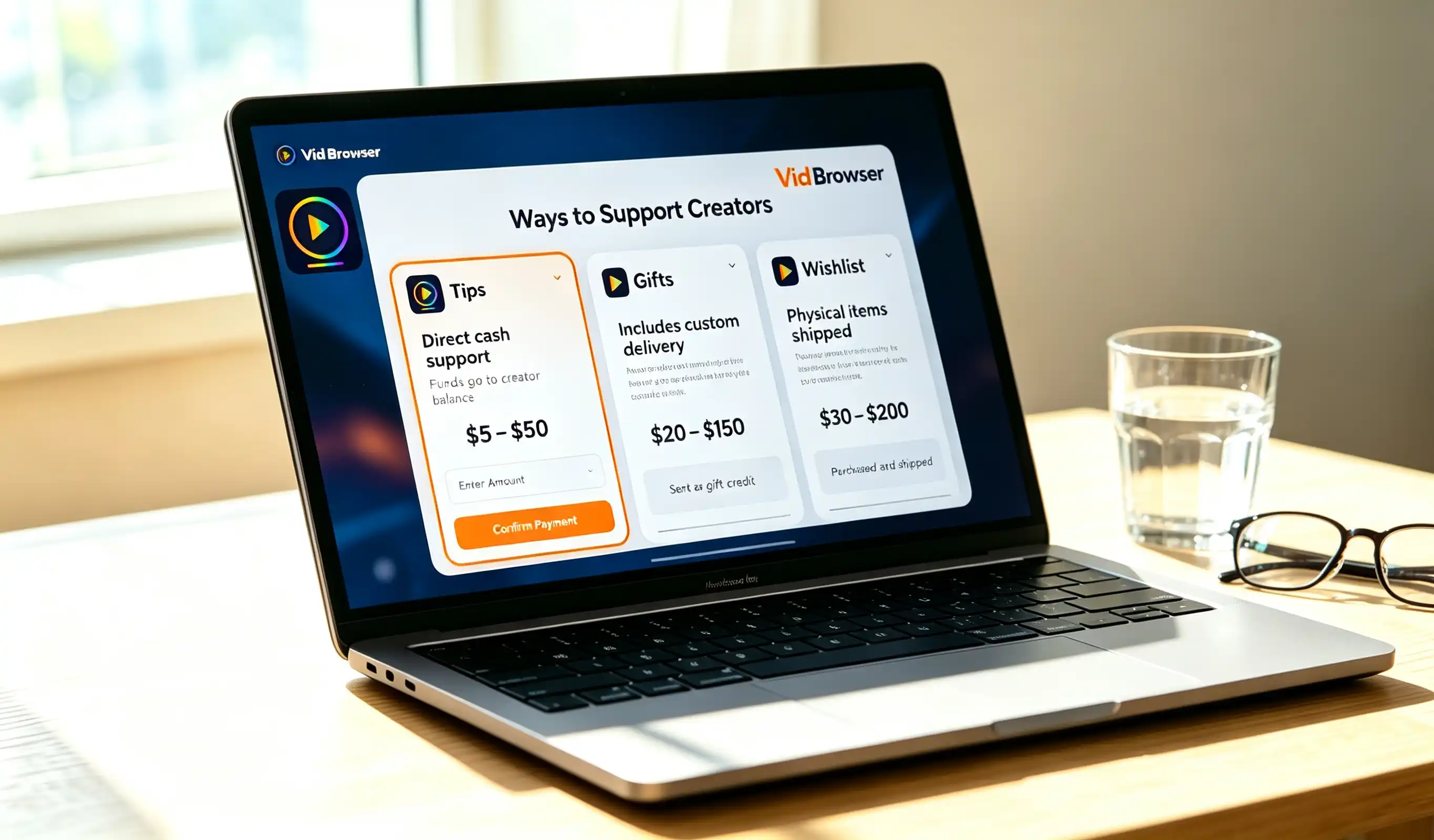
Tips: from $5, charged on confirmation, no refunds or reversals
A tip is an instant payment: $5 minimum, taken from your payment method the moment you hit confirm, and after that it can be neither reversed nor refunded. The platform takes a 20% cut of every tip and the creator keeps 80% — send $10 and they receive $8. You can start one from three places:
- Under a post: the coin icon next to like and comment
- In a direct message: the tip icon beside the message box, handy when you want to send a few words along with it
- Inside a live stream: the real-time interaction setting, and for many creators the main source of income for the whole stream
Three misconceptions are worth avoiding. The first is treating it as a purchase: a tip unlocks nothing, and paying does not get you one extra post. The second is assuming you are anonymous — tip records are visible to the creator, who can see your username and the amount, though not your real name or card number. The third is expecting a reply to every tip: a creator receiving dozens or hundreds of tips cannot answer each one, and silence is normal.
The situations that genuinely warrant a tip are specific: you want to say something in a DM and hope it gets seen, or you really liked a piece of content and want the creator to know. (If a creator mainly streams, tips follow a different rhythm — see watching OnlyFans live streams.)
Gifts: Shout Outs and live gifts, money for a clear return
What defines a "gift" is money in exchange for a delivery: you pay an amount and the other side delivers a specific thing. Two forms have taken shape so far:
- Personalised short videos (Shout Outs): LoyalFans launched this feature in 2021 — fans pay to request a short clip filmed for them, usually under a minute, with the creator choosing the subject. The price is modest and delivery is quick, but creators can close the option at any time, so do not sit on it for long once you see it
- Live gifts: Fansly turned gifting inside live streams into a standalone action — the gift icon at the bottom left of the chat box, sendable at any point during the stream, with the amount counted into that stream immediately
There is a third category that sits between the two: paid custom content, where you explain what you want in a tip message or a DM and the creator makes it as agreed. There is an easily overlooked deadline here — Fansly's official help centre states that creators have a 14-day delivery window. If it passes with nothing delivered, contact the creator on the platform first, and if that still gets you nowhere, take the transaction number and screenshots of the agreement to platform support. The thing most likely to go wrong is failing to be specific: put your requirements in the message rather than just saying "surprise me", or what arrives will rarely match what you pictured.
Wishlists: buying a physical item, with no platform in the middle
Of the three, only wishlists involve physical goods: the list is hosted by a third party, and you buy something that ships straight to the creator. What many people do not realise is that OnlyFans has no gift shop of its own — creators build lists on outside platforms such as Amazon or Throne and put the link on their profile, social accounts or Linktree. The whole transaction happens off-platform.
The process is not complicated: follow the link from the profile, pick an item, fill in the shipping details and order. Three details are worth watching:
- Use only the link on the profile. The most common scam is someone impersonating the creator and DMing an "updated list" — that address belongs to the scammer, and anything shipped there is gone
- Put your username in the note. Wishlist platforms normally do not reveal a buyer's real name to the creator, so without a note they just receive an anonymous parcel
- Check the shipping address. Some platforms default to your own address, so confirm the recipient is the creator before you check out
Do not let the price tag scare you either: what usually appears on these lists is not luxury goods but clothing, ring lights, props and skincare, mostly landing between $15 and $80. Note too that a gift never passes through the platform and does not count toward your subscription — what it buys is usually a thank-you or a post, not an entitlement. Treat it as a gesture rather than a transaction and your expectations will stay in the right place.
Keep a local copy of the content you paid for
One more thing that matters more than saving money: what you paid for content does not make that content yours forever. Custom videos bought with tips, Shout Out clips, paid stream recordings — the moment a creator deletes posts, wipes their profile or closes the account, they all vanish together. If you want to keep them, they have to live on your own device. (For how to sequence that, see the trade-offs in saving money on OnlyFans.)
Saving with VidBrowser takes only a few steps:
Step 1: Download and install VidBrowser
VidBrowser is a desktop video browser for Windows and Mac with built-in downloading and recording, and installation takes a few minutes.
Step 2: Open the platform in VidBrowser and log in
Go to the subscription platform and sign in with your own account — the content you see matches a normal browser exactly.
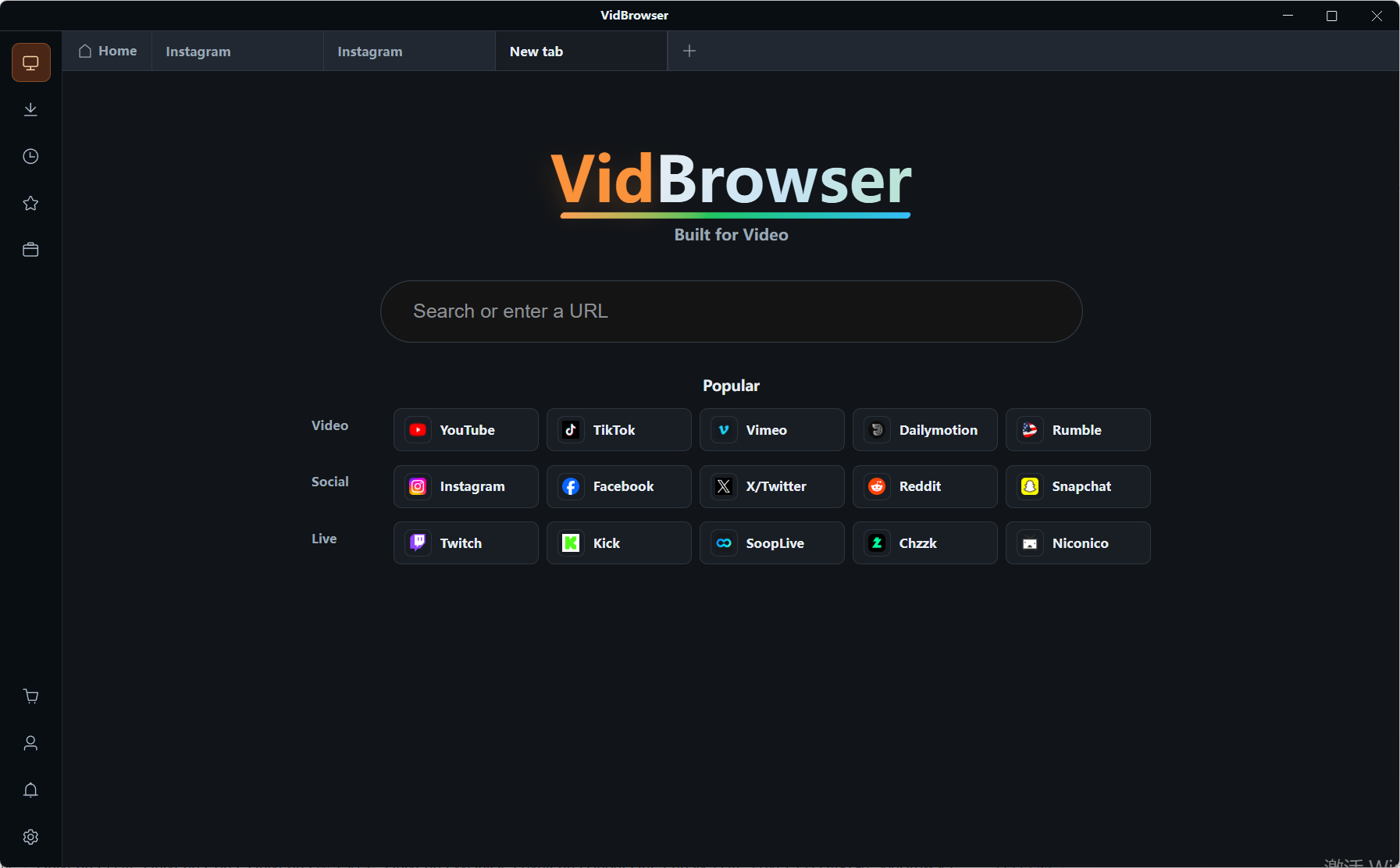
Step 3: Play the content you want to save
Open the Shout Out clip, the custom video or the stream replay and let it play for a few seconds; the app identifies the video resources on the page in the background.
Step 4: Use the recording feature (first choice for protected content)
Most videos on subscription platforms are protected by copyright, so ordinary download tools cannot reach them, and recording is the most reliable way to save. Move your mouse over the picture and the recording controls appear as an overlay — choose a recording speed (1x is real time, 2x or 4x finishes faster), then click "Record All" to capture the entire video, and the record button on the left can start or pause at any moment. If the video happens to be directly downloadable, the "Video library" panel on the right lists entries with an orange download button — one click saves it as MP4 (you can pick the resolution first).
FAQ
Can a tip be reversed or refunded after I send it?
No. A tip is an instant payment — it is charged the moment you confirm, and afterwards cancellation is not supported and refunds do not apply. What can still be addressed is a payment that went wrong (a duplicate charge, for example); that is a platform-side problem and needs support to look into it.
If I buy from a wishlist, can the creator see my real name?
Usually not. Lists on Amazon, Throne and similar services show the creator only the note you leave, not the buyer's real name or payment details. If you want to be recognised, write your platform username in the note.
What is the difference between tipping and buying PPV?
A tip is voluntary support and is not tied to any specific content; PPV pays to unlock a particular post or DM. Want content, buy PPV; want to show support, tip — the buttons and the unlock logic are different for each.


