
Patreon, OnlyFans or Fansly? Match Platform to Content
Patreon, OnlyFans and Fansly often end up on the same comparison list, but the three platforms are not in the same business: Patreon lives on membership patronage for podcasters, illustrators and writers, while OnlyFans and Fansly run on adult content. Before comparing fees, answer a more fundamental question — what kind of content do you make? Once that is settled, the choice leans by itself.
Step one of comparing Patreon, OnlyFans and Fansly: tell the three businesses apart
Positioning decides the experience more than any fee table. One by one:
- Patreon: a membership patronage platform where podcasts, illustration, writing and tutorials all work, income comes from tiered membership fees, and the all-ages ecosystem is its base.
- OnlyFans: a subscription plus pay-per-view (PPV) mix, adult content is the revenue core, and visitor expectations are quite clear.
- Fansly: a social-timeline subscription platform where adult content also dominates, closer to a "subscription-based social network".
If your content has no adult angle, the audience expectations on the other two will clash with yours; if adult content is your main line, Patreon's policy is clearly tighter. Match your content type:
- Fully all-ages content (podcasts, illustration, tutorials, writing): Patreon is the smoothest start, and a free tier plus a paid tier keeps pulling in new members.
- Adult content as the main line: OnlyFans has the most direct structure; Fansly's multiple tiers and on-site recommendation feed suit creators who want layered operations and a standing start. For more options, see the OnlyFans alternatives roundup, six mainstream platforms in total.
- Doing both: keep the adult main line on OnlyFans or Fansly and the all-ages storefront on Patreon — running them separately beats forcing one platform to do both.

Fees: Patreon layers by plan, OnlyFans and Fansly stay at a flat 20 percent
When comparing fees, look at what is stacked on top of the platform cut. The latter two keep it simple: both officially state a 20 percent platform cut and 80 percent to the creator, with the official creator hub reading "80% creator / 20% platform" (Fansly Creator Hub). The difference between the two lies in product structure, not fees — we broke that down in the OnlyFans vs Fansly head-to-head and will not repeat it here.
Patreon's cut is layered by membership plan, and processing fees stack on every payout, with legacy accounts on older rates (see the official Patreon fees help page). Third-party numbers vary; rather than betting on one percentage, remember the formula: the platform cut plus processing fees together is what you actually keep.
Patreon's Adult/18+ category is the watershed for all-ages positioning
Patreon allows adult content but fences it into a tightly moderated separate category. Under the official policy, adult content must go into the Adult/18+ category: complete age verification, submit written consent documents for everyone on camera, keep the content behind a paywall; avatars, banners, tier descriptions and free public posts must not show nudity (Patreon official content policy). In the fourth quarter of 2025 the platform also renamed the category and tightened review.
In practice: a small adult share can run an adult line behind the paywall with all-ages content as the public storefront; if adult content is the main business, OnlyFans or Fansly gives far more freedom than squeezing a core business into a framework built for "side-adult content".
Subscription structure: single tier, multi-tier and membership tiers
The three payment structures shape your relationship with fans. OnlyFans uses a single subscription tier — one price covers all subscribed content, extras are billed per PPV and tip, easy accounting. Fansly uses multi-tier subscriptions: set several prices, each unlocking different perks; the Fansly tier-choosing guide has the full method. Patreon's tiers work similarly but usually add a free public tier — updates visible without paying, very useful for creators who recruit through content.
The same applies on the subscriber side: with a single tier, estimate by that one price; with multiple tiers, read what each unlocks first and never pay for perks you will not use.
Traffic: one has an on-site feed, two depend on what you bring
For a new creator, whether a platform has on-site discovery changes the difficulty of the start. Fansly runs an on-site recommendation feed (FYP) that pushes previews to potential subscribers — the platform says swipes passed one billion in 2025 — the strongest built-in exposure channel of the three. Patreon has no discovery page; members come from an audience you built elsewhere, fitting creators with steady output. OnlyFans likewise has no on-site feed; traffic comes from social media you drive yourself — precise visitors, but you pave the road.
In short: with a built-in audience, choose Patreon; for on-site exposure, Fansly's feed is the most ready-made lever of the three.
After picking a platform: save the content worth keeping while subscribed
Platforms can change, but access ends when the subscription lapses — save what matters while it is active. The steps are the same everywhere. With VidBrowser, a desktop video browser:
Step 1: Download and install VidBrowser
VidBrowser is a desktop video browser with downloading and recording built in for Windows and Mac; installation takes a few minutes.
Step 2: Open the platform's web version in VidBrowser and sign in
Use it like an ordinary browser — feeds, DMs and purchased content all stay in place.
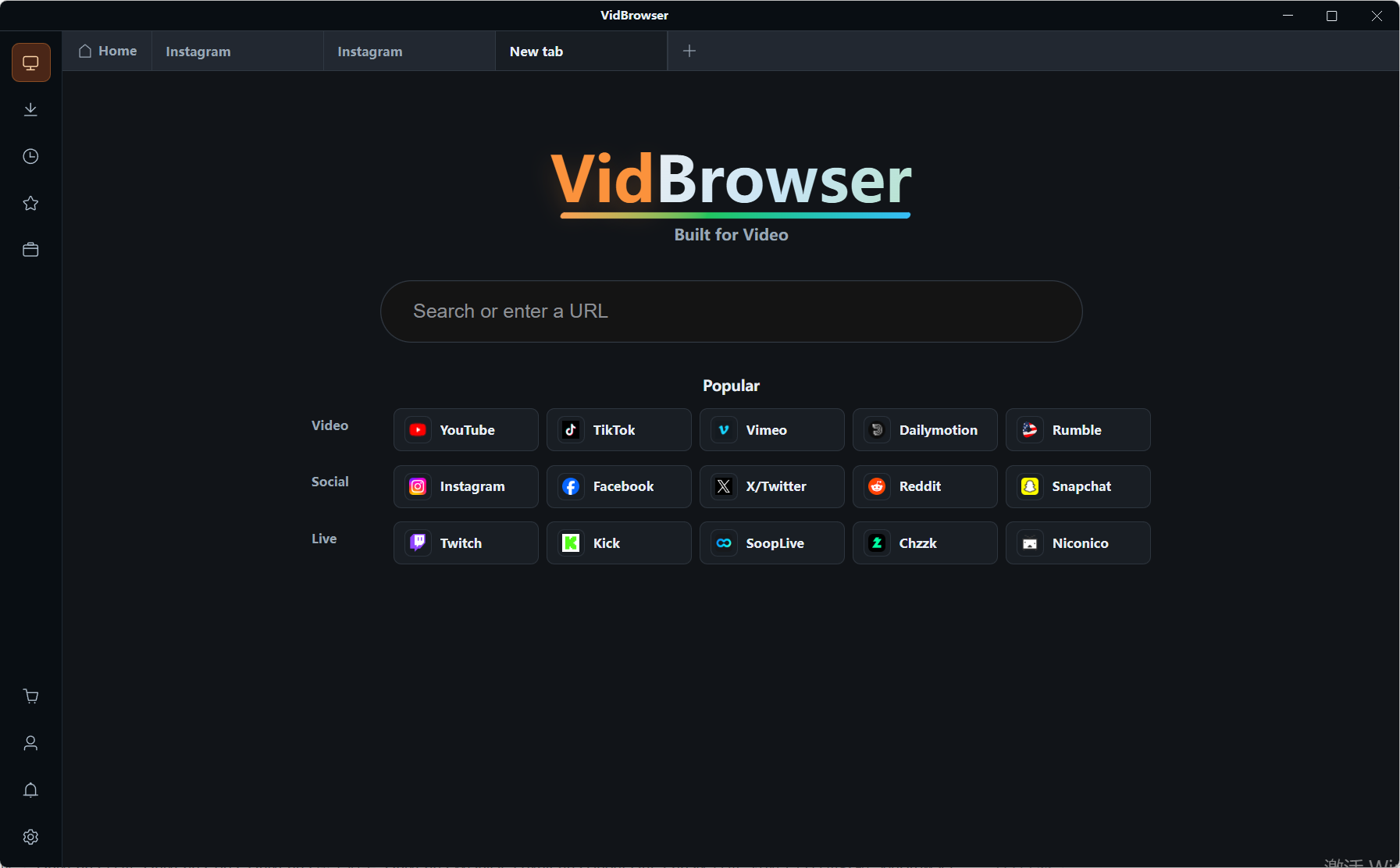
Step 3: Go through the content and list what is worth keeping
Play from oldest to newest; opening a video doubles as screening.
Step 4: Record protected content, download what offers a button
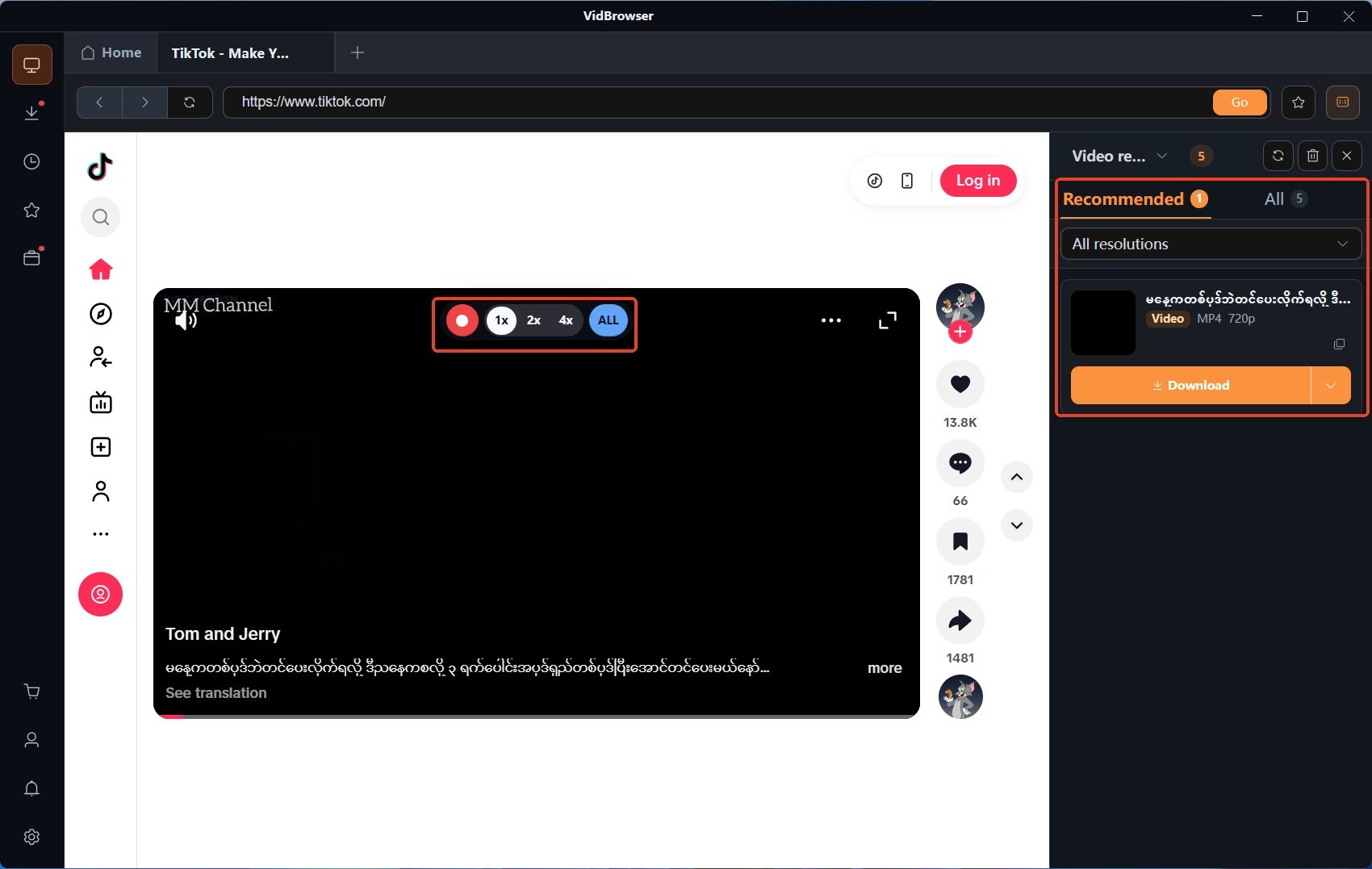
Videos on subscription platforms are mostly copy-protected: moving the mouse over the video overlays recording controls — pick a speed (1x, 2x or 4x), press "Record All" and pause any time; some videos show an orange "Download" button in the video media library panel on the right, one click saves the MP4.
FAQ
Does Patreon take a smaller cut than OnlyFans?
Not a one-line answer: Patreon layers the cut by plan, lower tiers pay less than 20 percent, but processing fees narrow the gap. Test it with your own price on the official fee calculator before committing.
Can all-ages-only content go on OnlyFans or Fansly?
It can be posted, but both audiences expect adult content as the norm; purely all-ages creators fit Patreon better. Running separate accounts beats squeezing everything into one — fan expectations stay clear too.
Can you run all three platforms at once?
Yes, two platforms in parallel is common, but subscriptions do not carry over and content must be posted separately. Lookalike accounts spike during a switch; the three-step verification in the creator moving guide helps you confirm the real profile.


