Half-price stickers do not prove a real cut: check price history, timers and refunds this Black Friday
Black Friday promo pages start stacking the shelves in early November: fifty percent off, limited time, countdown with hours left. People buying video software this week are the most easily swayed by the words "original price" and "back soon", and those are exactly where the water is deepest. In the dedicated Black Friday sweep published by the EU in March 2026, roughly a third of 314 e-commerce sites across 25 countries had labeling problems. The discount rhythm of subscription platforms is covered in the OnlyFans Black Friday calendar; this piece is only about one-time-purchase desktop software: how to check price history, how to debunk a fake countdown, how long to keep the refund window open.
Price history check: the EU wrote the baseline into law
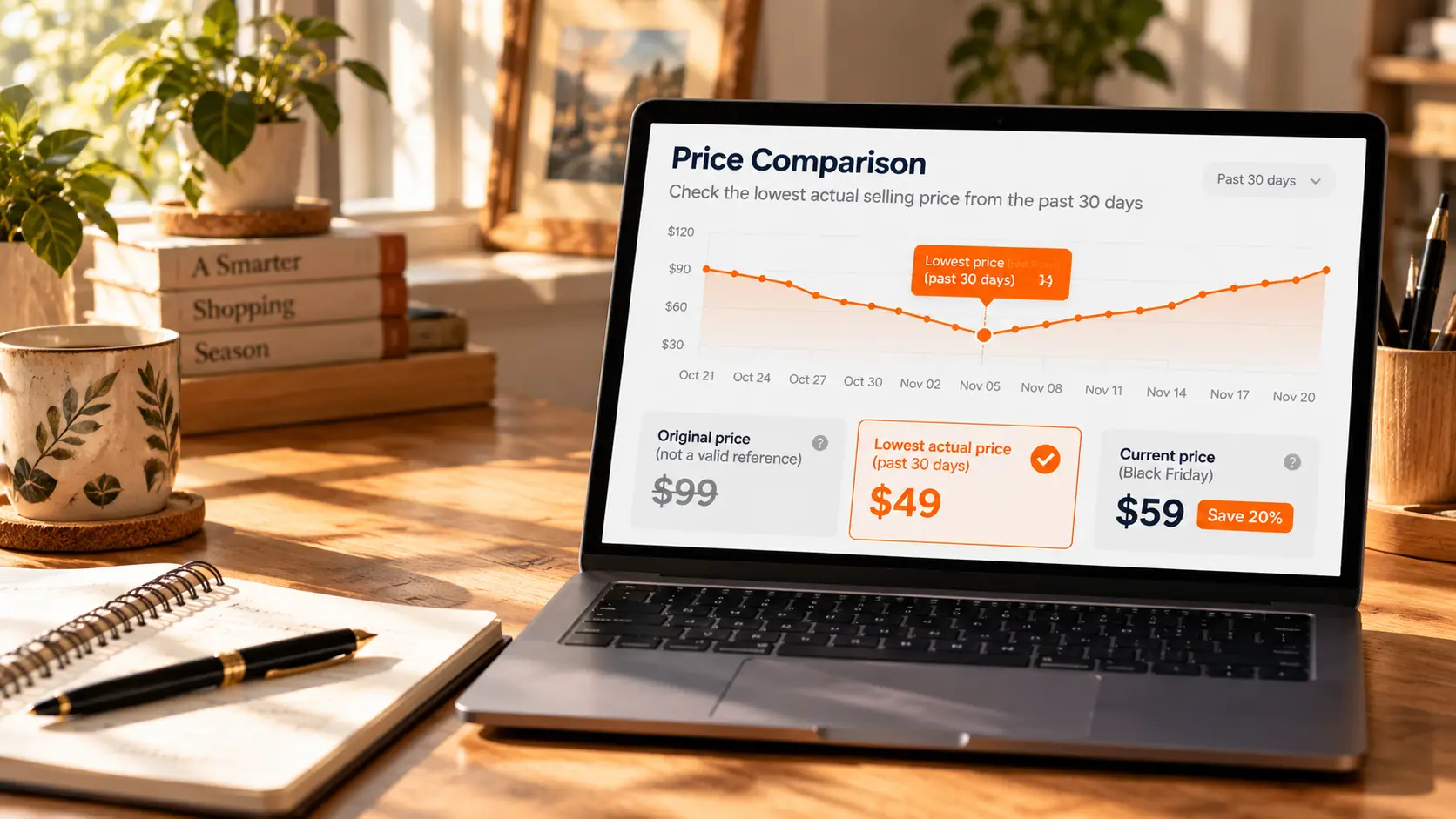
The first yardstick for a genuine cut is the lowest actual selling price of the past 30 days.The EU price indication directive, as amended by Directive 2019/2161, settles it: the reference price for a reduction claim is the lowest actual transaction price within the previous 30 days, not the tag price and not a self-declared recommended price. A 2024 EU court case against Aldi Sued pulled discount percentages into the same baseline, so the fifty percent in "save 50%" also has to be measured against the 30-day low.
Reversed into an action: look at what the software actually sold for over the past month. Desktop software is mostly sold direct on official sites, beyond the reach of price-comparison extensions, and two blunt methods work: use a web archive service to pull historical snapshots of the product page and read the price column, or bookmark the product page a few weeks before the sale and screenshot the price then. On Black Friday itself, whether the "original price" was freshly invented becomes obvious.
Watch for one lawful exception: progressive discounts. A promotion where the price only falls, continuously and without interruption, may keep its reference price at the level before the first cut, and deepening step by step is a compliant play; a price that climbs back to the original and then gets discounted restarts the baseline, and the water hides in the bounce.
The other half of the strikethrough price: four conditions regulators accept as a genuine former price
For a strikethrough price to qualify as the original, it must be real, public, sustained for a while, and recent.The US Federal Trade Commission spells it out in 16 CFR 233.1: the former price must be a genuine, publicly offered price maintained in the regular course of business, not hung up temporarily to set off a discount. The commission once used this example: a pen costing 5 dollars is listed at 10 dollars for a few days, draws no buyers, then drops back to the regular 7.50 dollars while the ad claims "originally 10 dollars" — in the regulatory reading, that is a deceptive price reduction.
A cut so small it means nothing is itself a problem; the document's example is a drop from 10 dollars to 9.99. California goes further and requires the former price to be the prevailing market price within the three months before the ad, or the effective date must be stated. Run the check against these conditions: how long the price stood, whether it was genuinely sold at that level recently, and whether the cut carries any weight.
Three shapes of the fake countdown and one counter-move
A countdown exists to compress hesitation, and it is rarely verified.In the sweep above, about 18 percent of merchants were flagged for pressure tactics, with limited-time claims and countdowns the most common vehicles. Three shapes recur: the looping timer, which resets and springs back to full once it hits zero; the site-wide twin, where unrelated stores display the same "only X hours left" as if sharing one promo template; and the first-visit exclusive, where a "new customer price" comes with a short timer, and revisiting from another device shows the same price with the clock restarted.
The counter-move is not complicated: clear cookies or open an incognito window, revisit, and refresh a couple of times to see whether the countdown resets. Whatever does not survive this handling should be treated as a marketing prop; a genuinely limited offer dares you to come back tomorrow and compare, and that is the more trustworthy one.
The refund window: your way back after a wrong purchase runs on days
However carefully you verify, keep an exit open afterward, and that exit is counted in days.The window varies a lot with the payment method. PayPal's official buyer protection terms state that disputes for items not received must be raised within 180 days of payment; credit card windows are generally shorter, with most issuers operating around 120 days, subject to your card channel's official terms. Digital goods add a layer: many official sites treat an activated serial number as the service being delivered, and their terms carve out no-questions refunds, so it is worth reading the refund clause before ordering.
The window almost always runs from the payment date, so the screenshot evidence has to happen the moment you pay: a full-page screenshot of the promo, the order number, and the "original price" shown at the time. Whether you later go through support or a channel dispute, this set of materials is your evidence. As for whether a discounted price climbs back after it expires — the rules side of that is broken down in the subscription pricing comparison, so it is not repeated here.
Order after verifying, then save the videos you want to keep
When the Black Friday budget lands on video software, decide what you want to keep before matching a plan; if the free tier is enough, there is no need to pay for the flagship. The differences between VidBrowser tiers are laid out in the plans comparison. Once installed, saving takes a few steps:
Step 1: Download and install VidBrowser
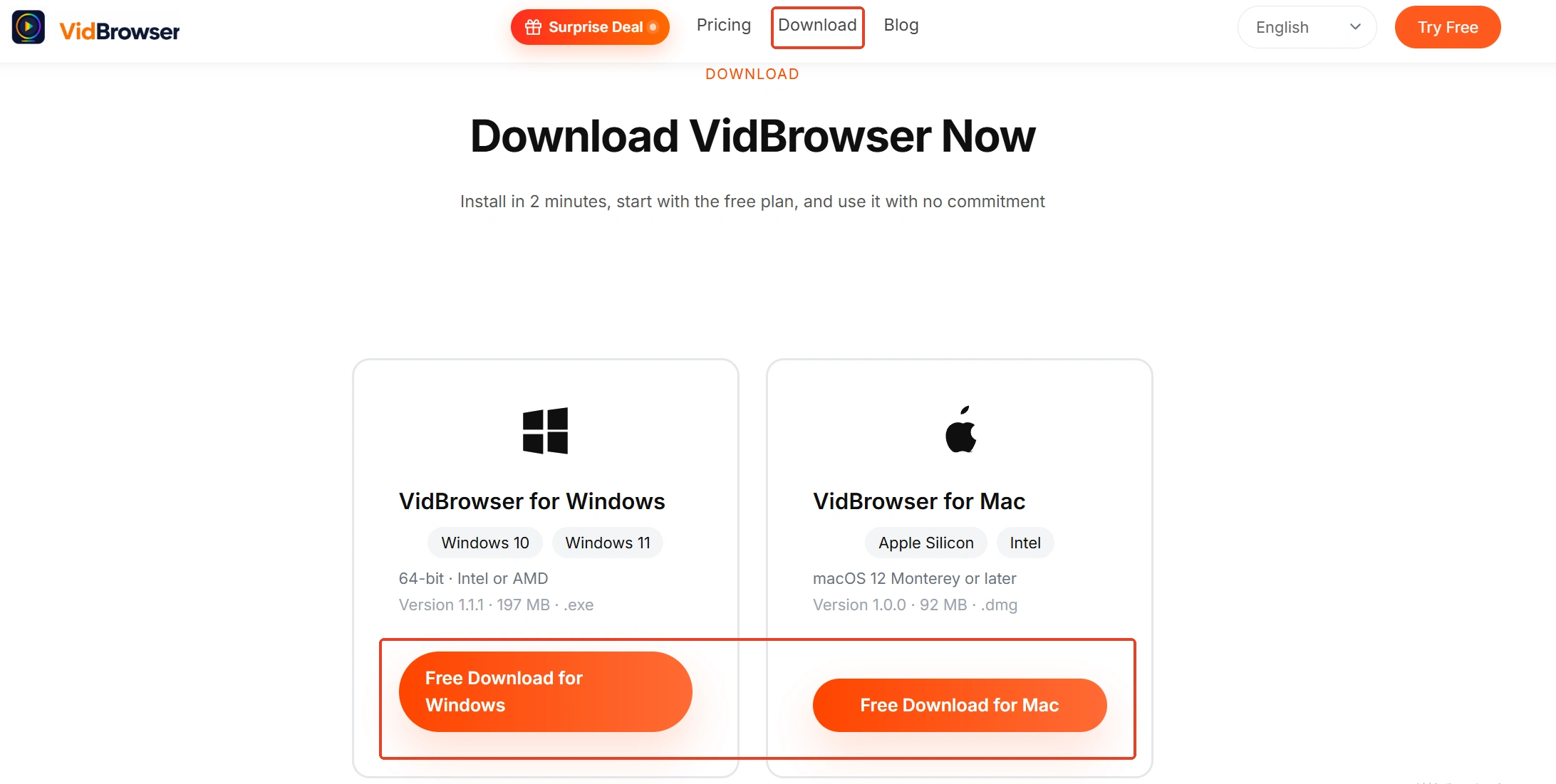
VidBrowser is a desktop video browser for Windows and Mac, built for watching video, trimming segments and saving them locally, with downloading and recording as its two big functions. Installation takes a few minutes.
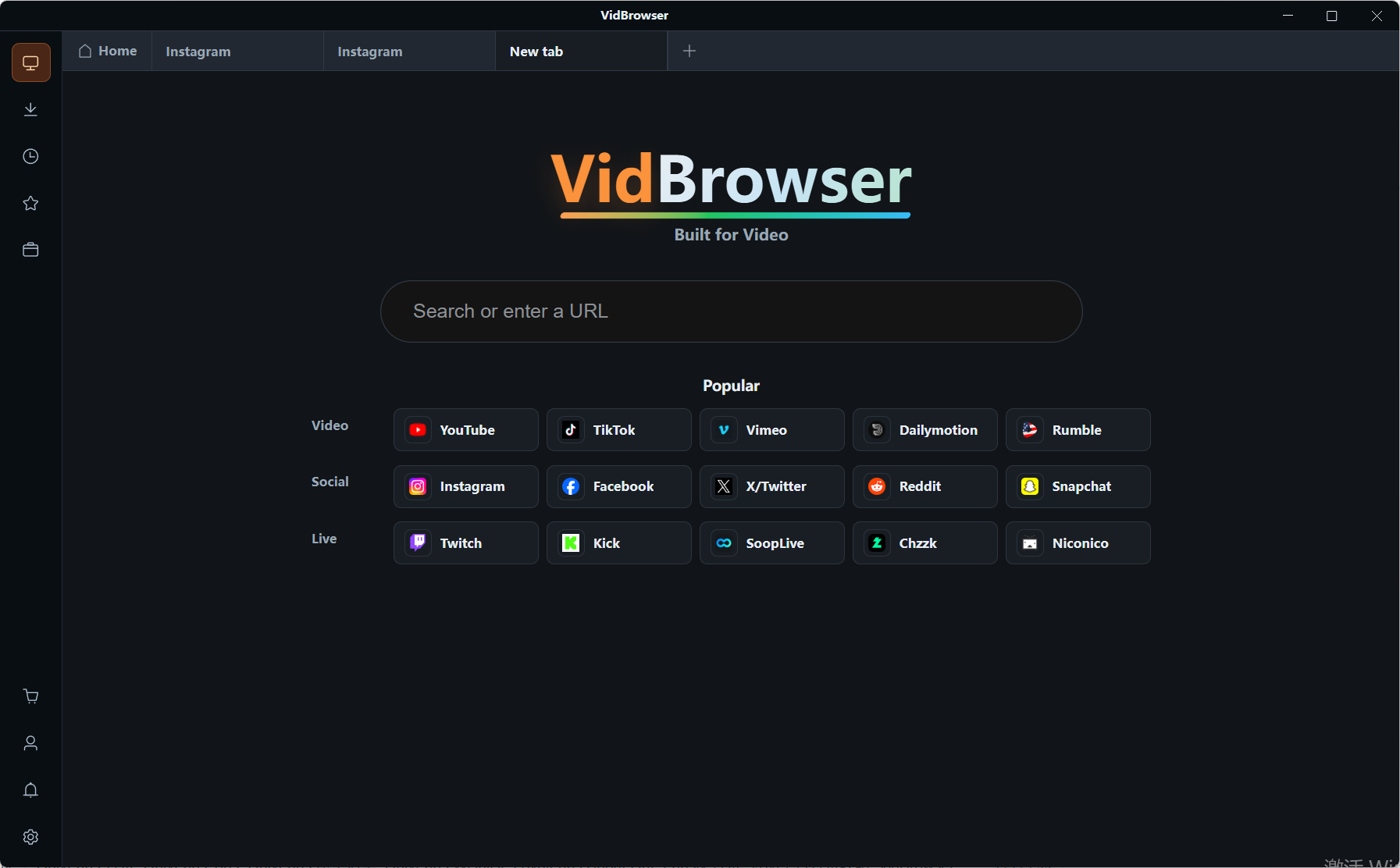
Step 2: Open the page with the video you want
Type the video's address into the URL bar, find the target video and start playing it.
Step 3: If it can be downloaded, download it
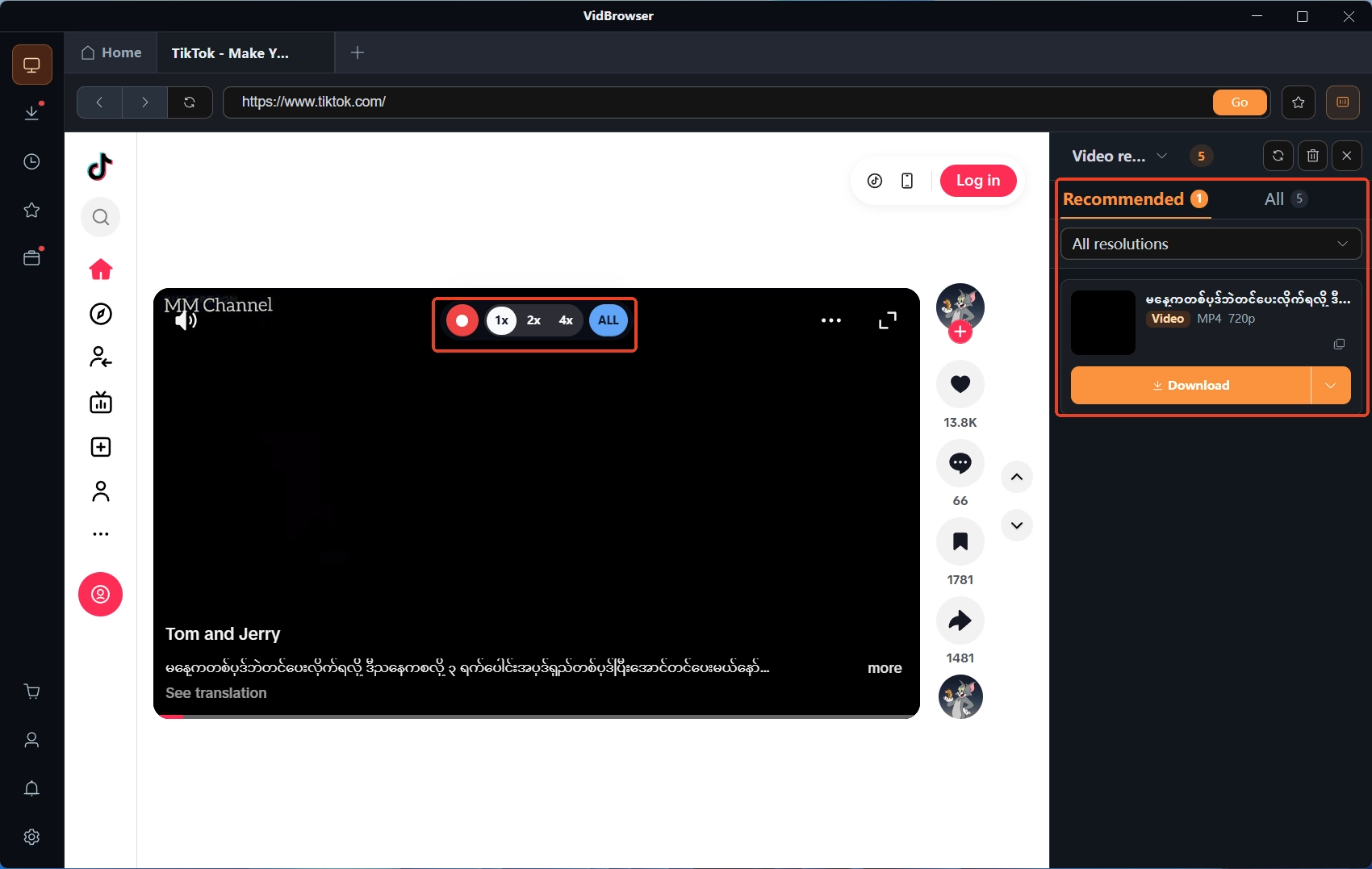
The video media library panel on the right lists the detected video resources, each with an orange download button; when you need a specific quality, pick it in the resolution filter first and then download. Finished tasks stay queryable in the download history on the left.
Step 4: Use recording for protected content
Videos on subscription platforms are mostly protected and a plain download cannot get them, so recording is the reliable way to save: move the mouse over the video and the recording controls overlay appears — choose a recording speed (1x real time, or 2x and 4x to finish faster), click Record All to capture the whole video, and the record button on the left can start or pause at any time. Anything that can play can be recorded.
Wrap-up
Black Friday verification comes down to three things: history price against the 30-day low, strikethrough against the four conditions of real, public, sustained and recent, and the countdown prodded with an incognito revisit. Keep the promo page and order screenshots from the moment of payment; the refund window runs from that date and lapses a step late. Only offers that survive refreshing and can show a price history deserve your order.
FAQ
How do I quickly check a software's price history?
For software sold direct on official sites, use a web archive service to browse historical snapshots and focus on the price column; for marketplace listings, use a comparison tool with price tracking. The thinking is the same: first get what it usually sells for, then look at how much today claims to save.
The countdown ended and the price did not change — does that mean the sale is real?
Not necessarily. A countdown is just a number on the page; when it expires, changing a parameter can restart it. The judgment still returns to price history: the gap between the current price and the lowest actual selling price of the past month is the true size of the discount.
I bought an annual plan on Black Friday and realized I will not use it — can I get a refund?
Read the refund clause in the terms first; plenty of software excludes no-questions refunds for activated serial numbers. Where the terms do not exclude it, start the claim inside the channel's window as soon as possible — PayPal disputes within 180 days, credit cards mostly around 120 days — and the earlier you file, the easier the evidence. Promo page screenshots and the order number are required materials.