Is JustForFans worth it? Three checks to run before you pay
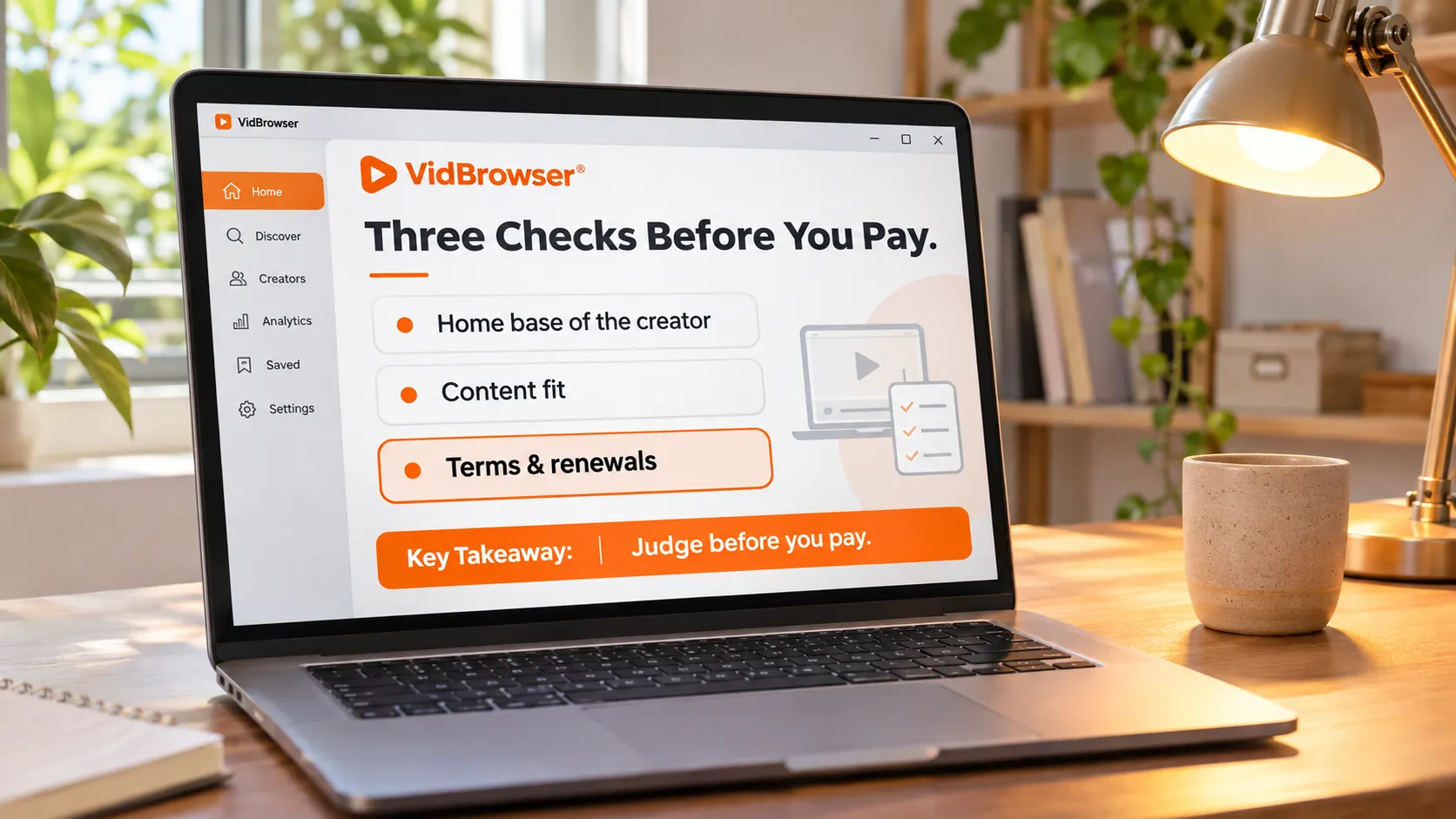
Whether JustForFans is worth subscribing to comes down not to the cut percentage but to three checks you finish before paying: creator home base, content format, and the fine print.Many people are drawn in by talk of a lower platform cut, only to find it barely affects what they pay — the subscription price is set by the creator, and the platform cut changes how much the creator invests. What actually decides whether this month's fee is worth it is the three things below.
First check: does the creator treat JustForFans as home base
How much a creator invests in JFF is written right into its cut structure.Standard creators keep 80%, and creators who go exclusive (no other subscription platform) keep 85% on tips, store and DM income — the details are already broken down in the JustForFans beginner guide, so one line here is enough. For subscribers the cut does not change your bill; it changes the quality of operations: creators who treat JFF as home base update more often and reply faster, exclusive ones especially.
There is also a positioning difference that gets overlooked: JFF has been running since 2018 and its community is built around gay and queer creators — the official JustForFans homepage, its categories, live list and free preview pages are all organized around that ecosystem. If the creator you follow happens to run their home base here, that ecosystem is a plus; if you are subscribing on a whim, think about the fit before the monthly charge.
Second check: does the content format match how you consume
JFF leans toward video and per-item purchases, a different consumption style from image-and-text platforms.A subscription unlocks the creator's timeline updates; when you do not want a monthly plan, videos in the store can be bought individually, each priced by the creator. One store detail deserves attention: some videos are marked downloadable, others streaming-only — read the label before buying, it directly decides whether the item can stay on your device later.
Discovery is also a JFF strength: on-site category browsing, a complete creator list and free preview pages all work directly, smoother than platforms where you find people through external links. The weakness is just as clear — no mobile app, so mobile relies on the browser; livestreams and PPV streams are a separate content format, covered in the JFF livestream and PPV saving article, not repeated here.
Third check: read three pieces of fine print before paying
Three details in the subscription mechanics matter more to the long run than the price itself.Going through them one by one:
- Tiers: plenty of explainers call JFF single-tier; the official help center's tier article actually says a profile can carry multiple tiers and subscribers can move between them — glance at how many tiers a profile has before subscribing, and do not conclude from old impressions.
- Price-hike protection: when a creator raises prices, existing subscribers keep their old price until they cancel. If you plan to follow a creator long term, the earlier you subscribe the better the deal.
- Refunds and renewal: the official terms state no refunds, and auto-renewal is on by default. Planning to try one month? Turn off auto-renew right after subscribing; access lasts to the end of the current billing period and you will not be charged extra.
Cancellation lives in subscription management inside account settings, same as mainstream platforms. Payments run through Visa and Mastercard with a discreet billing descriptor, no platform name on the statement. Put together, the terms lean subscriber-friendly: price-hike protection has your back, and the main risk is the single failure of forgetting to cancel.
Worth it or hold off — match your case
Once the three checks are done the conclusion surfaces on its own; compare the two lists.Cases worth a subscription:
- The creator you follow treats JFF as home base — exclusive, or their main long-running update channel;
- Your taste fits the community positioning, and the on-site categories surface creators you actually like;
- You only want an occasional single video — buying it in the store beats a monthly plan.
Cases to hold off on a monthly plan:
- The creator updates on several platforms at once and what you want is the latest drops — follow whichever updates more often;
- You came for one specific video — buy that one, no need to bind a whole month;
- You care about refund flexibility and a mobile app experience — both are JFF weak spots.
Undecided? Look at the free preview page and the update frequency first, then decide where the monthly fee goes. The trade-off logic against OnlyFans is broken down in the JustForFans vs OnlyFans article; the two conclusions work together.
Worth subscribing also means keeping it: save the videos you love
Subscription lapses, creator deletions or account closures wipe history out — a subscription is only worth it if what you truly like gets saved.For store items marked downloadable, use the platform's own download first; for streaming-only items, use the VidBrowser video downloader desktop suite, and the steps take only a few:
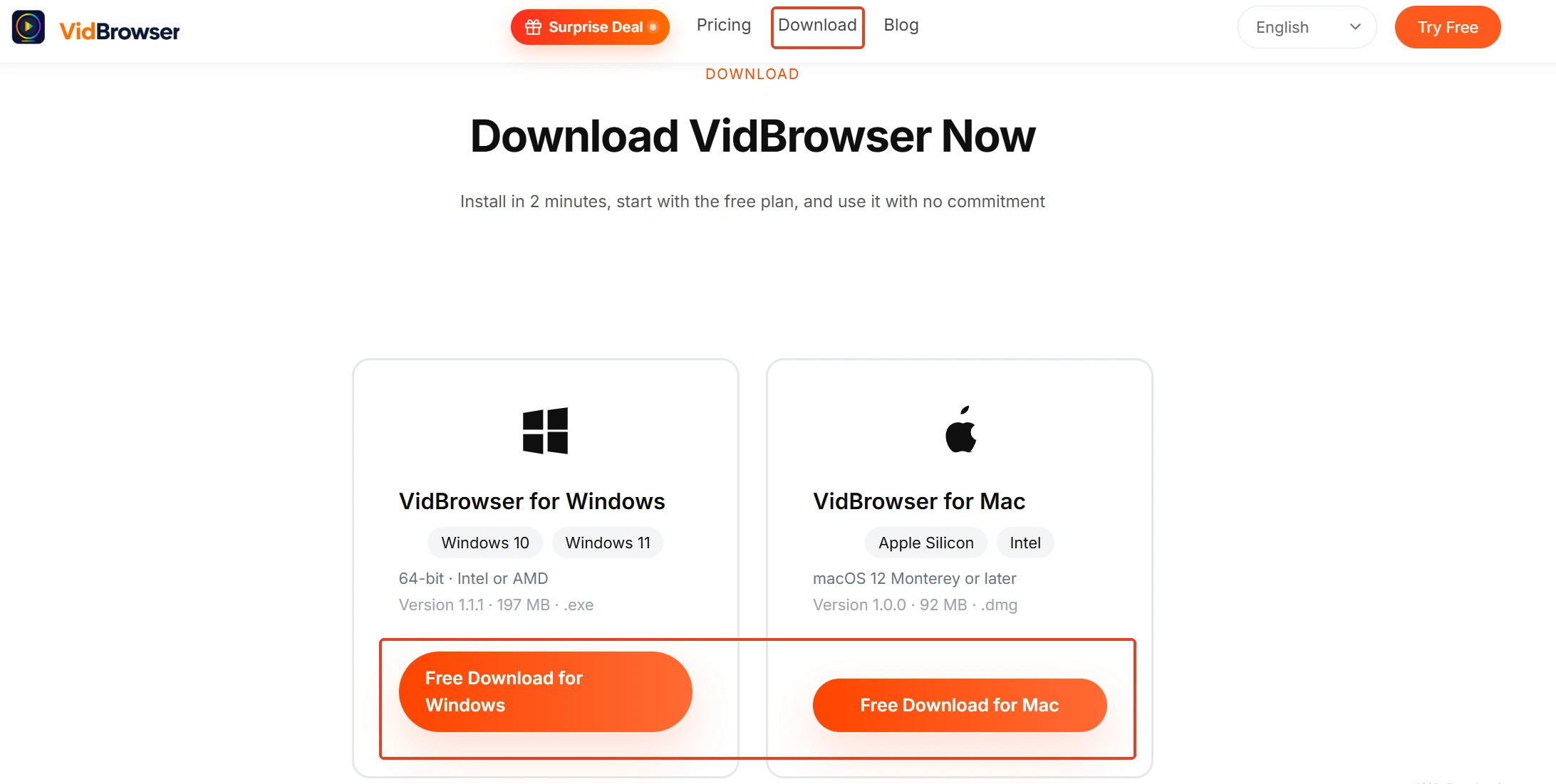
Step 1: Download and install VidBrowser
VidBrowser is a desktop video browser for Windows and Mac, built for watching videos, clipping segments and saving them locally, with download and recording as its two main functions. Installation takes minutes.
Step 2: Open JustForFans in VidBrowser and log in
Visit justfor.fans and log in with your own account; your subscriptions and purchases behave exactly as they do in a normal browser.
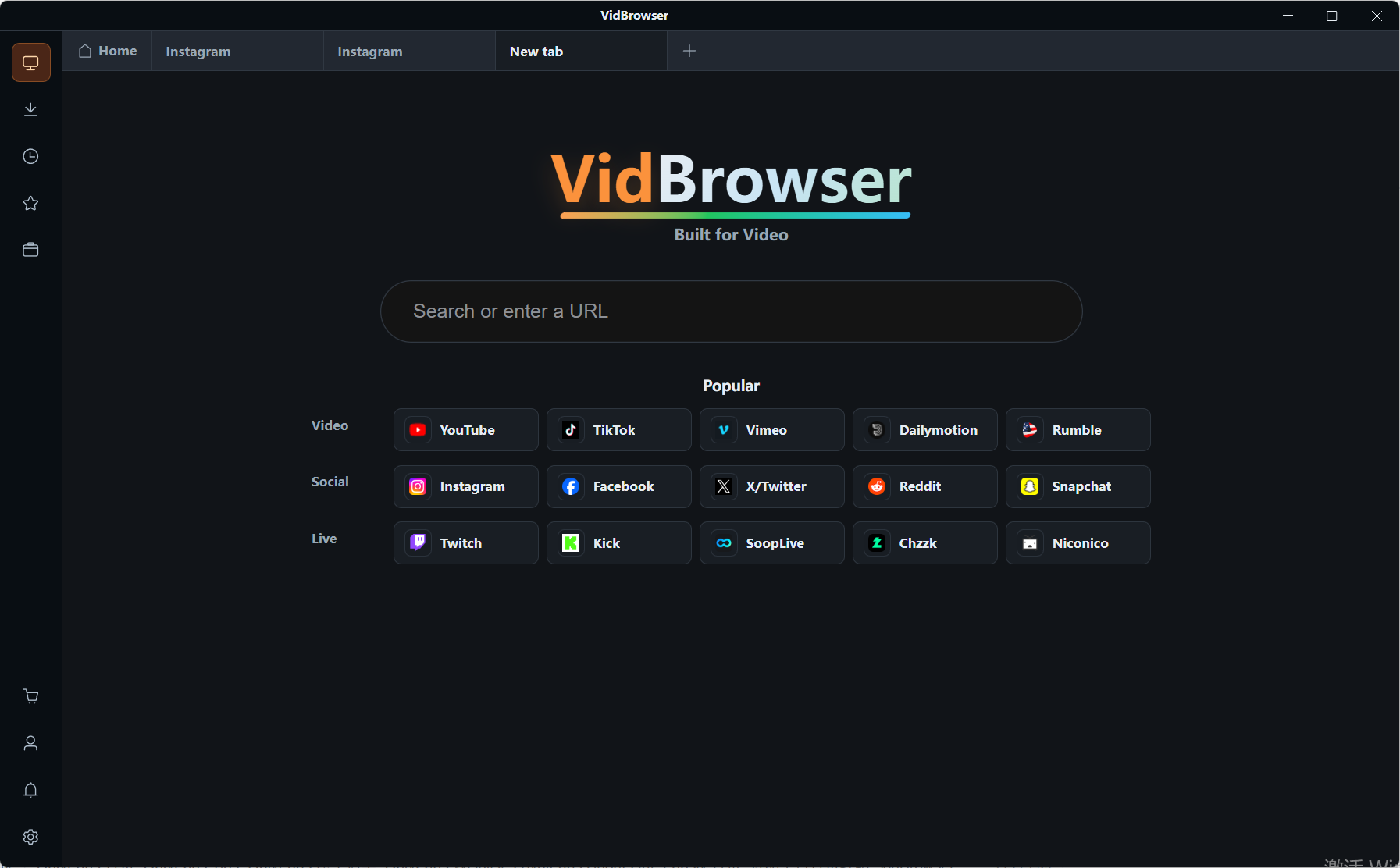
Step 3: Play the video you want to keep
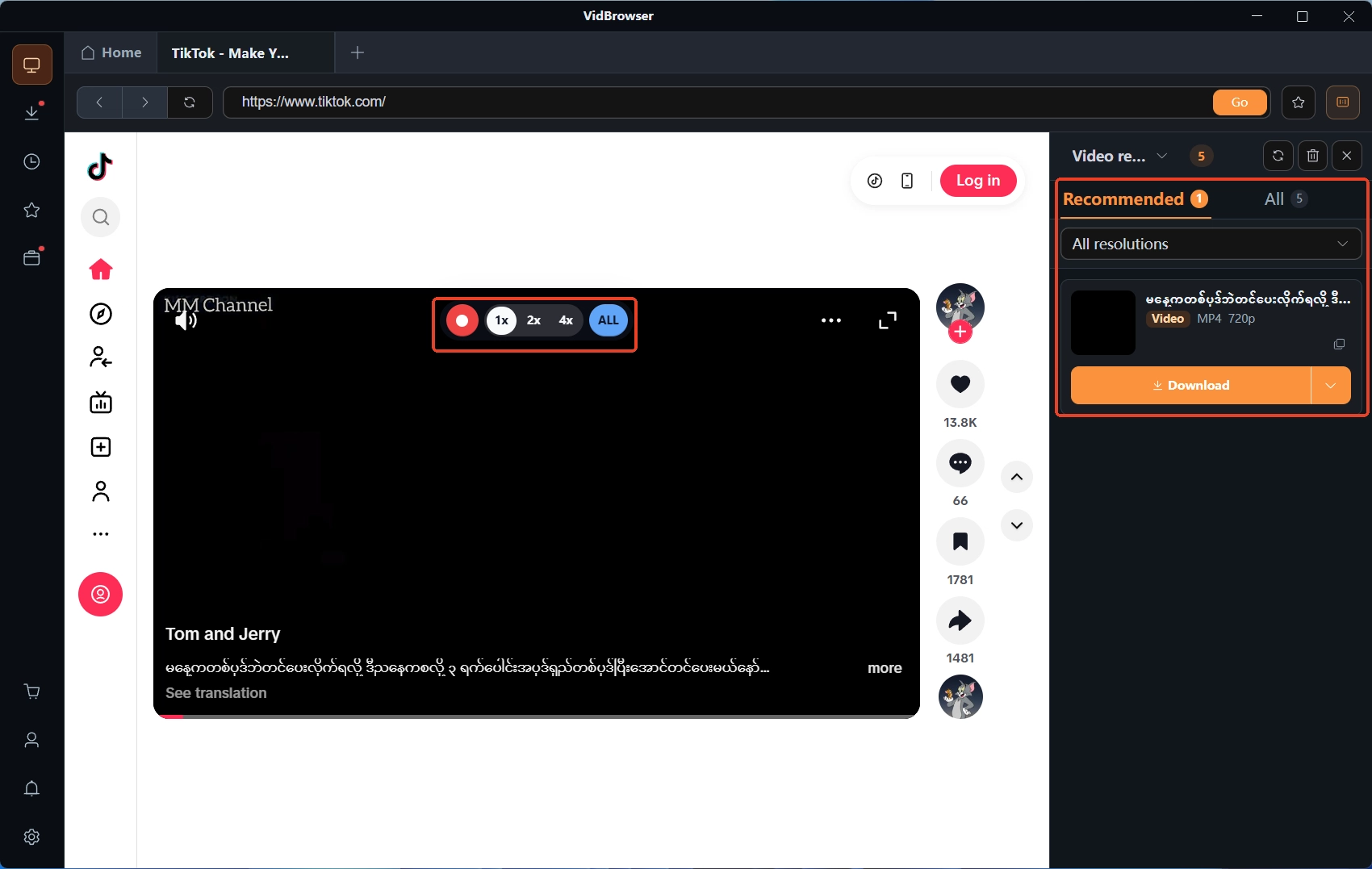
Open the subscribed content or the store video you bought, let it play for a few seconds, and the detected resources list themselves in the Video Library panel on the right.
Step 4: Use recording for protected content (the first choice)
Videos on subscription platforms like JFF are mostly copyright-protected and ordinary download tools cannot grab them; recording is the most reliable way to save: move the mouse over the video and a recording overlay appears — pick a recording speed (1x real time, 2x or 4x to finish faster), click Record All to capture the whole video, and the record button on the left can start or pause at any time. If a video can be downloaded directly, entries with the orange Download button in the panel save as MP4 in one click.
Step 5: Confirm in download history
The clock icon in the left navigation opens the download history; confirm the file name, size and status are all complete — whatever the page does later, your local copy stays.
Wrapping up
Whether JFF is worth subscribing has no single answer: creator home base, content format fit, acceptable terms — when all three line up, a monthly plan is worth it; if you are coming for one or two videos, buying them in the store is the better deal. Remember to turn off auto-renew and read the store's download labels before subscribing; after subscribing, save the videos you truly love while access lasts, and the money is well spent.
Frequently asked questions
Can I cancel a JFF subscription anytime
Yes. Cancel in subscription management inside account settings; auto-renewal stops and access lasts to the end of the current billing period. Auto-renewal is on by default — if you plan to try one month, turn it off right after subscribing.
Does JFF offer refunds
The official terms state no refunds. So check the free preview page and the update frequency before paying, and settle your hesitation before the charge.
JFF vs OnlyFans: how to choose
Follow whichever platform the creators you like update on: neither platform's cut affects your bill; the differences lie in community positioning and feature format — see the comparison article for the item-by-item breakdown.