Want to rewatch a Nico live stream? Check how long timeshift keeps it
You are following a live stream on Nico, the streamer says goodbye, the screen goes dark, and you wonder if that session is gone for good. Do not jump to conclusions. Niconico has a replay system that is rare among platforms: officially it is called Timeshift, and it gives a ended broadcast one more chance to be watched. The rules around this window are particular: when you can enter and how long it lasts are decided one program at a time. Get the rules straight first, then decide how to keep the sessions you care about on your own disk.
Nico live replays have an official name: Timeshift
Whether a live stream can be watched again after it ends depends on whether that program has Timeshift enabled.According to the Niconico help center page on Timeshift, user streams, official streams and channel streams can all be replayed while they remain in their public period, and the same page notes that some programs do not support the feature at all. In other words, replays are not a platform default but something granted program by program, which is a different logic from regular videos that simply stay online once published.
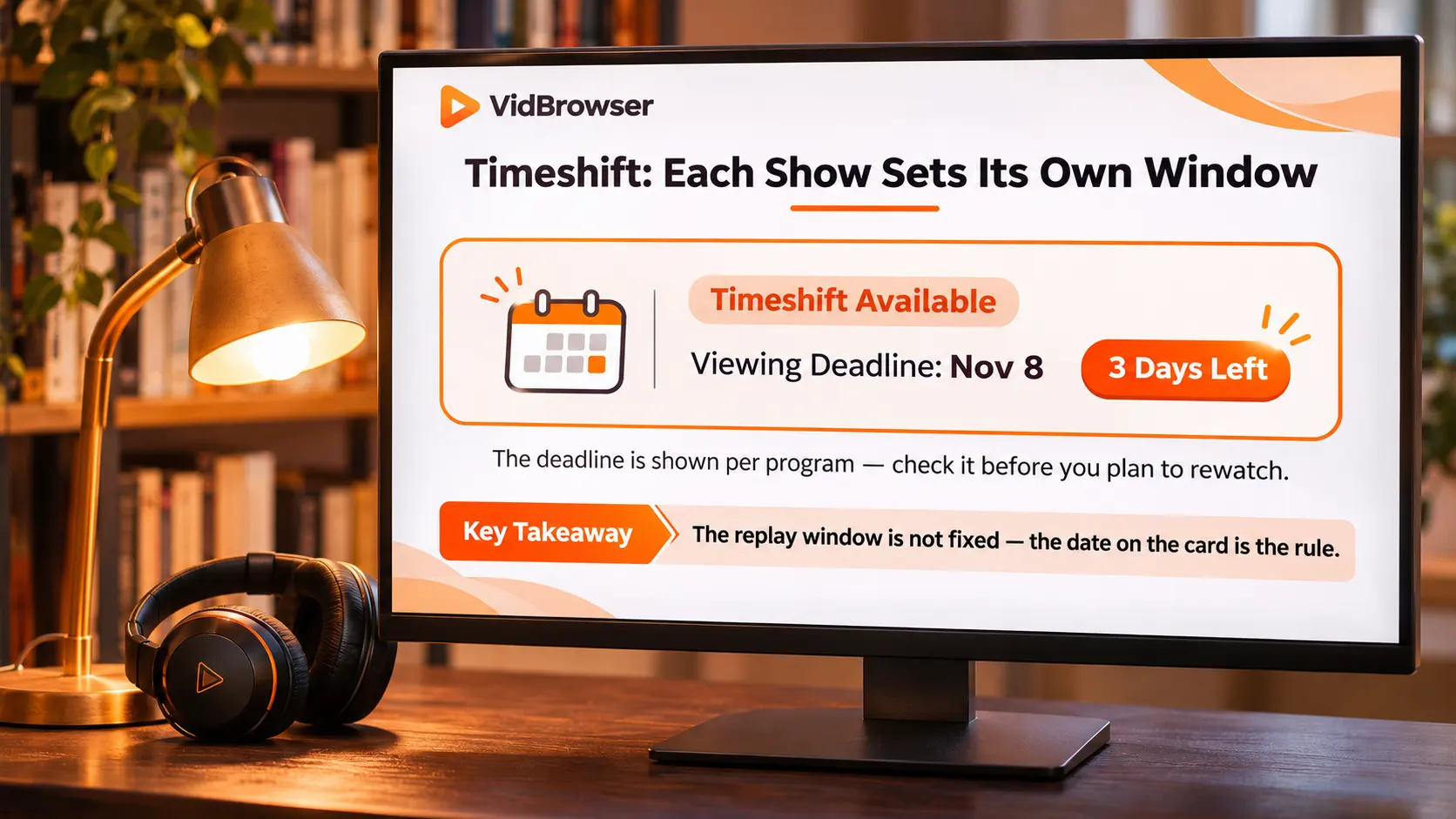
Do not memorize one deadline: public period and viewing limit are shown per program
Niconico publishes no unified replay length; each program gets its own window.The official FAQ splits the idea into two concepts, the public period and the viewing limit, managed separately. Both the Timeshift booking page and the viewing page show the limits for that program, and when you are unsure you go back to the program page to read the displayed value instead of borrowing another session's numbers. Twitch viewers at least have a uniform default to remember, and the mechanics are covered in our piece on why replays disappear. Nico does not even give you that baseline, so the displayed value is the only one that counts.
The booking step has hard rules too. Timeshift must be booked before the stream starts or while it is live, and the official text is explicit: free members cannot book during the broadcast or in the 30 minutes after it ends, while premium members can book after the stream, inside the public period. The booking list capacity differs as well, 10 slots for free members and 100 for premium. Inside a replay the chat overlay still scrolls, but you cannot post, and playback speed can be adjusted, up to 1.25x for regular members and 2x for premium, which helps on long sessions.
When the window closes the replay leaves, so save inside it
Once the period is over, the program page no longer offers a way to watch.The deadline is a hard line: when the public period passes, the Timeshift entry leaves the program page, and anything you did not book or finish is gone. Add that some programs never open Timeshift in the first place, and being able to replay at all is already a per-program privilege. On TikTok viewers have no replay entry at all, while Nico has a window with an expiry; the conclusion is the same on both sides, sessions worth keeping should be saved while the window is open, as laid out in our piece on saving live streams.
Two boundaries first: chat stays out of the file, reposting crosses the line
What you save is a clean video stream; chat and copyright are two separate ledgers.Comments are overlay data stacked on the picture during playback and exist independently of the video file, which we already covered in the piece on saving Niconico videos. On the copyright side, keeping a session for personal offline viewing sits within personal use, while reposting, redistributing or commercial use crosses the line, as summarized in our piece on the legal boundaries of downloading. Paid programs carry one more precondition: your right to save comes from the access you already have.
Record during the stream, catch up in the replay: two saving paths
A live stream has two saving windows with different actions: record the real-time stream while it is live, then do a catch-up round during the replay period.Both paths run on VidBrowser, a desktop video browser with built-in download and recording, and the official site has the installer.
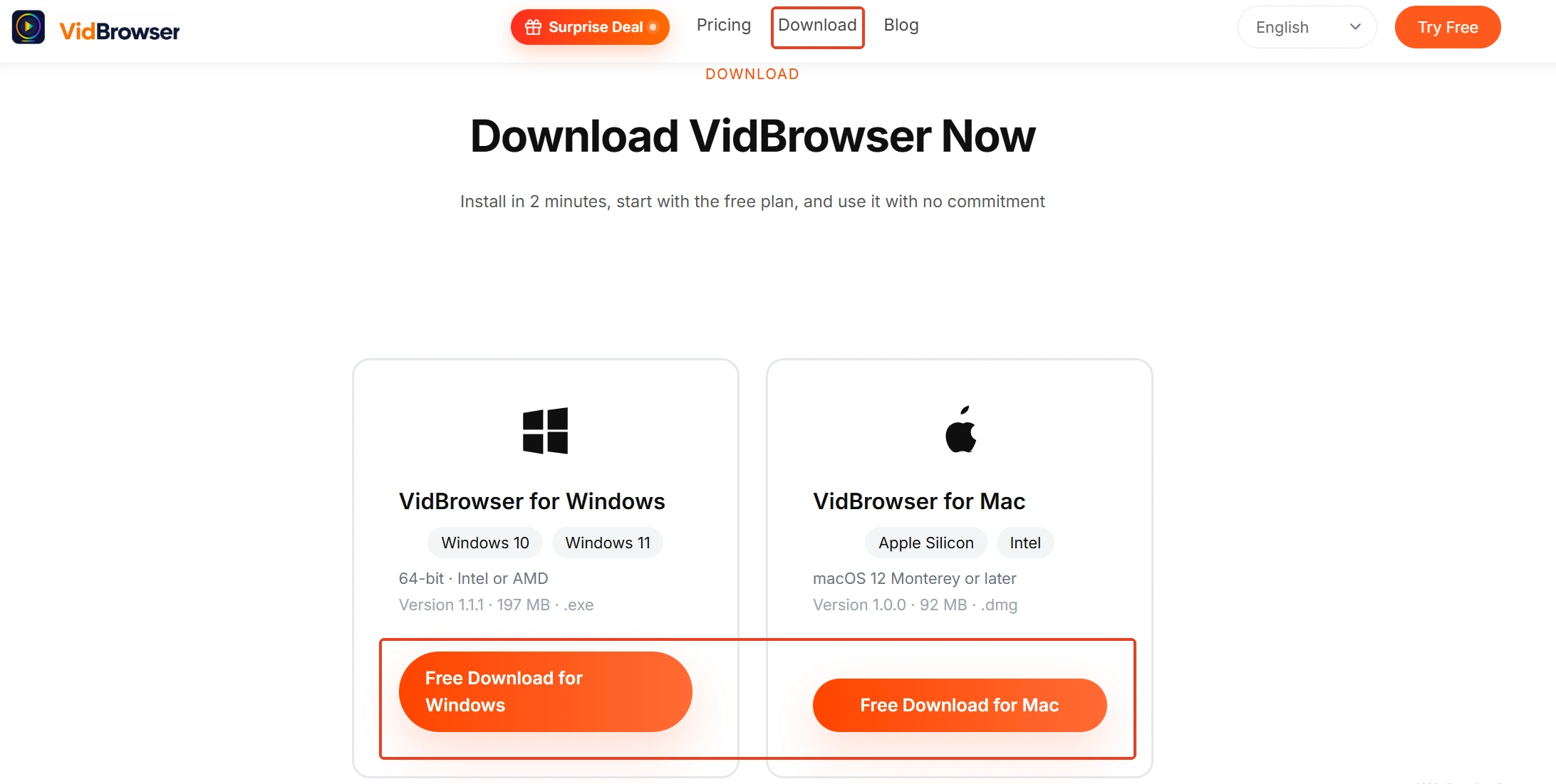
Step 1: Download and install VidBrowser
VidBrowser is a desktop video browser for Windows and Mac that watches videos, clips segments and saves them locally, with download and recording built in, and installation takes a few minutes.
Step 2: Open the Nico stream and sign in
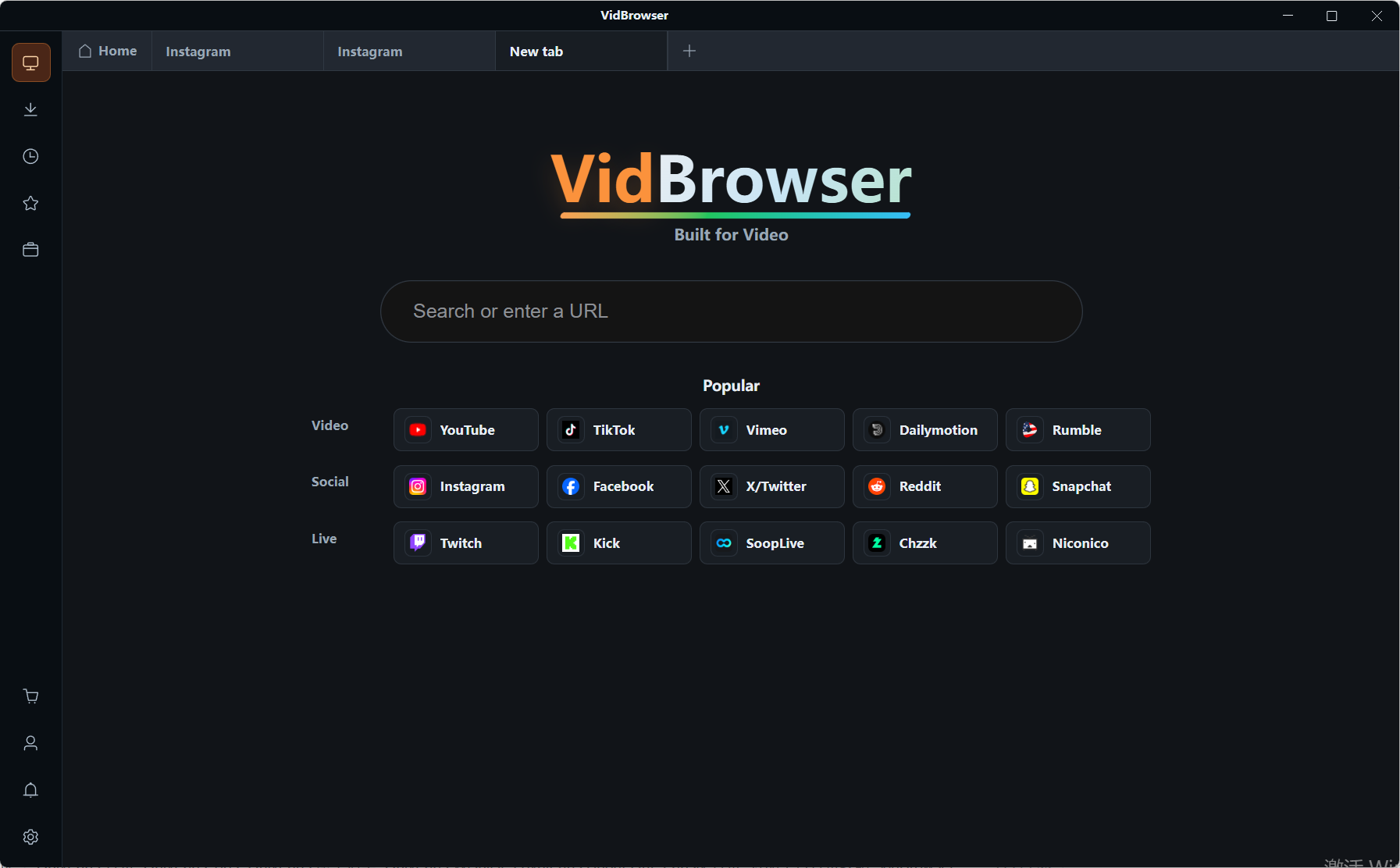
Visit nicovideo.jp inside VidBrowser, sign in with your own account and open the program page of the stream you want. Book the Timeshift right here as well, rather than remembering it after the stream has ended.
Step 3: While it is live, record the real-time stream
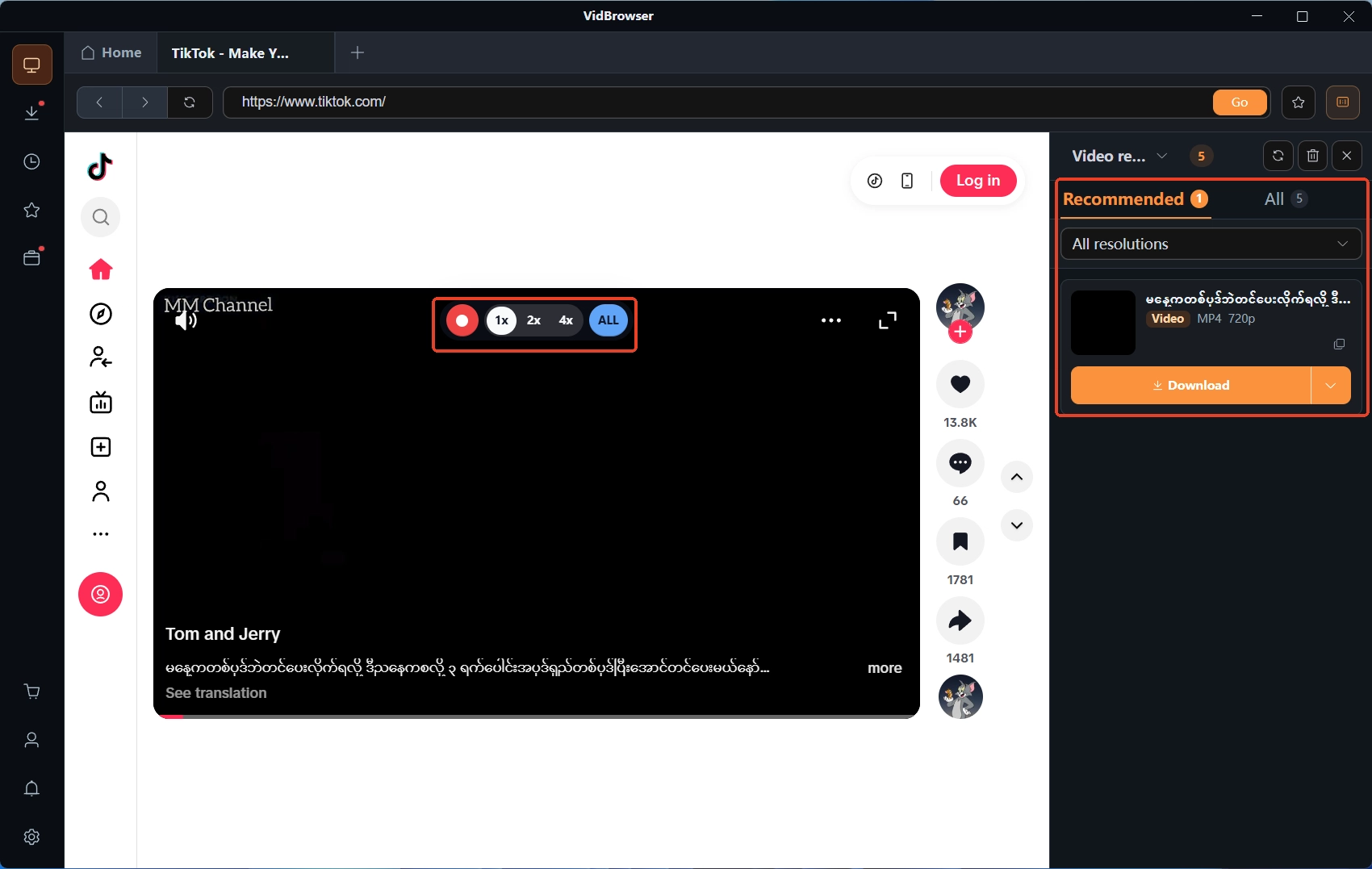
A live broadcast is a real-time stream with no file to download, so recording is the path while it is on air. Move the mouse over the video and the record controls stack onto the picture: the rate runs from 1x real time up through 2x to 4x, each step faster to finish, press record all to capture from the top of the session, and the record button on the left side of the picture stops it whenever needed.
Step 4: In the replay period, catch up; regular uploads download directly
After the stream ends, open the Timeshift replay page and record the same way to fill in whatever you missed live. If the session later becomes a regular upload, the video media library panel on the right lists the detected entries, each with an orange download button that saves it as MP4, and you can filter by resolution first to pick the tier you want.
Step 5: Confirm the files in download history
The download history in the left navigation lists the file name, progress, status and save location of every task, so files from both windows can be checked in one place.
Summary
A Nico live replay does not rely on luck, it relies on the Timeshift, and the Timeshift window is displayed per program with booking limits for free members on top. Record the live as a base, do a catch-up round early in the replay period, and do not wait for the window to close on the sessions worth keeping.
FAQ
Where exactly is the Timeshift deadline shown?
In two places: the confirmation page when you book the Timeshift, and the program page while watching the replay, and the official FAQ says the displayed values are authoritative. There is no unified retention number, so what another session shows has nothing to do with yours.
Can I watch Timeshift replays in a mobile browser?
No. The official notes state that on mobile, Timeshift replays must be watched in the official Niconico app, mobile browsers do not support the feature, and some programs may not play their replays in the mobile app either. A desktop browser is the steadier choice when you want to catch up calmly and record.
Can I keep the chat comments together with the video?
What you download is a clean video stream and the comments are not part of it; comments are an overlay layer drawn during playback and they keep scrolling in replays. To keep them you would record the screen while the replay plays, at the cost of recorded quality being below the original stream, so choose based on your need.