RedGifs not loading? The link is rarely the thing that breaks
RedGifs is one of the most common GIF host sites on Reddit. Pages look like looping GIFs but actually play sound-carrying video files. When a link opens into a white screen, an endless spinner or a black player, don't rush to blame the link — this site stacks three gates most sites don't have: age confirmation, regional rules and the embed environment. Same symptom, very different cause.
RedGifs not loading? Split the two sides first before touching anything
The first move is not refreshing but a split test: copy the link out of the Reddit or forum page and open it straight in the address bar.If the direct link plays, the problem sits in the embed — Reddit's player and the RedGifs site run on two different integration paths, a difference we broke down in how to save RedGifs videos; RedGifs' official account also notes that some Reddit embed failures come from Reddit's side of the handling, not from the host. Only when the direct link fails too should you move on to the browser and network.
The shape of the link is worth a look too: on-site pages start with redgifs.com/watch/, embeds use the v.redgifs.com domain, and old half-formed links tend to hang on loading — grab a complete link from another source before judging.

The age gate keeps popping back: the session is not being kept
RedGifs hosts adult content, so entry starts with an age check, and that record lives in the site's session data.Troubleshooting guides have logged the classic symptom: confirm, refresh, confirm again — that usually means the session data is not being kept, not that the video or page broke. The fix follows from it: don't let the browser block redgifs.com cookies wholesale; allow the site data it needs so the confirmation survives a refresh, and know that clearing site data every time is the same as shutting that gate again yourself.
Whole site turns lite or blank: check the regional rules
Another white-screen source has nothing to do with your device: regional rules at work.The UK's Online Safety Act, in force since 2025, made age verification a legal duty for adult sites, and RedGifs responds to UK visitors by redirecting to a trimmed Lite version or showing a blank page; a third-party guide lists "redirect to Lite or blank" as a typical regional block. This layer differs from the ones before: it is not a fault, it is an access rule. The tell is easy — behavior changes sharply across regions; what works is completing the verification the page asks for, and neither refreshing nor switching devices changes the outcome.
Black screen with sound, endless spinner: it lands on the rendering side
Sound with a fully black frame points at the browser's hardware acceleration and graphics driver pairing; our downloaded-video black screen fix covers that whole line, so we won't repeat it here. An endless spinner is the other family: embed players lean on cross-site cookies and scripts, and tightened cross-site limits leave them spinning — the Patreon not-playing walkthrough took that mechanism apart. What is special to RedGifs is that both symptoms get misread as "the link broke" — run one direct open first to split the two sides, then decide which side to fix.
Once playback is back, keep the clips you want
When the check is done and the picture is stable, saving takes a few moves:
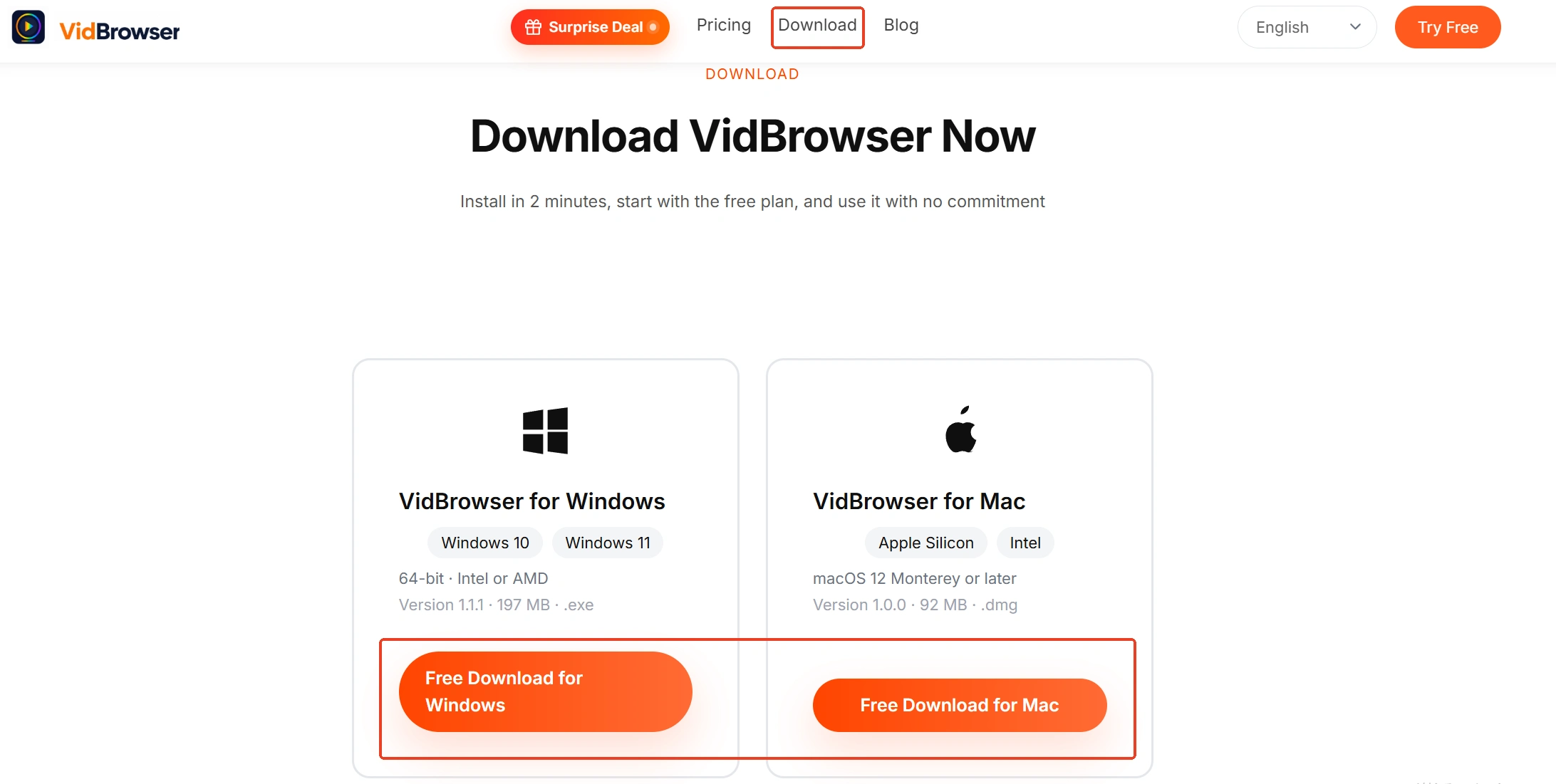
Step 1: Download and install VidBrowser
The install lives on the VidBrowser video downloader page, a desktop video browser for Windows and Mac to watch clips, cut segments and keep them locally, with download and recording as its two main functions.
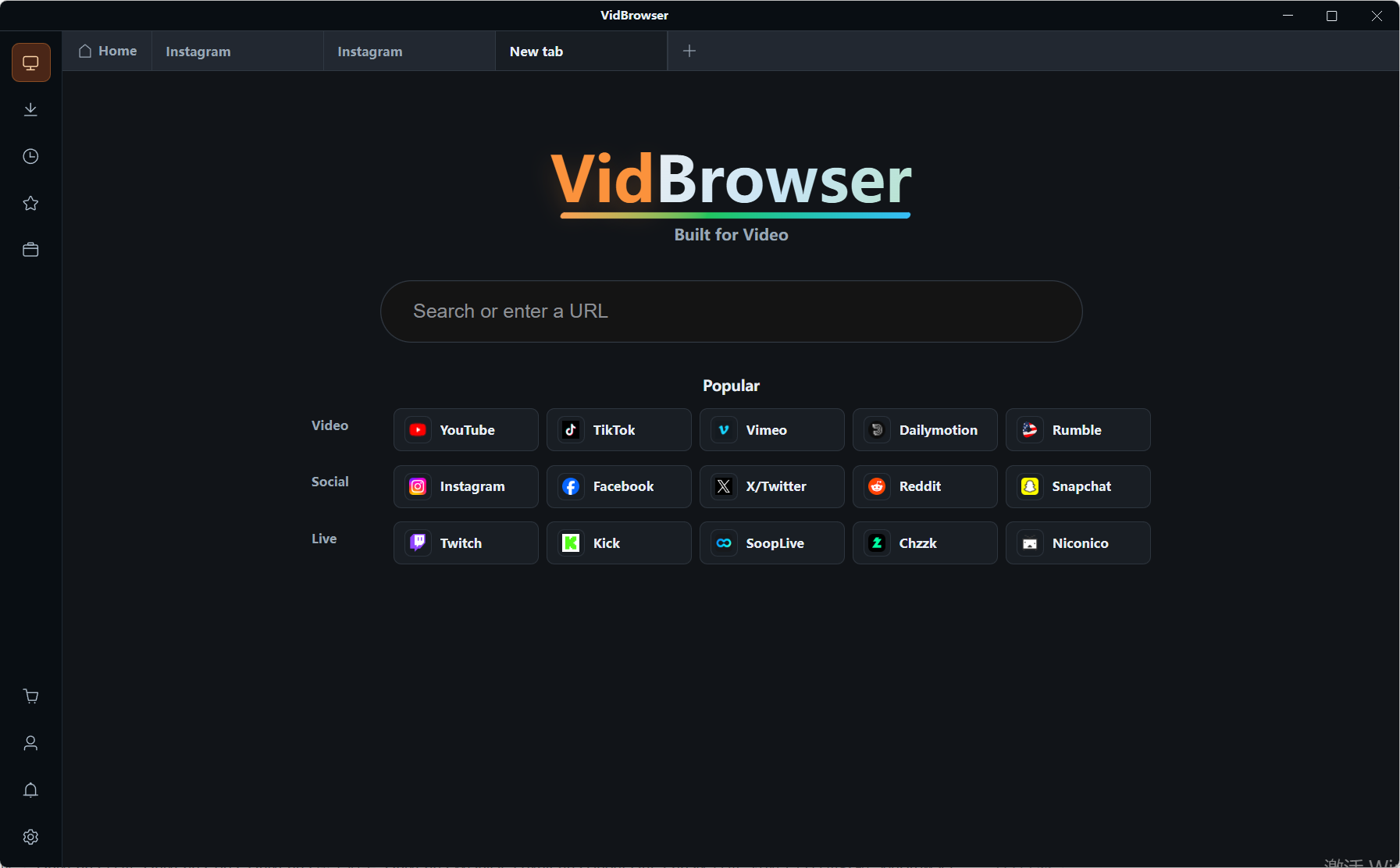
Step 2: Open the RedGifs page inside VidBrowser
Paste the redgifs.com/watch/ link into the address bar, get through the age check to the page you want, and confirm playback is normal before saving.
Step 3: Save with the download button
The "video media library" panel on the right lists detected videos, each entry with an orange "Download" button for one-click saving; you can also filter by resolution first and pick a spec before downloading.
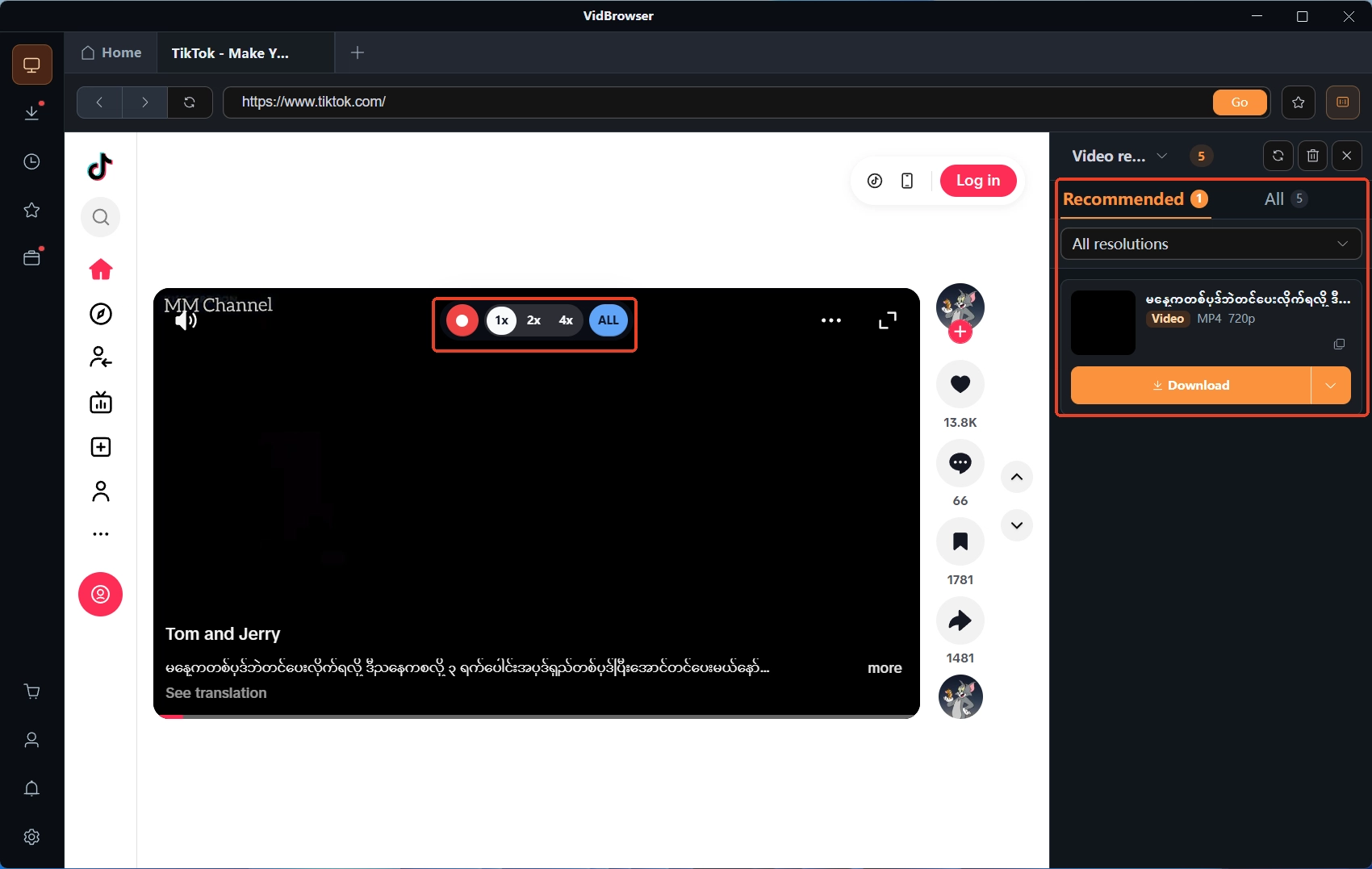
Step 4: Fall back to recording when download fails
Hover over the video and the recording controls appear on top — pick a recording speed (1x real time, 2x or 4x to finish faster), hit "Record all" to capture the whole video, and the record button on the left can start or pause anytime. Download progress and finished files live in the left "Download history".
Like content uploaded straight to Reddit, GIFs posted publicly on RedGifs fall within personal offline keeping; re-uploading or reposting is a different matter.
Summary
The starting point for a RedGifs outage is splitting the two sides: open the source link directly, keep embed-side problems on the host platform, and for site-side issues walk the three platform gates in order — the age-gate session, the regional Lite version and blank page, and the rendering side's black screen and spinner. Once it plays and you want a copy, both the media library download and recording routes work.
FAQ
It fails inside Reddit but opens on the RedGifs site itself — which side is broken?
The embed side. The embed player and the main site take different paths, and RedGifs itself notes some Reddit embed failures sit with Reddit. Update the host app or use the source page directly; stop refreshing thumbnails.
The age check pops on every refresh — how do I make it stick?
The session data is not being kept. Let the browser keep the necessary cookies for redgifs.com and the confirmation carries over; clear site data once and you confirm again.
The same clip opens on my friend's device but not mine — what do I check first?
Think regional rules first: access to adult content runs by region, and two different environments give two different results; compare the network next. Neither is a device fault — complete the verification the page asks for.