First time on LoyalFans, there is more to know than just subscriptions
When a LoyalFans post shows up in your feed, the first reaction for most people is "another OnlyFans" and they scroll past. The platform actually covers more ground than the usual "subscribe and view" routine: live streams, one-on-one calls and a store of individually sold items all sit on the same creator page. This piece follows the official wording to lay out what the platform is, what it offers and how a first day should go, ending with one save path.
What LoyalFans is: official positioning and business model
LoyalFans describes itself as a "premium social media fan club" — a paid community where creators interact with loyal fans and share original content, built around the fan club idea rather than a content warehouse. That wording comes from the About section of the official blog, which also states the business model: every feature pays out at a flat 80%, settled twice a month — subscriptions, store videos and tips all take the same two-cut. On the official site registration and browsing are open to all, and paying actions are where a card comes in. A subscription buys access, not ownership, a boundary the review piece already covered; the item-by-item comparison with OnlyFans has its own article, linked in the FAQ.
Core features rundown: seven things on one page
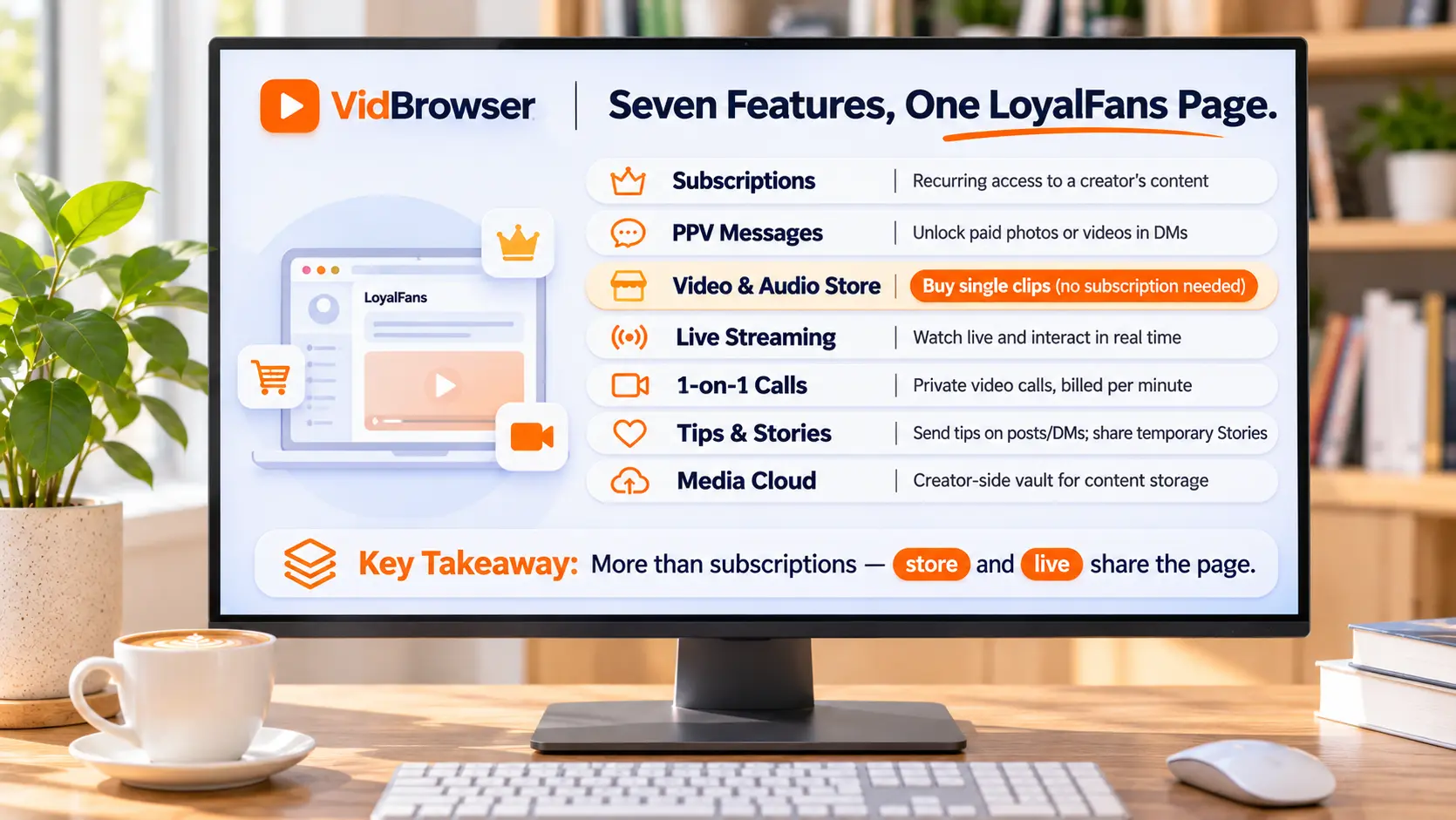
Laying the features side by side is where LoyalFans parts ways with plain subscription feeds. Going by the official feature list and how fans actually use them, seven things each handle one job:
1. Subscriptions and free follow — a subscription unlocks the paid side of a page monthly, with 3, 6 and 12 month bundles; a free follow sees public posts and teasers, and the boundary between the two has been taken apart layer by layer before.
2. PPV paid messages — a creator sends a locked photo or video in DMs, and you pay to unlock it. How to judge the price and avoid double charges is written in the PPV guide.
3. Video and audio store — finished clips sold at their own price, no subscription needed, buy only what you like. Some creators switch on the download flag for their videos (more under saving).
4. Live streams — the creator goes live, viewers join the room and interact, with tipping alongside.
5. One-on-one video calls — billed by the minute from in-platform credit, the most interactive tier among these platforms.
6. Tips and Stories — posts, DMs and the page itself all accept tips; Stories are short-lived posts that keep a page warm between updates.
7. Media Cloud — worth clearing up a common mix-up: this is a creator-side drive, fans have no matching "purchased library"; purchased items are found through DM and store records.
First day: signup, discovery and a small test
The barrier on the fan side ends at signup. An email gets you a free account to browse; ID verification (a government document) is for creators who publish or withdraw. From there, three moves:
1. Look before you pay — search on-site or arrive from a creator's social media, check how often public posts appear, and skip pages that have gone quiet.
2. Follow free first — a creator's free tier usually shows teasers and some public content; confirm the posting rhythm and style match what you expect.
3. Then decide whether and how much — where the free and paid sides split, and monthly versus bundle pricing, the free vs paid comparison covers in decision order.
Billing questions go through on-site support; the descriptor stays discreet and does not name the platform, as noted in the review piece.
For anything worth keeping, read the save path first
The first move in saving is not opening software, it is checking whether the content carries the platform download mark. In the video store, creators can switch on a download flag at pricing time — videos with the mark save on open, use them first; everything without it (subscription feeds, PPV, DM media, live streams) goes through four steps:
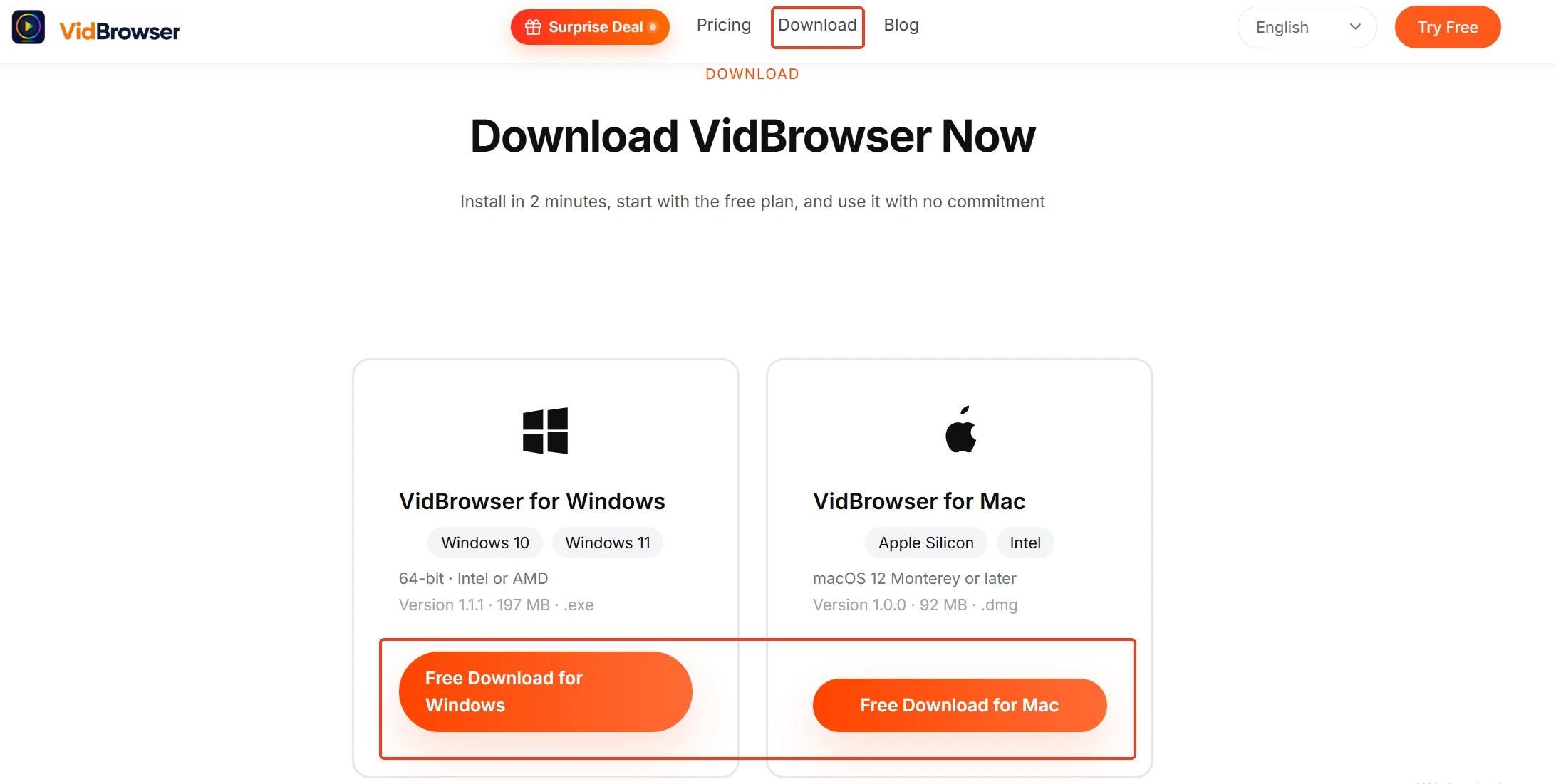
Step 1: Download and install VidBrowser
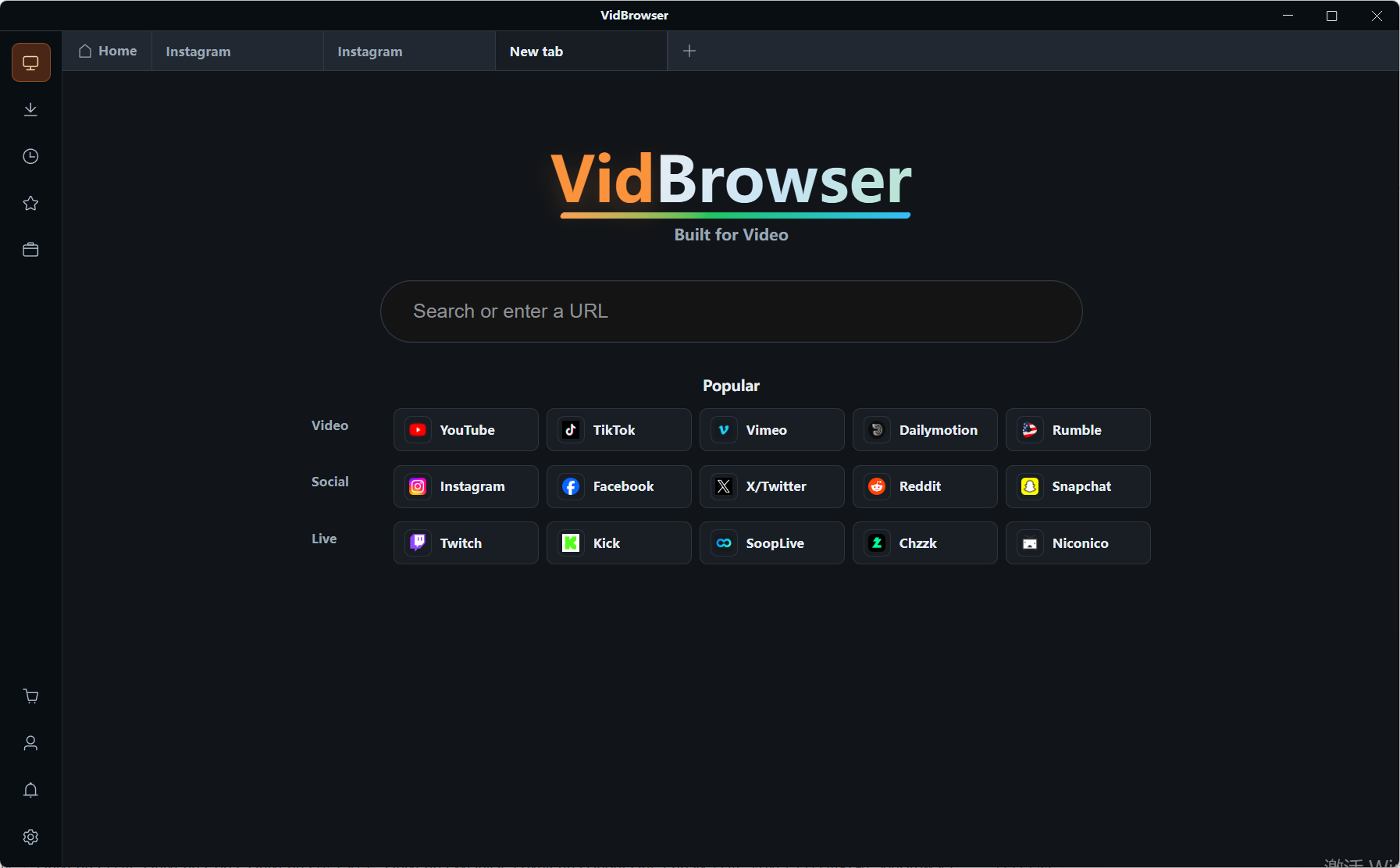
VidBrowser is a desktop video browser for Windows and Mac that watches video, clips segments and saves them locally, with download and record as its two built-in functions.
Step 2: Open LoyalFans in VidBrowser and log in
Enter the official site like in any browser, log in, browse the store and your purchase records first, then return to the subscribed pages.
Step 3: Set a save order
Handle purchased store videos and PPV first, then subscription feeds; live streams are real-time, so stay in the room while they run.
Step 4: Use the record function to save (first choice for protected content)
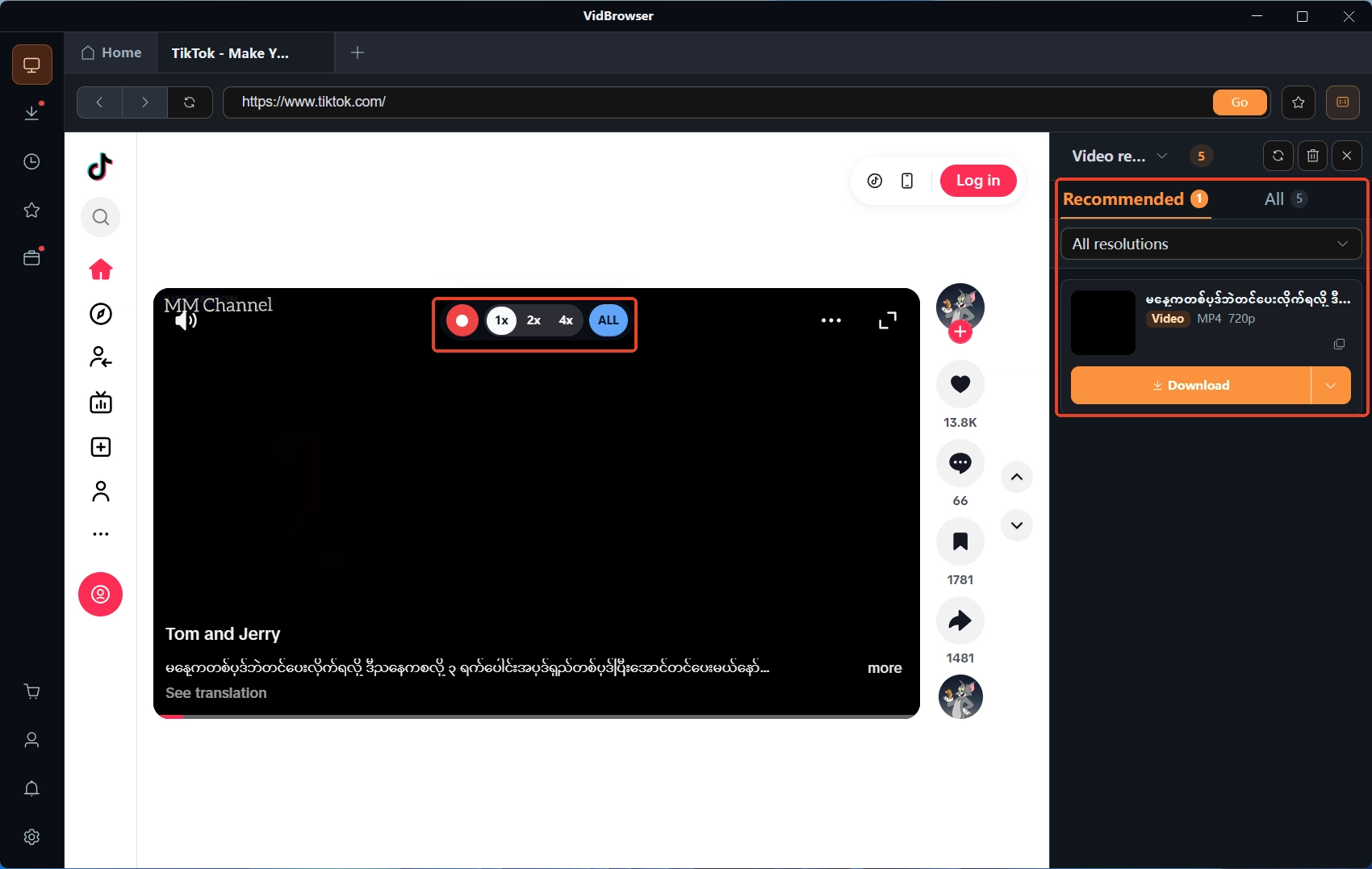
Videos on LoyalFans and platforms like it are mostly copyright-protected, and ordinary download tools cannot reach them, so the record function in VidBrowser is the most dependable way to keep them: put the mouse over the video and the record controls float up, with speed from 1x real-time through 2x and 4x to cut the wait; click Record All to take the whole video from start to end, and the record button on the left of the frame pauses midway whenever needed. If a video itself carries the platform download mark, the Video Media Library panel on the right lists entries with an orange Download button — one click saves the MP4, and the file sits in download history in the left navigation.
Summary
LoyalFans in two lines: it is a fan club that leans on interaction features rather than sheer content volume, and the flat 80/20 split keeps the paying side simple. For a first day, hold three things — follow free before paying, the store sells without a subscription, and saving starts with the download mark before recording. With those three, the platform makes sense on day one.
FAQ
How is LoyalFans different from OnlyFans?
The core difference is interaction density and the feature mix: LoyalFans promotes one-on-one calls, per-minute billing and a no-subscription store to first-class features, while OnlyFans centers on subscription feeds and PPV. The item-by-item comparison is in the LoyalFans vs OnlyFans piece.
Is LoyalFans worth subscribing to?
It depends on whether the creator you follow is active there and posts steadily. Follow free for two or three weeks first: steady updates, a subscription likely pays off; a dormant page, paying is not worth it. The platform itself is legitimate, and billing and cancellation rules are written clearly.
What can a free LoyalFans account see?
A free account can browse, follow creators, and see public posts and teasers; a card is only needed for paying. The free account guide lists what each of the three visibility layers can reach.