yt-dlp and OnlyFans: a support list and a terms page apart
Search for how to save OnlyFans videos and one reply keeps coming up: yt-dlp. On ordinary sites it delivers, but applied to OnlyFans specifically the answer is no longer clean. This piece splits the topic in two: where it genuinely has room to work on this platform, and the string of troubles that surface once you follow the tutorials floating around.
What yt-dlp can do on OnlyFans: the official supported list leaves it out
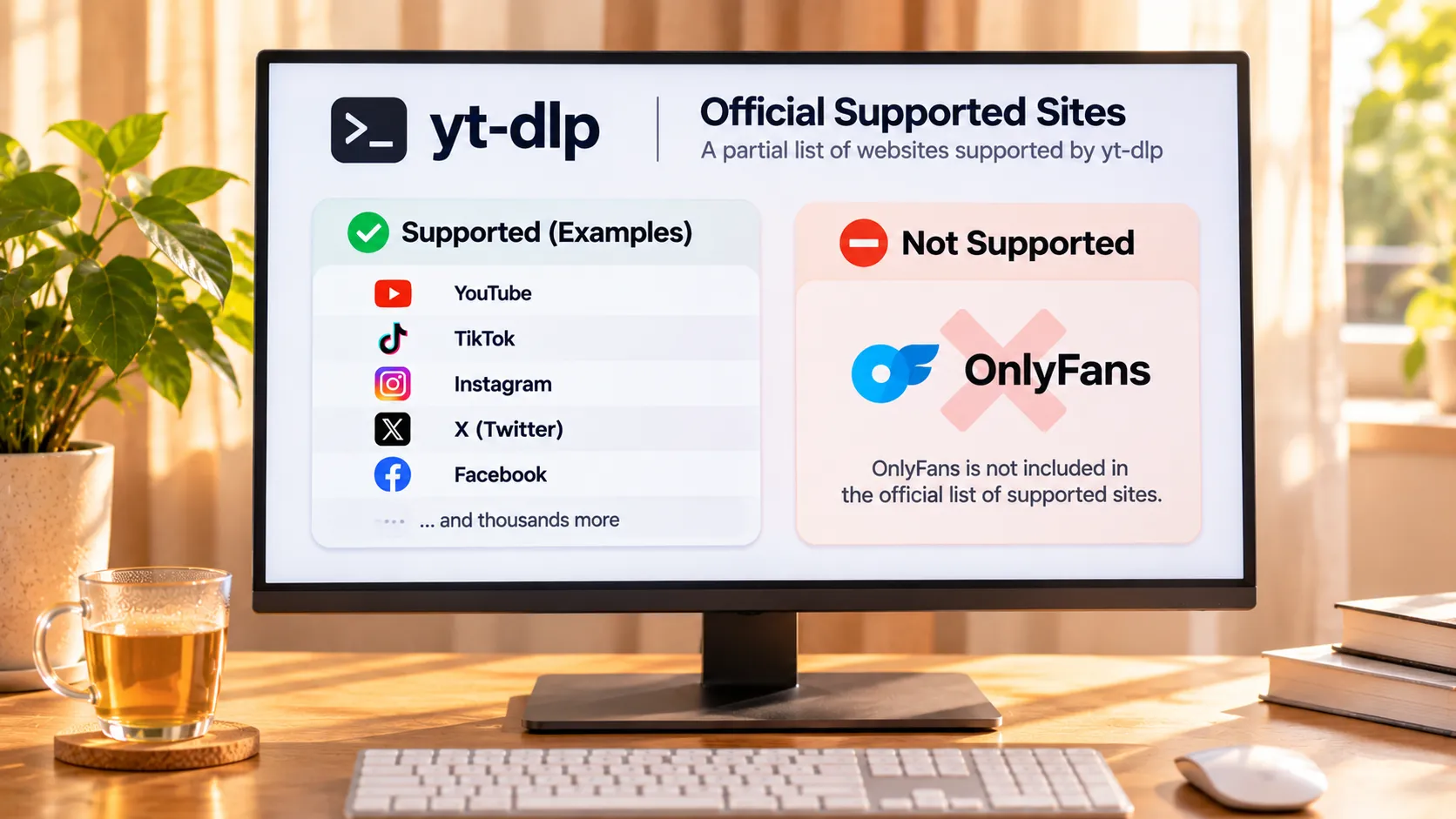
Start with the official position on yt-dlp support for OnlyFans: its supported-sites list does not include OnlyFans.The project is community-maintained, its code lives in the official GitHub repository, and thousands of sites have been written into the support list one by one; OnlyFans is not among them, and third-party write-ups note a related support request has sat in the project discussion for years. What the tool is and how command-line and GUI tools divide the work is covered in the yt-dlp overview, so it is not repeated here. Not being on the list means falling back to generic parsing, and the project docs themselves state that generic parsing output comes with no guarantee.
So what is actually left? An honest inventory is short: public videos embedded by creators in their posts, say a YouTube link they shared, are within reach for yt-dlp because those are public files; material you uploaded yourself or that the other party opened for download saves with a browser right-click, no command line needed. As for the paid content you see after subscribing, it is protected content, and link parsing fails right at that layer; no amount of tool familiarity gets around it.
Tutorials that say just add cookies: look at what they take from you first
The OnlyFans-specific tutorials online almost always tell you to add a cookies parameter, and the cost of that step deserves a hard look.Cookies are your browser login session credential, a temporary pass to your account. Running the command with that parameter hands the pass out of your browser to a command-line process. When the tutorial points to the official tool, the boundary is at least clear; when it points to an unvetted packaged script, where your credentials end up and how they are stored is a question nobody answers for you. The fake-app account-theft pattern has been covered repeatedly, and lending out credentials is a shop on the same street.
There is a second layer that gets missed: the motive for handing over login credentials is usually grabbing subscription content, and the OnlyFans terms state it plainly in clause 8: no manual or automated tool may scrape platform content data, and no access control may be circumvented by any means. In other words, the action these tutorials teach stands on the opposite side of the terms; whether the tool even runs is the lesser question.
Even if the command runs, the pitfalls line up afterward
Assume the environment is complete and the parameters are correct; a series of maintenance costs is still waiting.
- Environment dependencies: beyond the main program you usually need a runtime and a stream-extraction component, and finishing the install is only step one; each part upgrades on its own schedule afterward.
- Version chasing: the project updates fast, and whenever a site changes its layout you wait for a new release; in the window between, the command errors out no matter how you write it.
- Credential expiry: cookies have a validity window, the run fails a few days later, and refreshing them means another credential operation.
- Output that will not play: even with the whole pipeline completed, the file assembled from protected content most likely will not open, matching the conclusions verified one by one in the download tool comparison, so it is not repeated here.
Add it up as a time bill: installing the environment, hunting parameters, fetching credentials, watching for errors, an evening traded for a file that will not open. The same time is enough to actually watch the content you wanted.
What the terms say: the license is to view, not to take the file
The OnlyFans terms define the license for paid content in the language of access and viewing.The exact wording grants fans the right to access and view content within the site for their own legal and personal use; saving a copy is not on the license list. Read together with the tool ban in the previous section, the logic is continuous: the platform has taken the question of whether a file can be kept entirely off the table, whether by command line or any other automated means. Regional legal differences and the boundary of personal use are covered in the legal boundary of downloading overview and are not repeated here.
To keep a copy of protected content, recording is the easier road
No parameters, no handing out credentials, follow the playback and save: that is where browser-shaped tools sit.Four steps:
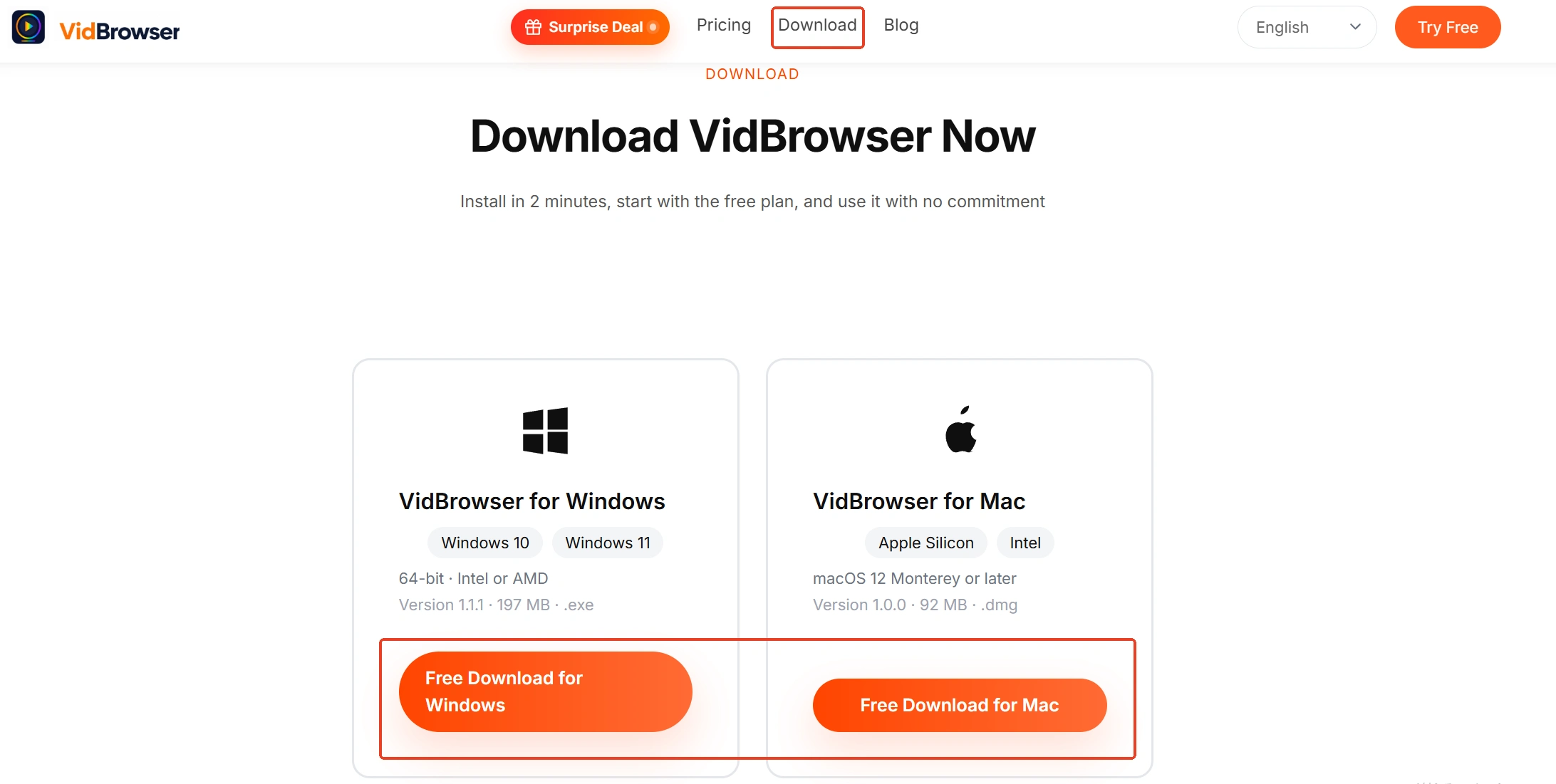
Step 1: Download and install VidBrowser
VidBrowser is a desktop video browser for watching and saving videos on Windows and Mac, with downloading and recording built in. Get the installer from the official site; its OnlyFans downloader page also collects the saving essentials for this platform.
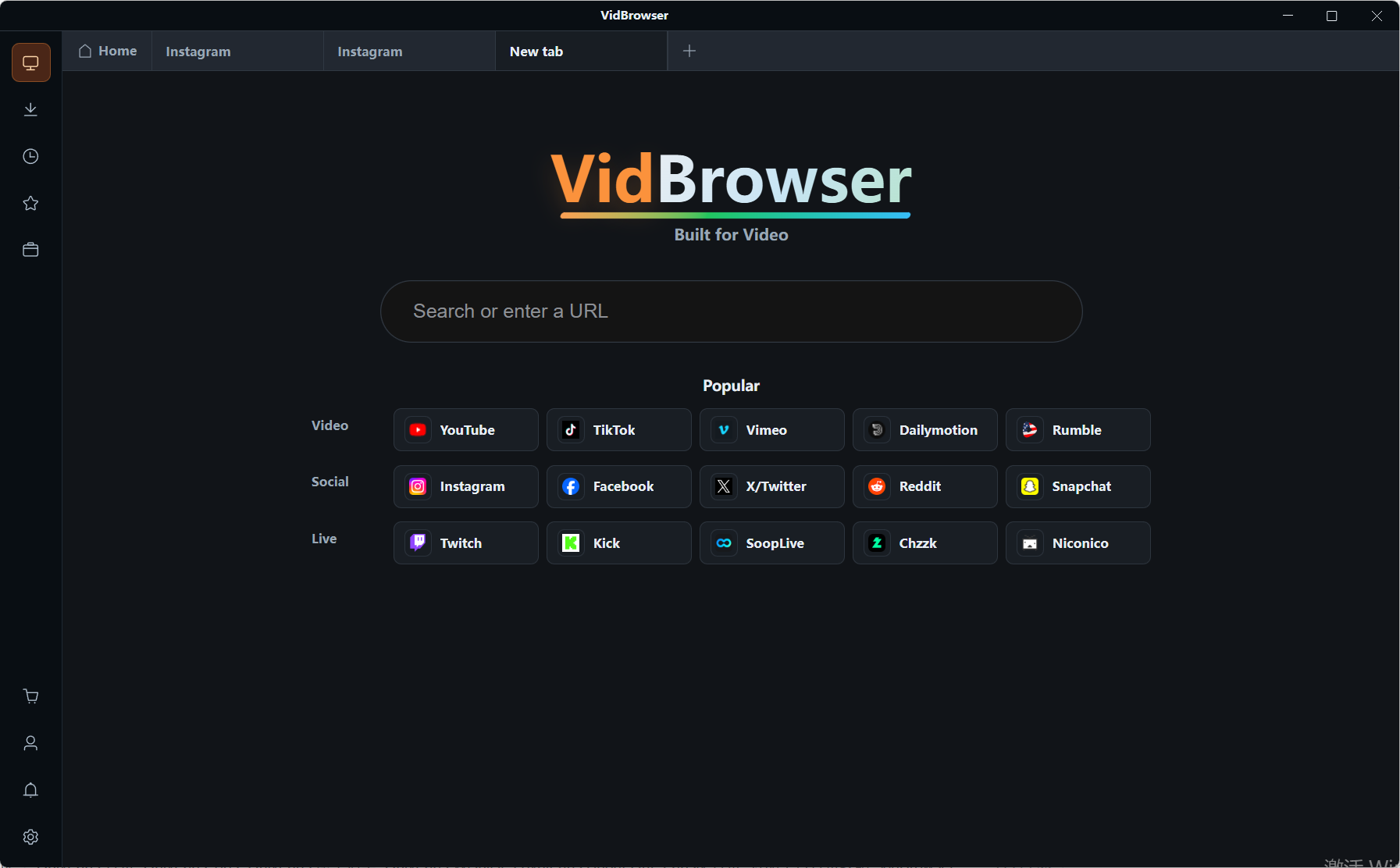
Step 2: Open OnlyFans inside VidBrowser and log in
The window has a built-in browser; logging in, browsing and subscribing all proceed as usual, and your login credentials stay inside your own browser.
Step 3: Save protected content with the record function
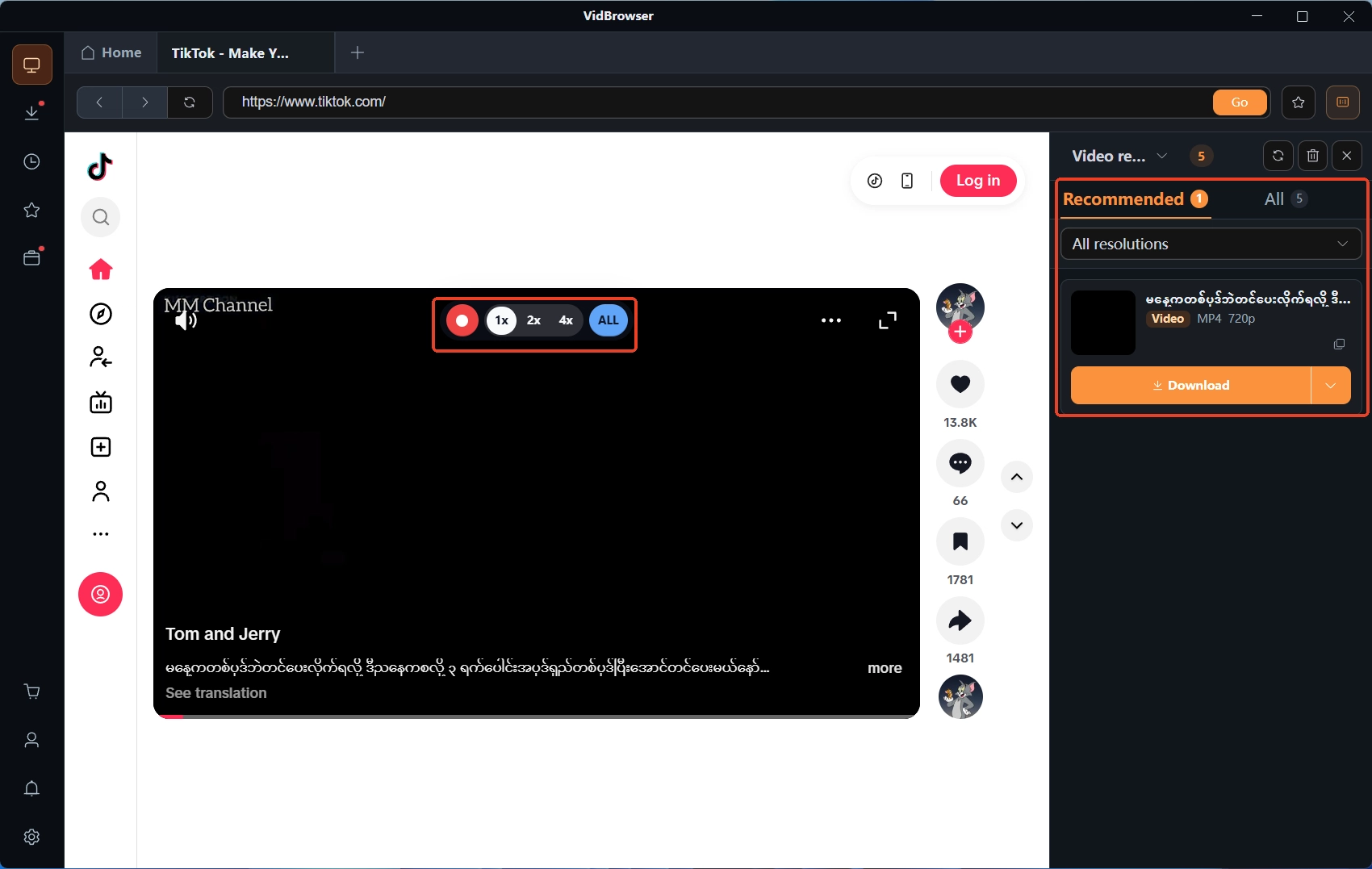
Videos on subscription platforms are mostly protected. Move the mouse over the video and the recording controls appear on top of the frame; pick a recording speed (1x real time, 2x or 4x to finish sooner), hit Record All to capture the whole video, and the record button on the left can pause at any time. What can play can be recorded.
Step 4: Where direct download is offered, hit the orange button
For items the platform opens for download, the video media library panel on the right lists resources with an orange download button; one click saves them as MP4, and download records stay in the download history on the left.
Summary
yt-dlp's supported list has no OnlyFans, and paid posts are protected content beyond its reach; cookies tutorials amount to handing out credentials, and clause 8 of the terms stands against such actions. To keep a copy of what you subscribe to within compliant bounds, record it while it plays; it beats wrestling with the command line.
FAQ
Does yt-dlp with cookies really download OnlyFans videos
The official supported list has no OnlyFans, and generic parsing offers no guarantee; the tutorials target content from years ago, so a successful run most likely yields a file that will not open, after you hand over your login credentials first.
Will scraping OnlyFans with yt-dlp get my account banned
The terms explicitly prohibit automated scraping and circumventing access controls; the enforcement scale has never been published. Not testing it with your main account is the cheapest way to cut losses.
I want to save content I subscribed to. Where do I start
Check for a download marker first; if there is one, save directly. If not, use the record function while it plays; the recording controls support speed and pause, and login and saving happen in the same window.