A Bigo Live stream ends and it is gone: to keep the replay, you have to be there
Anyone who follows streamers on Bigo Live has probably hit the same wall: the stream is getting good, you have to step away for a bit, you plan to come back for the replay, and then you search the app top to bottom and find nothing. The problem is not that you looked in the wrong place. It is that this platform never built the replay vault in the first place.
Why Bigo Live replays are so hard to find: it never built a Twitch-style replay library
Bigo Live has no platform-level replay (VOD) system: the live signal stops being distributed the moment the streamer ends the broadcast, and whether you can watch a session again depends entirely on whether the streamer saved a copy themselves.This is not a cache problem on your phone. The platform is simply designed that way.
The official tutorial backs this up: the BIGO LIVE official beginner guide lists its features exhaustively, PK battles, multi-guest streams, families, levels, Moments updates, six hundred million registered users, and the word replay or VOD never appears anywhere in it. Compare that with Twitch, where replays are platform-managed assets kept for a fixed number of days; why Twitch VODs get deleted has been covered before. Bigo goes one step further: most streams are never deleted, because a platform copy was never generated in the first place.
Third-party observations make it even more concrete: replaying is an optional feature for streamers and it is off by default, the overwhelming majority of broadcasts disappear from the app as soon as they end, and every new stream generates a new room ID, so old rooms cannot be joined after they close. In other words, watch it later was never true on Bigo Live to begin with.
Three types of content, three lifespans: work out which one you are following
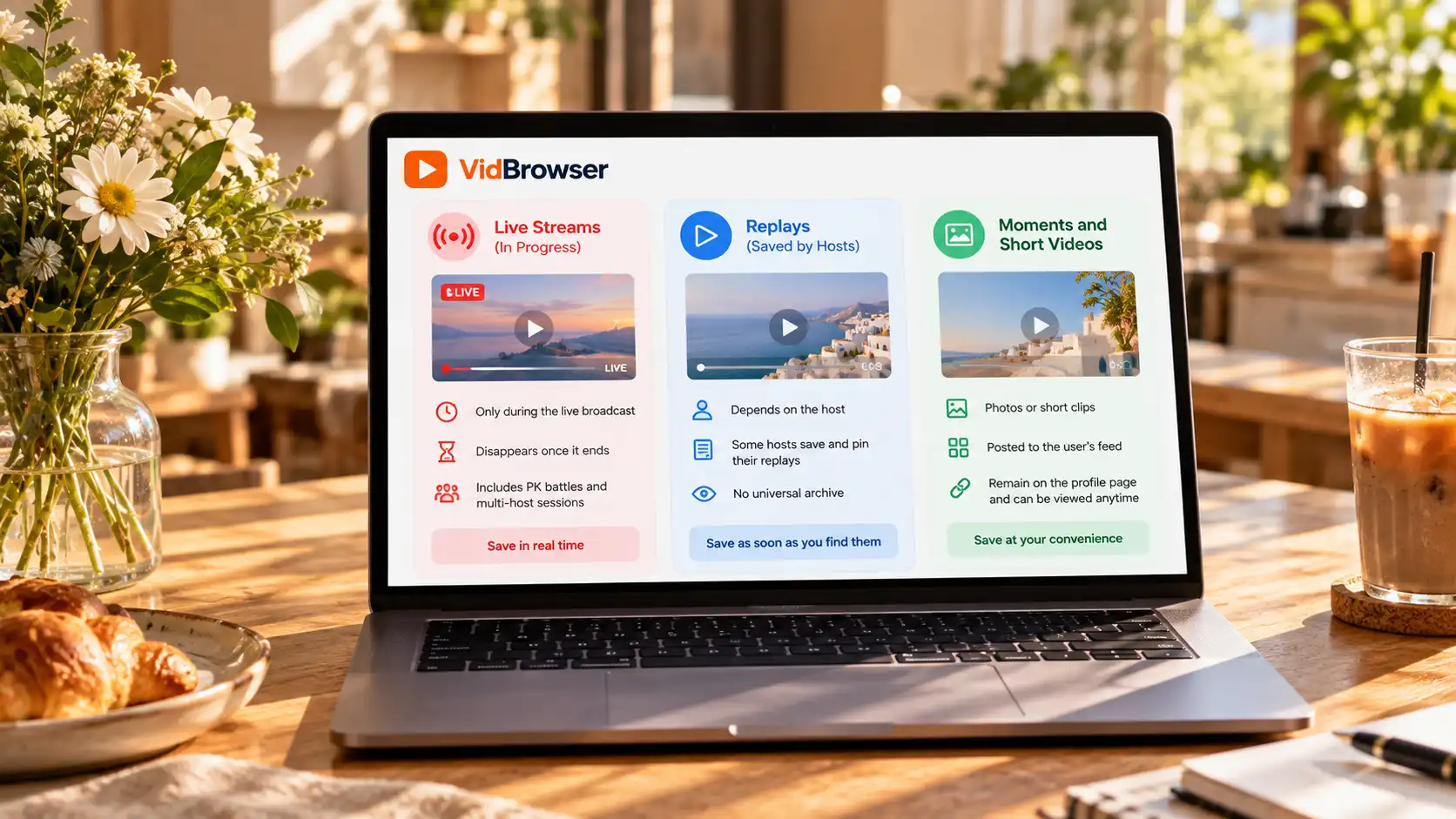
Content on Bigo Live comes in three layers, each with a different lifespan, and the saving action has to follow the layer.Mixing them up is why most people come back empty-handed.
- Live streams in progress: they exist only in the signal and scatter the moment they end. PK battles and multi-guest streams carry an extra layer of now-or-never: a PK puts two streamers rooms into one screen to compete on gifts, and even if archives exist afterwards, they sit scattered across two separate profiles.
- Replays saved by the streamer: whether they exist depends entirely on the streamer. Some make a habit of saving important sessions to their profile, some never save anything, and there is no unified fallback that does it for you.
- Moments and profile short videos: the official definition is posting photos and short clips to your feed like a social network. These stay on the profile and can be watched any time.
The point of the layers is matching your case to them: handle the live stream in the moment, grab a replay the second you see one, and short videos can wait because they are always there.
Chasing streams without luck: three moves to make before the stream starts
If you do not want to miss that one session, everything you can set up happens before the stream goes live.Three things, a few minutes each.
- Follow and turn on notifications: the official tutorial states that once you follow a streamer you get notified when they go live, which is the most direct signal for chasing streams.
- Note down the fixed schedule: most Bigo streamers keep fairly regular slots, and they often announce upcoming sessions in their bio and feed. Sitting down by the schedule beats scrolling the recommendation feed.
- Prepare the desktop entry in advance: the official web version bigo.tv plays streams right in the browser, no phone needed and no emulator either, and that is exactly the prerequisite for saving on the desktop.
How VidBrowser saves Bigo Live streams and replays
Two routes match the two layers: recording for live streams, downloading for replays and short videos.
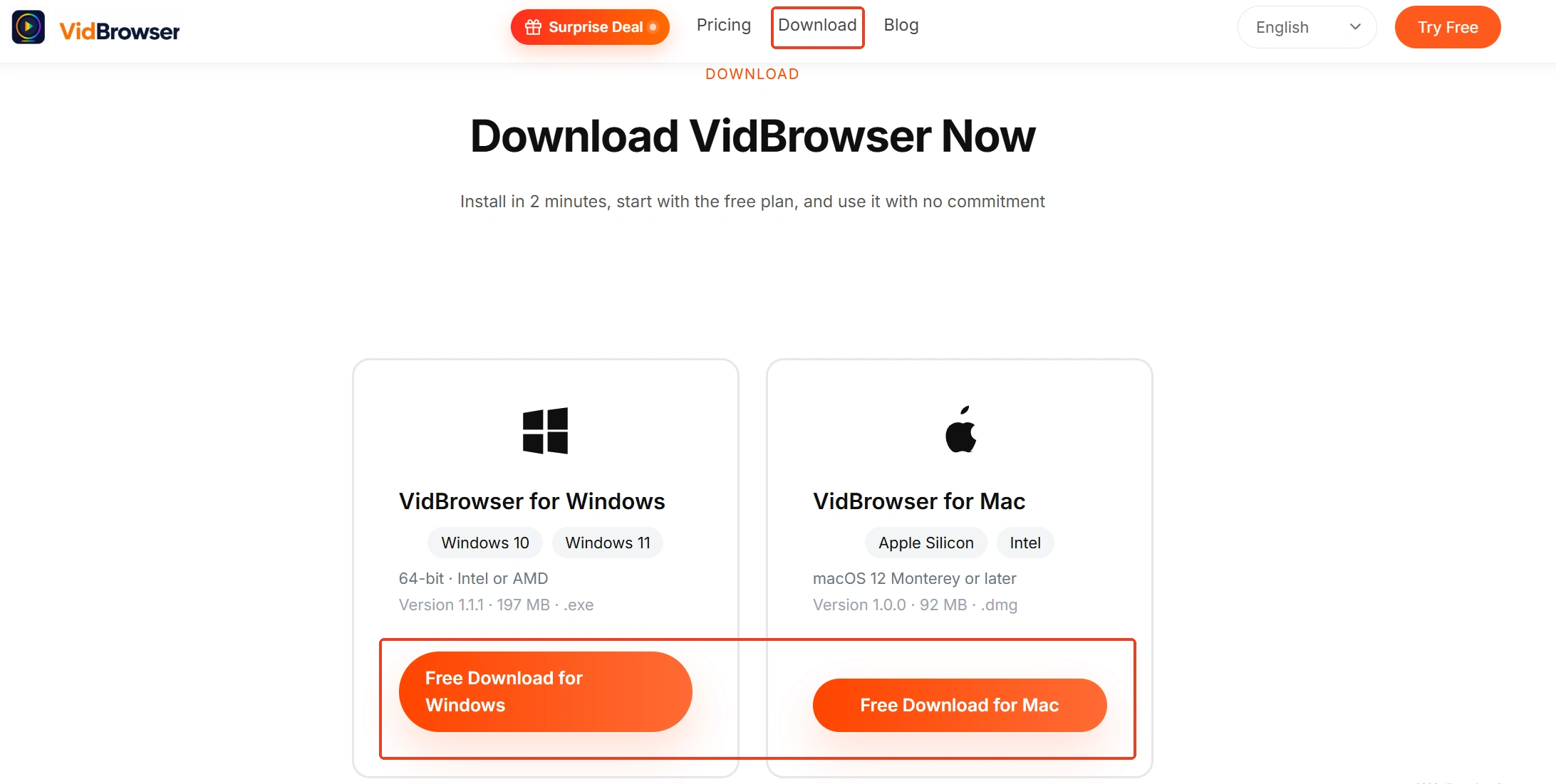
Step 1: Download and install VidBrowser
VidBrowser is a desktop video browser for watching videos, cutting segments and saving them locally on Windows and Mac, with downloading and recording built in as its two core features. Installation takes a few minutes.
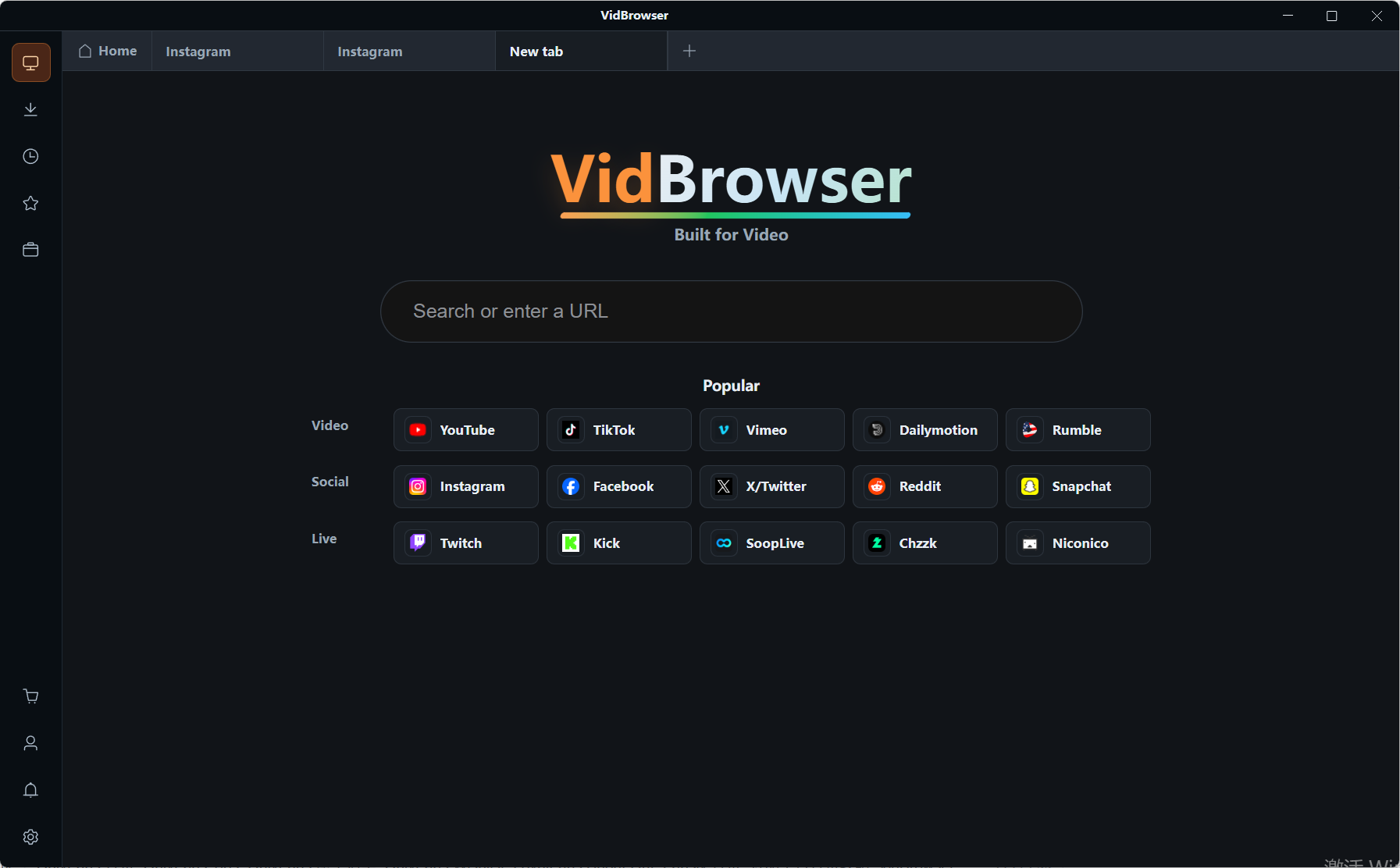
Step 2: Open bigo.tv inside VidBrowser
Type bigo.tv into the address bar and find the streamer room through search or the category pages. The web side shows the same live streams as the phone app, and logging in is not required for watching.
Step 3: While the stream is live, use recording
A live stream has no file to download, so recording is the main tool: move the mouse over the video and the recording controls appear as an overlay, pick the speed (1x real time, or 2x and 4x to finish faster), press Record All to capture the whole stream, and the record button on the left can pause at any moment. PK battles and full multi-guest sessions all get captured in this one step.
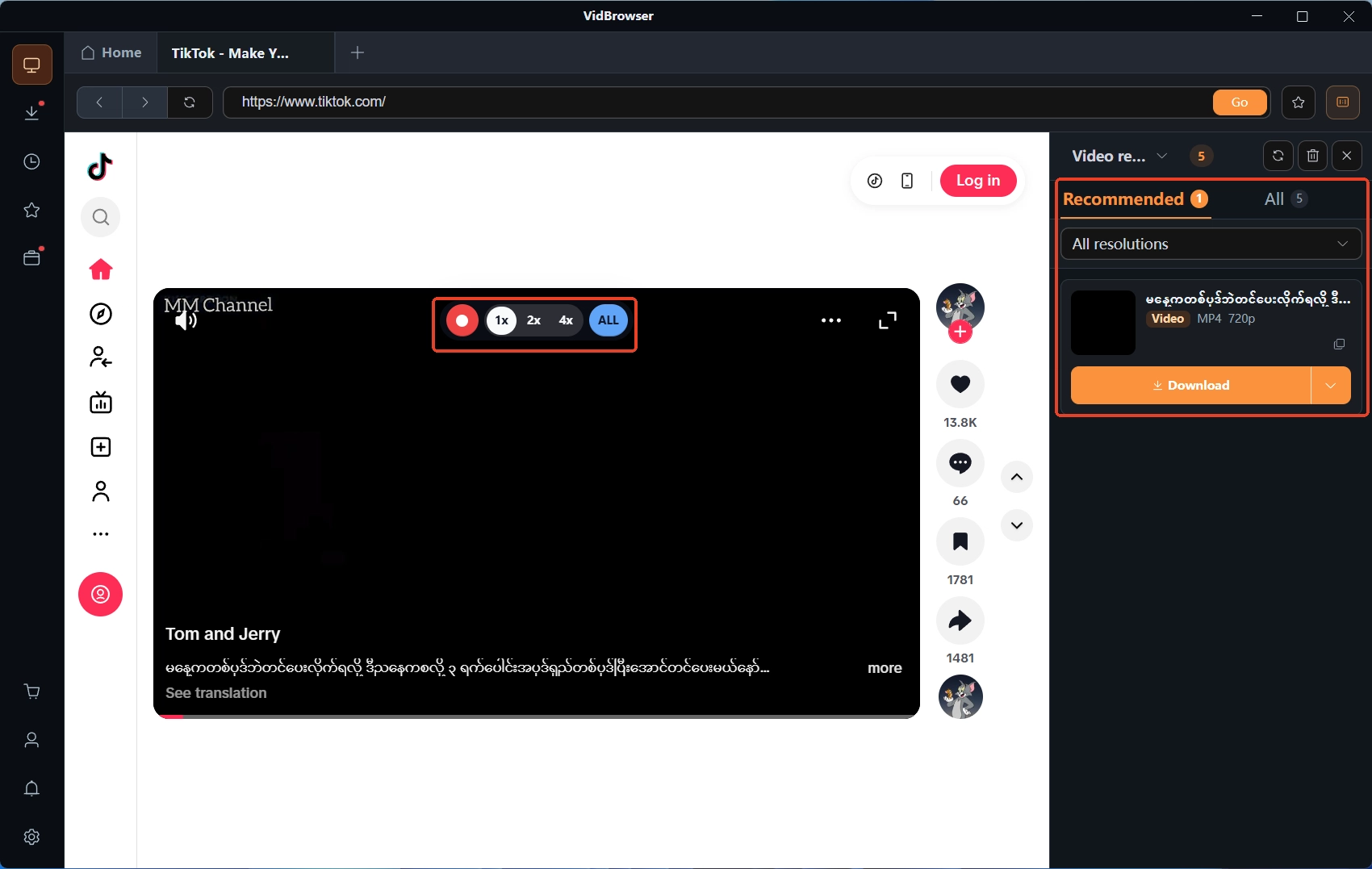
Step 4: For replays and short videos, use the video media library download
Replays the streamer has saved and videos in Moments exist on the page as videos: the video media library panel on the right lists the detected items, each with an orange Download button, one click saves it as MP4, and you can pick a resolution in the filter first if you prefer. To confirm where it landed, download history and file locations covers it in detail.
Summary
On Bigo Live the replay is not deleted, in most cases it simply never existed. Two lines to take away: chasing streams runs on follow notifications plus a fixed schedule, with the live recorded on the spot; the moment you see a replay or Moments video the streamer has posted, save it right away. Run that routine and missing a stream no longer means losing it.
FAQ
The stream has already ended, can I still find that session
Mostly no. Check the streamer profile and Moments first: streamers with a saving habit post replays to their profile, so grab one the moment you see it. If the profile has nothing, nothing is left on the platform side either, because Bigo has no unified replay section and other viewers do not hold a copy you could take.
Can I watch Bigo Live on a computer
Yes. The official web version bigo.tv opens straight in a browser with no phone app needed, and after scanning the QR code or logging in, chat, following and gifting all work too. If you also want to save streams on the computer, this is the prerequisite.
Can I watch the full version of a PK battle afterwards
Hardly ever as one complete session. A PK merges two streamers rooms into one screen to compete on gifts while each side pushes its own stream, so even if both saved replays you would have to find one half on each profile. For the complete battle, recording live while it happens is the most direct way.