Fanspicy Pricing: What You Pay and What Costs Extra
A subscription price can look straightforward until a post, message or live stream asks for another payment. Fanspicy pricing depends on what you buy from a creator: a subscription and an individual unlock are separate purchases, so your total Fanspicy cost can exceed the amount shown on the subscription button.
If you also want a local copy of a video you are allowed to save, VidBrowser’s video downloading and recording features offer a convenient workflow on supported sources. Start by checking what your payment includes, then follow the saving steps below.
Quick answer: Check the subscription, the individual content price and the renewal terms separately. Paying for access does not automatically include every post, message, live show or downloadable file.
How Much Does Fanspicy Cost?
There is no single creator subscription price that applies across Fanspicy. Creators choose their subscription offers and may sell individual content separately. The useful question is what the specific offer includes, rather than whether the platform has one standard monthly fee.
Before paying, note three things: the amount due now, the access you receive and any future renewal. An inexpensive subscription may be enough if it includes what you want; buying several extras can change that calculation.
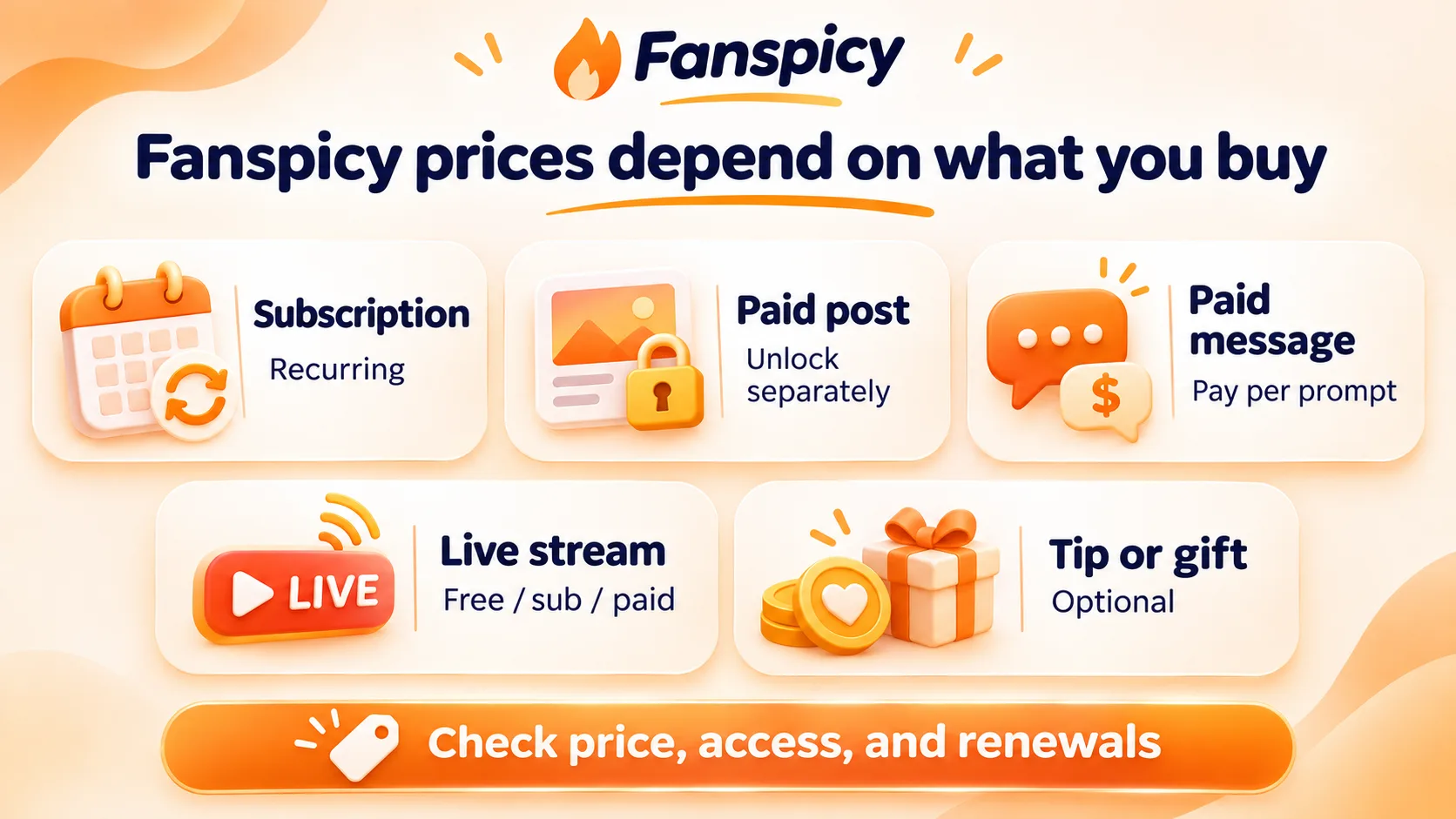
Fanspicy Pricing at a Glance
| Purchase | What to check | Budget implication |
|---|---|---|
| Subscription | Creator, access period and renewal | Allow for future renewals you keep active. |
| Paid post | Price attached to the locked item | Treat the unlock as a separate purchase. |
| Paid message | Send fee versus content unlock | Read each payment prompt in the conversation. |
| Live stream | Free, subscriber-only or separately paid | Check entry conditions before joining. |
| Tip or gift | Amount selected | Keep optional support within your budget. |
Subscriptions: Check the Price and Billing Period
The Fanspicy subscription price should be assessed alongside its duration. Most subscriptions run for a month from the subscription date; some creators offer longer bundles. Check the actual offer because availability varies.
When comparing Fanspicy subscription cost across offers, distinguish the total charged upfront from the equivalent monthly amount. For a longer bundle, divide the total by the number of months only to compare value; that calculation does not change when you pay.
If you are also comparing platforms, our guide to FanCentro subscriptions versus individual Clips explains that platform’s recurring and individual-purchase options. Its account controls and terms are specific to FanCentro.
Fanspicy Paid Posts: Check the Individual Unlock
Fanspicy paid posts can put a photo or video behind its own price. Before unlocking one, read the description and check exactly which item you are buying.
Do not assume that one unlock includes the creator’s other posts, or that a subscription includes an item still displaying a separate purchase prompt.
Fanspicy Paid Messages: Sending and Unlocking Differ
Do you have to pay to message on Fanspicy? That depends on the creator’s settings and the conversation. A fee to send a message is different from a fee to unlock content inside a message. Tips are another transaction, so identify the charge before confirming it.
With Fanspicy paid messages, check whether the prompt refers to sending, opening an attachment or an optional tip. A payment for one action should not be treated as a purchase of everything in the chat.
Fanspicy Live Streams: Check the Entry Requirement
Fanspicy live streams can be free, included for subscribers or separately paid even after subscribing. A subscription therefore does not settle every live-entry question.
Read the conditions on the show you want to join, and keep any gifts separate from the entry price.
Why Am I Paying Extra on Fanspicy?
An extra charge may belong to a different purchase category rather than another subscription. To work out what happened, open Payments and match the amount and date to the transaction type and status. A wallet top-up, subscription, paid post, paid DM and tip serve different purposes.
If the record is pending or unclear, do not pay again just to see whether access appears. Contact support with the transaction reference and the content or creator involved.
To keep your Fanspicy spending manageable before your next purchase, use a simple check:
- List the subscriptions you intend to renew. Include each creator you follow through a paid plan.
- Set a separate allowance for extras. Account for posts, messages, live access and gifts.
- Read the final amount and purchase description. Confirm what each payment covers before proceeding.
- Review what you have actually spent. Avoid counting a wallet top-up and the purchases funded by that balance twice.
How to Cancel a Fanspicy Subscription
Open Subscriptions, find the creator under All, Active or Expired, and review the dates and price. Choose Manage, read the cancellation confirmation and confirm that you want renewal to stop. Return to the record to check both the renewal state and the remaining access date.
Stopping renewal does not necessarily end access immediately. If the page reports an error or still shows a pending state, do not assume the cancellation succeeded.
Removing a saved payment method is not a reliable substitute for cancelling renewal.
Save Permitted Videos with VidBrowser
Once you have access to content you are allowed to save, keeping a local copy can make offline viewing more convenient. VidBrowser brings browsing, video downloading and recording together in one desktop application, so you can open a supported source, choose a saving option and check the result in the same workflow.
Step 1: Download and Install VidBrowser
Get the Windows or Mac version from the official VidBrowser download page, then install and open it.
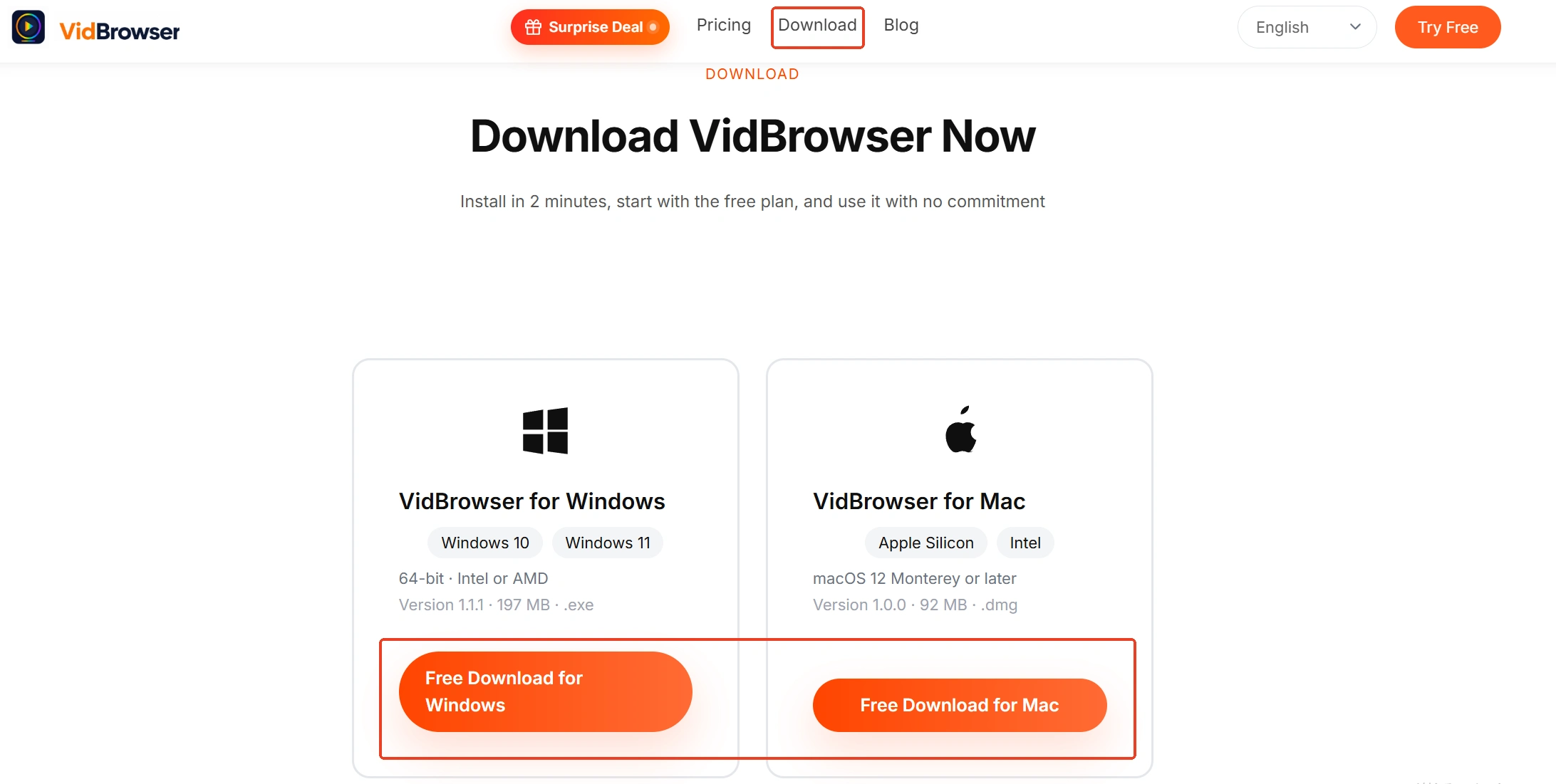
Choose the VidBrowser installer for your Windows PC or Mac.
Step 2: Open the Page and Start Playback
Enter the page address in VidBrowser and sign in with your own account if required. Start the video and confirm that it plays before checking the saving options.
If the page still asks you to subscribe or unlock the content, resolve that access requirement on the platform first.
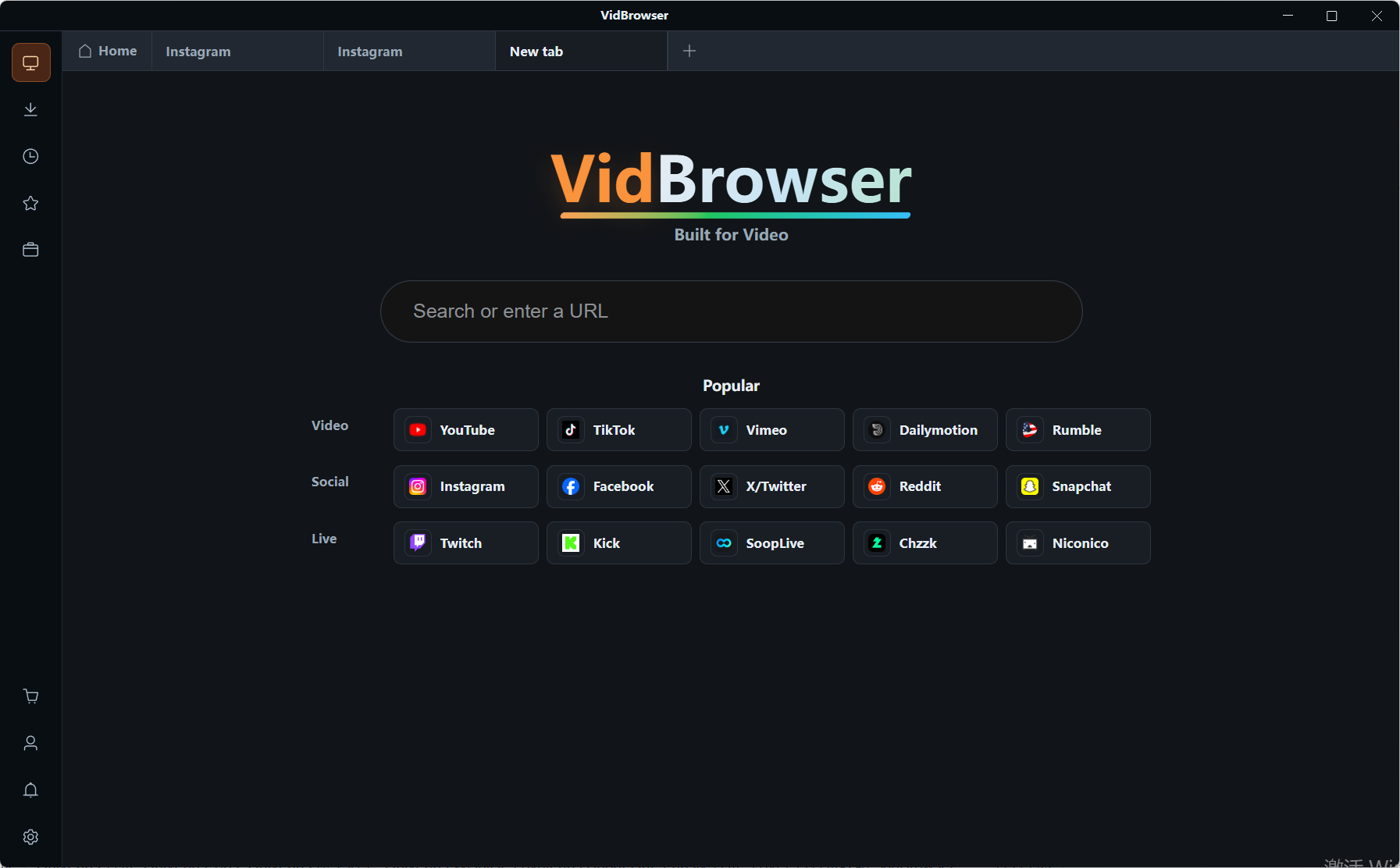
Open the official Fanspicy address inside VidBrowser before signing in.
Step 3: Download a Detected Video or Record Supported Playback
Choose the option that fits your task:
- Download a detected video: Review the right-hand media panel, choose an available quality and select Download.
- Record supported playback: Use the recording control and stop when you have captured the portion you need. For a live stream, start while the stream is playing.
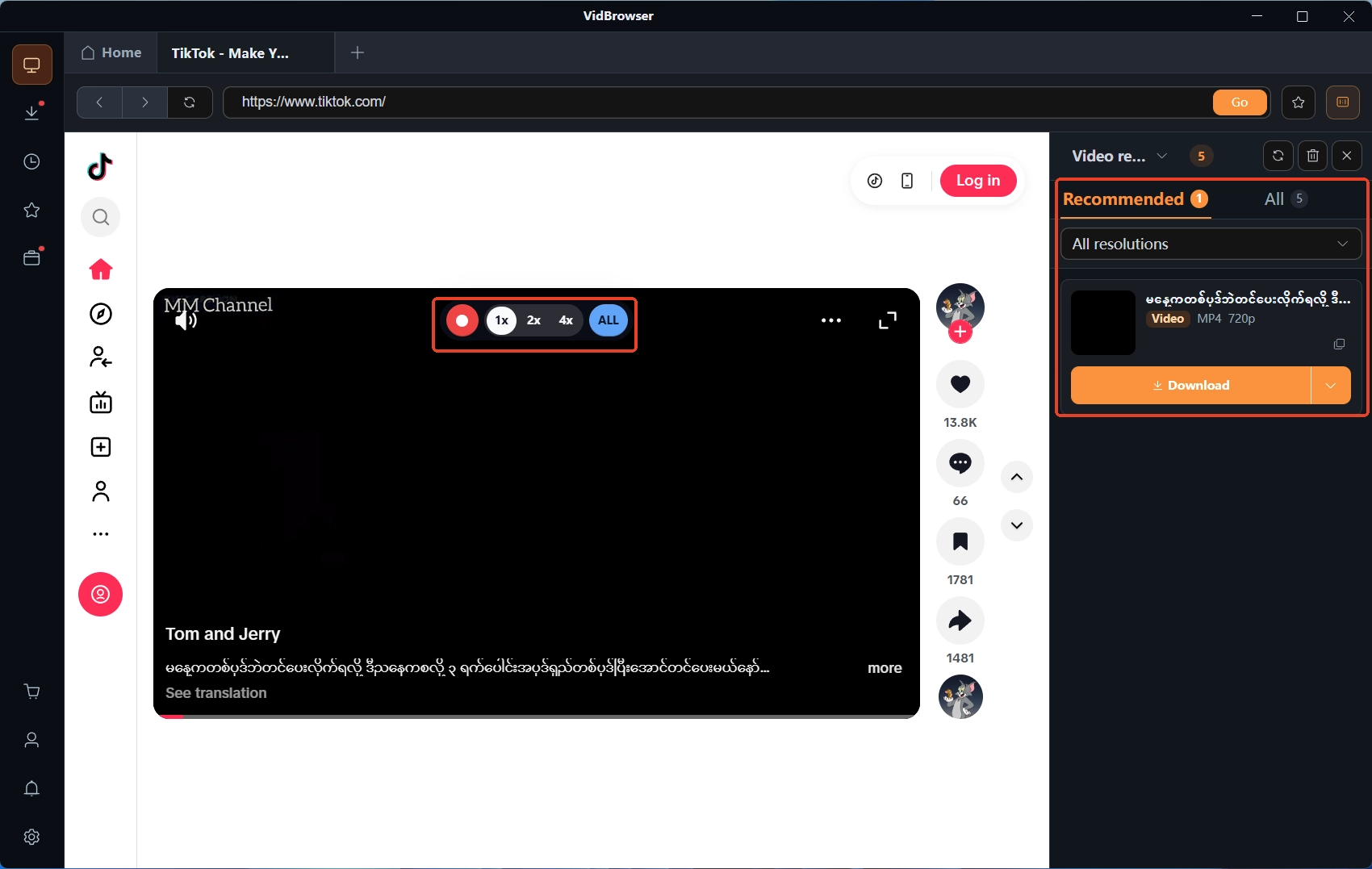
Available formats, resolutions and recording options depend on the media supplied by the page.
Choose how to save: Download an available video file, or use the recording option to capture supported playback.
Step 4: Find and Check the Saved File
Open Download History to locate the result. Play the saved file and check its picture, audio and duration before relying on it.
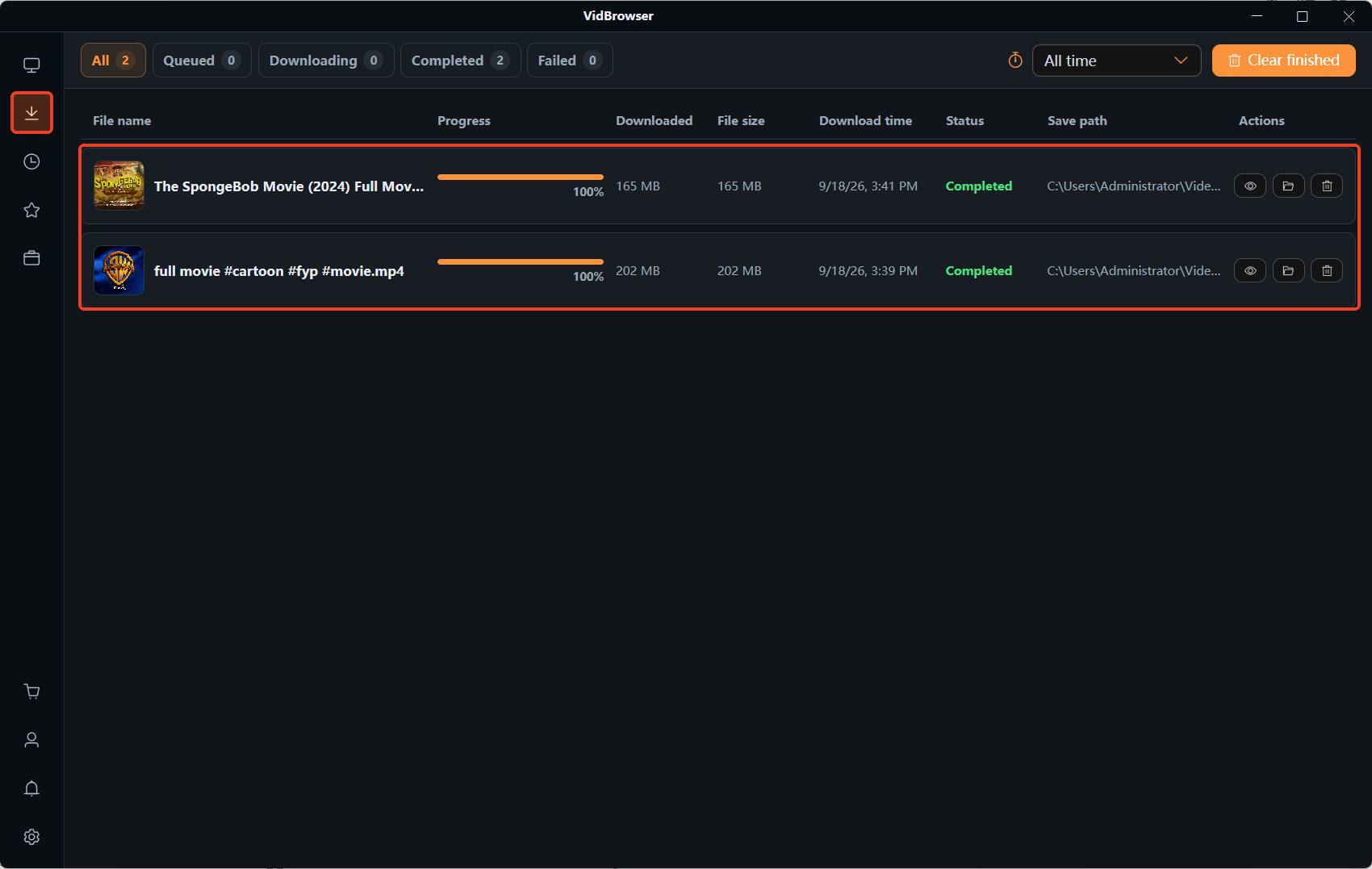
Check VidBrowser plans and usage limits if your task requires a longer recording or more downloads.
Keep Your Spending and Saving Decisions Clear
Fanspicy pricing is easier to understand when you separate recurring access from individual purchases. Check the offer, confirm the price of each extra and review renewals you no longer need.
For permitted offline copies, use the VidBrowser workflow above to download available videos or record supported playback, then check the saved result.
Frequently Asked Questions
What Is Fanspicy?
Fanspicy is a creator platform with subscriptions, paid content, messaging and live streams. What you can access depends on the creator’s offer and the purchases you make.
Is Fanspicy Free?
Some content, including free live streams, can be available without a subscription. That does not make every creator’s content free; check the access requirement on the specific item.
Does a Fanspicy Subscription Include All Content?
Do not assume so. Check what the creator includes and whether a post, message attachment or live show has a separate payment prompt.
Are Fanspicy Live Streams Free?
Some are free, some are included for subscribers, and others require an extra payment. The entry requirement for the particular show determines which applies.
Does Adding Money to Fanspicy Activate a Subscription?
No. A wallet top-up does not itself create a subscription. Check your subscription record separately from your payment history.
Does Paying for a Video Mean I Can Download It?
The purchase terms explain what access is included. If you want a local copy, check the creator’s saving permissions and the available download options. VidBrowser provides downloading and recording tools for supported content you are allowed to save.
Official Billing Resources
For help checking a charge or managing a renewal, consult the relevant Fanspicy instructions:
- Fanspicy Help: Review payment history and saved payment methods — identify transaction types and check payment status.
- Fanspicy Help: Find subscriptions and stop renewals — review subscription records, renewal settings and remaining access dates.