FanCentro Subscription vs. Clips: Which Is Right for You?
If you're comparing FanCentro subscription vs. Clips, the main difference is how you pay for content: a subscription gives you access to selected posts and videos for a set period, while Clips let you purchase individual videos without committing to recurring payments. If you also need to save videos from other supported websites, VidBrowser provides a convenient way to detect and download available video files directly from its built-in browser.
Understanding how these two FanCentro purchasing options work can help you avoid paying for content you don't need and choose the one that best fits your viewing habits.
FanCentro Subscription vs. Clips: What's the Difference?
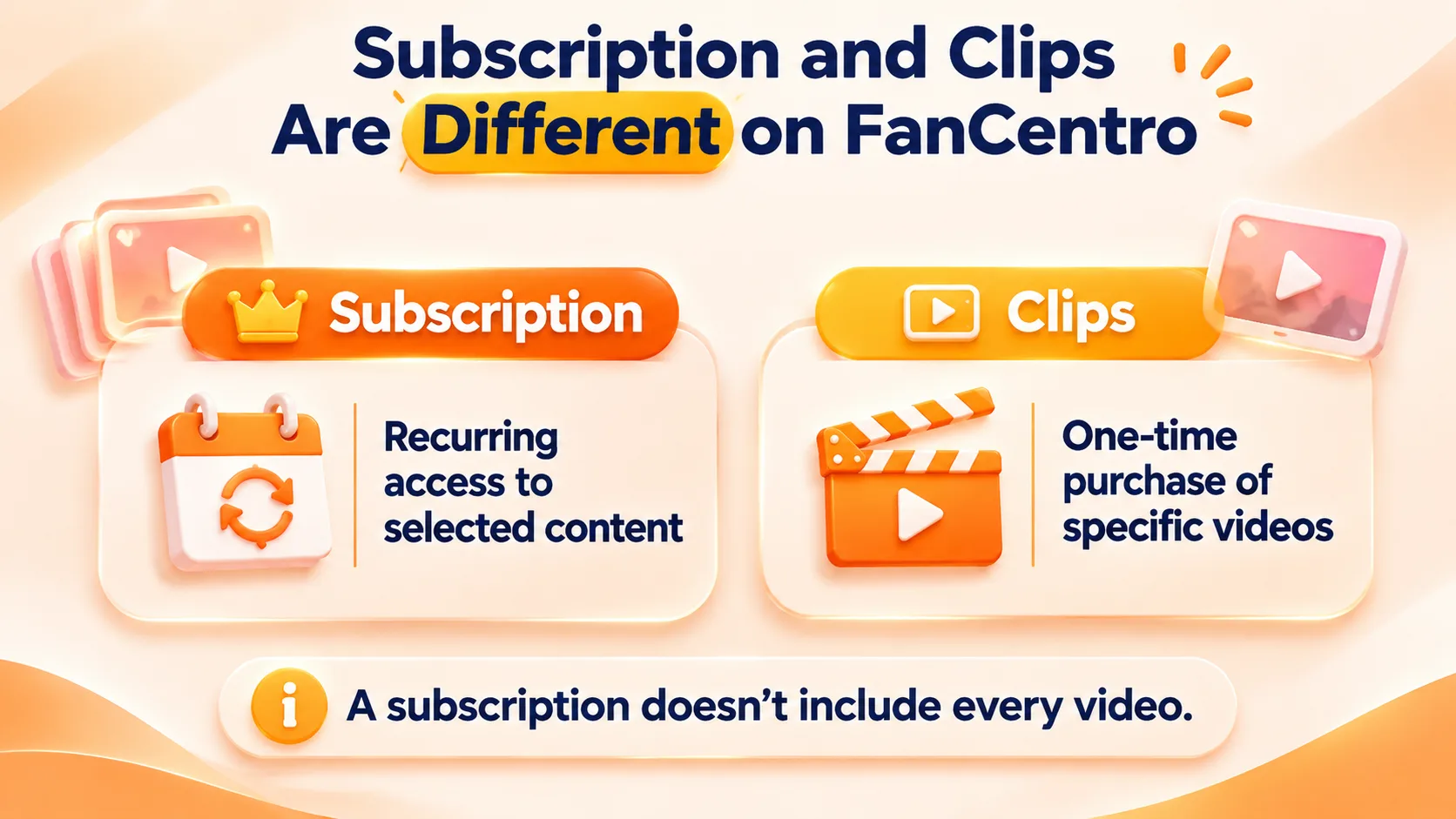
A FanCentro subscription provides access to content included in a creator's plan, whereas FanCentro Clips are individual videos sold separately. Although both options give you access to exclusive content, their payment methods and viewing arrangements are different.
| Feature | FanCentro Subscription | FanCentro Clips |
|---|---|---|
| Payment type | Recurring subscription | Individual purchase |
| Content access | Selected subscriber content | Specific videos |
| Subscription required | Yes | No |
| Pricing | Set by the creator | Set separately for each Clip |
| Billing | Recurring, subject to renewal settings | One-time payment |
| Best for | Regularly following a creator | Buying specific videos |
You can use both options on the same creator's page. For example, you might subscribe to access regular updates while purchasing a particular Clip separately if it isn't included in your membership.
The key difference is that a subscription doesn't automatically include every video a creator offers, so it's worth checking the content description before making a purchase.
How FanCentro Subscriptions Work
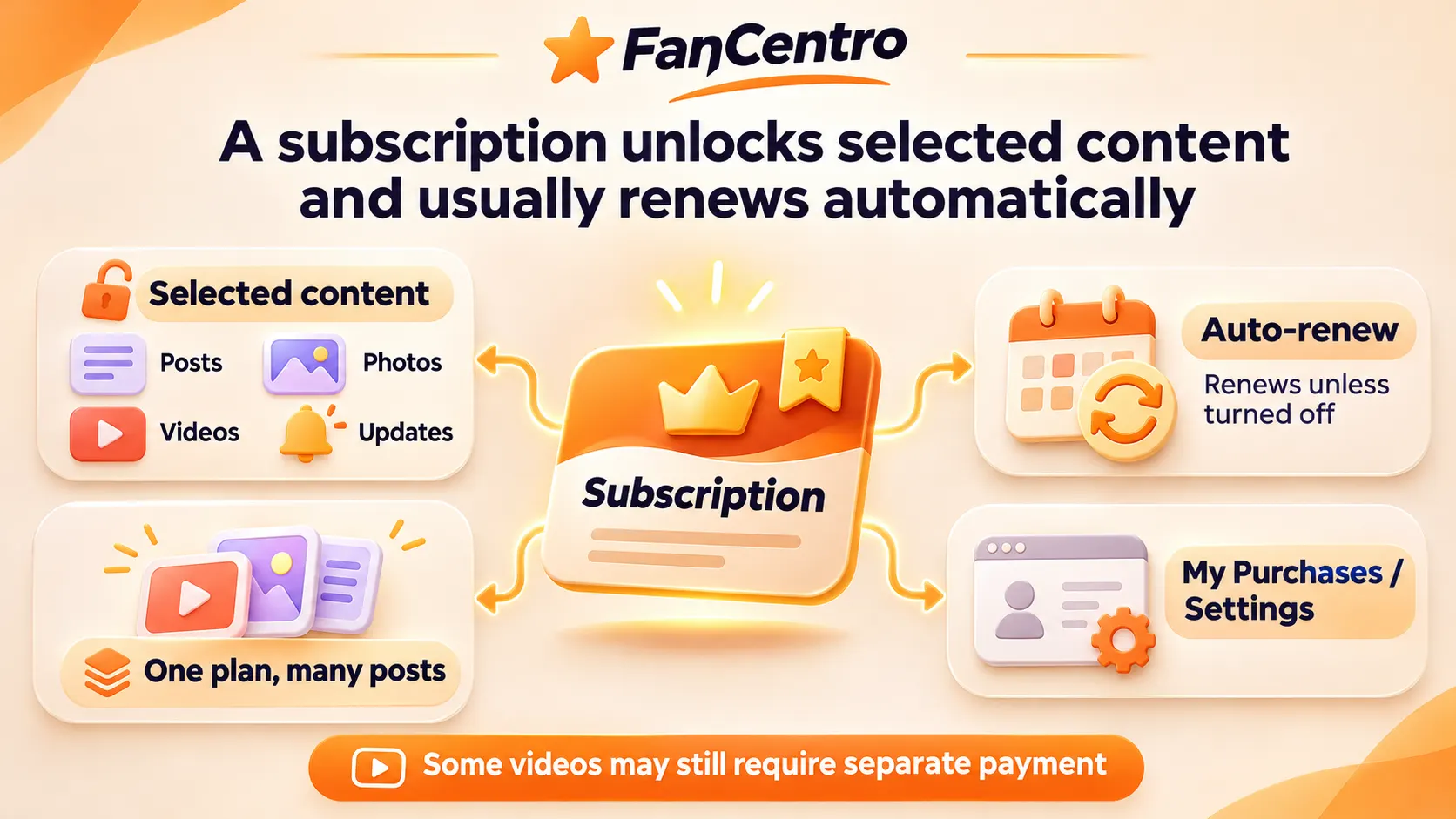
A FanCentro subscription gives you access to selected content on a creator's page for a specific period. Depending on the plan, this may include subscriber-only posts, photos, videos, and other updates.
What Are the Benefits of a FanCentro Subscription?
One of the main FanCentro subscription benefits is that you can access multiple pieces of included content without paying for each post individually, making it a practical option if you regularly follow a creator and want to keep up with their updates.
Creators set their own subscription prices and durations, so available plans can differ between profiles. Some offer monthly subscriptions, while others provide longer-term options for fans who want to maintain access for more than one billing period.
However, some videos and posts may still require separate payments, even when you already have an active subscription.
Does FanCentro Subscription Renew Automatically?
Most paid FanCentro subscriptions renew automatically unless you cancel or disable the available Auto-Renew setting before the next payment date. Before subscribing, check the billing period and renewal price so you know when the next charge will occur.
If you no longer want to continue, you can manage your subscription through your account's My Purchases section or the relevant Auto-Renew settings.
How FanCentro Clips Work
Unlike subscriptions, FanCentro Clips are individual videos that creators sell separately at a price they choose. You can browse the available videos, check their descriptions and prices, and purchase the ones that interest you without signing up for a recurring plan.
This is a useful option if you only want a particular video rather than ongoing access to a creator's page.
Can You Buy FanCentro Clips Without a Subscription?
Yes, you can buy FanCentro Clips without a subscription. FanCentro allows visitors to purchase individual Clips without first subscribing to the creator's page, although you may need to sign in and complete the normal checkout process.
For example, if a creator lists several Clips and you're only interested in one particular video, you can purchase that video separately instead of paying for an entire monthly subscription.
Are FanCentro Clips Included in a Subscription?
Not necessarily. Creators can sell Clips separately from their subscription content, which means having an active membership doesn't automatically unlock every video listed in the Clips section.
It's also useful to understand the difference between FanCentro Clips and locked posts, as both can involve separate payments but work differently:
- Clips: Individual videos listed for sale at a price set by the creator.
- Locked posts: Feed content with access controlled by the creator, sometimes requiring an additional payment to unlock.
- Subscriber-only posts: Content available to users whose subscription includes access to that post.
Before purchasing, check whether the video is included in your subscription or listed as a separate purchase.
See FanCentro's official guide to selling videos through Clips for more details.
FanCentro Subscription vs. Clips: Which Should You Choose?
The better option depends on how often you follow a creator and whether you want ongoing access to their content or only a few specific videos.
-
Choose a subscription if you regularly follow a creator. It can offer better value when you watch multiple included posts and videos throughout the billing period, rather than paying for each one separately.
-
Choose Clips if you only want specific videos. Individual purchases give you more flexibility because you can select the content you're interested in without taking on another recurring payment.
A simple way to decide: Choose a FanCentro subscription for ongoing access to included content, or buy individual Clips when you only want particular videos.
Before paying, compare the subscription benefits with the individual Clip prices, and check whether the content you're interested in is included in the plan.
Can You Download FanCentro Clips After Purchase?
Purchasing a FanCentro Clip gives you access to view the content under the platform's terms, but it doesn't automatically mean that you receive a downloadable video file.
If FanCentro provides a download option for your purchased content, follow the platform's instructions to save it. Otherwise, check the available viewing options before assuming that the purchase includes a separate local video file.
For videos from other websites that you're allowed to save, VidBrowser offers a convenient desktop workflow for detecting available media resources and downloading supported files.
Save Videos with VidBrowser
VidBrowser combines a built-in browser with video detection and downloading tools, allowing you to open websites, play videos, and manage available media without switching between separate applications.
Step 1: Download and Install VidBrowser
Download VidBrowser for Windows or Mac and install the version that matches your computer.
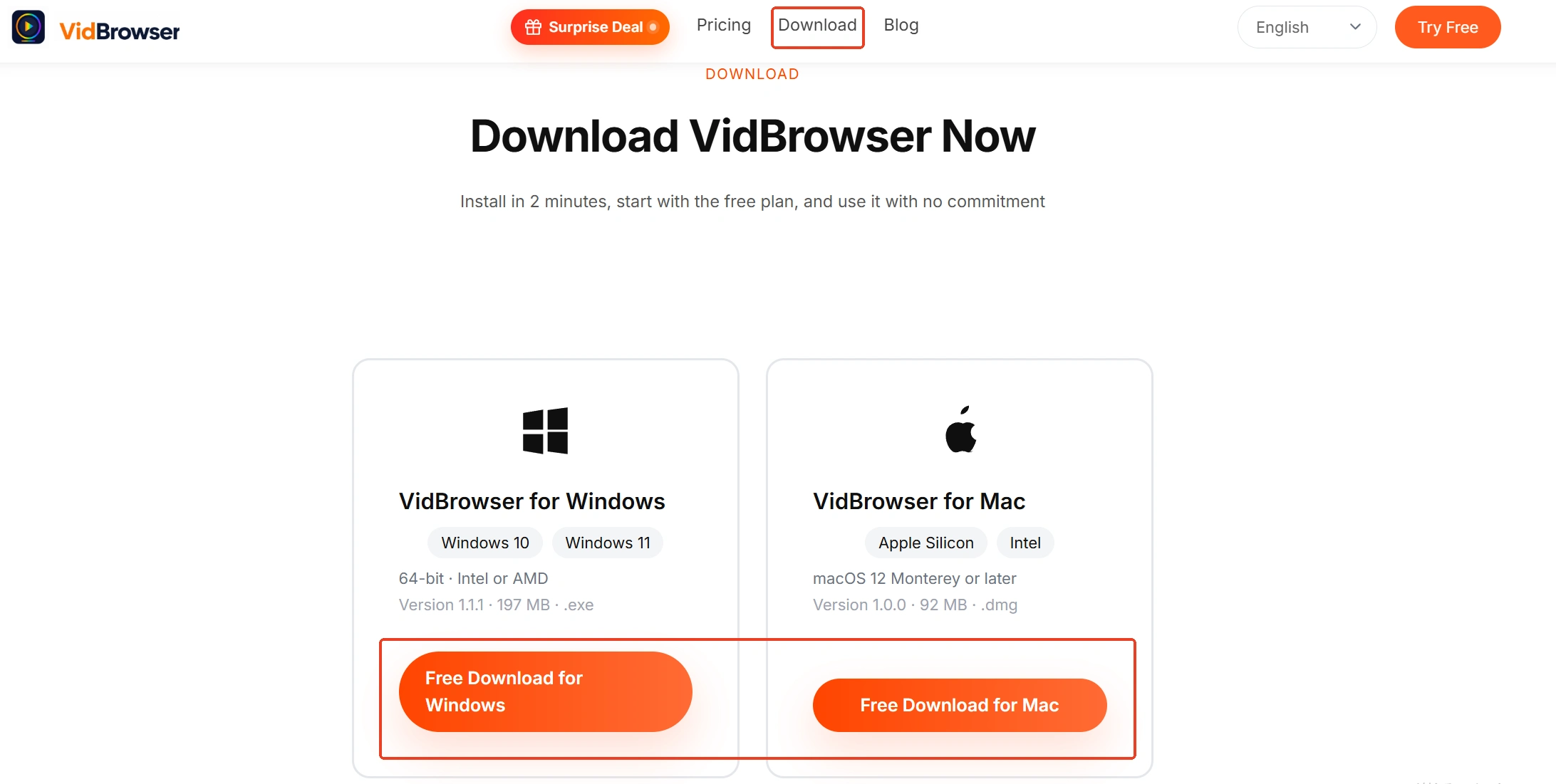 Download the Windows or Mac version of VidBrowser to get started.
Step 2: Open a Video Website
Enter the website address in VidBrowser's built-in browser, open a video, and start playback so the application can detect available media resources.
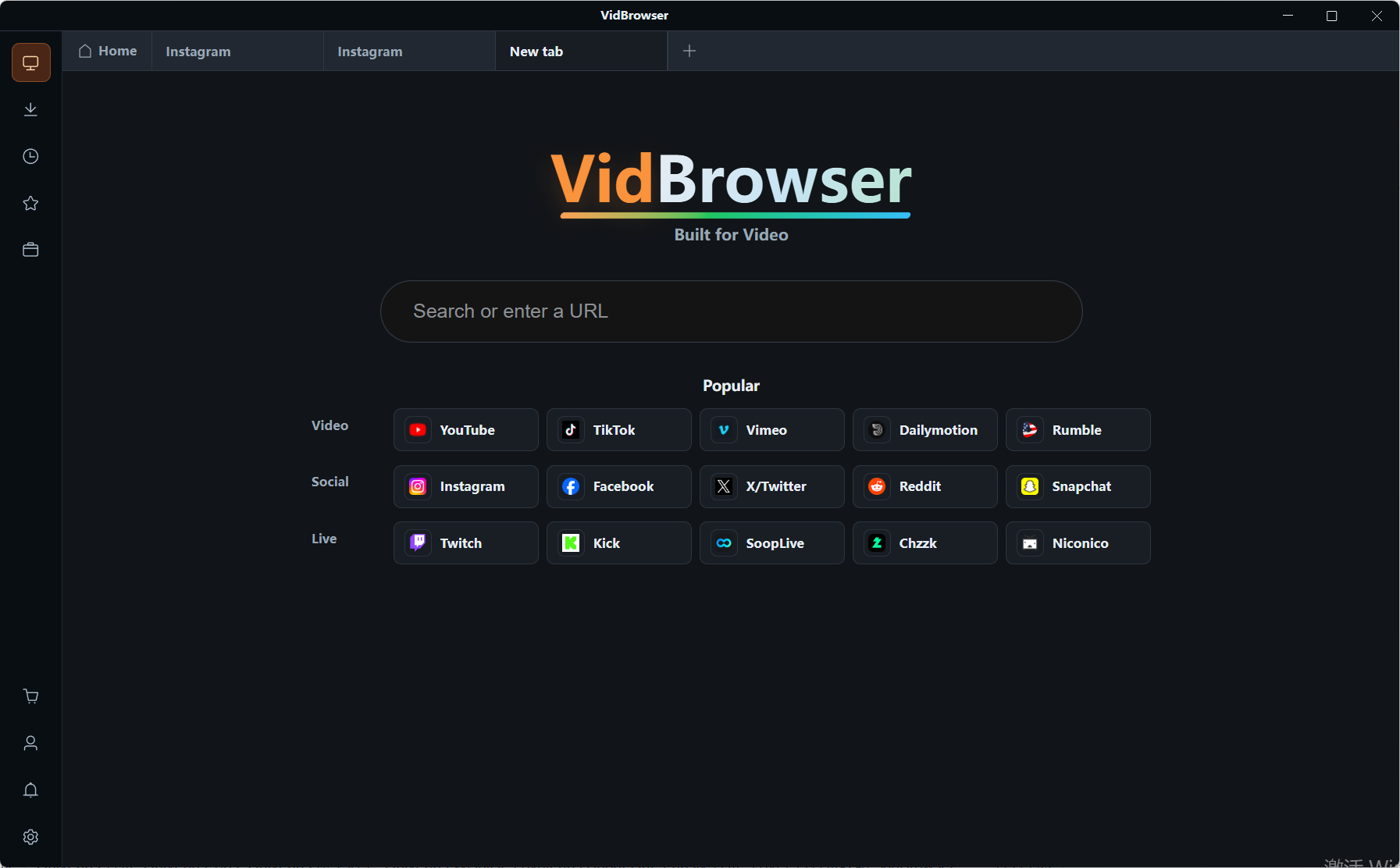 VidBrowser opens with a browser-style home page.
Step 3: Select a Video and Download It
Detected resources appear in the Video Media Library on the right side of the browser. Choose an available resolution and click the orange Download button to save the video as an MP4 file.VidBrowser brings supported video downloads and screen recording together in one desktop application. If you want to learn more about the different ways video grabber tools save online videos, see our guide to three types of video grabber tools.
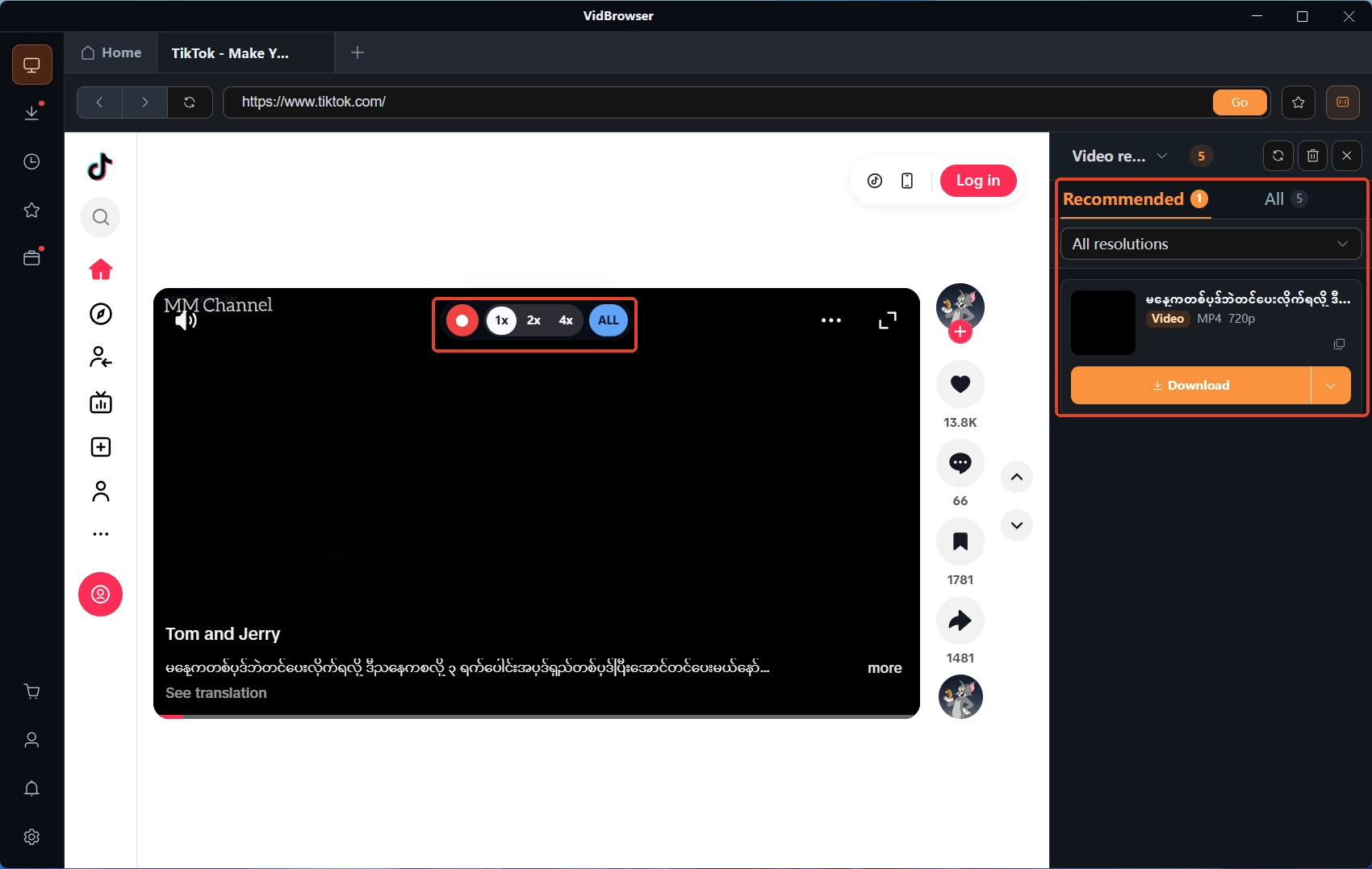 Available video resources appear beside the webpage.
Step 4: Find Your Saved Videos
Once the download is complete, open VidBrowser's Download History to locate the saved file and play it to check that it has been stored correctly.For more details, see our guide to using VidBrowser Download History to find saved videos.
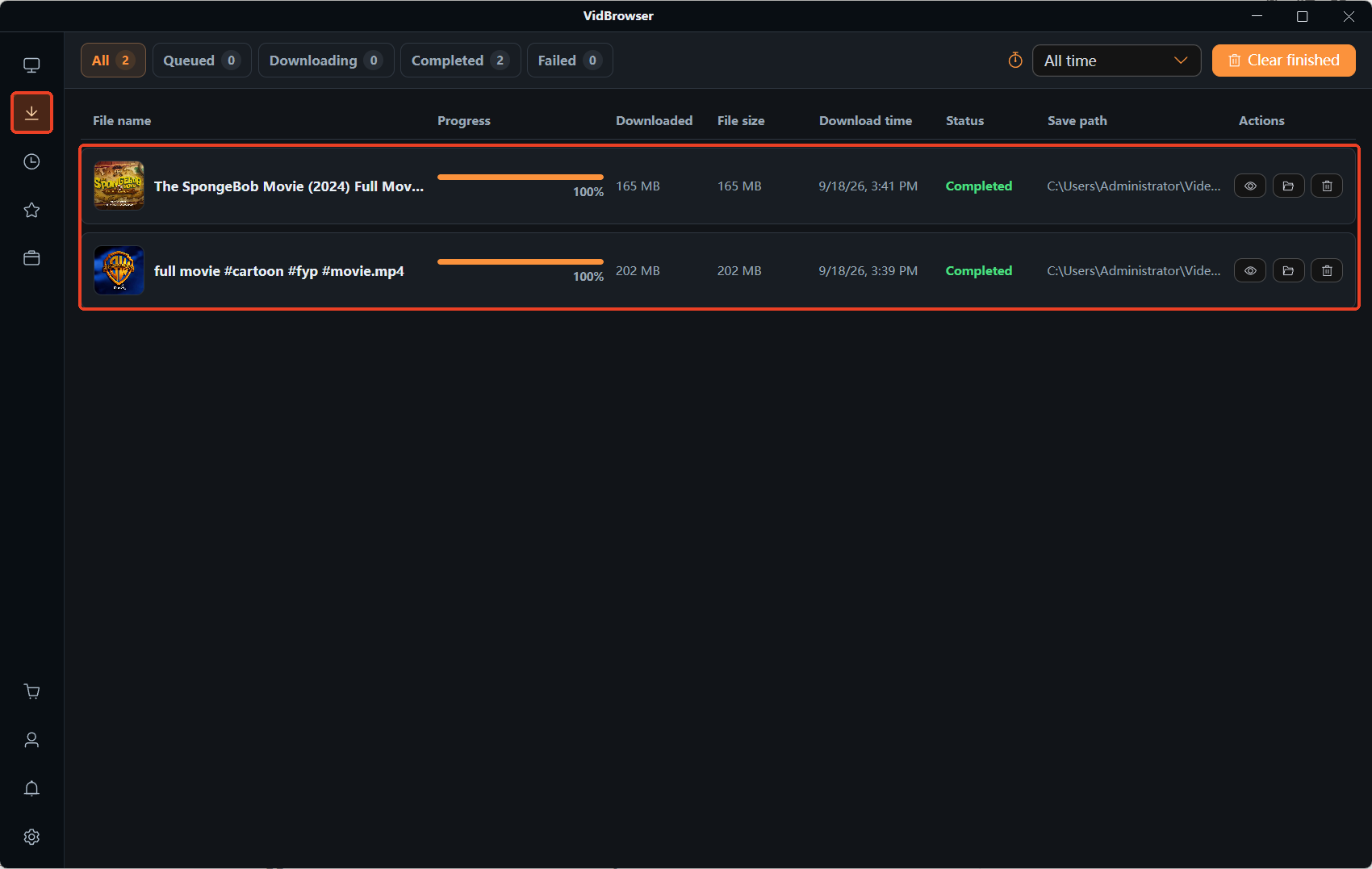 Completed downloads are easy to find in Download History.
You can learn more about the available features on the VidBrowser Video Downloader page.
Final Thoughts
When comparing FanCentro subscription vs. Clips, the right choice comes down to how you prefer to access a creator's content. Subscriptions are generally better suited to regular followers who want ongoing access to included posts, while individual Clips give you the flexibility to purchase specific videos without recurring payments.
Check the content included in each option, compare prices, and review the renewal terms before purchasing. If you also need to save videos from other supported websites, VidBrowser provides a convenient way to detect available media, download supported files, and organize your saved videos.
Frequently Asked Questions
Can You Buy FanCentro Clips Without a Subscription?
Yes. You can purchase individual FanCentro Clips without subscribing to the creator's page, allowing you to pay only for the videos you want.
Does a FanCentro Subscription Include All Videos?
No. A subscription covers the content included in the creator's plan, while some Clips and locked posts may require separate purchases.
Are FanCentro Clips One-Time Purchases?
Yes. Clips are purchased individually rather than through a recurring subscription, with each video carrying its own listed price.
Does FanCentro Subscription Renew Automatically?
Most paid subscriptions renew automatically unless you cancel or disable Auto-Renew before the next billing date. Check your account settings for the current renewal details.
Can You Download FanCentro Clips After Purchase?
You can download purchased content when FanCentro provides an official download option. Purchasing a Clip doesn't automatically mean that a separate downloadable video file is included.