Pornhub Video Unavailable? Why It Happens and How to Fix It
If you're seeing a "Pornhub video unavailable" message when trying to play a video, the problem could be related to the video's status, regional restrictions, age verification, or your browser. VidBrowser provides another desktop browser environment where you can test the same video and check whether the issue is related to your usual browser.
However, not every unavailable video has the same cause. Some videos may have been removed or placed under review, while others may be affected by local access requirements or playback problems. Understanding the difference will help you find the right solution without wasting time changing settings unnecessarily.
What to Check First: If only one video is unavailable, check whether it has been removed or placed under review. If several videos fail in your browser, investigate your browser settings or try another browser. If Pornhub displays an age-verification or regional access notice, follow the instructions provided on the official website.
Why Does Pornhub Say "Video Unavailable"?
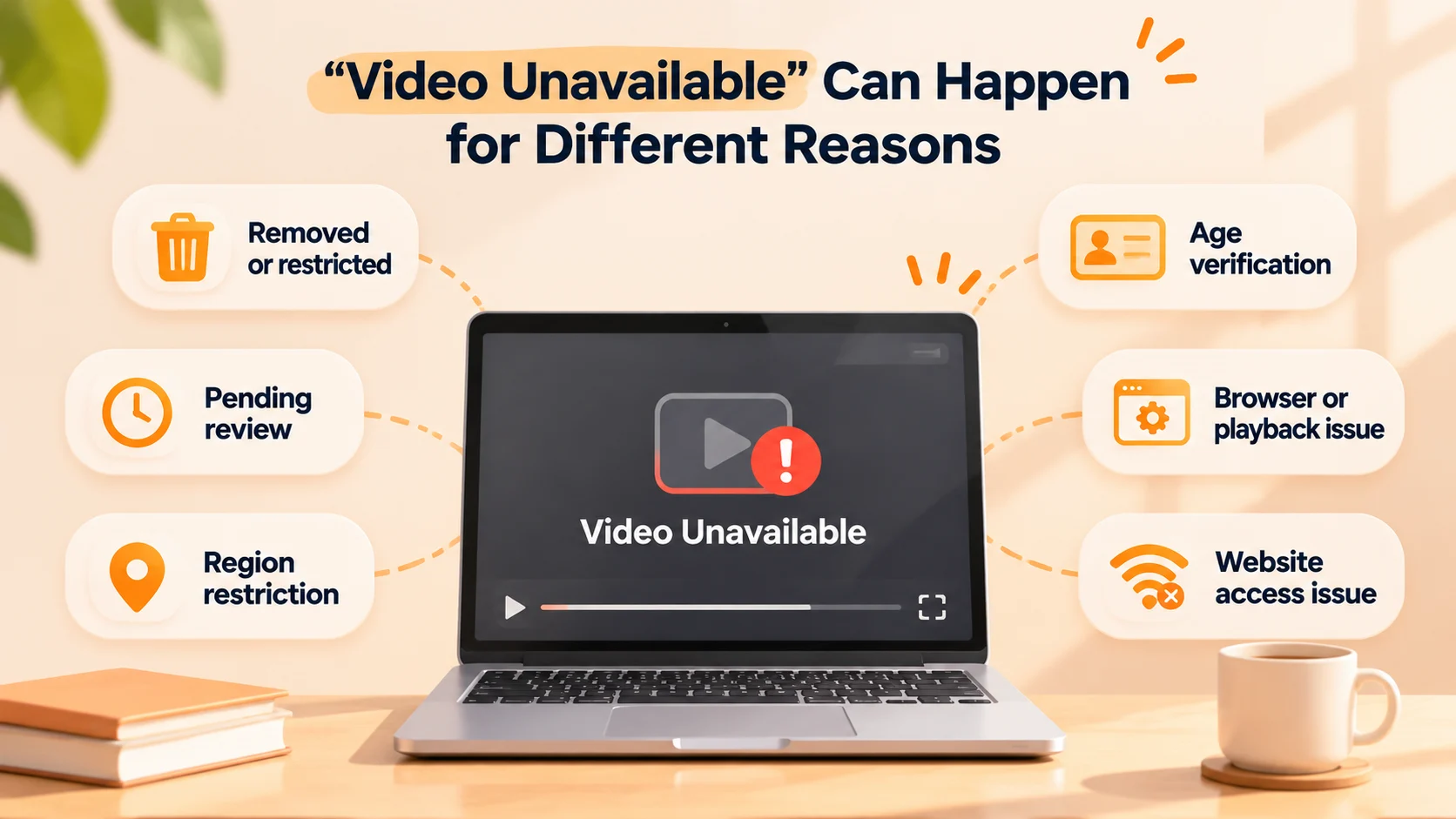
The same unavailable message can appear for different reasons, so start by checking whether other videos on Pornhub still play. If only one video is affected, the problem may be related to its availability or viewing permissions. If several videos fail, your browser, network, or account access may need attention.
| What you see | Possible reason | What to check |
|---|---|---|
| Only one video is unavailable | Video removed or restricted | Original video page and creator profile |
| "Video is unavailable pending review" | Content review | Wait for a status update |
| Video unavailable in your country | Regional restriction | Local access requirements |
| Pornhub asks you to verify your age | Age-verification requirement | Official verification prompt |
| Several videos won't play | Browser or playback issue | Extensions, cache, and browser settings |
| The entire website won't open | Network or regional access issue | Website availability and connection |
Once you identify which situation matches your screen, you can focus on the relevant solution instead of trying every troubleshooting method.
Check Whether the Video Was Removed or Is Under Review
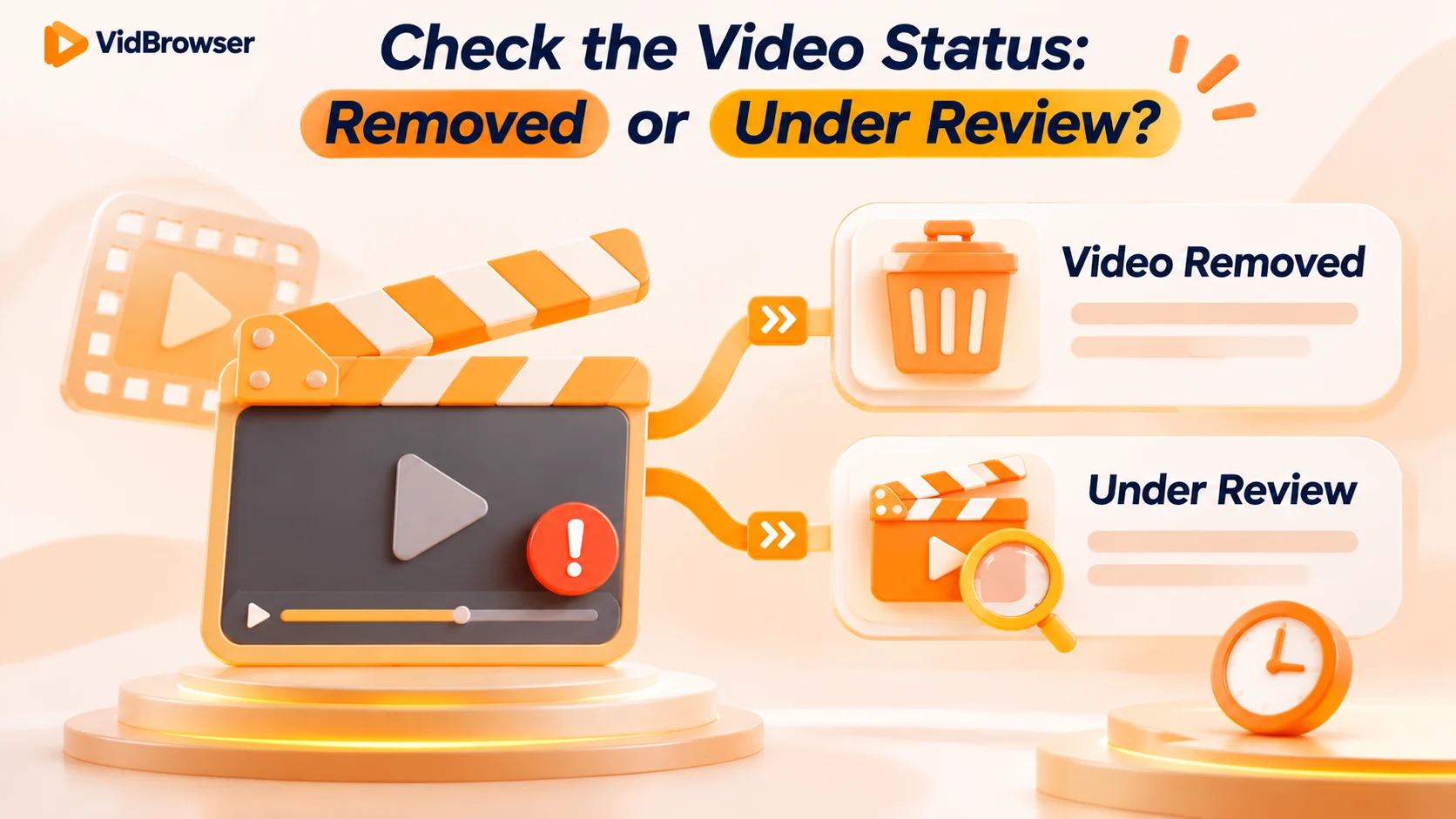
If other videos play normally but one particular upload shows an unavailable message, check the video's status before changing your browser settings. The creator may have removed the upload, or Pornhub may have temporarily restricted it while reviewing the content.
What Does "Video Unavailable Pending Review" Mean?
If Pornhub displays "Video is unavailable pending review," it indicates that the video is currently awaiting a platform review. This is different from an ordinary buffering or loading error, so repeatedly refreshing the page is unlikely to change its status.
The message itself does not explain why the review started or how long it will take. If you encounter it, revisit the original video link later to check whether the video has become available again.
How Can You Check Whether a Pornhub Video Was Removed?
Open the creator's public profile and see whether their other videos are still available. If the rest of the profile works normally but the original video remains unavailable, the issue is more likely related to that particular upload.
You can also save the original page URL and revisit it later. If the video is no longer published, changing browsers or clearing cached data will not restore it.
Check Regional Access and Age Verification
If several videos are unavailable or Pornhub displays an access notice before playback, check whether the problem is related to your location or an age-verification requirement.
Is Pornhub Unavailable in Your Country?
Pornhub access can vary between countries because of local laws and platform policies. Some restrictions apply to individual videos, while others affect access to the entire website.
For example, the UK's Online Safety Act requires adult-content services to use highly effective age-assurance measures. In September 2026, Ofcom opened an investigation into Pornhub's age-assurance process to examine whether it met the requirements of the Act. You can read the details in Ofcom's investigation update.
If you see a regional access notice, check the current requirements in your location and the information provided by Pornhub. A regional restriction is different from a video that has been removed or placed under review.
Does Pornhub Require Age Verification?
Age-verification requirements depend on your location and the platform's current policies. Some users may be asked to complete an age check before viewing adult content, while others may encounter a regional access restriction.
If an age-verification prompt appears, follow the instructions on Pornhub's official website and use the verification options provided there. Make sure you are on the official website before submitting personal information, and avoid uploading identification documents to unrelated services.
If the verification page itself will not load, checking your browser settings or testing another browser may help identify a page-loading problem.
Fix Pornhub Videos That Won't Play in Your Browser
When Pornhub opens normally but videos keep buffering, show a blank player, or refuse to start, your browser may be interfering with playback. Try these checks in order, starting with the simplest ones.
1. Refresh the page and test another video.
Reload Pornhub and open another video from the same website. If the second video plays normally, the original upload may be unavailable rather than affected by a general playback problem.
2. Check your browser extensions.
Ad blockers, script blockers, and privacy extensions can sometimes interfere with website scripts or video players. Temporarily disable these extensions and reload the page to see whether playback improves. If it does, enable them individually to identify which setting may be causing the issue.
3. Clear Pornhub's stored website data.
Old cookies or cached files can sometimes cause loading problems. Clear the stored data for Pornhub, reopen the website, and sign in again if necessary.
4. Update your browser and check your connection.
Make sure you're using a current browser version and that your internet connection is working normally. If other websites are also loading slowly or failing to play videos, check your network before focusing on Pornhub.
Google also recommends checking extensions, cache, cookies, and browser updates when videos fail to load. You can follow its official Chrome video troubleshooting guide for additional instructions.
☆ Tip
Before changing several browser settings at once, test the same video in another browser. This makes it easier to tell whether the problem is related to your original browser or the video itself.
Test Pornhub Playback with VidBrowser
If videos still fail in your usual browser, VidBrowser provides another desktop browser environment for comparison. Its built-in browser lets you open the same webpage and test the same video, helping you identify whether the issue may be related to your original browser setup.
Step 1: Download and Install VidBrowser
Download VidBrowser for Windows or Mac and install the version that matches your computer.
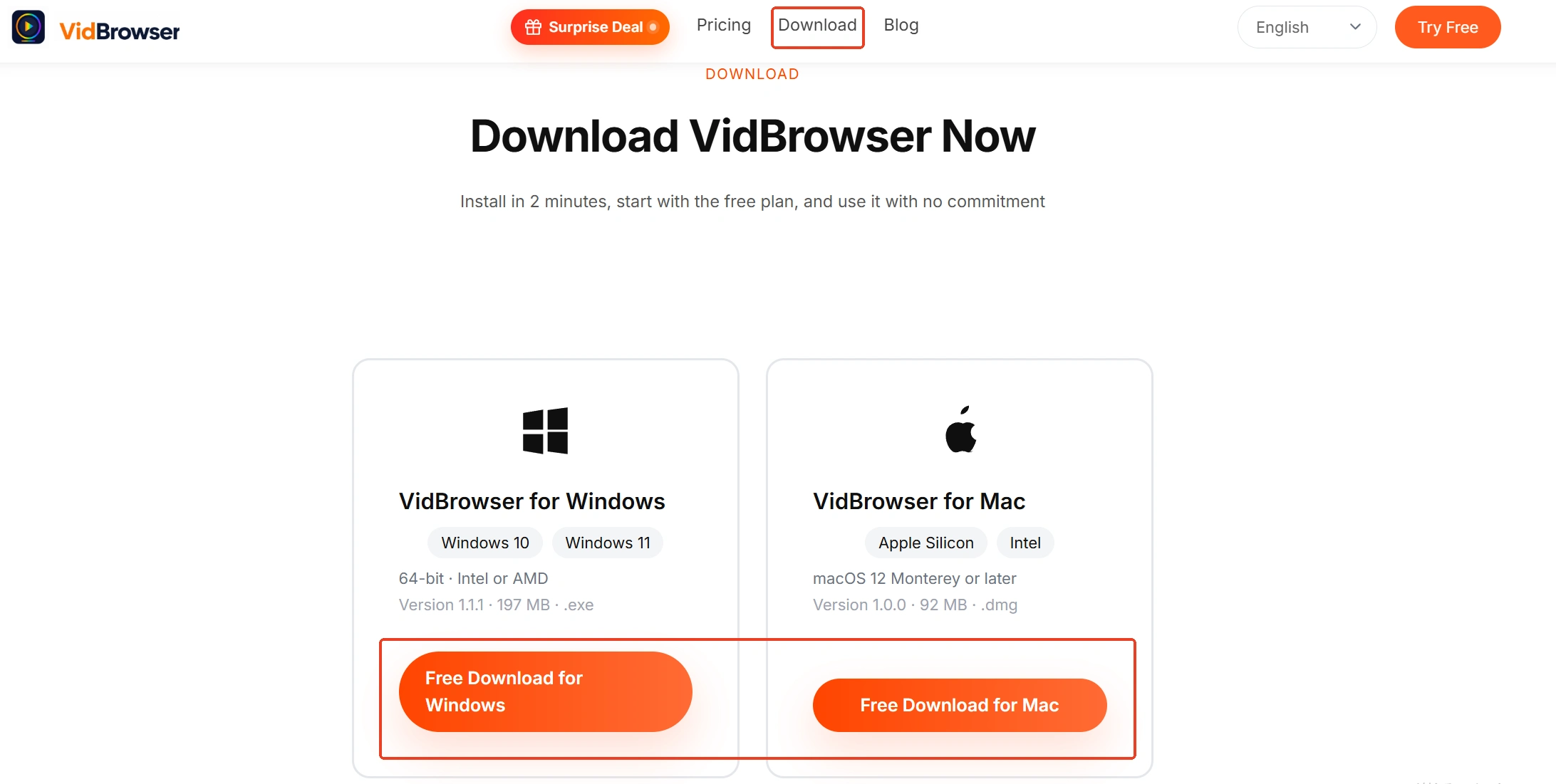
The official download page provides separate installers for Windows and macOS.
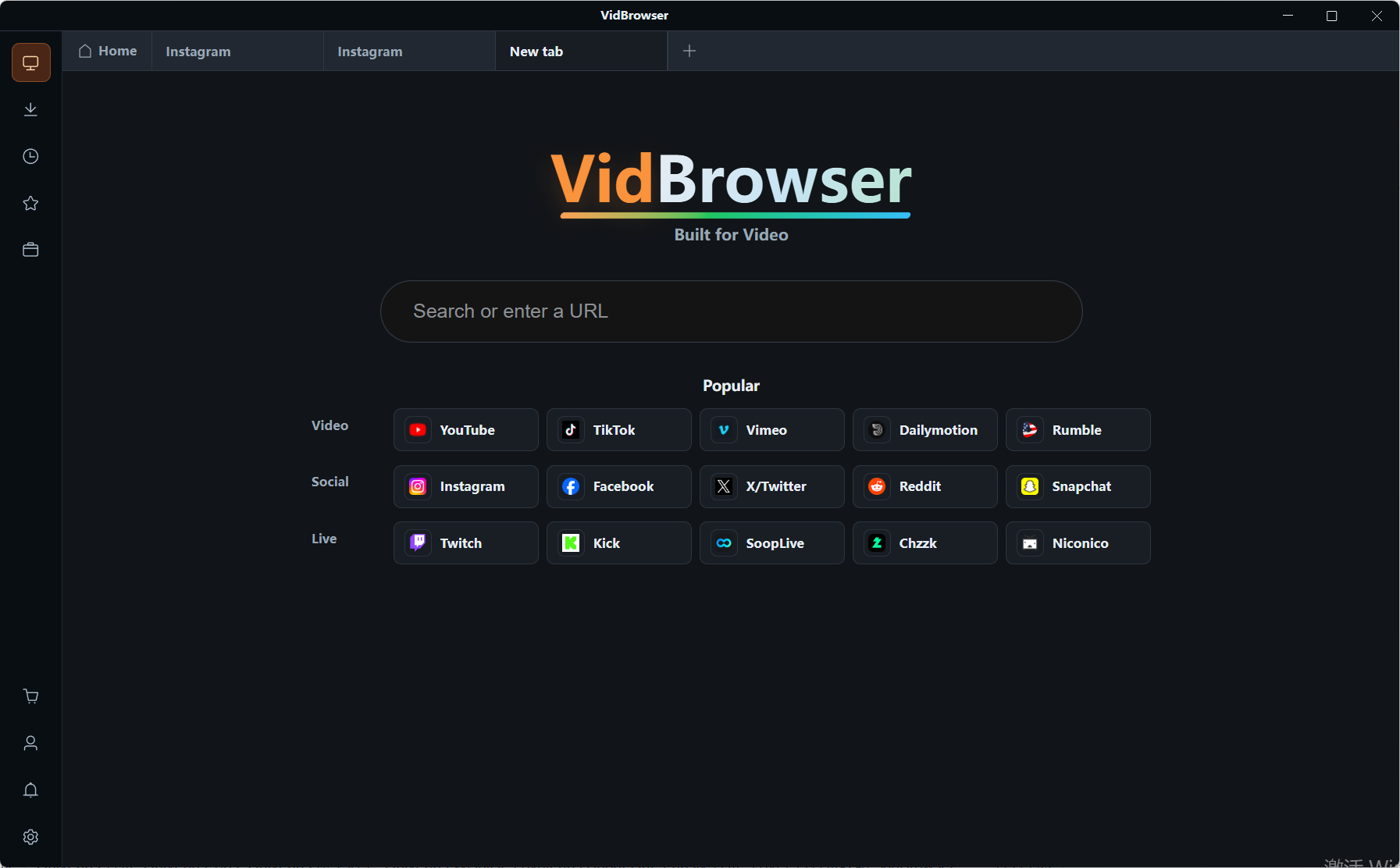
Step 2: Open Pornhub and Test the Same Video
Open pornhub.com inside VidBrowser, sign in with your own account if required, and play the same video you tested in your usual browser.
If the video plays normally, you can return to your usual browser and check its extensions, cached data, and settings.
Step 3: Check Available Media Resources
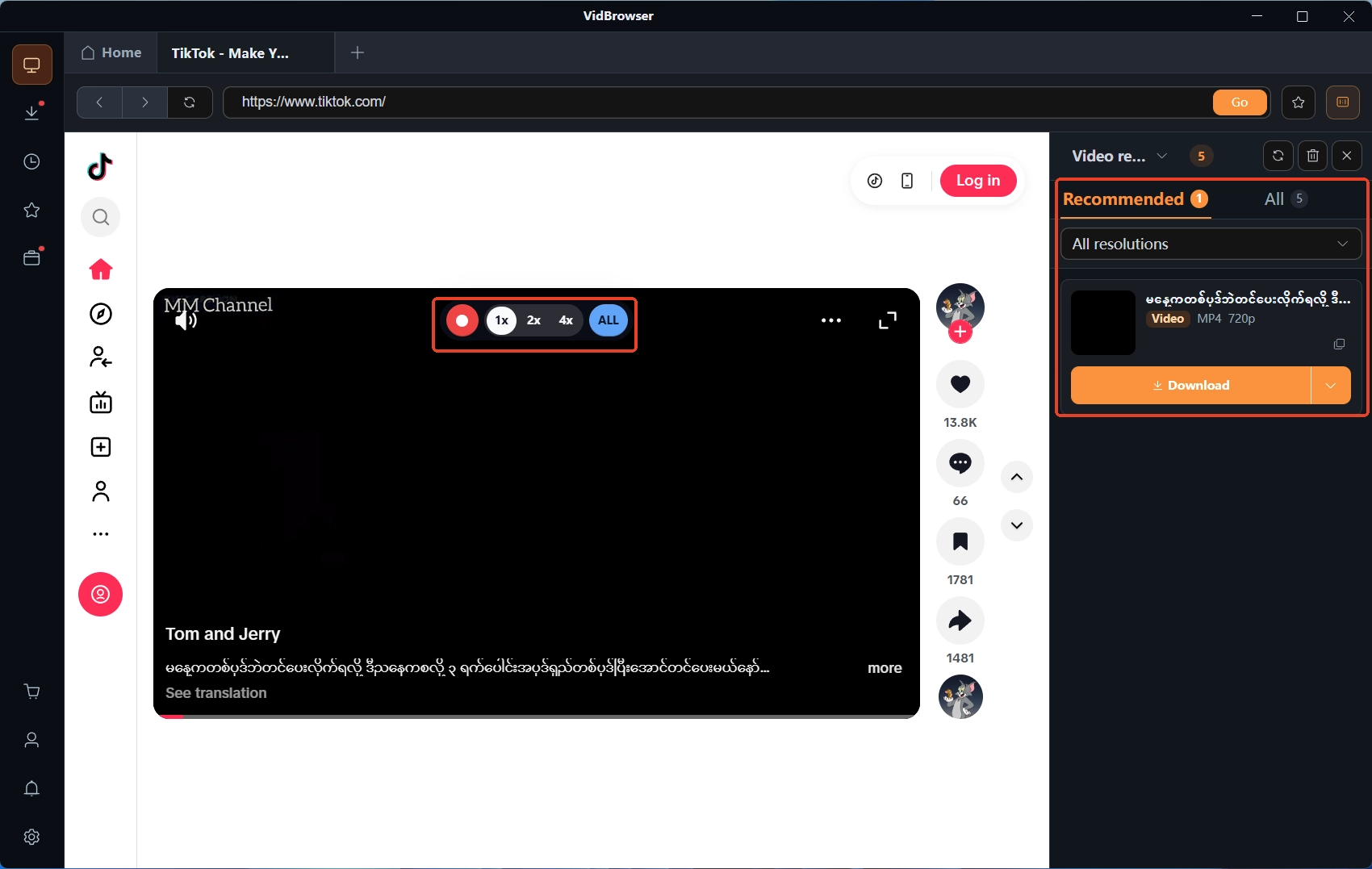
Once the video is playing, check the Video Media Library on the right side of VidBrowser. Supported media resources appear there with available resolution options, and you can select a resolution and click the orange Download button to save content you have permission to keep.
For supported playback that you are authorized to record, you can also move your mouse over the video to display the recording controls, choose a recording speed of 1x, 2x, or 4x, and select ALL to record the full video.
For more information about saving videos, see our guide to How to Save Pornhub Videos with VidBrowser.
If you need help with VidBrowser, open Settings → Contact in the application and send the team a message. You can also find the Telegram contact option under Account → Overview.
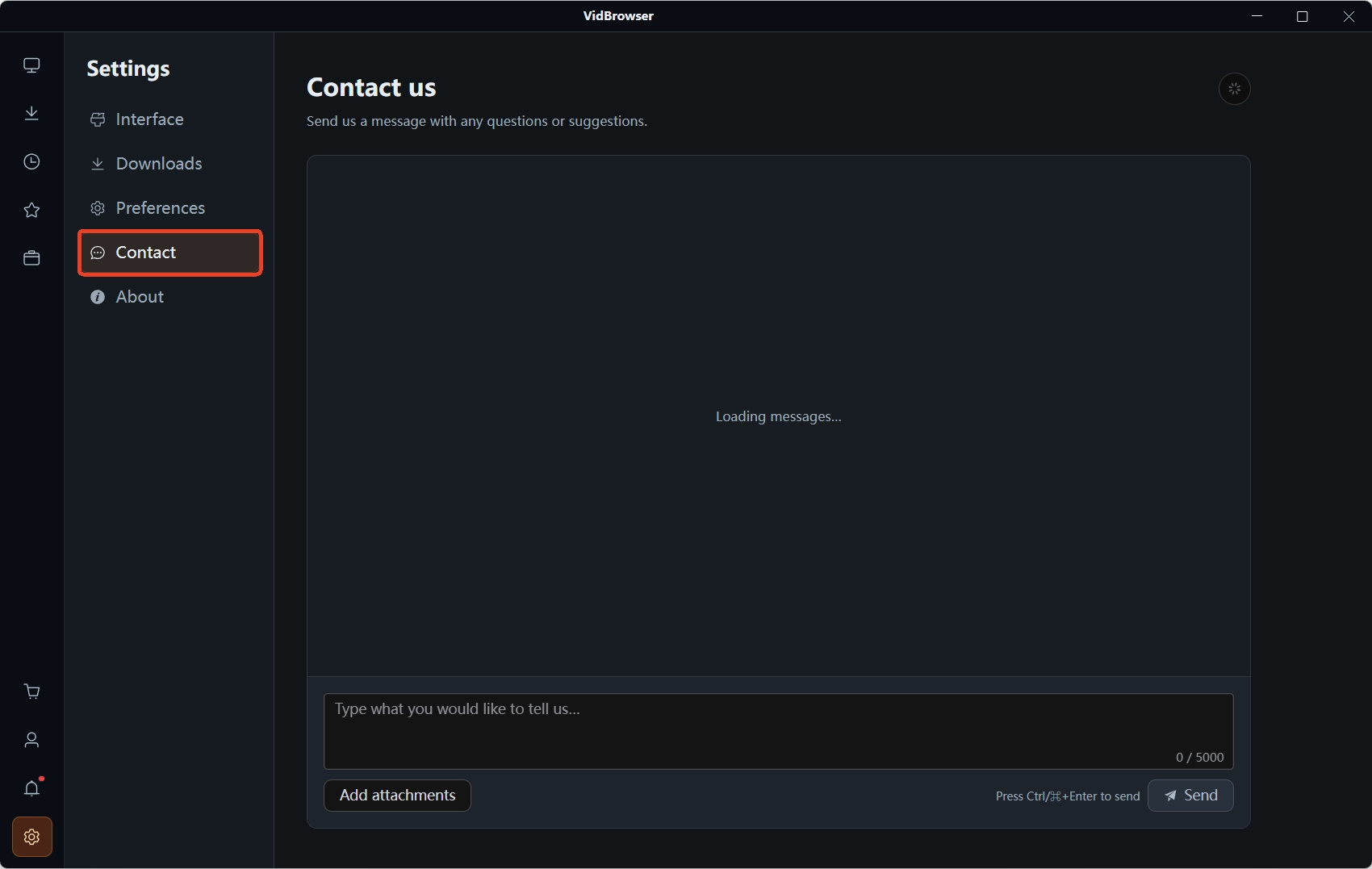
Use the Contact page in VidBrowser to send a message to the support team.
Frequently Asked Questions
Why Does Pornhub Say "Video Unavailable Pending Review"?
This message indicates that the video is awaiting a platform review. It does not necessarily mean there is a problem with your browser or internet connection. Revisit the original video page later to check whether its status has changed.
Why Is Pornhub Video Unavailable in My Country?
Pornhub may restrict individual videos or access to the entire website depending on local laws and platform policies. Check the access notice displayed on the website and the current requirements in your location.
Can Clearing the Browser Cache Fix Pornhub Video Unavailable Errors?
Yes, if outdated cookies or cached files are interfering with the website or video player. However, clearing browser data will not change the availability of a video that has been removed or restricted by the platform.
Why Does Pornhub Ask Me to Verify My Age?
Some locations require adult websites to use age-assurance measures before allowing access to adult content. If Pornhub displays a verification prompt, follow the official process provided on the website.
Can VidBrowser Help with Pornhub Playback Problems?
VidBrowser provides a separate desktop browser environment that lets you test the same video outside your usual browser. It also includes a Video Media Library, downloading, and recording tools for supported webpages.
Final Thoughts
When Pornhub displays a "Video Unavailable" message, start by checking whether the problem affects one video, several videos, or the entire website. This helps you distinguish content reviews and regional restrictions from age-verification and browser playback problems.
If the video is available to your account and location but still won't play in your usual browser, testing it in VidBrowser provides another way to investigate the issue. Once playback works, you can also use its built-in media tools to manage supported videos you have permission to save.