Naver TV pulls official videos too: save K-pop stages and variety clips before they rotate out
Fans of Korean variety shows and K-pop run into the same thing sooner or later: a Naver TV link saved months ago opens to a page that is still there, but the video itself refuses to play. The link is not broken — the content has been pulled. Naver TV videos are not impossible to save; the platform simply retires content differently, and saving only makes sense once you know which videos disappear and when.
What Naver TV is: the portal video service where content comes straight from rights holders
Naver TV is the video service of Korean search portal Naver, and nearly all of its content comes from official channels rather than reuploads.Third-party observers consistently point to its defining trait: drama clips are usually uploaded by the broadcasters themselves, music videos by the agencies, behind-the-scenes footage by the promoters. What you watch there is, in most cases, the first-hand version released by the rights holder, rarely passed through second-hand reuploads.
That brings two direct consequences. One, the content is authoritative — official channels usually stream at good quality, with formal stages and trailers sitting in the high-resolution tiers. Two, the words "official release" are not a promise of permanence. What a broadcaster uploads, the broadcaster can take back at any time. The content pool on the official site, tv.naver.com, changes every day; what followers feel is not that downloading is hard, but that one careless moment and the video is gone.
Official release is not permanence: three content types retire on completely different clocks
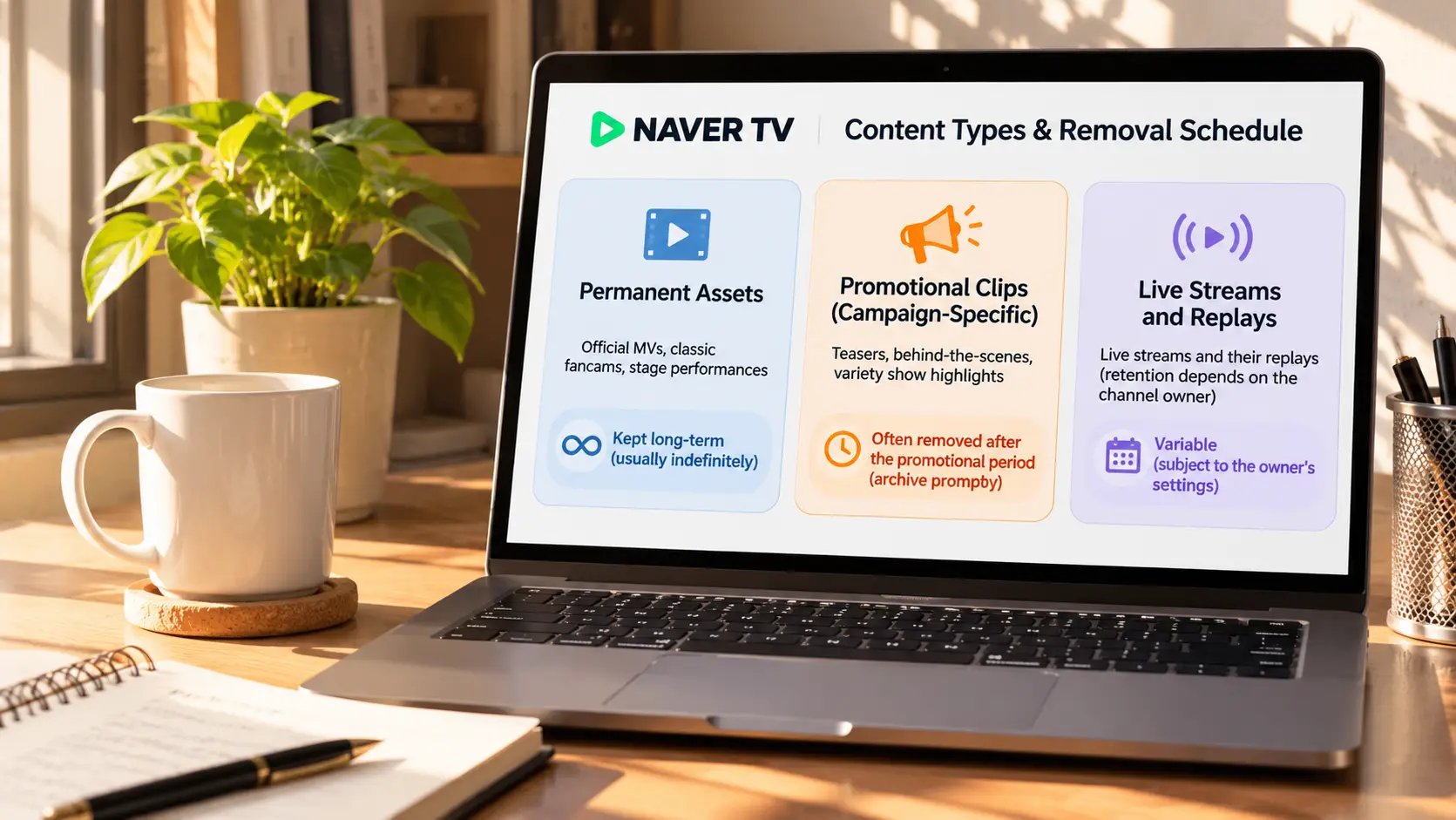
Inside the same house of Naver TV content, three types differ enormously in lifespan, and the saving move should follow the type.
- Evergreen: official music videos, classic stage fancams and other core material usually stay up long term and act as the platform's calling card. No rush here, but these are the ones most worth keeping in high quality.
- Seasonal: promo clips tied to comeback windows and broadcast seasons — trailers, behind-the-scenes, variety highlight cuts. Third-party observations agree that such clips are commonly pulled once the promo cycle ends, and no "official" label stops the takedown. This is the type that makes you race the calendar.
- Live and replays: whether Naver-family live streams get replays, and how long replays stay, is decided by the channel. Saving on the live side was covered separately in the piece on Korean live stream archiving, and Chzzk, also in the Naver family, got its own write-up; no need to repeat either here.
In other words, the norm on Naver TV is not "content deleted" but "the promo ends, the channel packs up". For viewers, saving within the window is the most reliable home this kind of content gets.
The "watch again" list in the app is not an offline file
The official Naver TV app gives you a bookmark, not a copy.The official store listing names three things: watching live, adding videos to a list to watch again later, and uploading and editing NAVER Clip short videos. Note the wording of the second item: "save to a list" — it stores your intent to watch, not the video file. The list follows the account, the video stays on the platform, and once the platform pulls it, the entries in the list die with it.
The one download exit the official side ever granted: in the December 2024 app update, the official notes confirmed that finished NAVER Clip videos can be downloaded — but the download range covers only content you created yourself. Other people's stages, other people's variety clips: the app layer offers no offline file at all.
Some videos will not load: regional licensing draws the line before saving ever starts
Some content fails to load outside Korea, and this restriction sits before any saving action.Multiple third-party sources agree: licensing for Korean music and TV content is sold by region, and which countries a video is visible in gets settled during licensing negotiations, before any tool enters the picture. Tools can handle content that plays but is hard to download; they cannot handle content that is simply not licensed to play — this is not a question of tool strength, the permission is not yours.
Before acting, confirm the video actually plays in your environment, then talk about saving. If it plays, continue below.
Saving Naver TV videos on a computer
Once playback is confirmed, desktop saving splits into two routes: for on-demand video, direct download comes first; where download fails, recording is the fallback:
Step 1: Download and install VidBrowser
VidBrowser is a desktop video browser for Windows and Mac that watches videos, captures segments and saves them locally, with download and recording built in. Installation takes a few minutes, and the official site has the package.
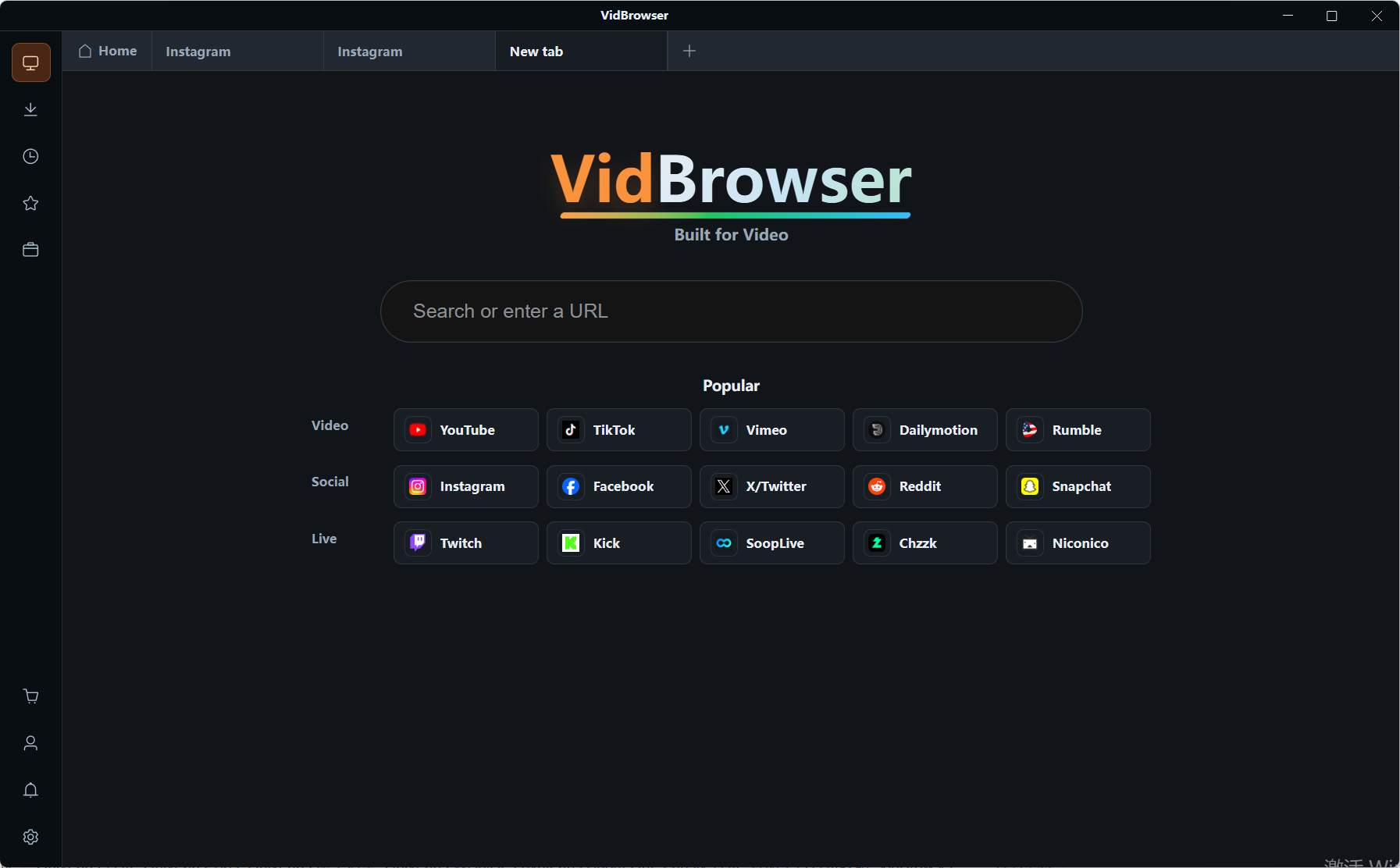
Step 2: Open Naver TV in VidBrowser and find the video
Type tv.naver.com into the address bar and open the target video page. A Naver TV video page usually carries a numeric ID; a single video link looks like /v/number — watch for that format so you do not land on a channel aggregation page.
Step 3: Download straight from the video media library
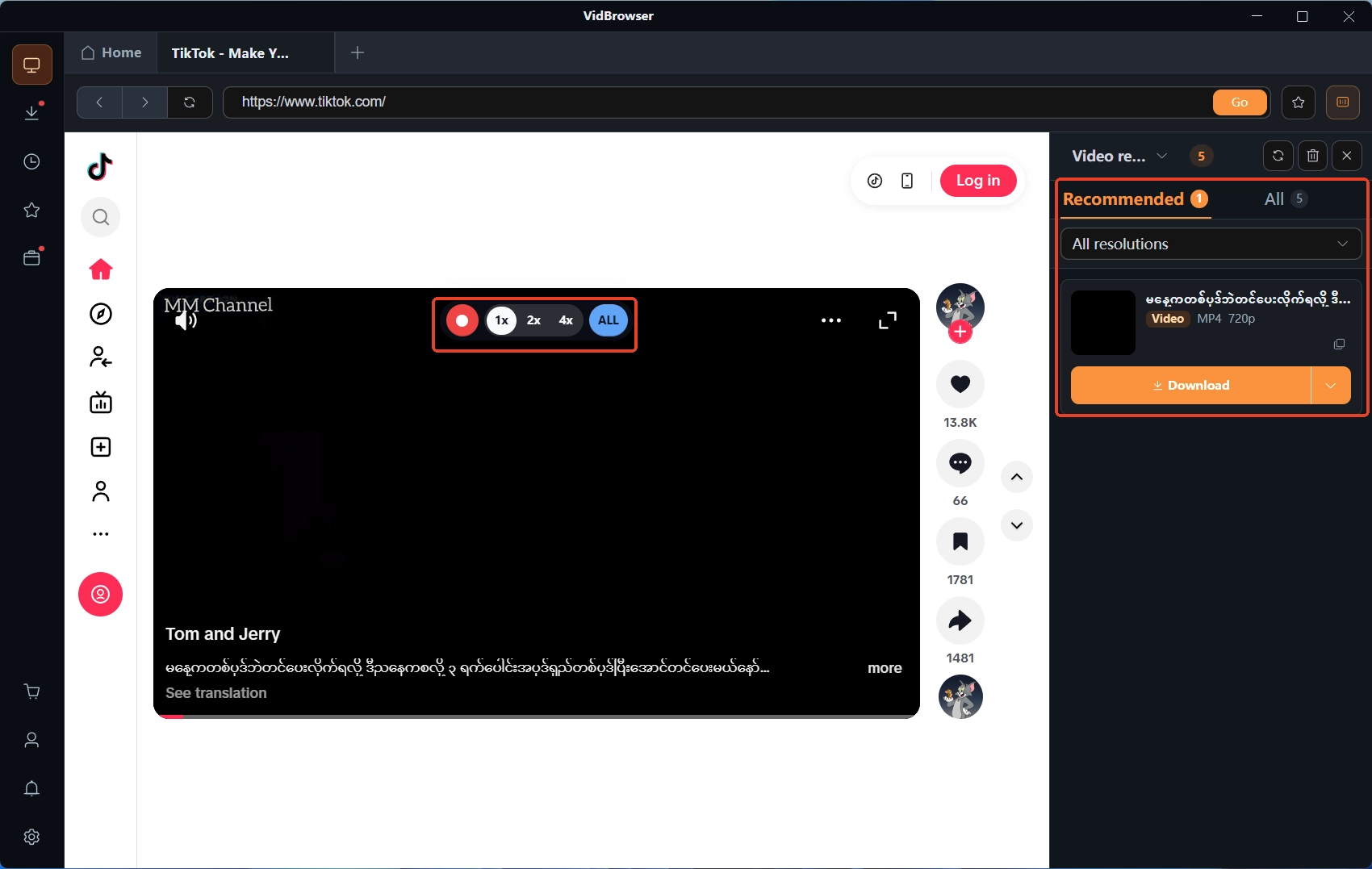
Once the video starts playing, the "video media library" panel on the right lists the resources it detected, each with an orange download button. The resolution filter lets you pick quality before downloading, and the file saves as MP4 or WebM.
Step 4: When download fails, use recording
If the panel shows no entries, or the content is a live stream, recording is the fallback route: move the mouse over the video and the recording controls overlay appears — pick a recording speed (1x real time, 2x or 4x to finish faster), press "record all" to capture the whole video, and the recording button on the left can start or pause at any moment. Anything that plays can be recorded.
Wrap-up
Saving from Naver TV comes down to two habits: first, read the content type — evergreen material can be kept calmly in high quality, seasonal clips must be grabbed before the promo cycle ends; second, pick the right tool — on-demand content goes through download, live streams and stubborn entries go through recording. Where the saved files end up and how to manage them is covered fully in the where are my downloaded videos piece. As for boundaries: personal offline keeping is the normal use for this kind of content; re-uploading an official MV to another platform crosses the line.
FAQ
Are Naver TV and VLIVE the same platform?
No. VLIVE was a separate Korean fan-facing live platform that has shut down, with its content folded into Weverse. Naver TV is the video service of the Naver portal itself. Both serve K-pop audiences, but there is no inheritance between the platforms.
Why do some Naver TV videos not open abroad?
Most likely regional licensing. Distribution rights for Korean music and TV content are sold by region, and many videos carry their visible-country scope from the moment they are uploaded. That restriction exists before any saving step and no tool can swap it out — first confirm the video itself plays on your network.
Is it fine to save officially released videos for myself?
Personal offline keeping is normal use, and Naver TV content comes mostly straight from the rights holders, so the source is clear. What crosses the line is redistribution: re-uploading a saved MV or variety clip to another platform, or using it for bootlegging or commercial purposes. Rights holders are not vague about pursuing this — do not let a local copy turn into evidence.