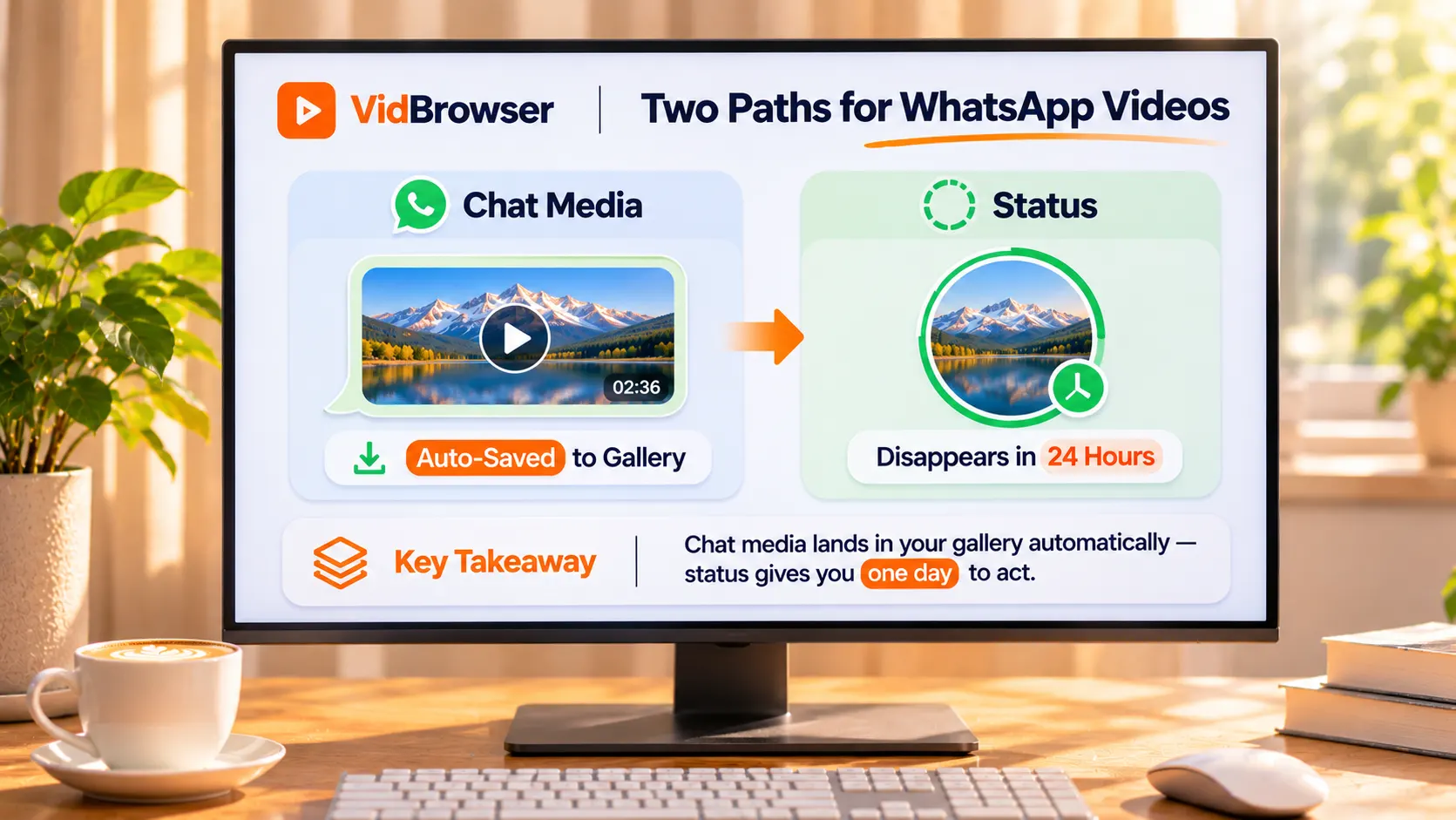
WhatsApp treats your videos two ways: chat media lands in the gallery, Status runs on a 24-hour clock
WhatsApp treats your videos two ways from the very source: chat media can land in your phone gallery automatically, while a Status lives inside a 24-hour window.Ask "how do I save it" without separating the two, and you either assume a missing video is gone for good, or stare at an expired Status in frustration. Get the two layers straight first, then decide how to keep a copy.
WhatsApp splits content into two layers: chat media and Status
Chat media and Status are two different mechanisms, and the difference comes down to who keeps the copy.Photos and videos exchanged in a chat are ordinary files; by default WhatsApp saves a copy into your gallery automatically. A Status is the sender's time-limited share: after 24 hours it exits, and there is no official way to replay it. This is the same family of problem as our Telegram guide: sort out the type first, then talk about saving. Location is your first clue: a chat conversation follows chat-media logic, while the Updates tab runs on a countdown; the stricter view once is covered separately below.
The first landing spot for chat media: automatic saving to your gallery
Photos and videos you receive in a chat are saved to your gallery by default, and that is the first landing spot by official design.The help center puts it plainly: on Android, turn on "Media visibility" under Settings > Chats; on iPhone, enable "Save to Camera Roll", and incoming media lands in the system gallery. If something is missing from the gallery, the usual suspects are: the global switch is off, that one chat is set not to save, or the media has not been downloaded yet, with auto-download off you need to tap it open first.
The official docs also slip in one easily missed line: once a photo is downloaded to your device, it cannot be downloaded again.Clear the gallery copy and the app will not produce a second one; asking the sender to resend is the common fix.
The 24-hour Status window, and three ways a Status becomes unavailable
A Status is time-limited by design: officially, updates disappear after 24 hours and the platform offers no replay.When you see "this status is no longer available", the official list of causes has three entries: the 24 hours ran out, the sender deleted it, or the content was removed for violating the terms of service, none of which has anything to do with your phone, and restarting or clearing the cache will not bring it back. That makes the saving window narrow: if you want it, act while the 24 hours are still running.The viewer-side situation resembles TikTok live streams: once it is gone, there is no official channel to chase it back.
View once: the official door to saving is closed
View once media is the strictest category in WhatsApp: officially it cannot be forwarded, copied, saved, favourited or shared, and it never enters the recipient's gallery.The official page also nails down the details: unopened items expire from the chat after 14 days; opened items are excluded from chat backups, so restoring a backup will not recover them; and recipients cannot take screenshots. The restrictions come from WhatsApp's own view once documentation, and that is the design intent.
On the same page, the official docs admit the other side: a recipient can point another device's camera at the screen and physically record the playback, and the system cannot stop that.That admission is exactly where screen recording sits: it is also a recording made of what is on screen, the platform closes the file layer, while the picture layer stays open.
Saving video on the desktop: how to use VidBrowser
The phone gallery is the first landing spot; the desktop is where archiving and tidying up work better.Once WhatsApp Web and your phone are logged into the same account, the media shows up in sync, and the saving can happen right here:
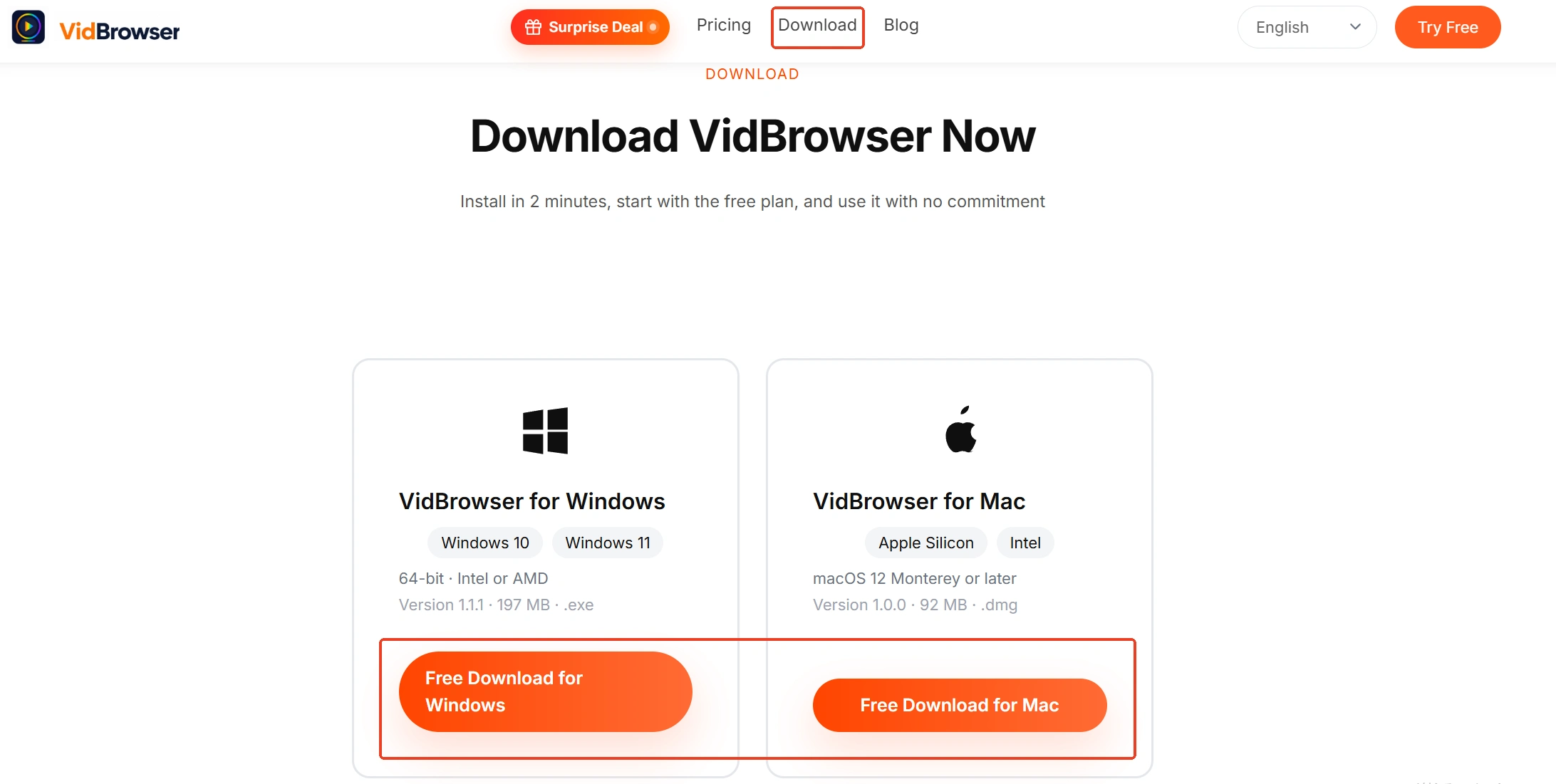
Step 1: Download and install VidBrowser
The download page is the VidBrowser video downloader page. It is a desktop video browser for Windows and Mac that watches videos, trims clips and saves them locally, with downloading and recording built in.
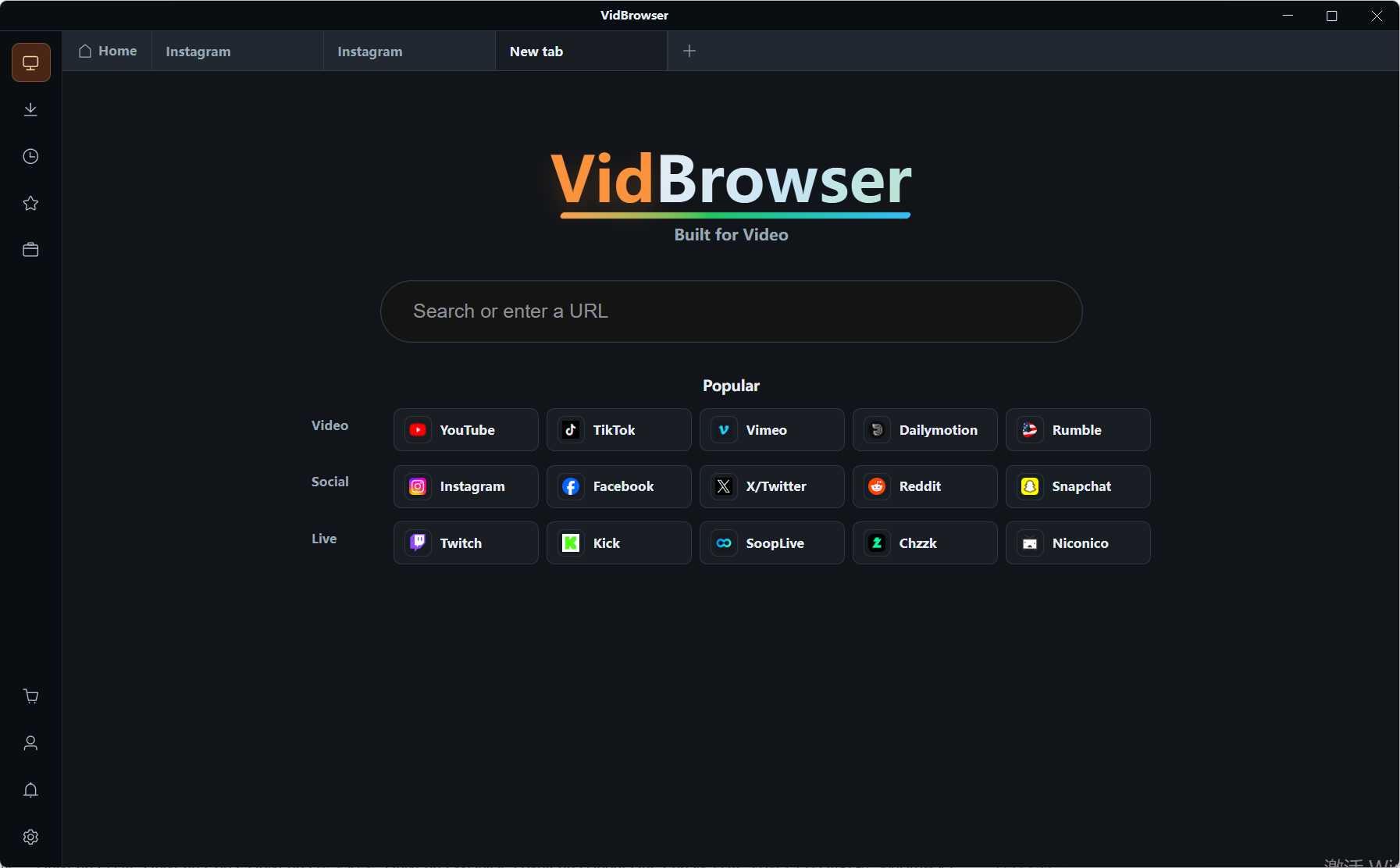
Step 2: Open WhatsApp Web in VidBrowser and log in
Type web.whatsapp.com into the address bar, scan the QR code with your phone, and chats and media appear in sync.
Step 3: Open the chat with the video and play it
Find the video you want to keep and play it as usual.
Step 4: Download whatever can be downloaded
The "Video Detected" panel on the right lists the videos it found, each entry carrying an orange download button; click it and the file is saved as MP4. You can also pick a resolution in the filter dropdown before downloading.
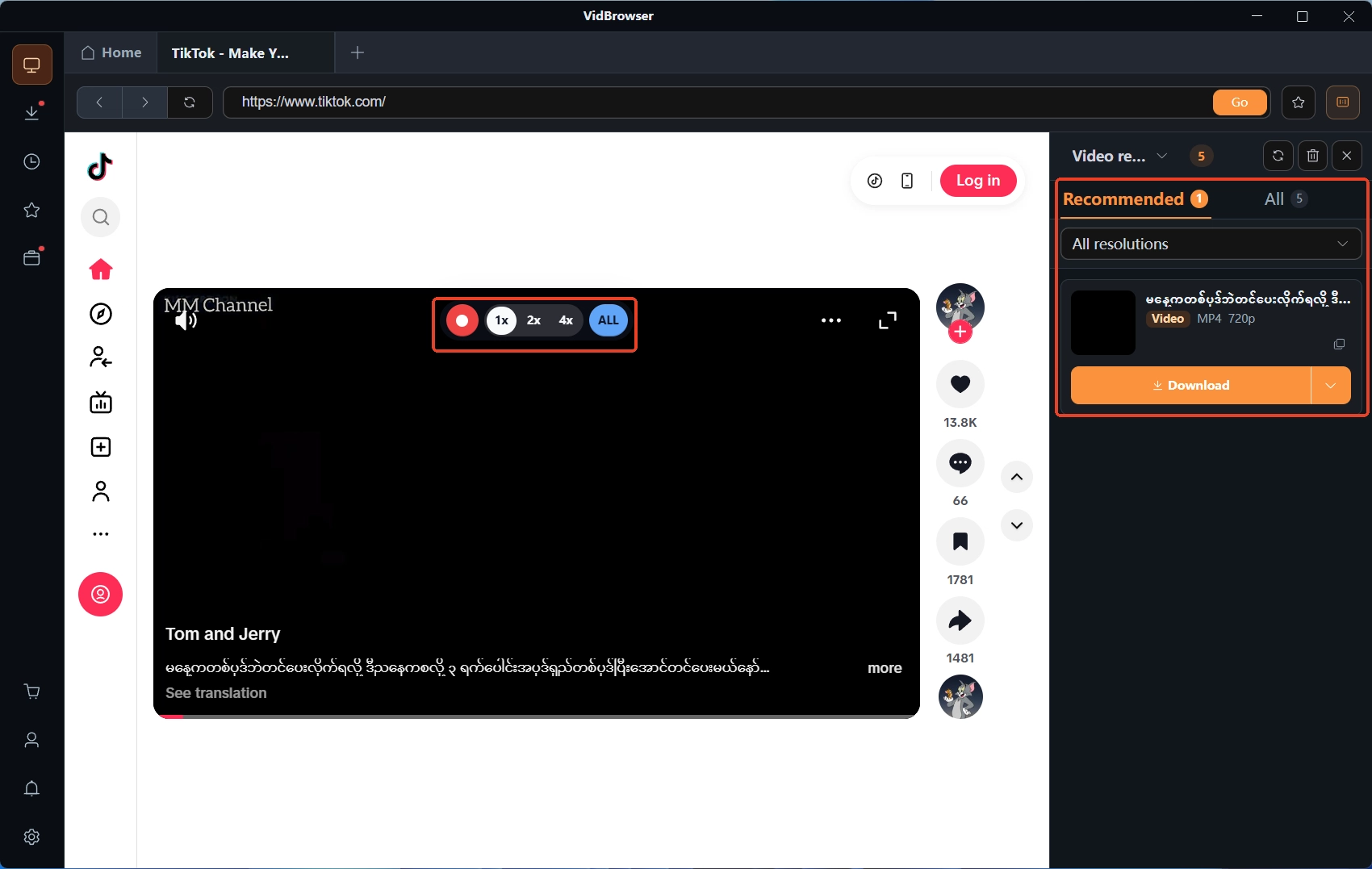
Step 5: Use recording as the fallback
For the odd clip that never shows up in the panel, move the mouse over the video and recording controls appear, pick a speed (1x real time, 2x or 4x to finish sooner), press record-all to capture the whole video from the top, and the button on the left pauses it anytime. Files land in the download history in the left navigation; from there you can send them back to your phone, and the PC-to-phone transfer guide walks through the routes in detail.
After saving: the line between private use and forwarding
WhatsApp is a private messaging tool, and most of what lands in a chat is someone's one-to-one share, so saving and spreading are two different questions.Keeping a family video in your gallery is exactly what auto-save was designed to do; pushing a private chat elsewhere for public viewing is a completely different matter, the sender shared it with the assumption that the audience is the two of you. The public-versus-private line drawn in the Snapchat guide applies here too, and more strictly. Status is a bit looser: it was shown to a group of contacts in the first place, but being shown is not consent to forward; if you want to pass it on, letting the sender share it themselves is the safer route.
Wrapping up
The answer to saving WhatsApp video lives in the layers: trust the gallery as the automatic landing spot for chat media, and archived files will not be downloaded twice; a Status runs on 24 hours, so act while it is on stage; view once has saving and forwarding closed off, and unopened items die after 14 days. Reduced to two actions: archive chat videos to your desktop early, and save time-limited content while the window is still open.
FAQ
Can an expired Status be recovered?
There is no recovery channel in the official wording. The three causes behind "no longer available", expiry, deletion by the sender, and removal for violating the terms, leave the viewer no path back. If you want someone to see it again, the officially suggested way is to ask the sender to repost.
Can view once photos and videos be saved?
Officially they cannot be forwarded, copied, saved or favourited, and they never enter the gallery or backups; unopened items expire after 14 days. The same page admits that filming the screen with another device cannot be blocked, but the design intent is to leave no copy, and respecting the sender's choice matters more.
A WhatsApp video was deleted from my gallery. Can it be downloaded again?
No. The official line is that once a photo is downloaded to your device it cannot be downloaded again, and the app keeps no second copy. Before deleting gallery files, make sure you will not need them, and archive important videos to your computer ahead of time.