There is no joint account on OnlyFans: two people on camera, but one account and one payout
You open a page, two people appear, and the bio says "we" — it is easy to read that as a couples account on OnlyFans. But the platform has no such thing as a joint account: one account maps to one identity check and one payout entity. Two people can publish together legally; the price is one extra cooperation-declaration step.
What a two-person OnlyFans account really is: one subscription, two verified people
There is no "joint account" on the platform. One account maps to one identity check and one payout entity, and content two people shoot together is officially called Co-Authored Content. So the real structure behind a "two-person account" is one account holder plus one declared collaborator.
Per section 16 of the the official OnlyFans Terms of Service, you can upload content that includes other people, but every person on screen must either be a creator you have tagged with the in-site tool, or be at least 18 and have had their ID and written consent obtained.
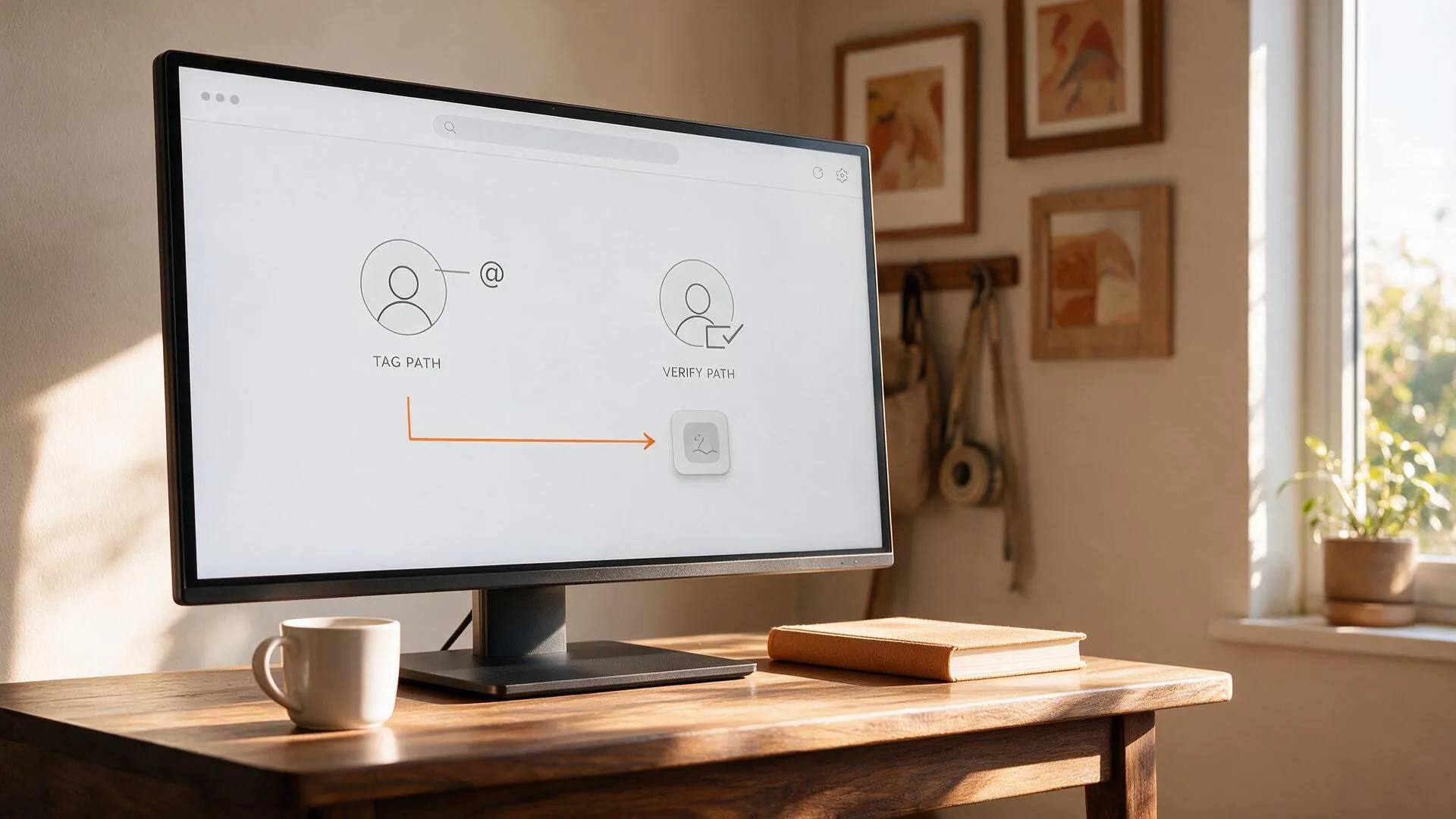
Co-authored content checks in first: tagging and the two verification routes
Content two people shoot together has to tell the platform who the second person is before it goes up — either you tag them, or they go through verification themselves. In the words of the the official creator centre, undeclared content does not appear on the page.
- The other person is a verified creator too: tag their @username when you post, the platform checks that the tagged person is the one on screen, and the content becomes visible once it clears;
- The other person is not a creator: the upload pops a verification link to send them, they complete ID verification and accept the terms, and the content publishes once they clear;
- A collaborator who wants to stay private: the creator page can be set to private and the tag is not shown publicly.
One easy misread: a public tag and a back-end declaration are not the same thing. A collaborator who went down the ID-verification route may carry no byline on the page at all, which is a compliant state — an absent tag is not proof of a fake account.
How to tell before you subscribe: four pages that look like two people
Two-person content comes in four common shapes, and only the first two are worth paying a two-person price for.
- A long-running duo: the two appear together consistently and the other one usually has a creator page of their own, possibly set to private;
- One lead plus a recurring guest: one person carries the page and the other appears on a cycle;
- Old footage from one person propping up a duo: the second person is concentrated in early posts and has not shown up for months — often a sign of a split, covered below;
- An agency facade: the account and the content are real, but the replies come from a scripted team, which is a separate question from how many people are behind the account, as the six signs of an agency-run page laid out.
There are three things to check before subscribing: scan the posts for a tag on the other creator; confirm whether the other side has a page of its own — when both sides are updating, the same material can be published twice, so do not pay two subscriptions for one body of work (the method is in the four ways one creator distributes the same content); and look at the past month to see whether the second person actually appears or exists only on the cover.
Whose account the money lands in: the 20% cut, tips and splits
Subscriptions, PPV and tips all land first in the account that uploaded the content, and the platform's 20% comes out of that same payment.
Per section 10.2 of the terms, the platform takes 20% of the total a fan pays and the creator keeps 80%. As for how the two split it, the official wording on a co-op PPV is "share in the earnings", with no finer rule. Section 16.5 states plainly that the platform is not a party to any cooperation arrangement, and disputes are settled between the creators.
Live is a little different — the official note on co-stream says viewers can tip one side or both — so money for the same picture can be paid to two different accounts, and it is worth confirming who the payee is before you tip. On pricing, a two-person tier usually runs higher than a solo one, but watch for accounts that stuff the main feature into PPV, where the real total runs far above the listed price.
After a split, co-authored content goes first: anyone on screen can withdraw consent
Co-authored content carries an extra takedown path of its own: any party on screen can withdraw consent at any time, and the platform can delete the content on that basis. That is the most substantive difference from solo content.
Per section 16.6 of the terms, any individual appearing in co-authored content can withdraw their consent at any time, and co-authored content may be deleted when a participant withdraws.
Solo content lives or dies by the creator's own hand — deleting posts, archiving, closing the account. Two-person content adds a switch that the account holder does not control alone: a breakup, a split, a collaborator changing their mind — any one of them speaks and the content can come down. Section 16.4 adds that the platform can restrict or delete co-authored content when documentation is not provided.
At the same price, two-person content has one more link in its survival chain and may stay up for less time. On why content disappears, the three windows when content survives broke it down by subscription period, creator survival and the real-time nature of live, and two-person content is a fourth case on top of those three.
While your subscription runs, save the two-person content worth keeping
Since a takedown can be triggered by a third party, the simplest fallback is a local copy saved during the subscription. OnlyFans has no official download entry point for subscribers, so protected content is mainly a recording job. VidBrowser is a desktop video browser that installs on Windows and Mac.
Step 1: Download and install VidBrowser
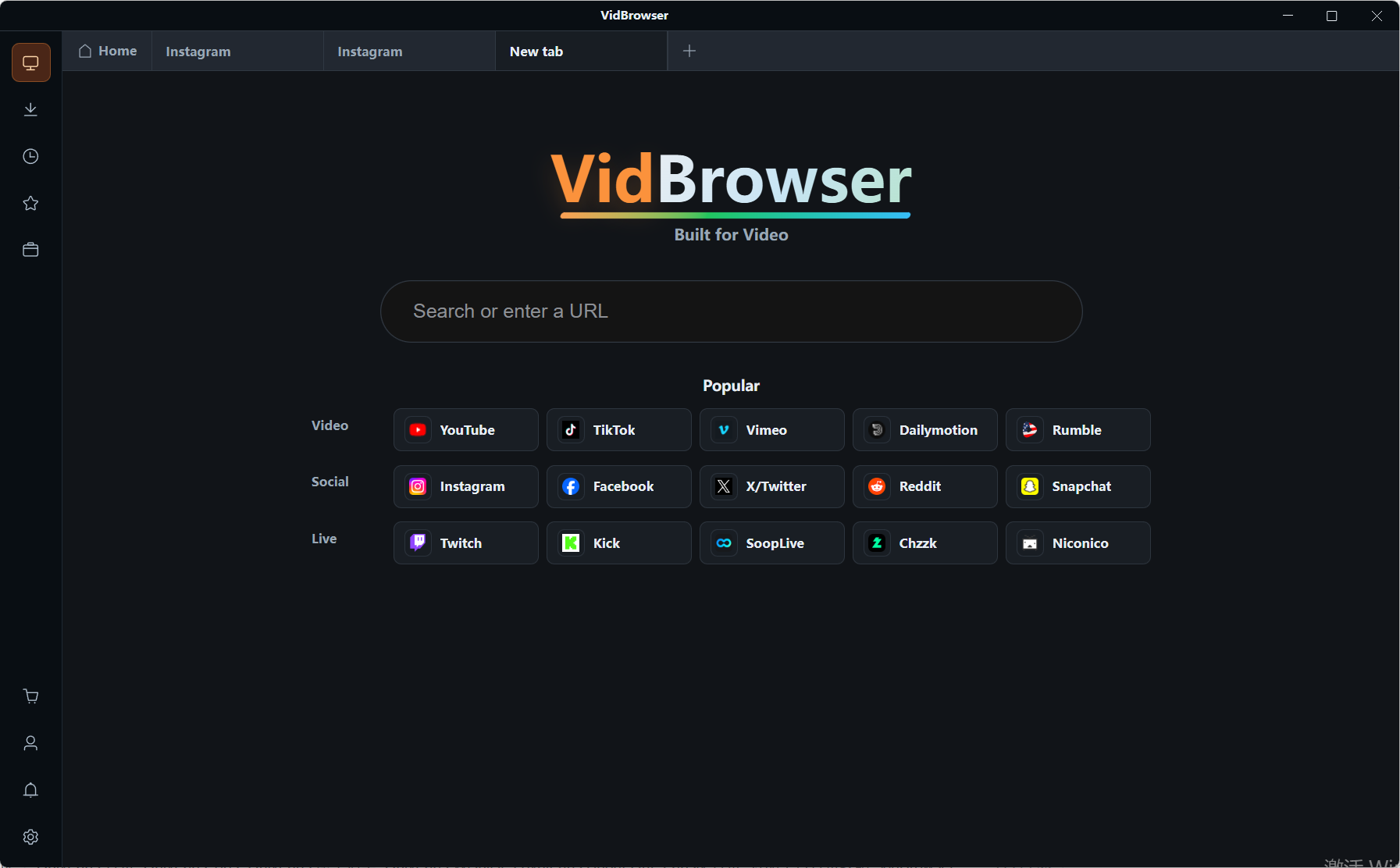
VidBrowser is a desktop video browser built for watching video on Windows and Mac, cutting clips and saving them locally, with downloading and recording built in, and installation takes only a few minutes.
Step 2: Open OnlyFans inside VidBrowser and sign in
Go to onlyfans.com and sign in with your own account.
Step 3: Play the video you want to keep
Open the item you want to save and let it play for a few seconds. VidBrowser detects the video on the page automatically and lists it in the video library panel on the right.
Step 4: Record it, because protected content is saved by recording
Most video on a platform like OnlyFans is copyright-protected and ordinary download tools cannot reach it, so recording is steadier: move the mouse over the video and the recording controls appear on top — pick a recording speed (1x real time, or 2x and 4x to finish faster), click record all to capture the whole item, and use the record button on the left to start or pause at any time. If the content itself can be downloaded, the video library on the right also lists it with an orange download button that saves it as an MP4, and the file shows up under download history in the left navigation.
Frequently asked questions
Does the platform split a two-person subscription fee between the two of them for me?
No. The platform takes 20% off every payment and the rest goes to the account that uploaded the content. How it is split is between the creators — section 16.5 says plainly that the platform is not a party to a cooperation arrangement.
If I subscribe to a two-person account, does the other creator need a separate subscription?
Look at what their own page is posting. When both sides are updating, the content may partly overlap — compare the publish dates and covers of free posts first to confirm it is not the same batch.
If one collaborator leaves, what happens to content I already paid for?
Any individual appearing in co-authored content can withdraw consent at any time, and the platform can delete that content on that basis. Unlocked PPV usually does not expire with the subscription, but the withdrawal path applies to it just the same.