The OnlyFans Vault is the creator library, and your purchased content was never inside it
In OnlyFans discussion threads, one question about the OnlyFans Vault comes up again and again: the videos you paid for have no entry point anywhere — are they stored in this Vault? The answer goes against intuition — the Vault never belonged to subscribers in the first place, and your purchased content has never been kept inside it. This piece first sorts out the official definition of the Vault, then shows where purchased content actually lives, and how to keep it while it is still online.
The OnlyFans Vault is the official private media library for creators
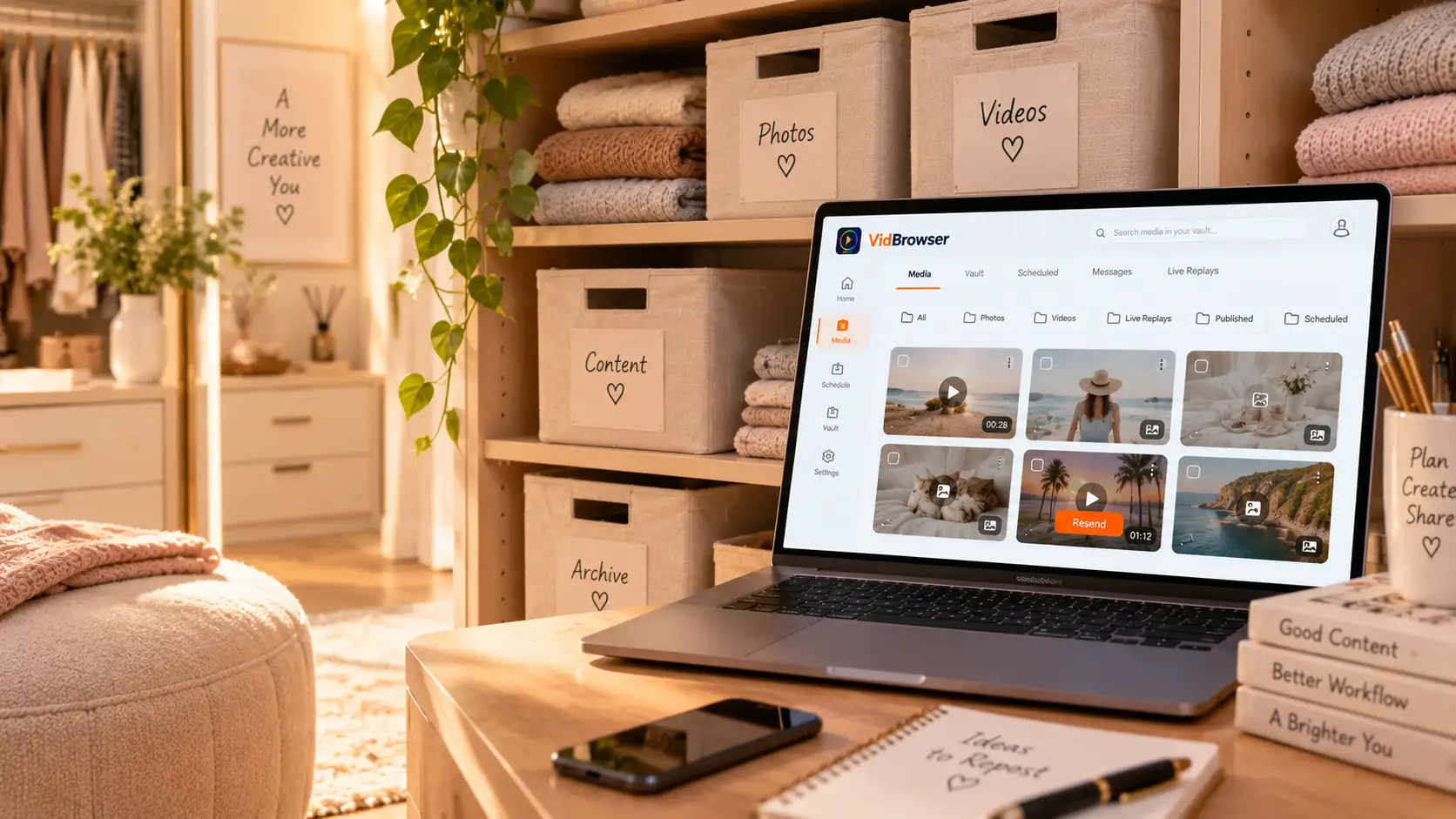
The Vault is a private media library the platform gives to creators: it holds photos, videos and live replays the creator has published or scheduled, and subscribers cannot see it. The feature guide on the official OnlyFans blog describes it plainly: the Vault collects media you have published or put on the schedule, lets you repost items at any time so new subscribers can see what they missed, and keeps track of what went out through messages or paid unlocks when the creator forgets.
In other words, it works like an archive drawer on the creator desk: old pictures and videos get reposted and reused on demand, skipping repeated uploads. The library is invisible to the fan side from start to finish — what you see is limited to the posts, messages and lives a creator chooses to send out, not the library itself.
Why searches for finding purchased content in the Vault keep failing
Treating the Vault as a purchased-content hub points you the wrong way from the start — the fan side never had a unified purchase library. The mix-up is common: the word Vault sounds like a warehouse holding your purchase records, but the party it serves is the creator, not the buyer.
Purchased content actually scatters across the creator profile feed, chat history and the billing page. The routes for finding it and why time-limited items quietly expire are covered scene by scene in the DM and PPV saving piece, so they are not repeated here. One side note: Fansly is the exception here, with a purchases page that gathers bought content into one feed — when hunting for entry points, keep the two platforms apart.
The two Vault mechanics that actually involve you: resends and comebacks
The Vault does not serve fans directly, yet it decides two things that involve you.
- Missed content may come back on the shelf. The official blog says it straight: creators repost Vault items so new fans can see what they missed. A paid video you skipped back then reappearing later as a new post or a new message is nothing rare under the Vault mechanics.
- Removed content is not destroyed content. When a creator deletes a post, the file often still sits in the Vault — removal is taking it off the shelf, not wiping it. Some items come back later in a repackaged form, and this is where they start.
Lives carry a similar layer: if the creator does not post the recording as a feed item after ending a live, the recording stays in the Vault, and the fan side has no replay entry — whether you can watch it depends on the creator choosing to send it to you as a paid message.
The two endings for purchased content and the preparation you can make
The Vault cannot restore access that is already gone — when the creator side is emptied, the entry points in your hands go down with it. Two cases need separating: if the creator deletes a single post, most of your unlocked message content stays in the conversation; but if the creator deletes the account or gets banned, the profile, feed and conversations all become unreachable together, and the official side offers subscribers no recovery channel — the creator account deletion piece breaks this down in detail, refund boundaries included.
So the word recovery deserves a discount: what is still there can be found, what is gone cannot be chased back. The preparation comes down to one move — swap the watch-it-later thought for the save-it-now one. The content survival windows piece has a comparison table: subscription period, purchased unlocks and time-limited items each call for a different best action, so match your case before acting.
Save it to your local drive while it still opens
Videos on subscription platforms are mostly copyright protected, ordinary download tools cannot reach the files, and saving leans on recording as the main force with downloading as the supplement. The walkthrough:
Step 1: Download and install VidBrowser
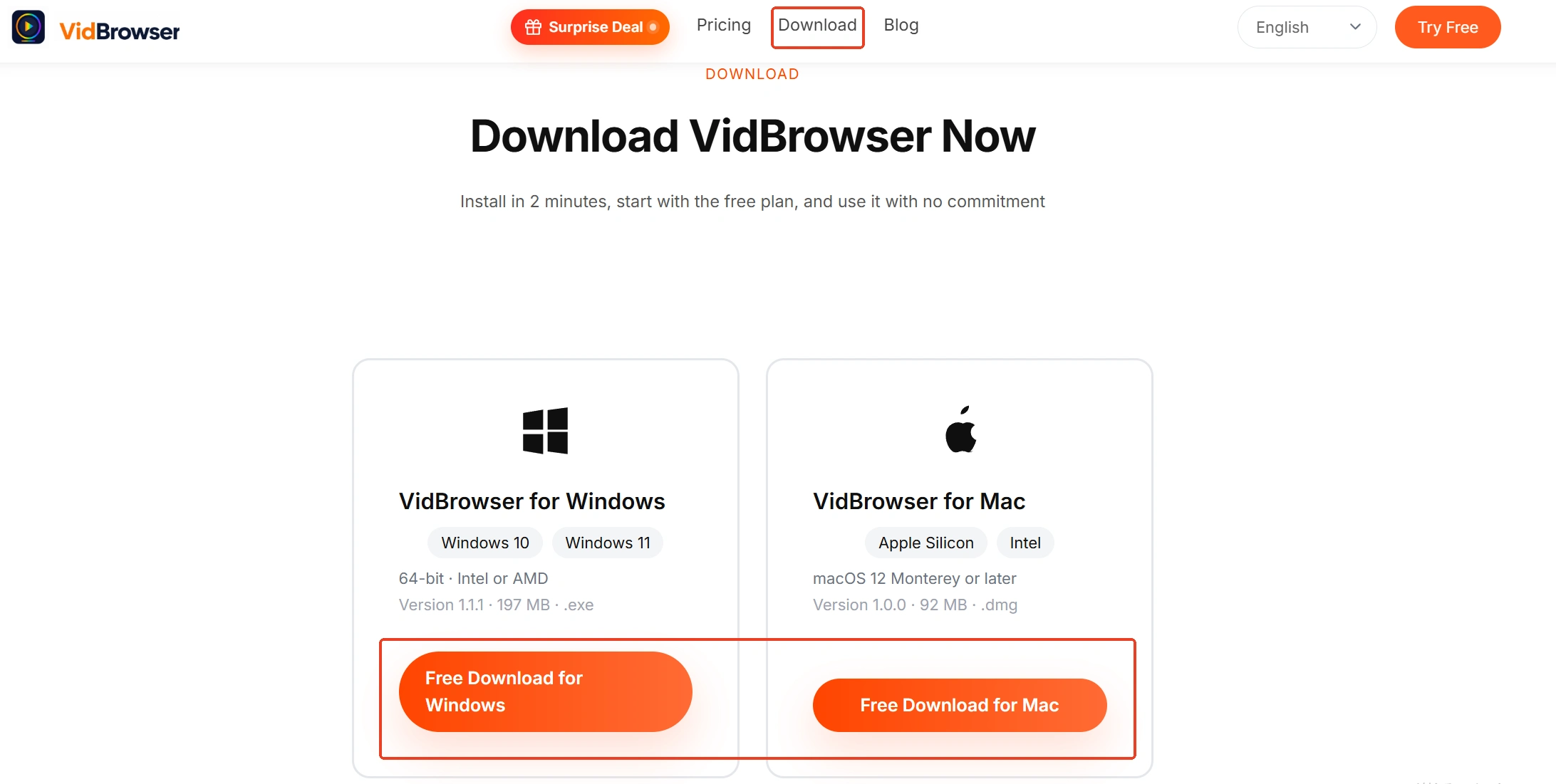
Visit the VidBrowser official site, download the Windows or Mac version and finish the installation. It is a desktop video browser for watching videos, trimming clips and saving them locally, with downloading and recording built in.
Step 2: Open OnlyFans in VidBrowser and log in
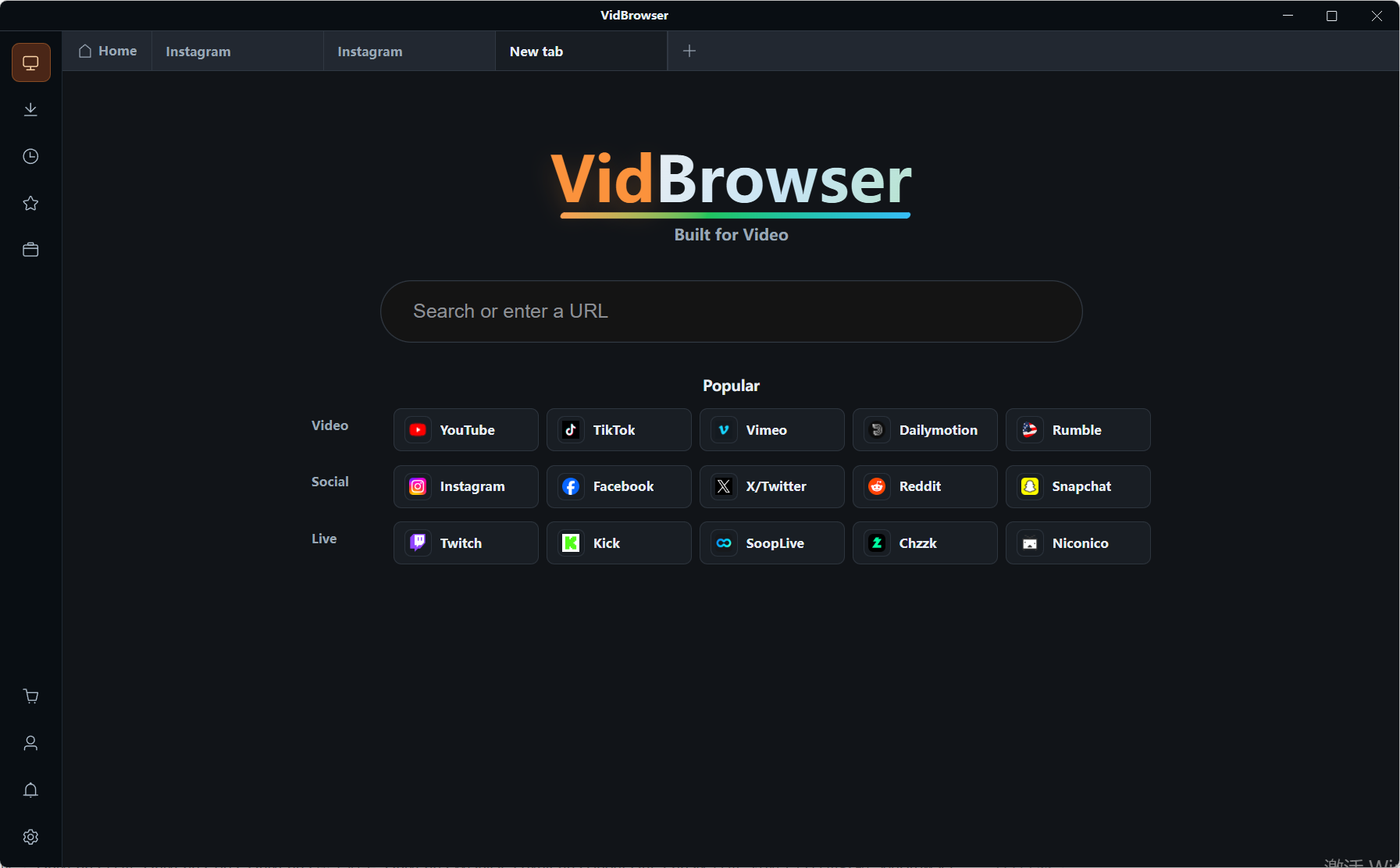
Open the platform address in the built-in browser and sign in with your own account. Subscription and purchased-unlock states behave like an ordinary browser, and the session stays on your machine.
Step 3: Open the content you want to save
Go to the creator profile and browse the feed, or open the conversation and scroll through unlocked messages, and start the video. Image content can be handled the same way — the image batch download entry in the toolbox grabs page by page.
Step 4: Use the recording feature to save (first choice for protected content)
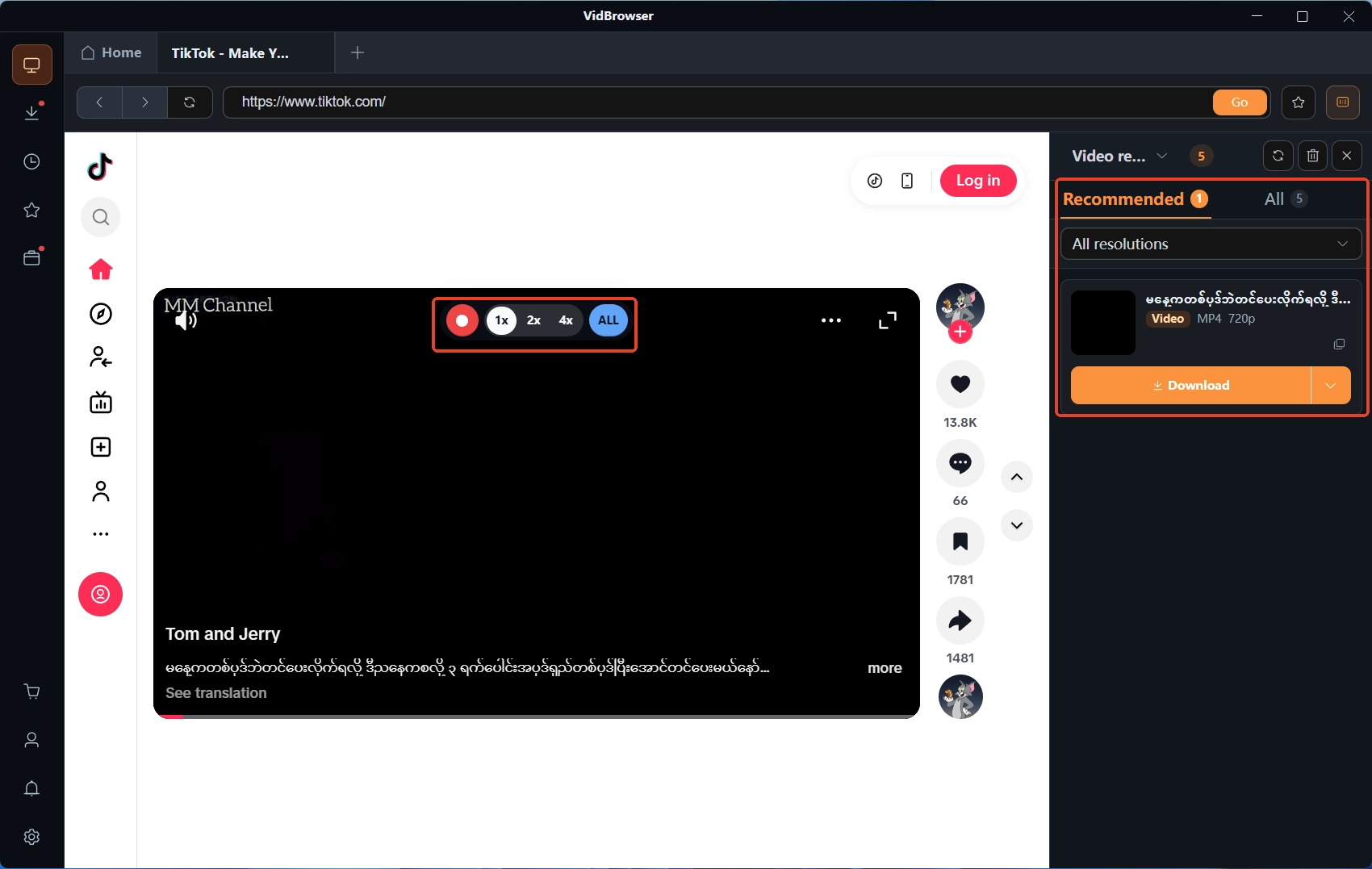
Move the mouse over the video frame and the recording controls overlay appears — pick a recording speed (1x real time, 2x or 4x to finish faster), click record-all to capture the whole video, and the record button on the left can start or pause at any time. If the video can be downloaded directly, the video media library panel on the right also lists entries with an orange Download button — one click saves it as MP4, and you can filter by resolution to pick a quality first. The clock icon in the left navigation opens the download history, where progress, file size and save location all live.
FAQ
Can subscribers see a creator Vault?
No. The Vault belongs to the creator account; what fans can see is limited to the posts, messages and lives the creator sends out — the library itself appears nowhere on the subscriber side.
After a creator deletes the account, can Vault content be recovered?
It cannot. Once the account closes, the profile and conversations become unreachable together, and the official side provides subscribers no channel to recover purchased content — that is the core reason to save while the content is still there.
Can creators batch-export content from the Vault?
The platform provides no official bulk-export channel. The data export in the account-deletion flow mainly returns account profile information; media files still need the creator to back them up — a reminder for fans as well: do not treat the platform as a safe.