Passes and OnlyFans charge half the cut apart, and what you get differs more
Passes and OnlyFans often land on the same "subscription platform" list, but the money you pay on each side buys fundamentally different things. This piece runs fees, content policy and feature set side by side, so you can tell which side your needs actually fall on.
A 10% versus 20% cut: what each rate actually buys
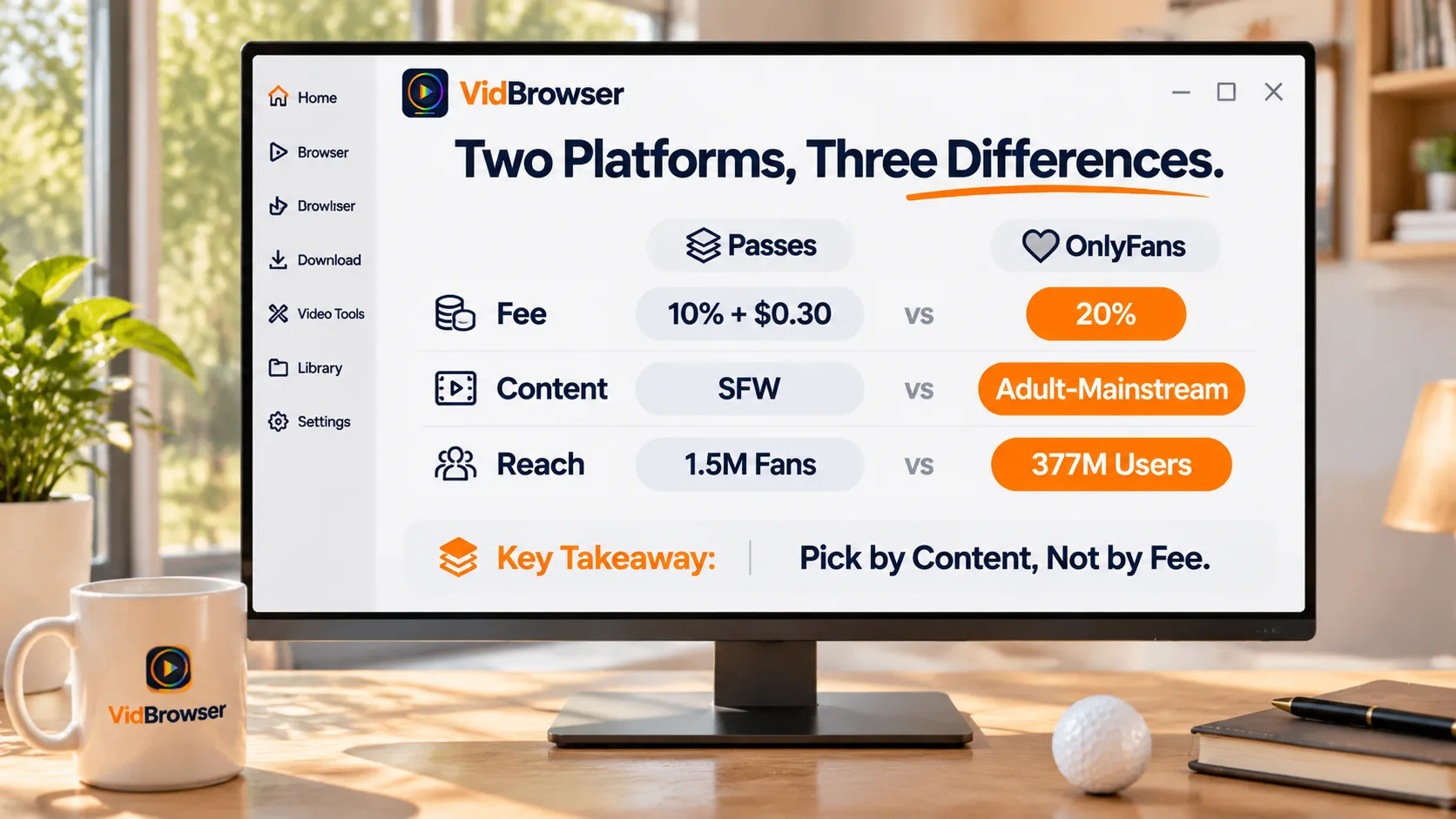
The official line (the passes.com homepage reads "Passes takes just 10%. You keep 90%") versus OnlyFans' flat 20% — the service fee you save matches the fact that Passes does no audience-building for you.Passes has no in-site recommendation feed; growth depends on the audience creators bring with them (the Passes guide covered the entry bar and traffic sources); OnlyFans' 20% includes its biggest asset: an ecosystem of 377 million registered users where small creators still get discovered. On top of that, the roughly $0.30 fixed fee per transaction — a figure industry reviews add — weighs more the lower the subscription: on a $5 subscription a Passes creator keeps about $4.20 (84%) versus $4.00 (80%) on OnlyFans, and the gap only opens up at $20 (about 88.5% versus 80%). For subscribers the rate does not change what you pay; it shapes the creator's incentive to keep posting — how that math lands in a monthly budget is covered in the OnlyFans cost structure piece.
After the policy split, the two catalogs barely overlap
The policy gap is not about how strict each platform is; it decides what you can actually subscribe to on each side.Passes explicitly bans nudity and sexual content, and the industry list on its homepage runs sports, fitness, music, finance, food and wrestling — what you subscribe to is training, behind-the-scenes material and live interactions; the DJ on its homepage selling a 30-minute call at $500 is the shape of that catalog in miniature. OnlyFans runs on adult content as the mainstream, and beyond the subscription feed the revenue center is PPV unlocked message by message in DMs. One sentence covers both: the platform matters only where the content you want actually lives; chasing the lower cut to Passes finds nothing you wanted to watch (the policy details are in the guide, no need to repeat them here).
Feature sets: Passes ships a fuller toolbox, OnlyFans a bigger pool
On the feature list Passes gives you more; on ecosystem scale OnlyFans is two orders of magnitude larger — that contrast is the product philosophy of each side.Going by the capabilities listed on its site, the Passes creator toolkit includes:
- Tiered memberships, with subscription prices set per level, more flexible than OnlyFans' single monthly tier plus 3, 6 and 12 month discount bundles;
- 1:1 paid calls and Group Chats, which turn "talking to a famous person" into a product itself;
- Mass DMs, paid DMs, tips, livestreams, merch and digital goods, plus trial discounts for new fans;
- A content vault with smart scheduling, plus instant payouts and a dedicated account manager.
OnlyFans' toolbox is narrower — subscriptions, PPV, DMs, livestreams, vault — but in-site discovery, recommendations and a mature search ecosystem are things Passes does not have: the site itself reports a bit over 10,000 creators and over 1.5 million fans, far behind OnlyFans in user scale. More tools solve "how creators run their business"; a bigger pool solves "whether fans can find anyone"; the two advantages do not substitute for each other.
Ask whether you are subscribing to content or to a person first
Both sides have clear use cases; the judgment starts from your subscription goal, not the fee.If you follow athletes, DJs or fitness coaches who bring their own audience, and want training content, behind-the-scenes access or a paid call, Passes matches that shape, and its native iOS and Android apps are pleasant to use; if you want adult content, in-site browsing for new creators and the freedom of PPV unlock-by-unlock, OnlyFans is still home turf. It is not either-or either: many Western creators run both, so check which side updates more often and more completely before you subscribe.
Want to keep what you subscribed to: the save route is identical
Whichever side you subscribe to, saving goes through recording: protected content slips past ordinary download tools, but what plays can be recorded.Passes watches watermarks and screenshots closely, so a saved video carrying the platform watermark is normal — test-record a short clip first to confirm it works (details in the guide). The steps take only a few minutes:
Step 1: Download and install VidBrowser
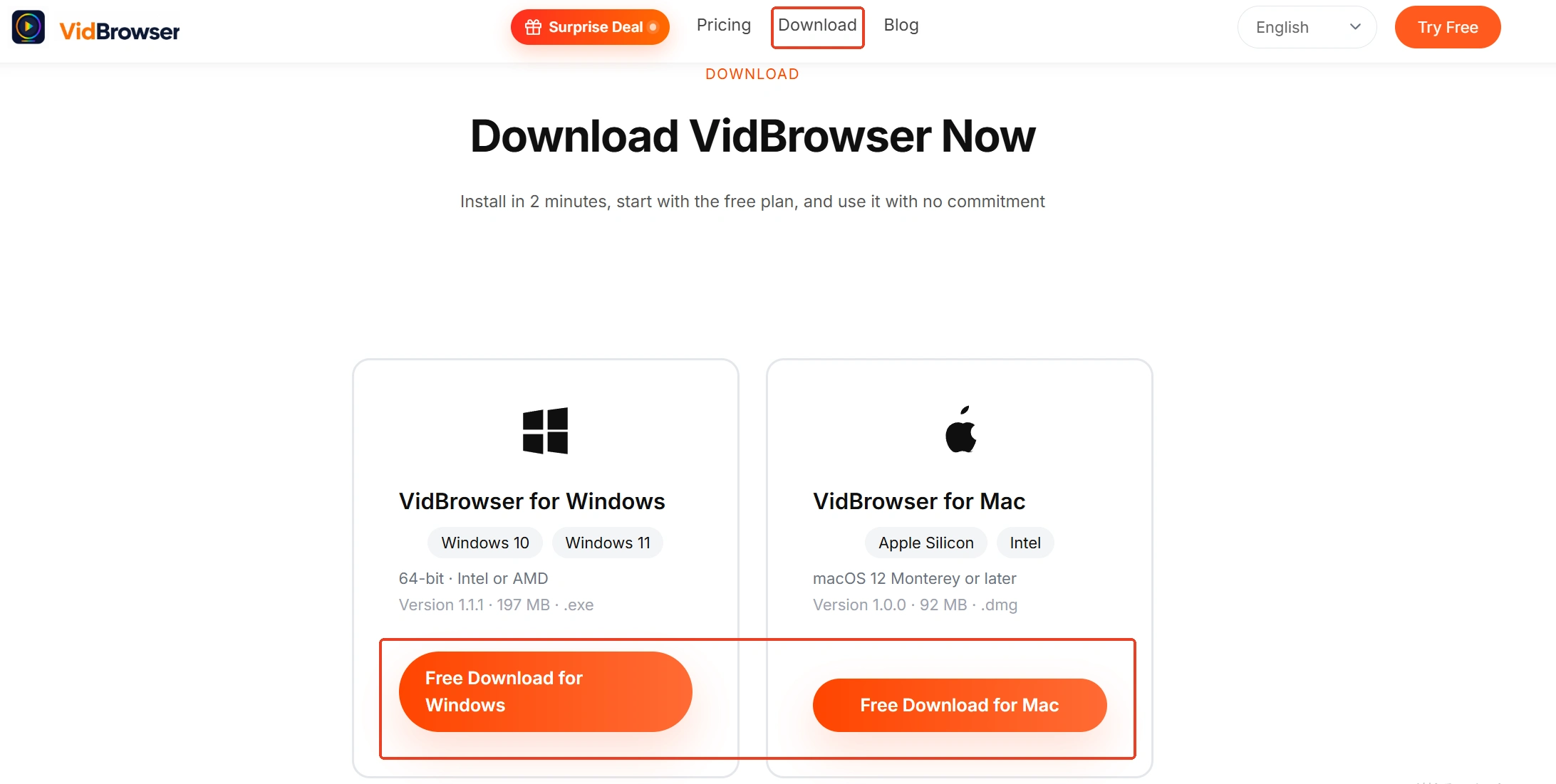
VidBrowser is a desktop video browser built for watching videos, trimming segments and saving them locally on Windows and Mac, with downloading and recording built in. Installation takes a few minutes.
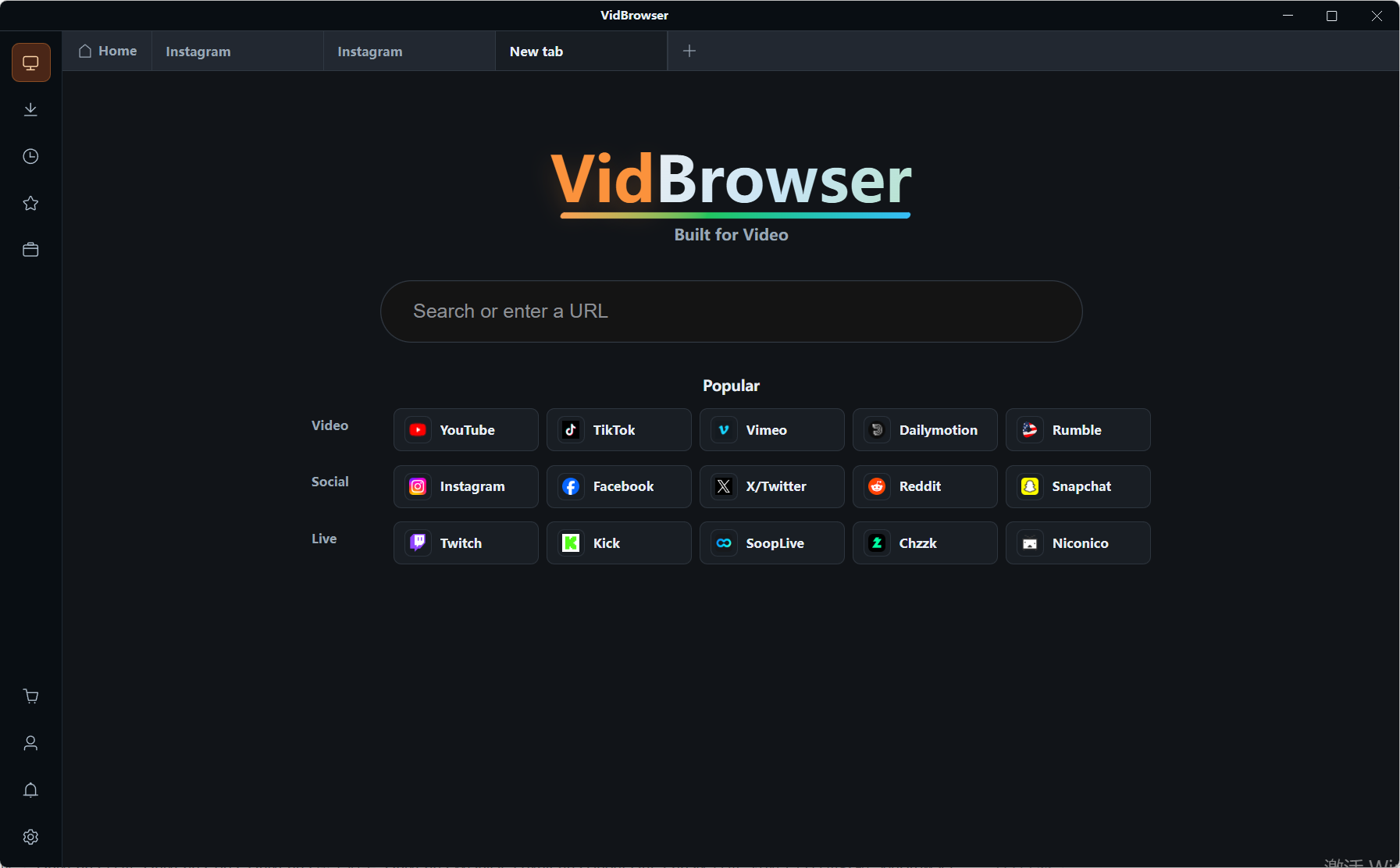
Step 2: Open the platform in VidBrowser and sign in
Visit passes.com or onlyfans.com and log in with your own account; your subscriptions and access behave exactly as in a normal browser.
Step 3: Play the video you want to save
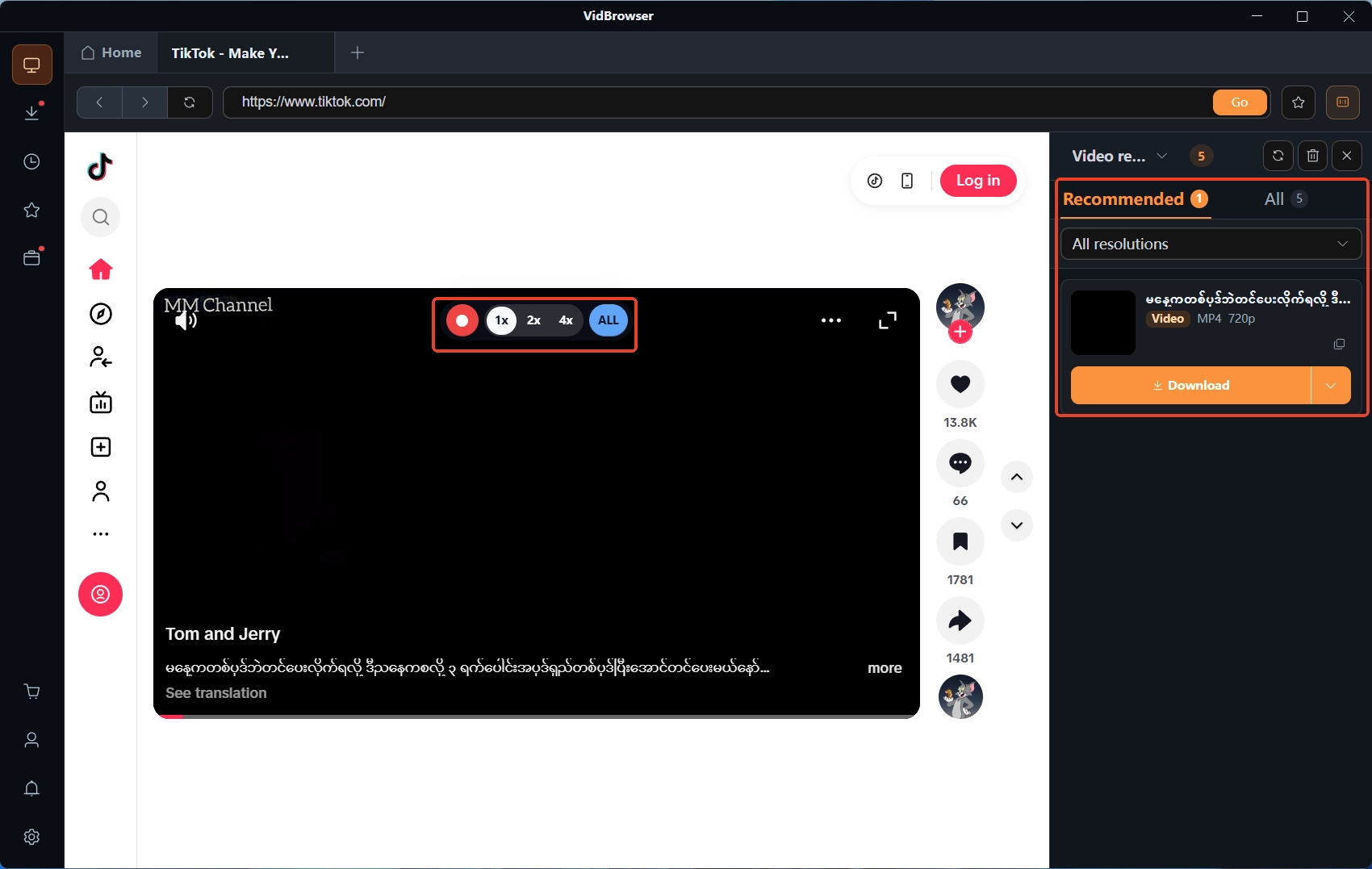
Open your subscription feed or unlocked content and play a few seconds; the Video Detected panel on the right lists the items it found.
Step 4: Use recording to save it (first choice for protected content)
Move your mouse over the video and the recording controls appear — pick a recording speed (1x real time, or 2x and 4x to finish faster), hit Record Full to capture the whole video, and the record button on the left can start or pause at any time. If the video can be downloaded directly, entries with an orange Download button in the media panel save in one click. For OnlyFans content, the overall approach is laid out on the VidBrowser OnlyFans downloader page. Save what you want while the cycle lasts — expirations, deleted posts and account closures cannot touch files already on your disk, ready for offline viewing anytime; your save history lives in the navigation on the left.
Wrapping up
The difference between Passes and OnlyFans is not which one is "better"; the business models are simply different: one takes half the service fee and hands you the operating tools while you bring the traffic; the other takes a fifth and trades ecosystem reach for your content latitude and creative freedom. Work out which side your favorite category lives on before subscribing, then save what you like to your local disk in time — more useful than agonizing over rates.
FAQ
Does the lower cut on Passes make subscriptions cheaper too?
Not necessarily. Subscription prices are set by creators; the cut shapes what the creator keeps, not what you pay. Its real meaning is that creators have more incentive to keep the platform alive.
Can you watch adult content on Passes?
No. The platform explicitly bans nudity and sexual content, with machine scanning plus human review on uploads; its catalog is fitness, behind-the-scenes and interactions — for adult content OnlyFans is the matching platform.
Can videos from both platforms be saved with VidBrowser?
Yes, the route is identical: sign in with your own account, play, then record. Passes videos carry the platform watermark, and OnlyFans protected content also goes through recording, with a download button appearing on some entries.