YouTube offline videos are not in your gallery or files, they sit in an encrypted app vault
You queue up a whole documentary season the night before the trip, tap play in the car, and the list is empty; you switch to a new phone, sign in with the same account, and yesterday the videos were still there. This kind of "I definitely downloaded it" confusion is the single most frequent question about the YouTube offline feature.
First rule out the direction people usually take: the problem is normally not a failed download. What you saved was never a video file from the moment it landed, so of course you find nothing in the gallery or the file manager. Below we go through where it lives, why it disappears, and how to stop losing it, then close with one route to a real local mp4.
Where YouTube Premium offline videos live: two entries on mobile, one in the left menu on the web
The official offline FAQ puts it bluntly: downloads are stored on the device in encrypted form and can only be watched inside the YouTube app.In other words it never becomes an mp4: not in the gallery, not in the phone Downloads folder, and VLC will not open it either. That design means the app itself is the keeper, and the playback entry lives inside it too.
Remembering two entries is enough. On a phone, tap your profile picture, go to "You", and there is Downloads; on a computer, sign in with the same account at youtube.com and the left menu has a Downloads section. According to the official YouTube help page, offline downloads on desktop support Chrome, Edge, Firefox and Opera, and nothing else for now.
One more thing that gets missed: you must be signed in with the account that originally added the download to play it. Lend the tablet to a family member and switch to their Google account, and that copy simply does not exist for them. The other official limits, such as which videos cannot be downloaded, quality tiers, and what happens when membership lapses, were laid out in how to save YouTube videos locally, so we will not repeat them.
Four "where did it go" cases: match yours and you know whether it can come back
When an offline copy vanishes, it almost always falls into one of four cases: the term expired, the account or device changed, smart downloads replaced it, or you deleted it.Ranked by frequency:
- The term expired. YouTube states downloads can stay offline for up to 29 days, or 48 hours in some regions; after that you need to reconnect so the app can check whether the video changed and can still play offline. The sentence right after is the key one: if a video can no longer play offline, it is removed from the device at the next sync. A shrinking list is often not something you did, it left on its own.
- The account or device changed. An offline copy is bound to the account and device that downloaded it. New phone, app reinstall, cleared app data, all of it means downloading again.
- Smart downloads swapped it. The feature adds recommended videos to your downloads based on viewing habits and pushes old ones out. That switch can be turned off in the official YouTube help, and the quota can be limited.
- You deleted it. For a single video, tap Downloaded under the player, then delete; clearing everything goes through Settings, Background and downloads, Delete downloads. Deleted items go to neither the system gallery nor the recycle bin.
Keep it from disappearing: four moves, ten minutes before you leave
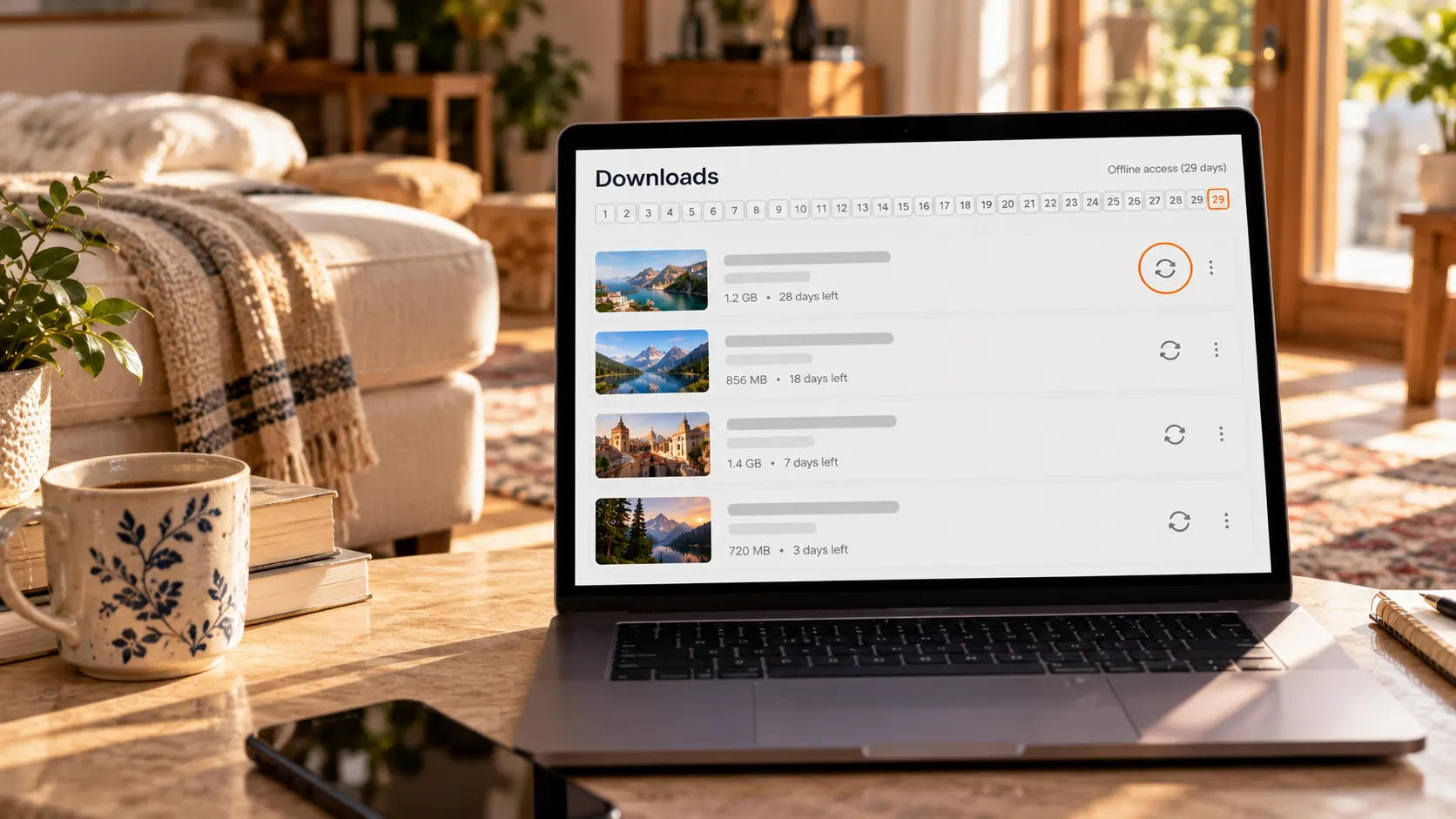
How long an offline copy survives depends on whether you did these steps right before the deadline.All of them are in settings, nothing to install:
- Turn off smart downloads. The path is Settings, Background and downloads, Smart downloads. Once off, the list only holds what you picked, nothing mysteriously added or removed.
- Collect what you want to watch into one playlist and download the whole thing. Tapping single videos one by one invites misses, and long lists get hard to scroll back through.
- Reconnect once before departure. The 29 days count from the last verification, so connect before and after a long holiday, which beats discovering an empty list at the airport.
- If you want the SD card, turn it on before downloading. The path is Settings, Background and downloads, Use SD card; YouTube notes that downloaded videos cannot be moved between internal storage and the SD card, so they must be deleted and downloaded again.
One expectation to correct while we are here: the YouTube app offers no audio or MP3 download, music has to be handled separately in YouTube Music.
If you really want a local mp4: the offline cache cannot give you that, save it on desktop
An offline copy is something the platform lends you to watch; a local file is what sits on your own drive.If the need is watching on the road, editing when you are back, and opening it on any device, the official offline mode stops short, and you save it once on a computer.
The flow is simple, a few steps:
Step 1: Download and install VidBrowser
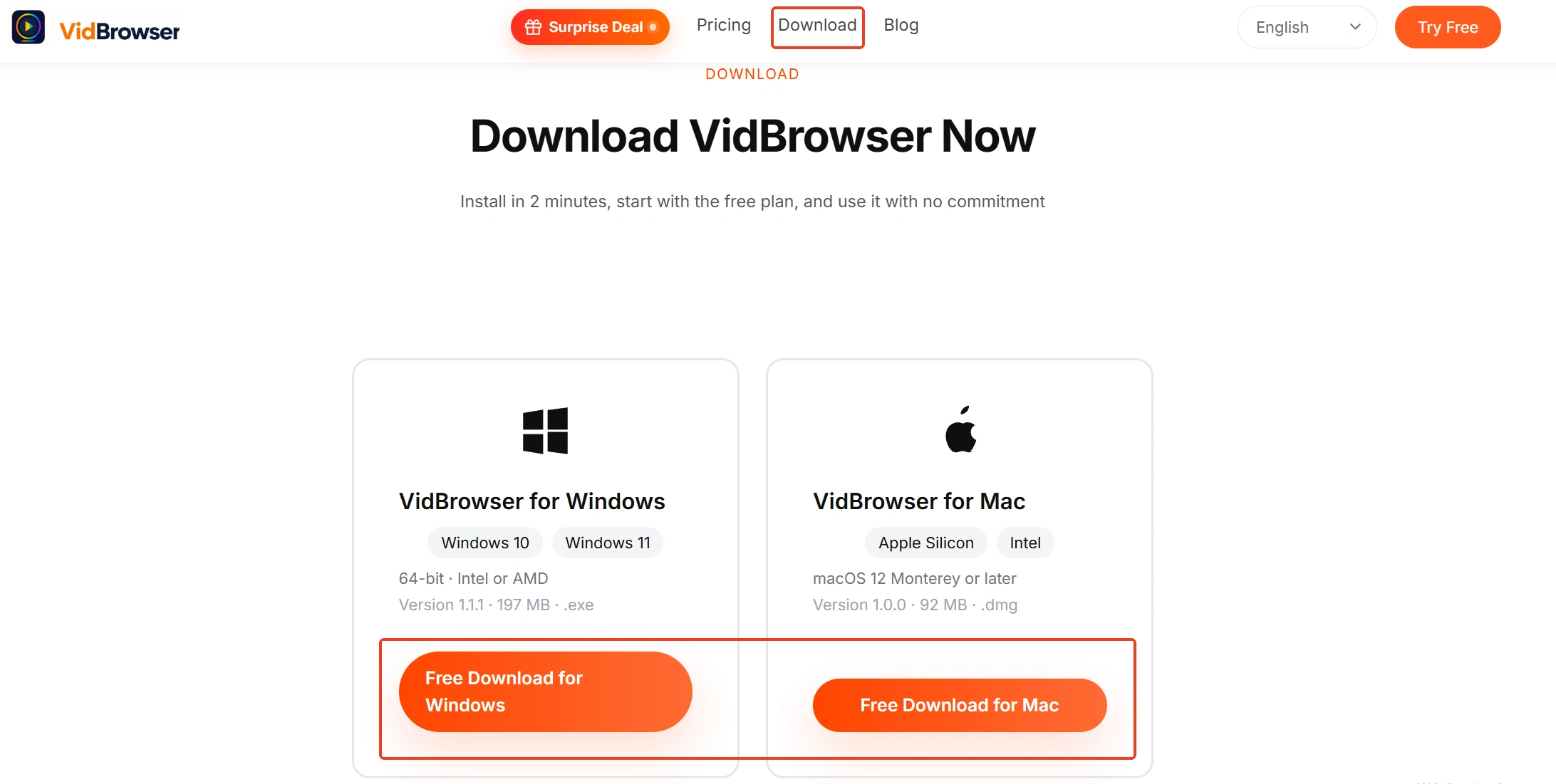
Get it from the VidBrowser website, with versions for Windows and Mac. It is a desktop video browser with download and recording built in, installed in a few minutes.
Step 2: Open YouTube inside it and play the video you want to keep
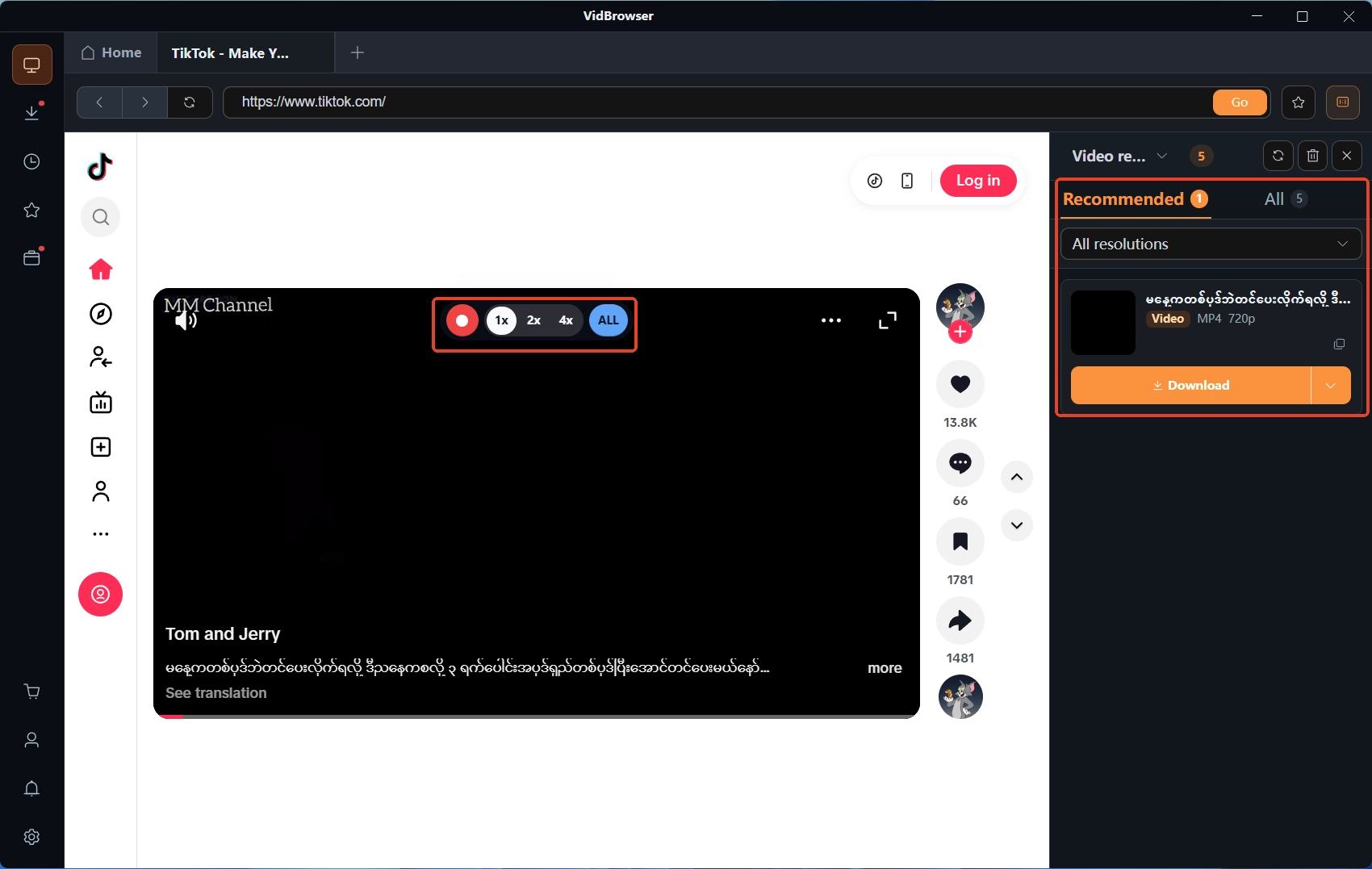
Type youtube.com in the address bar and open the video. The Video Library panel on the right lists the detected video resources, each with an orange download button.

Step 3: Download what can be downloaded, record what cannot
For public videos, click the orange Download button in the library and pick a resolution before saving. When the library lists nothing or the content is protected, moving the mouse over the video brings up the recording controls: pick a speed (1x real time, or 2x and 4x to finish faster), click Record All for the whole video, and the left button can pause at any moment.
Step 4: Check the save location in the download history
The clock icon on the left lists each task with its name, size, time and save path, and following that path lands you on the mp4 on your drive. For a closer look at the download entry itself, here is the video downloader page.
Still not finding the file after saving locally is a different problem: cleaner apps deleting it, half-finished browser temp files, a changed default folder. Those are sorted out in where did my downloaded videos go, no need to guess.
Summary
Offline copies and local files serve two different scenarios. A quick watch on the road is what the official offline mode is for; keeping content in your own hands, opening it on any device, editing it freely, that is what saving to a file on a computer is for.
Next time something "cannot be found", check the term and the account first, then smart downloads, and only last suspect a failed download. In that order, you mostly will not need to re-download.
Frequently asked questions
Can YouTube Premium downloads be exported as mp4
No. The official position is encrypted storage, playable only inside the app, with no export or save-as switch. Your own uploads can be pulled from YouTube Studio as originals; for other people's content, saving it as a local file takes a desktop saving tool, within platform terms and content licensing.
After switching to a new phone, are the old offline videos still there
They need to be downloaded again. An offline copy is bound to the device and account that made it; sign in on the new device with the same account and you see the playlists and subscriptions in the account, not the copy on the old phone.
A few items suddenly vanished from my downloads list, is my account in trouble
Usually not. First check whether you connected within the last 29 days: past the deadline without a connection, or a video that can no longer play offline, gets removed at sync by YouTube; smart downloads left on also replaces items over time. Signs of an account problem are being signed out or a lapsed membership, and in those cases the whole list asks for a fresh sign-in.