You saved an Imgur animation and got a web page: the problem is the link, not the download
You spot an animated image on Imgur, hit save on the link, double-click the file — and a web page opens, not a video. This file was never meant to be a video: .gifv, the made-up extension, has always pointed to a page. This piece untangles where GIFV came from, the four suffixes worth knowing, the 2023 cleanup that killed old links in batches, and the walkthrough for saving things locally.
The animated link on Imgur hides a page, not a file
The .gifv you saved from Imgur opens as a web page instead of a video — because .gifv was never a file format.Imgur is an image-hosting community launched in 2009, fast to load and open to uploads without registration, long the default image host of Reddit. Most "GIFs" on the site are stored as video: the address ends in .gifv, and opening it loads an HTML page with an auto-looping video element inside. Save the address directly and you get the page shell, not the file playing inside it.
GIFV was Imgur's bandwidth answer back in 2014
Since October 2014, Imgur has auto-converted every uploaded GIF into MP4 and WebM, and .gifv is the sign on that conversion's door.The motive was bandwidth: the official announcement put the site's daily new images above 1.5 million, with ten-second GIFs weighing tens of MB each, and the bill was unsustainable; a 49 MB cat GIF shrank to 3.4 MB as GIFV, a ninety-percent cut. We covered the same playbook in X animations that are really MP4; Reddit and Discord followed later. Imgur is special in making it its own format name and wiring a whole set of .gifv direct links — the i.imgur.com direct links are file addresses, which is where the rest of this story starts.
The four suffixes: change one letter and check for yourself
The same Imgur file ID often carries four suffixes; change the ending and the file you get is completely different.
- .gifv: a web page playing the transcoded video inside; save it directly and you get the shell;
- .mp4: the video file itself, the format Imgur actually stores, playable and savable as is;
- .webm: another video container with the same content as the MP4, loaded per browser compatibility;
- .gif: the original animation file. In the early years Imgur kept originals and a suffix change brought back a true GIF; after the 2023 adjustment that treatment is no longer guaranteed, old content can lose any of its endings, and whether it still works comes down to a live test.
The self-check is direct: change the ending to .mp4 — if a video comes out, the file is still on the server; if a page comes out or nothing loads, that road is closed.

The promise of keeping images forever got an expiry date in 2023
Imgur built its name on "images stay forever," then changed the rules in 2023, and the first batch swept out was account-less content.Imgur rose on "no deletion, no link rot," even announcing permanent retention around 2015; on April 19, 2023 the platform revised its terms, deleting sexual content and idle old content not tied to an account, effective May 15, with the official wording blunt — download what you want to keep. Per How-To Geek's report, forum and Reddit post images were hit in droves, and countless old links died on the spot. Public platforms do rewrite the rules, as Tumblr's 2018 round already demonstrated (see the Tumblr saving guide); Imgur is special in that it was once the web's flagship against link rot — when even it reneges, the weight of the lesson speaks for itself.
Getting videos and animations onto your machine: download first, record as backup
Imgur is a public platform, so download handles animations and videos; recording covers the odd load failure.The walkthrough runs in four quick actions:
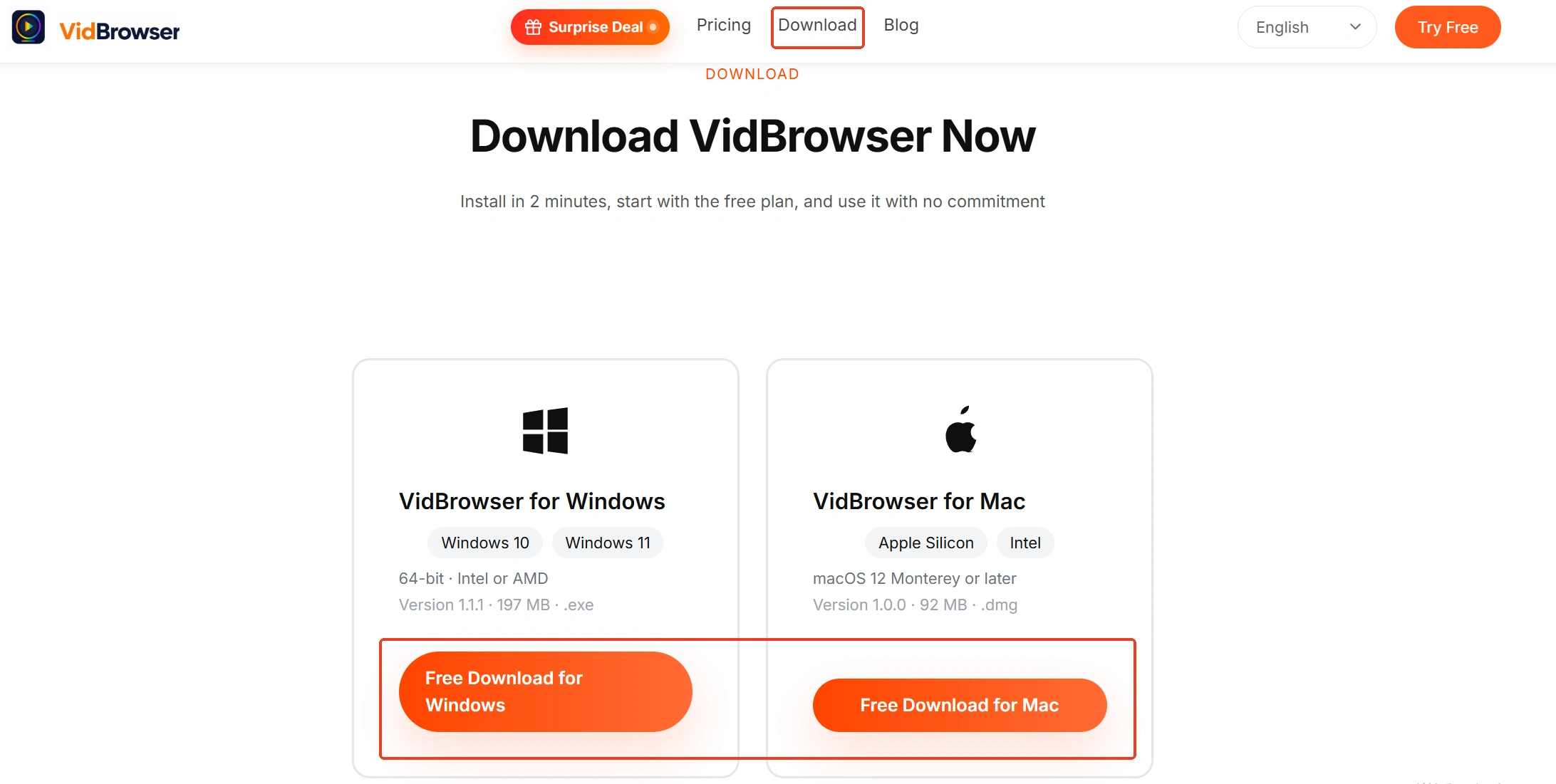
Step 1: Download and install VidBrowser
VidBrowser is a desktop video browser built for watching videos and clipping segments on Windows and Mac, with download and recording built in; a few minutes and it is installed.
Step 2: Open Imgur inside VidBrowser
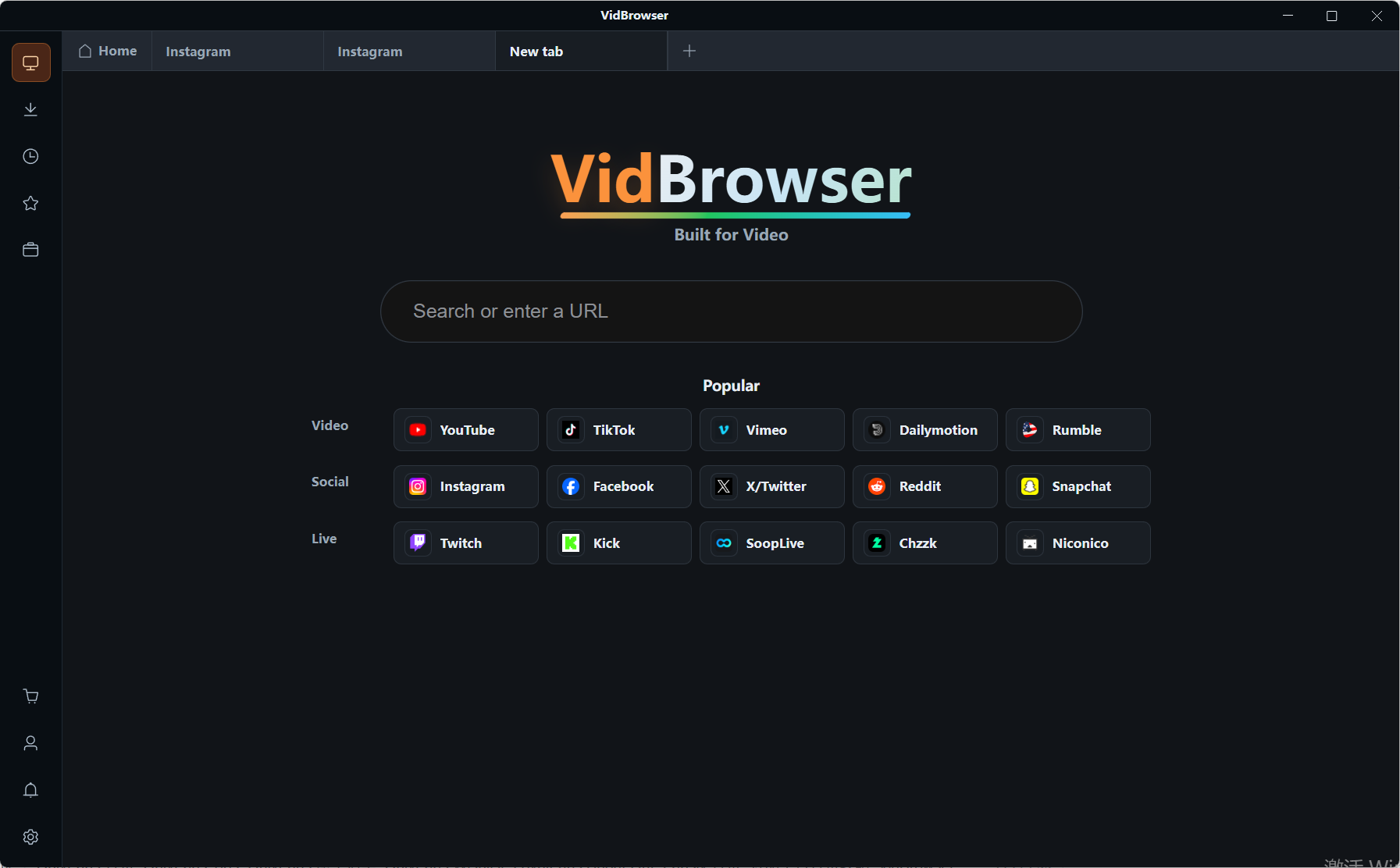
Type imgur.com into the address bar, log in as usual if you have an account, and open the post you want to save.
Step 3: Play it and wait for the panel on the right to report
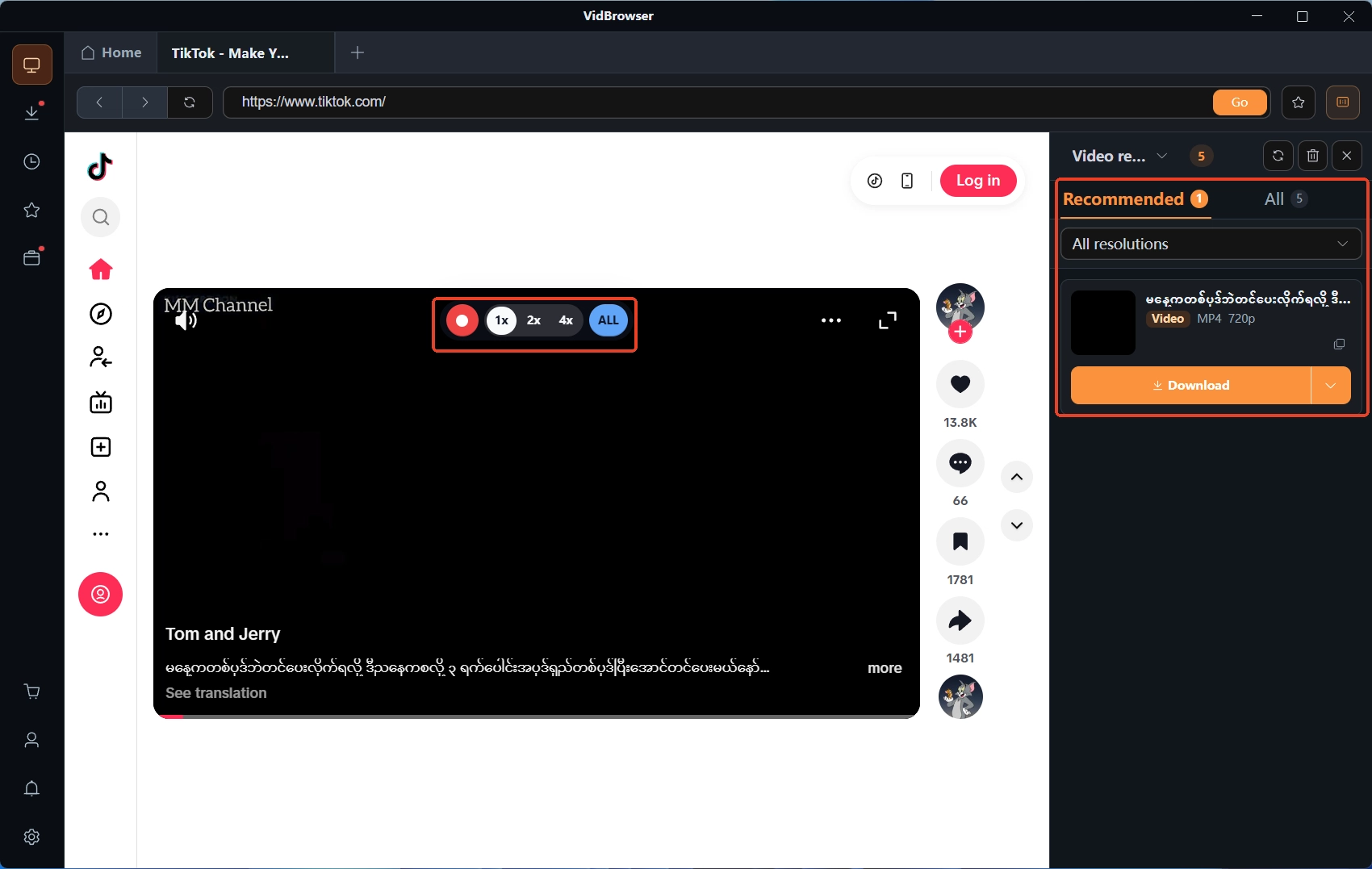
Animation posts loop on their own, video posts start on play; once the media stream is in place, the panel on the right lists the entries.
Step 4: Download or record, two ways to keep it
The "video media library" panel on the right lists the detected videos, each row with an orange download button — one click saves as MP4, and you can pick a resolution first; animation streams carry no audio track, so downloading grabs them whole. When an entry refuses to appear or the load misbehaves, recording is the fallback — hover the mouse over the frame and the recording controls overlay on top; pick a speed (1x real time, 2x or 4x finishes sooner), hit record-all to capture the whole video, and the button on the left starts or pauses at any moment. What you saved is itemized in the download history (clock icon); for the details see where downloaded files go.
Save album posts one by one, and convert back only when a true GIF is needed
Album posts have no save-all button, and turning an animation back into a true GIF costs file size.An album is a set of independent entries: play each, download each, and the four quick actions above apply to every one of them. As for MP4 back to GIF, the size bill — the GIF version usually runs several times to over ten times larger — was totaled in the X animations piece: send MP4 when video is fine, convert a separate copy only when GIF is required.
Summary
Keep two things straight about Imgur and the traps disappear: first, .gifv is a page, not a file, so go for the .mp4 suffix or the media stream when you want the video; second, an image host's promises expire, the 2023 cleanup proved it, so save what matters while the links are alive.
Frequently asked questions
The .gifv I saved opens as a page — where is the video?
The video itself is playing inside that .gifv page. Change the ending to .mp4 and in most cases you get the file directly; if not, use VidBrowser and pull it down through the media stream.
Why do my old Imgur links no longer open?
Most likely the cleanup that took effect in May 2023: idle old content not tied to an account was deleted in batches, and the platform told people at the time to save what they wanted to keep. Dead links have no recovery channel; the best you can hope for is copies others left behind.
What are the limits of saving content from Imgur?
The content is free and public, so keeping one copy locally for offline viewing is fine; re-uploading it, passing it off as your own or using it commercially crosses the line. When unsure, hold to "watching yourself is fine, republishing needs permission."