What Actually Happens to OnlyFans Content After You Unsubscribe (2026)
Unsubscribing takes a few seconds; what nags you is everything after: do posts lock instantly? Do paid unlocks inside DMs survive? Can you still dig up something you bought months ago? The answers sit in the official OnlyFans terms, scattered across sections.
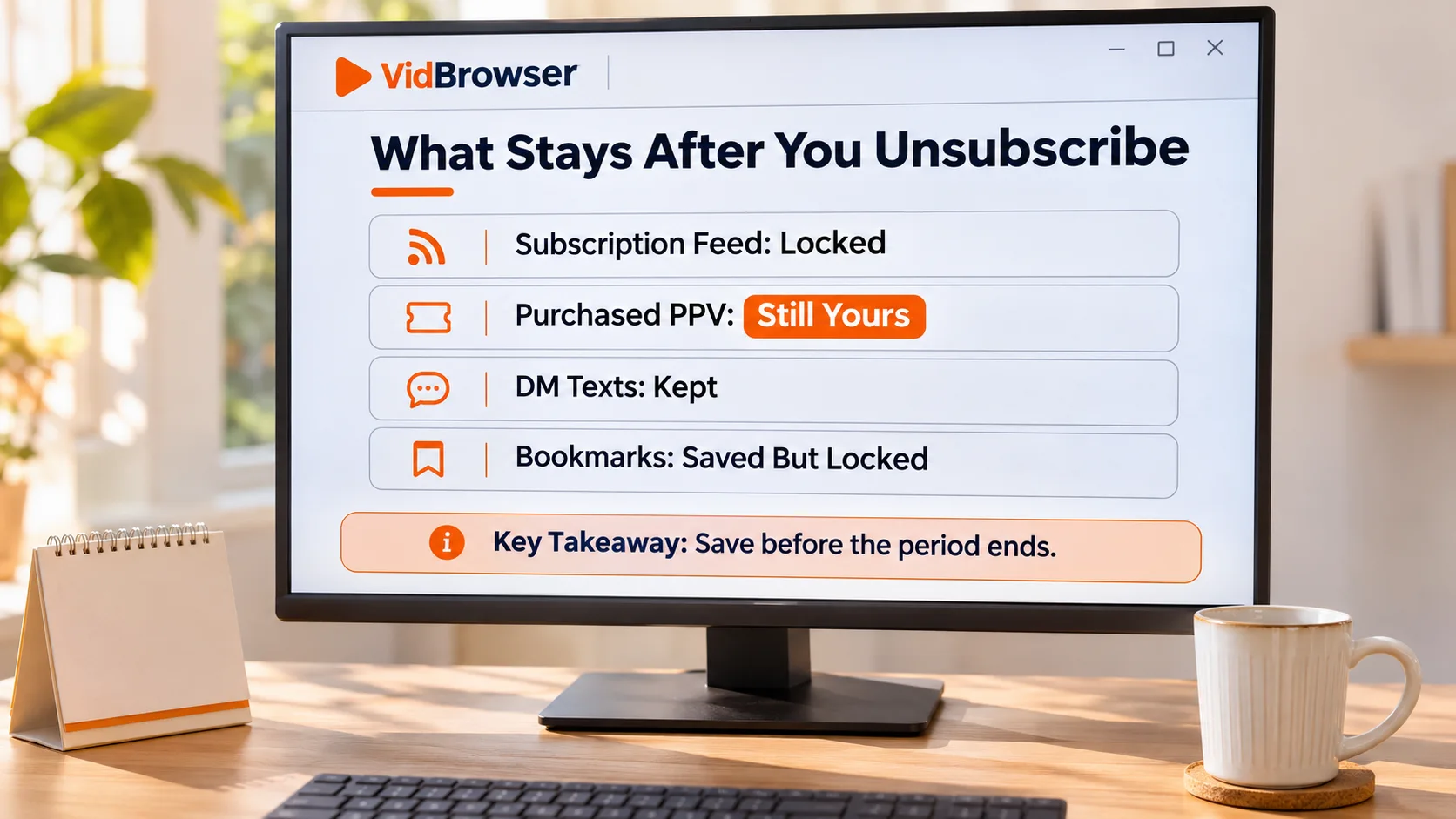
Short version first: after you unsubscribe you keep access until the current paid cycle ends, then subscription posts lock; separately purchased PPV is excluded from the subscription by definition and is not affected by expiry. Below, each content type gets its verdict.
Official terms guarantee you see out the cycle after unsubscribing
Under Section 09.08 of the official OnlyFans Terms of Service, you can still view a creator's content after canceling until the end of the billing period you canceled in, and no further charges follow — unless you start a new subscription. The wording is "begin a new Subscription" — there is no "reactivation" in the official framework; coming back means starting a fresh cycle.
Two details worth clearing up: canceling does not touch paid access within the current cycle, so canceling before expiry costs you nothing (the full cancel flow and billing mechanics are covered in our OnlyFans cancellation guide). And there is one regional exception: for Israeli users a cancellation takes effect within three days, with a choice between keeping access to the end of the period with no refund, or immediate cutoff with a pro-rated refund minus a 5% fee — a rare regional fork in the official terms.
The moment expiry hits: where posts, favorites and DMs stand
After expiry the creator's subscription feed locks as a whole; the full mechanics and timing of saving are laid out in our content access window guide. Here is the item-by-item status, sorted by what you actually hold:
- Subscription posts: all locked; the way back is subscribing to a new cycle;
- Favorites: essentially on-site bookmarks — the entries stay in the list, but opening them still hits the lock; favoriting marks, it does not save;
- DM conversations: text messages remain in the thread; paid unlocks inside them get their own verdict in the next section;
- Live streams: over when the stream ends; a rewatch exists only if the creator posts a replay;
- Subscription list: the creator does not vanish from your list; for a while the closing state of that subscription stays visible.
Why purchased PPV survives expiry: the official definition separates the two
The basis for purchased PPV surviving is not a promise somewhere; it is the definition of a subscription itself. Section 02.16 of the official terms defines "Subscription" as time-limited access to all the content a creator offers fans, immediately qualified: excluding pay-per-view content. PPV is explicitly outside the subscription. In the official framework the two are independent ways of obtaining content; expiry takes back the subscription right and, by definition, cannot touch what you bought separately.
This definition nails down what used to be explained away as "platform practice": PPV you unlocked in DMs generally remains watchable after expiry, on the strength of the official definition, not a custom. But it is not a permanence promise: if the creator deletes a post, a DM or the whole account, paid content vanishes with it, and purchases are not refunded. There is no central purchase library on the platform in reality; when you cannot find a record, you dig through DM history and the profile (the Vault, re-posts and purchased-content mechanics are covered in our purchased content guide). Save right after buying; do not gamble.
Canceling yourself and a creator deleting their account are two different endings
Same "can't watch it anymore", different causes, different options.
- You canceled, or it expired: the initiative is yours — subscribing to a new cycle restores access, and once it takes effect you see everything the creator currently offers;
- The creator deleted the account: Section 20.2 is blunt — all subscriptions are deleted and cannot be renewed. This is not a temporary outage; the subscription record disappears along with the profile;
- The platform acted on an account: if a fan account is terminated for violations, Section 14.3 states prepaid subscription fees may not be refunded — the rule is violation first, refund never.
The common thread in all three endings: the platform keeps no copy for you. If you will be back, re-subscribe; if not, save locally ahead of time.
Save what you want to keep before the cycle ends
The expiry date is certain; whether things open after it is not. The approach is the same as on the VidBrowser OnlyFans downloader page; saving takes four steps:
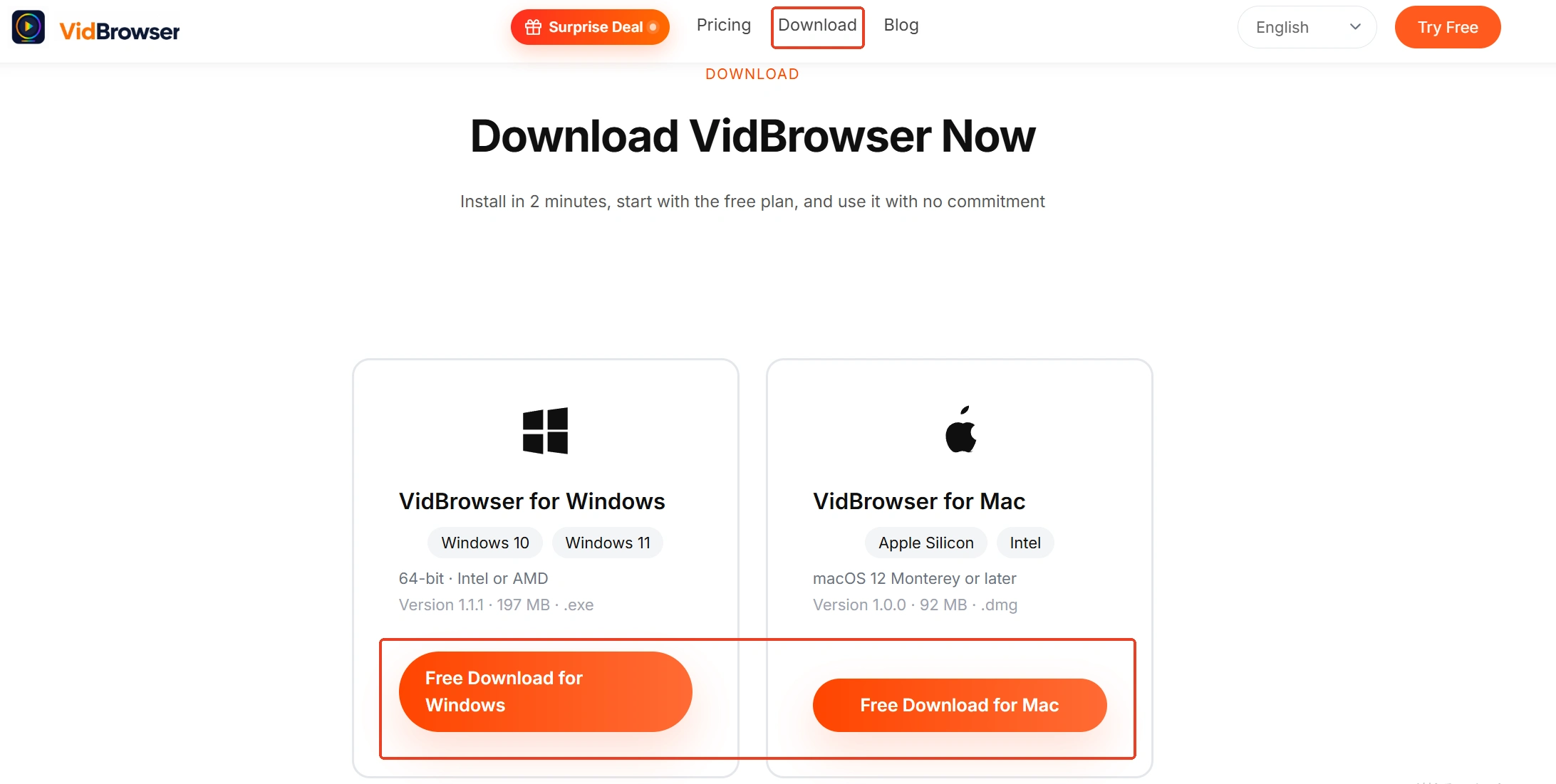
Step 1: Download and install VidBrowser
VidBrowser is a desktop video browser for watching videos, clipping scenes and saving them locally on Windows and Mac, with downloading and recording built in. Installation takes a few minutes.
Step 2: Open OnlyFans in VidBrowser and log in
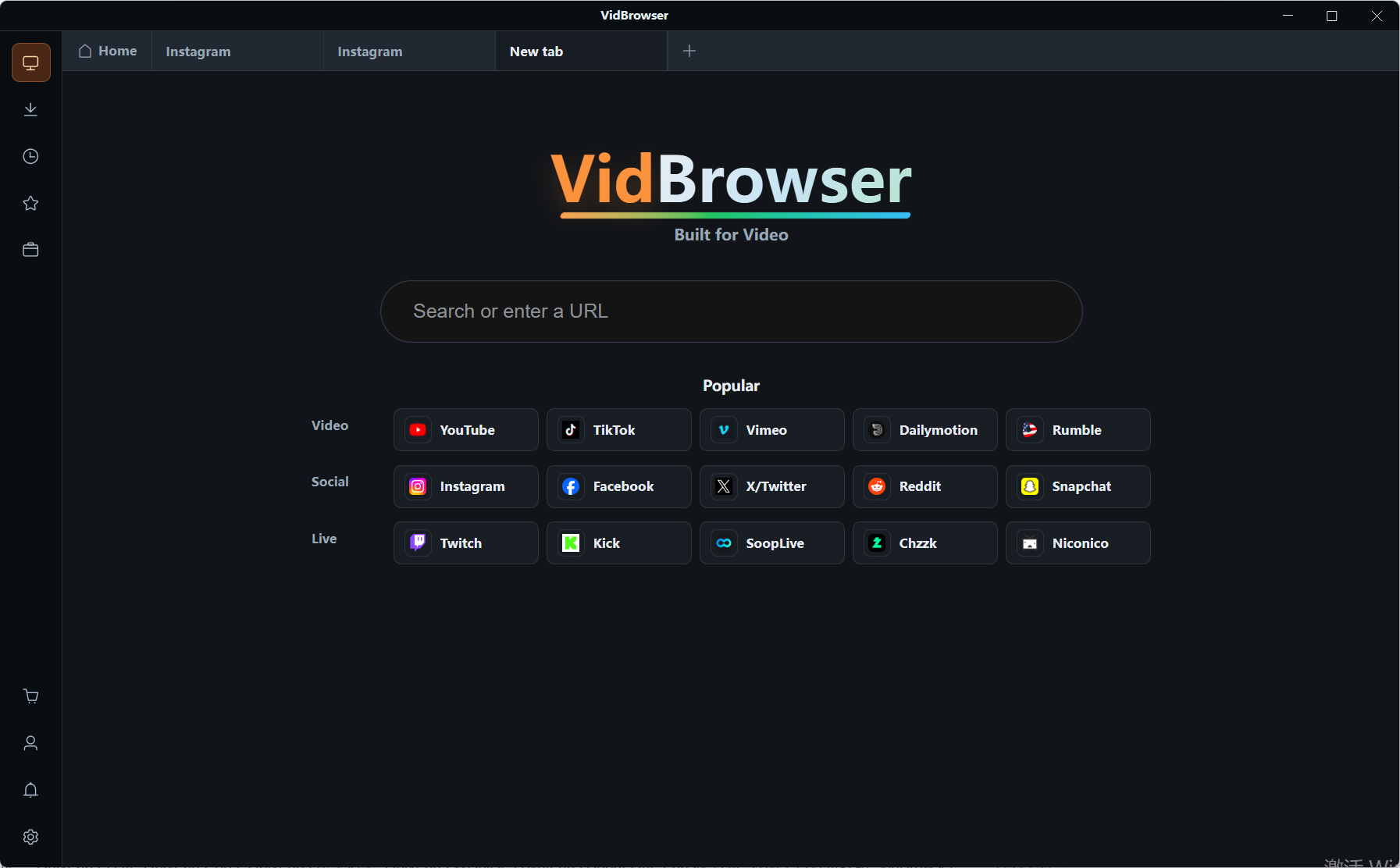
Launch VidBrowser, visit onlyfans.com and log in; subscriptions and access work exactly as in a normal browser.
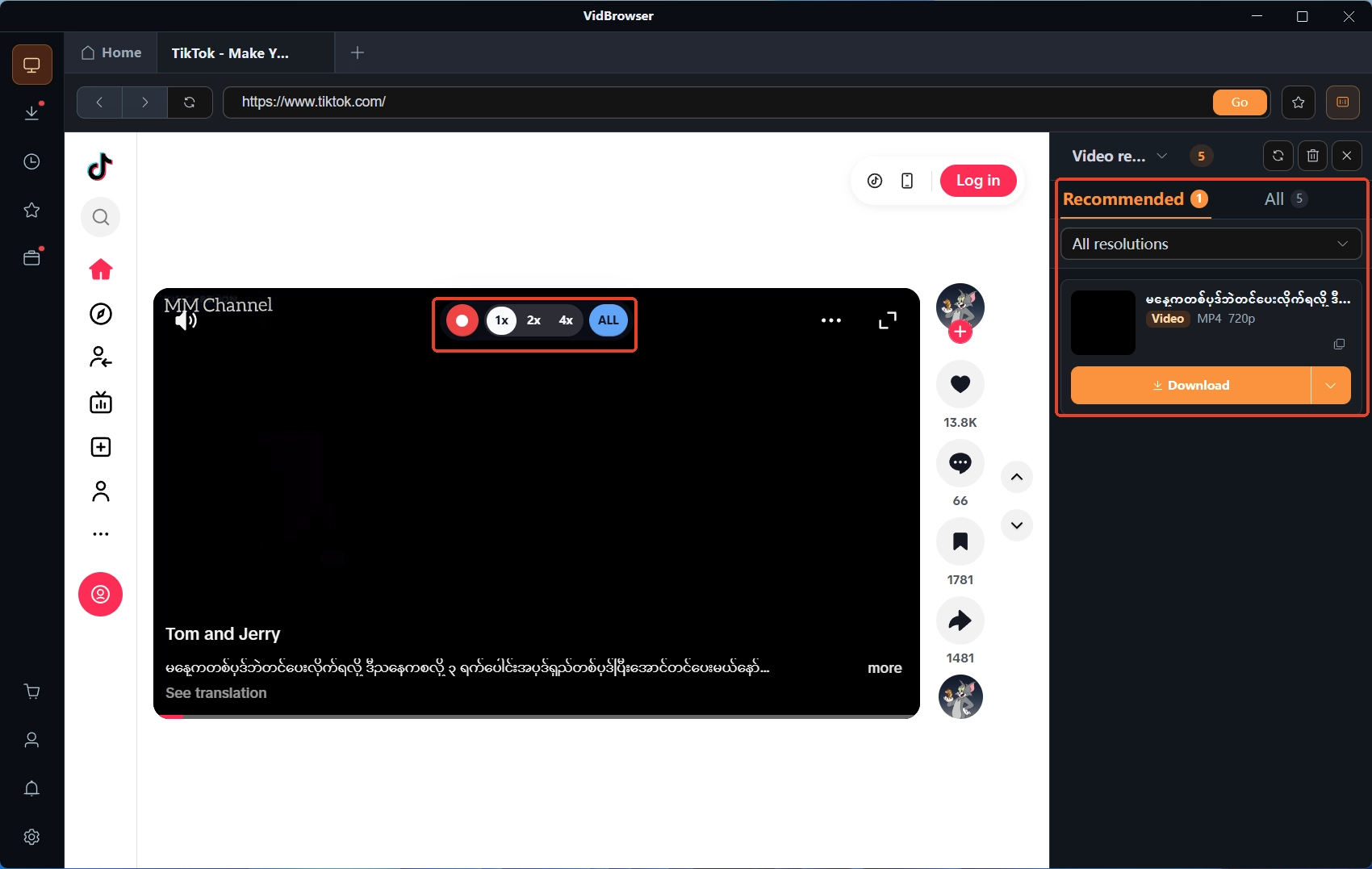
Step 3: Play the video and save it with the recorder
Videos on subscription platforms like OnlyFans are mostly protected, so ordinary downloaders cannot grab them; recording is the first choice. Hovering over the video overlays the recording controls: pick a recording speed (1x real time, or 2x/4x to finish faster), hit Record All for the entire video, and the record button on the left pauses anytime. If a given video is directly downloadable, its entry with the orange Download button in the Video Library panel on the right can be saved directly too.
Step 4: Recover the files from download history
Once saved, the download history in the left navigation lists every task's filename and status. Expiry, deleted posts, a deleted account — none of it touches files already on your disk. Watch offline whenever.
Final words
Access after unsubscribing boils down to three lines: you keep watching until the cycle ends, guaranteed by the terms; after expiry posts lock and re-subscribing brings them back; separately bought PPV survives the subscription but not a creator's delete. The one real action: save what you want to keep during the final window, and leave the rest to the terms.
Frequently asked questions
If I re-subscribe after canceling, does the old content come back?
Yes, but you start over: re-subscribing opens a new cycle, and once it takes effect the historical posts still online become visible again; deleted posts do not return.
After expiry, can I buy back a single video?
Depends on the creator: if the video is still on the profile or in DMs with a price on it, you can pay to unlock it again; deleted content cannot be conjured back. Buying back beats nothing, but saving early beats both.
Does cancellation take effect immediately? Why are Israeli users different?
In most regions service continues to the end of the current cycle with paid access unchanged. Israeli users terminate within three days under the terms, choosing between watching to the end of the period with no refund, or immediate cutoff with a pro-rated refund minus a 5% fee.