When do OnlyFans Black Friday deals start: the 2026 watching calendar
OnlyFans Black Friday deals: when do they start? In 2026, Black Friday falls on November 27 and Cyber Monday on November 30. That said, OnlyFans has no fixed site-wide Black Friday sale — deals depend on whether each creator runs a promo, its cutoff date and its slots.
If you want to subscribe over Black Friday, start watching your favorite creators' profiles in late November and keep an eye on their official social accounts; don't wait until the day itself, and don't take third-party "coupon codes" as official deals.
When OnlyFans Black Friday deals appear: the platform never opens the gate, creators decide
OnlyFans Black Friday deals have no platform-wide start day — promos are set by each creator on their own. The promo machinery runs all year: creators can set free trials or first-month discounts in the dashboard at any time, and the way to check it is broken down in the referral codes piece. Around Black Friday shoppers compare prices in bulk, so many creators choose this window to drop deals; whether a specific account joins and when it starts — the profile display is the word.
Three dates to remember for 2026: Thanksgiving November 26, Black Friday 27, Cyber Monday 30. The common rhythm is posting deals a few days early and pulling them around Cyber Monday, but that is not a unified timetable — accounts differ, and the profile is the authority.
One caution: regular subscription promos are set by creators themselves, including limited-time discounts and free trials. For third-party pages claiming a "site-wide Black Friday code" or "free unlock of paid content", don't take them at face value; anything that asks you to enter your account password, payment details or download software outside the official site — stop immediately. To verify a deal, look at the profile directly and check the subscription price, the promo badge, the validity window and the conditions.
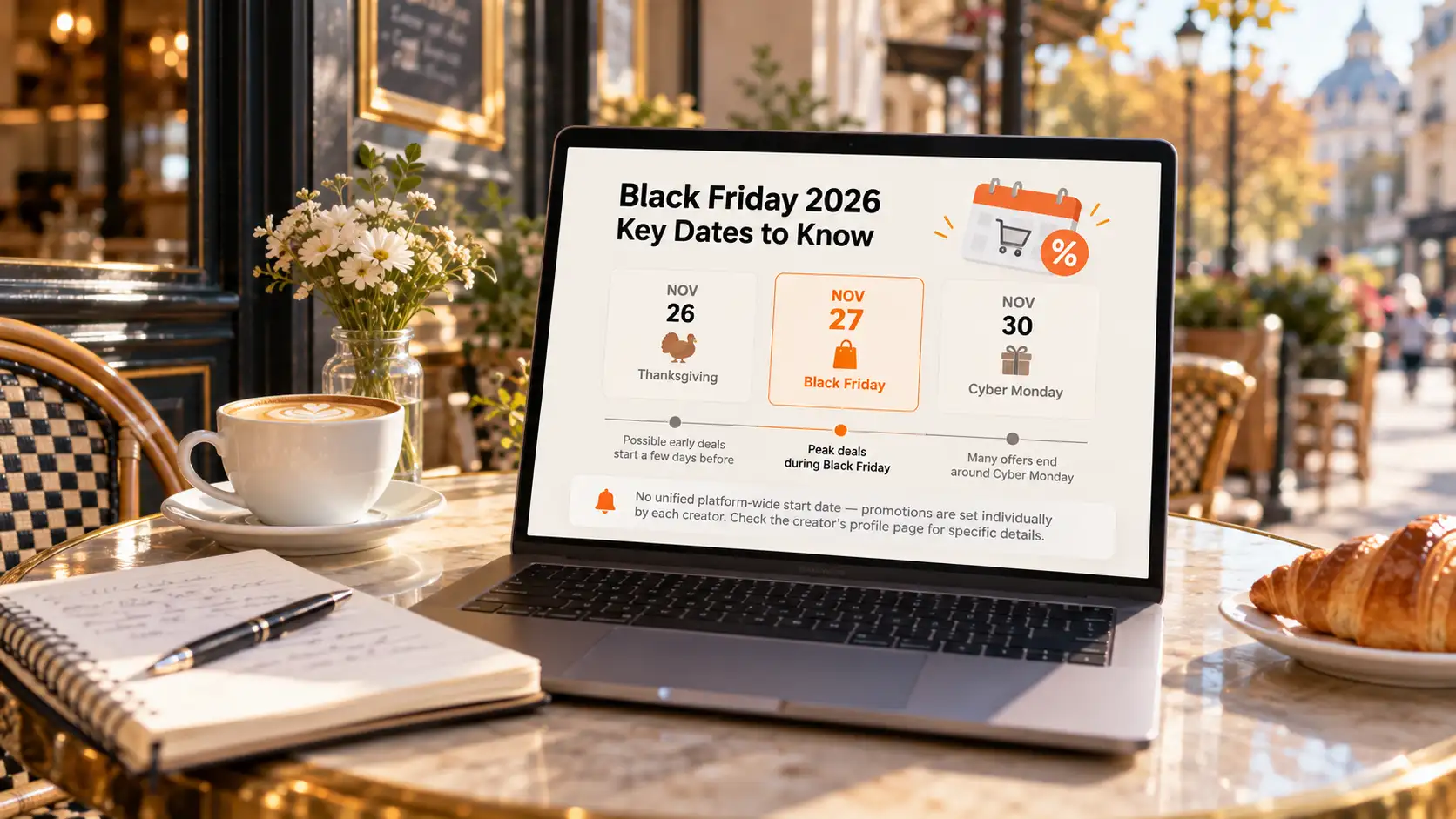
The 2026 OnlyFans promo calendar: Black Friday, Valentine's and year-end windows
OnlyFans subscription deals are scheduled by creators themselves — there is no promo calendar that applies to every account. Treat the dates below as reminders to check for activity, not as a promise every creator will discount; the creator-side operations guide also lists the Black Friday weekend as a key promo window:
- Black Friday through Cyber Monday (Nov 27-30): watch whether creators run limited-time subscription deals; whether they extend to Cyber Monday or cap the slots, the profile decides.
- Around Valentine's Day (mid-February): some creators pair the holiday with themed content or promos; pricing and format vary by account.
- Christmas and New Year (December): watch for holiday-themed drops, year-end collections and limited events; don't assume every event means a lower price.
- A creator's own moments: a new account launching, a comeback, follower milestones — these can come with promos too, checked account by account.
Rather than betting on one cheapest date, compare the actual price, the validity and the content plan. How to stake out personal moments is covered in the saving-money piece — discounts often land on social accounts first, so follow the person; for Fansly deals see the discounts and trials piece.
Deals go up on a lead time: how to pace it from teaser to Cyber Monday close
Most Black Friday promos go live early — the safer starting point is around November 20, not the 27th itself. Creators need warm-up time, and promos carry slots and cutoffs: early birds often fill first — a profile showing the regular price may mean slots are gone or the deal is pulled.
A pace for checking activity — this is a personal checklist, not a unified posting schedule:
- Mid-November: sort your follow list down to the three to five accounts you would keep long-term, and confirm their profiles and socials are still active.
- Nov 20-26: check for subscription discounts or free trials; note the discount rate, conditions, cutoff and slot limits.
- Nov 27-30: confirm the deal is still live and compare the actual price against the content; don't rush to pay over countdowns or "last slots" banners.
- Before subscribing: check the renewal price after the discount window, the renewal status and how to cancel; after subscribing, keep the receipt and confirm the next billing date.
The method for checking whether a discount is real and which tier it applies to is written in the Fansly discounts piece and works the same here — see which tier the deal hangs on, don't be carried away by a big percentage.
How to organize what is worth keeping while subscribed
Black Friday subscription deals usually carry a clear validity window. Before subscribing, think through what the account offers, what you need and what is allowed to be kept; to save content the creator explicitly allows downloading or recording, check the available saving options while your access is live, and stay within platform terms and licensing. On desktop it is four moves:
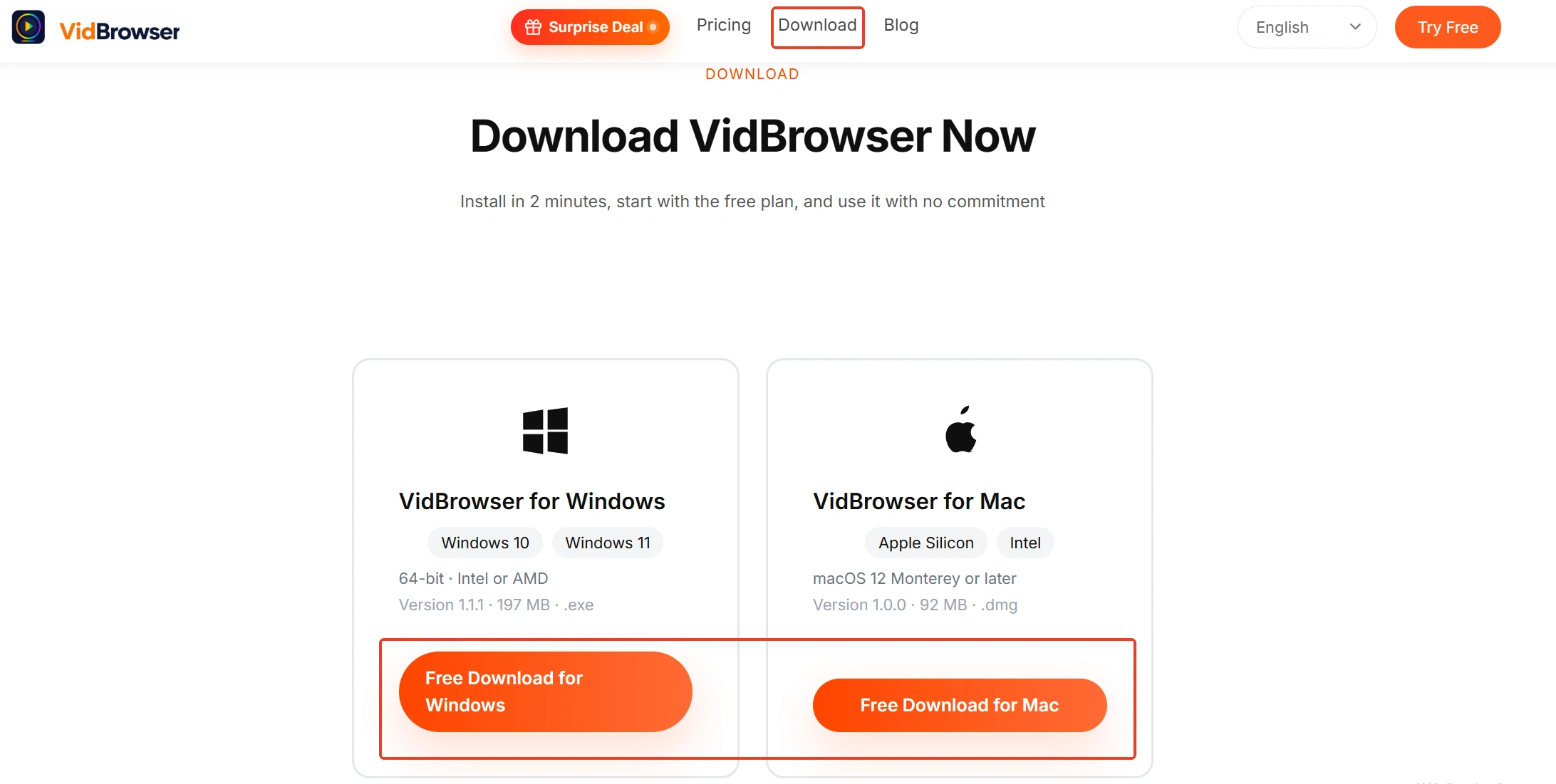
Step 1: download and install VidBrowser
VidBrowser is a desktop video browser for Windows and Mac with download and recording built in; installation takes minutes, and the platform-specific setup is on the OnlyFans downloader page.
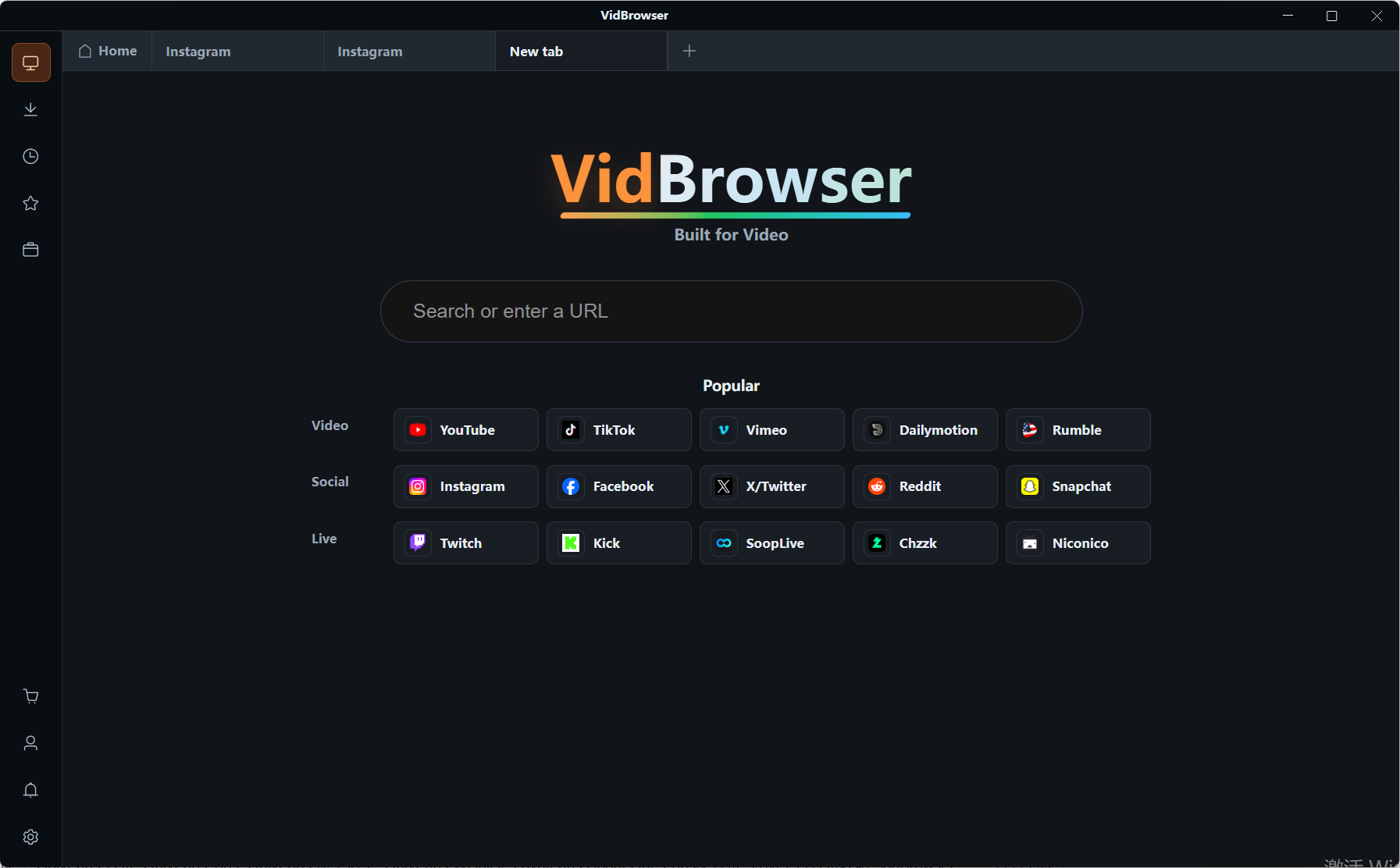
Step 2: open OnlyFans and log in to your own account
Open OnlyFans inside VidBrowser and log in; your subscription status and content permissions behave exactly as in your everyday browser.
Step 3: use recording to keep the videos you want
Most videos on subscription platforms are protected content that ordinary downloaders cannot grab, so saving runs on recording: hovering over the video overlays the recording controls — pick a recording speed (1x real time, 2x or 4x to finish faster), press "record all" to capture the whole video, and the record button on the left can start and stop anytime. Whether a specific item can be kept depends on platform rules and your usage rights.
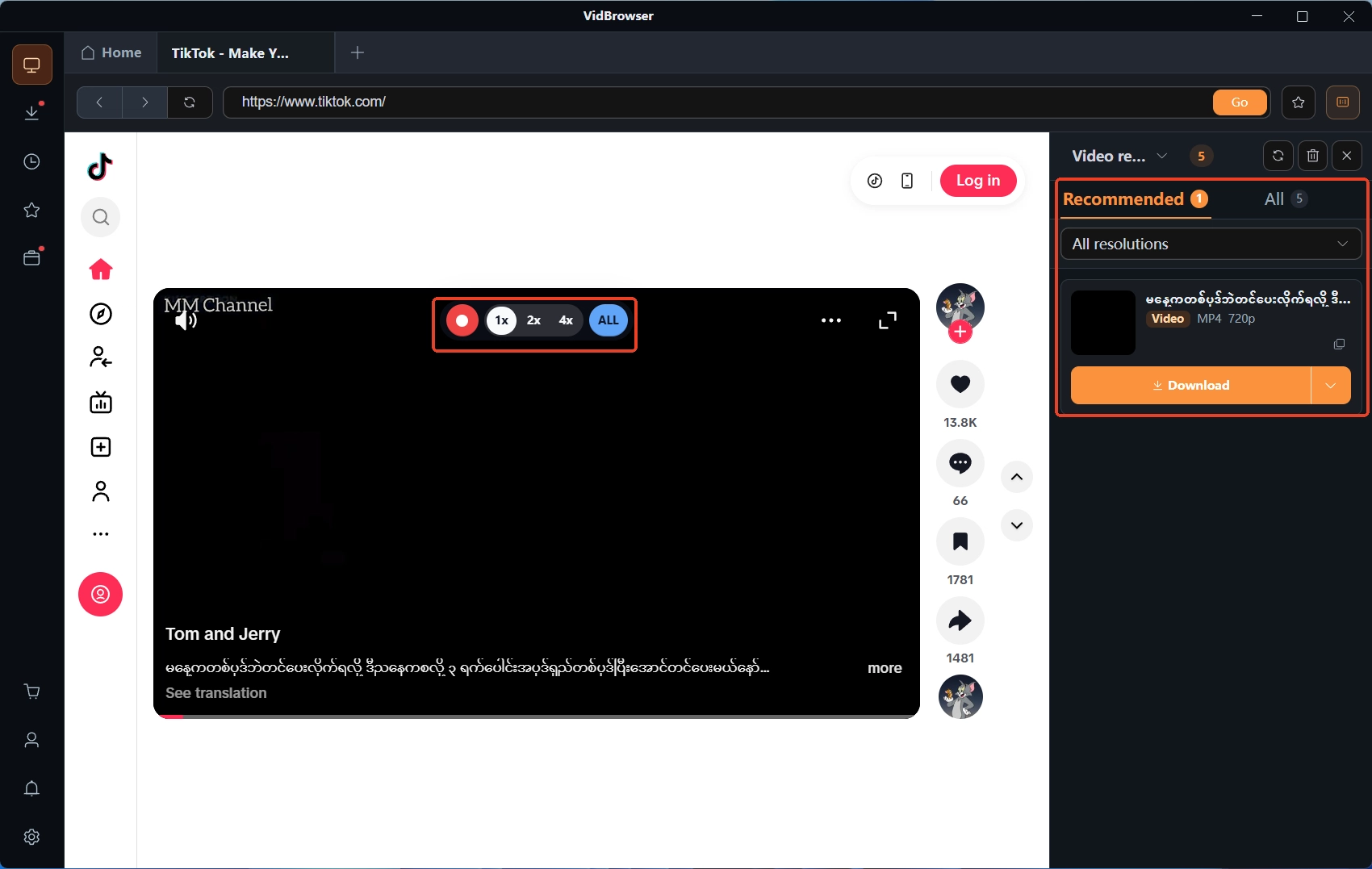
Step 4: use the media library for directly downloadable items, and check download history
If a video can be downloaded directly, the "video media library" panel on the right lists it with an orange "download" button — one click saves it as MP4. The clock icon in the left navigation holds the download history, where you can check progress and save location.
Summary
OnlyFans Black Friday deals do not come from the platform — they come from creator-set promos — so do not wait for an official gate: sort your list in mid-November, sweep profiles around the 20th, compare prices hard from Black Friday to Cyber Monday, and check renewal and cancellation before you subscribe. A discounted subscription usually covers one month; save what you want while your access is live, and that is when the deal actually pays.
OnlyFans Black Friday deals FAQ
It is Black Friday and the profile shows no deal — did I miss it?
Not necessarily. Promos are set by creators, and timing varies: some post early and pull when slots fill, some treat Cyber Monday as the last day. Nothing on the 27th, sweep again on the 30th; still nothing, check their social accounts for a teaser.
Does a discounted subscription auto-charge at full price after it ends?
A discounted subscription usually renews at the regular price once the promo window closes, unless you turn off auto-renewal in advance; free trials do not auto-renew and access ends when they do. Renewal price, cycle and cancellation follow what the subscription page shows — different promos, different rules; do not mix them up.
Are the OnlyFans Black Friday coupon codes found online usable?
There is no evidence the platform ever issued a unified code; regular promos are set by creators themselves. Do not trust off-site "code claim" pages, and anything asking for your account password or payment details outside the official site — stop. A real deal shows on the profile.