OnlyFans Subscription Bundles: How to Choose Between 3, 6 and 12 Months
Besides monthly billing, OnlyFans creators can list 3, 6 or 12-month discount bundles on their page: pay the whole amount upfront in exchange for a lower per-month price. The other side of the deal is different rules — how renewal works at the end, whether refunds exist, what happens if the creator stops posting — all unlike paying monthly. First the billing and renewal rules, then a set of price examples with the math done for you.
What Is an OnlyFans Multi-Month Subscription Bundle?
A subscription bundle is a discount tier a creator sets on top of the standard monthly price: the platform supports 3, 6 and 12 months, the discount is set by the creator, up to half off the monthly fee.The biggest difference from monthly billing is how you pay — monthly charges one payment each month, a bundle charges the whole discounted amount once at checkout, and inside the bundle period there are no new payment decisions to make.
There is no site-wide standard price for the discount: some creators give 10% off for 3 months, some 30% off for 12, some run no bundle at all. The discount is calculated on the profile standard monthly price; the first-month promo price does not participate. How each tier gets priced and how platforms compare, the OnlyFans cost breakdown covered in detail.
The purchase entry sits on the profile page: tap the subscribe button and the monthly tier sits next to the optional 3, 6 and 12-month tiers with their discounted totals; pick one, confirm, and a single charge completes. Whether a creator opens bundles and which tiers is decided in their backend settings.
How Do 3, 6 and 12 Months Differ?
The three bundle types differ in four things: how much you pay at once, how long you are locked in, what happens if you want out midway, and who each one fits. Using a profile with a $9.99 standard monthly price as the example (discounts estimated at common tiers; the subscription page shows the real numbers):
| Item compared | Monthly | 3-month bundle | 6-month bundle | 12-month bundle |
|---|---|---|---|---|
| How you pay | Charged monthly | Paid at once | Paid at once | Paid at once |
| Access period | 1 month | 3 months | 6 months | 12 months |
| Total price (at $9.99 monthly) | $9.99/month | $26.97 | $47.95 | $83.92 |
| Nominal per month | $9.99 | $8.99 | $7.99 | $6.99 |
| Stopping midway | Cancel renewal | Paid, no refund | Same as left | Same as left |
| Who it fits | Just looking | Following a few months | In for the long run | All checks passed |
Monthly is the simplest bill: $9.99 each month, and once you switch off auto-renewal nothing else gets charged. A bundle ties the savings to the risk of leaving early — the next section runs that math.
Is a Multi-Month Bundle Really Cheaper Than Monthly?
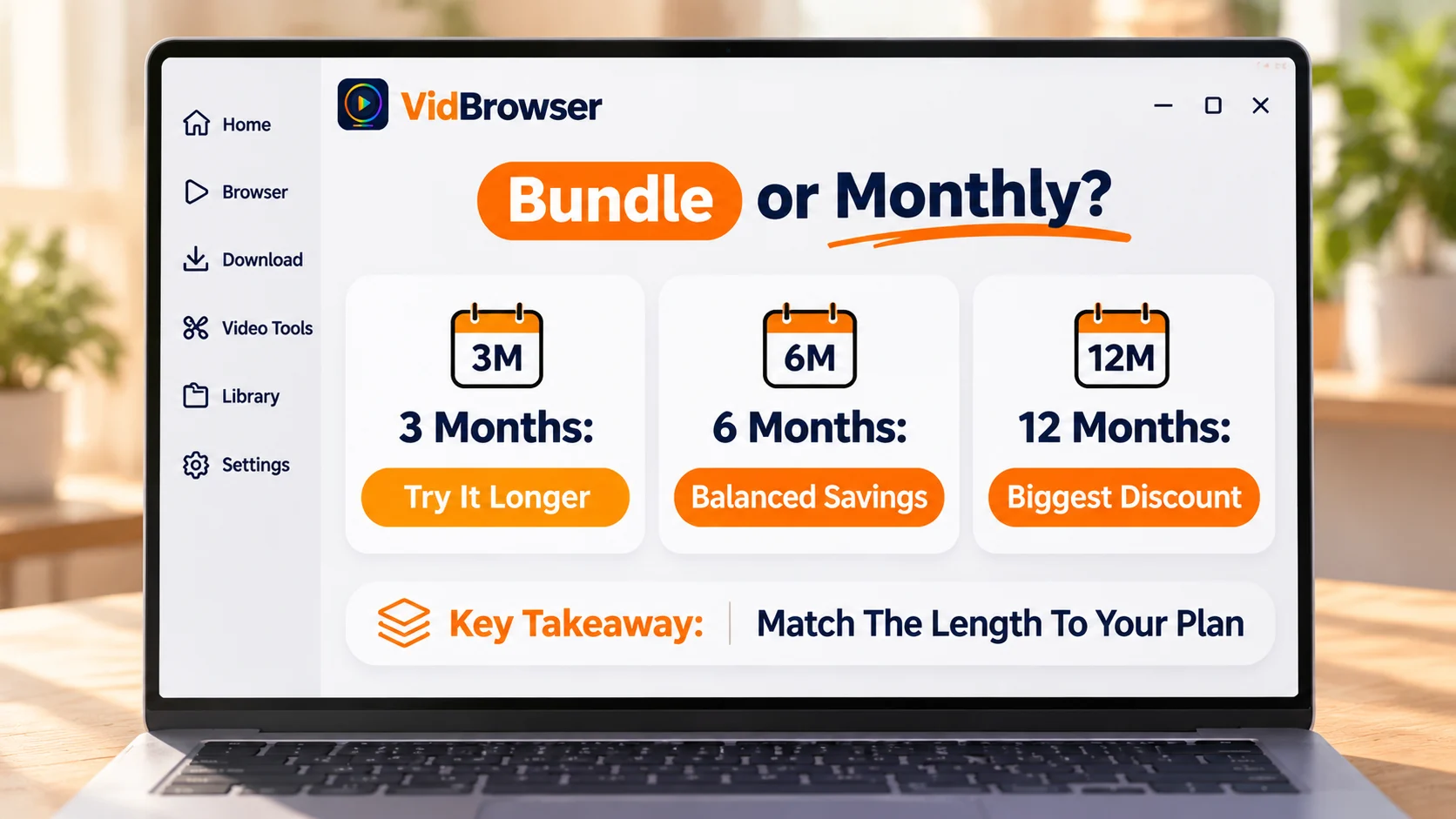
Whether a bundle pays off depends on how many months you will actually watch, not how deep the discount is.At $9.99 monthly with 30% off for 12 months: the bundle costs $83.92, nominally $6.99 per month, $3 saved against monthly. But if you stop after 6 months — $83.92 spread over those 6 months works out to about $13.99 per month, $4 more than paying monthly.
The line for not losing: updates steady, content direction unchanged, no history of going bad — pass all three and you have already followed monthly for two or three months, and only then does the 3 or 6-month discount truly land in your pocket. If the checks fail, stay monthly; the extra per-month price buys the flexibility to leave anytime. Switching to the 3-month tier shrinks the cost of being wrong: 10% off is $26.97, and even if you stop after two months, it works out to about $13.49 per month, still above monthly — the short tier loses less, it is not a deeper discount.
What to Check Before Buying a Multi-Month Bundle?
Item 1: how you pay — a bundle charges the whole discounted price in one go, not month by month; make sure the card has room before ordering.
Item 2: what happens at the end — renewal works as shown on the subscription page, do not assume it stops charging at expiry; check the renewal switch once in your subscription list after buying. The billing date and cancel steps for monthly, the OnlyFans renewal and billing date guide walks through fully.
Item 3: refunds — the platform basically does not refund charged amounts (per platform terms); if the creator deletes a tier or stops posting, the money for remaining months does not come back — exactly why the checks come before the purchase.
Item 4: extra charges — a subscription unlocks the profile feed, PPV posts and paid DMs are still charged separately, so budget for them too. Hunting promos and discount codes lives in the OnlyFans savings guide.
Should You Pick Monthly or a Multi-Month Bundle?
Choose by how sure you are about this profile.Just found it, not decided yet: monthly, leave anytime. Following a few months, updates steady: the 3 or 6-month tier, discount and risk both moderate. Followed monthly for half a year and planning to keep going: then consider the 12-month tier.
Content You Want to Keep During the Bundle, Saved Locally
If any video inside the bundle period is worth keeping, you can save it locally within what the license allows.VidBrowser (the downloader page has a feature overview) puts browsing and saving into one desktop app, so finding and keeping videos does not bounce between apps.
Step 1: Install the software — download VidBrowser from the official site; Windows and Mac are both supported.
Step 2: Open the profile — the built-in browser enters the profile you subscribed to, video sources are detected automatically, and the video media library lists what it found.
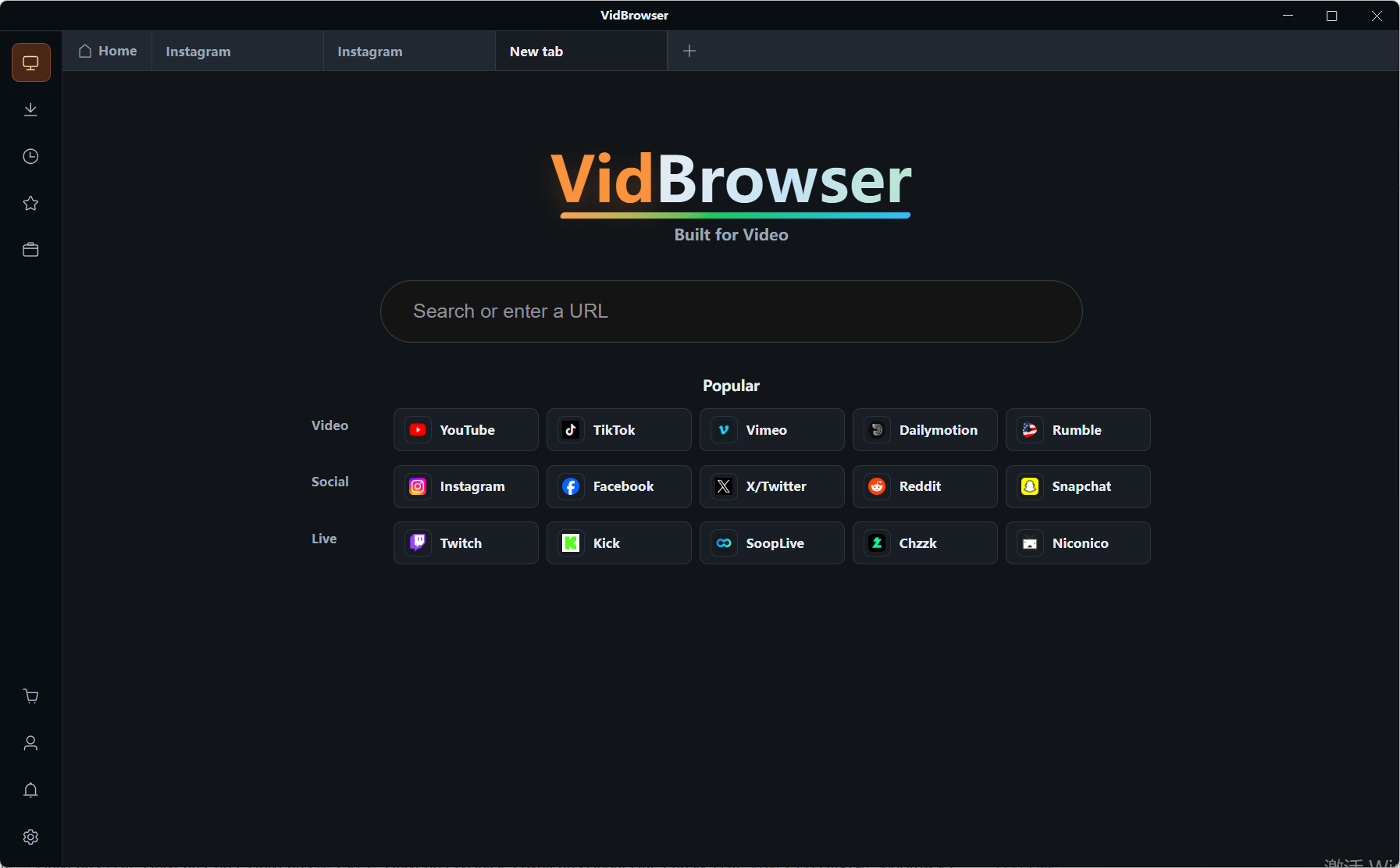
Step 3: Download or record — where a download entry exists, download directly; where it does not, the recording overlay saves within platform rules and content licenses.
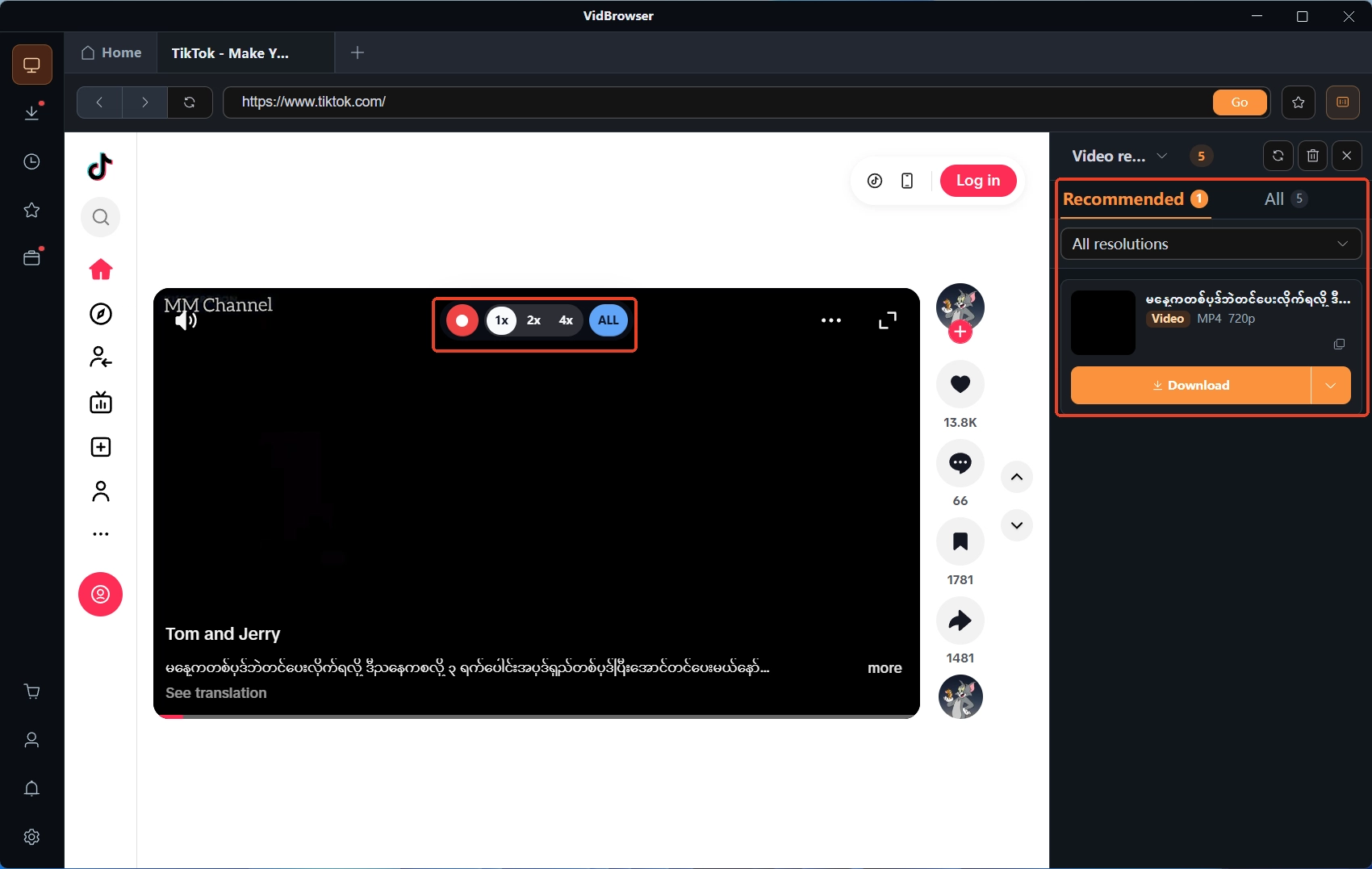
Step 4: Keep it locally — files are archived by platform and date, and download history keeps the records; when the bundle ends or the profile goes away, your local copy stays.
Wrapping Up
The savings and the loss of a multi-month bundle sit on the same variable: how many months you will actually watch. Before buying, check the four things — payment method, renewal at expiry, refund terms, PPV billed separately; if the checks fail, stay monthly, and take the full discount only once you are sure you are in for the long run.
FAQ
Can an OnlyFans multi-month bundle be cancelled midway?
There is no monthly-exit mechanism inside a bundle: the whole amount is paid and not refunded, and the remaining months stay watchable to the end (per platform terms). To keep the option of leaving anytime, pick monthly.
After turning off auto-renewal, can I still watch what I bought?
Yes. Access inside the period you paid for is unaffected; turning off renewal only affects whether you are charged again after it ends.
Does a multi-month bundle auto-charge at expiry?
It works as shown on the subscription page: in some cases it simply ends and you buy again manually, in some account settings it keeps charging at the monthly rate. Checking the renewal switch once in your subscription list after buying is the least stressful move.
Can a multi-month bundle be refunded?
Basically no — the creator stops posting or deletes a tier and the remaining months are not refunded either (per platform terms). That is why the 12-month tier should wait until every check passes.