What you can see on OnlyFans without a subscription: free pages, previews and where the viewer scams start
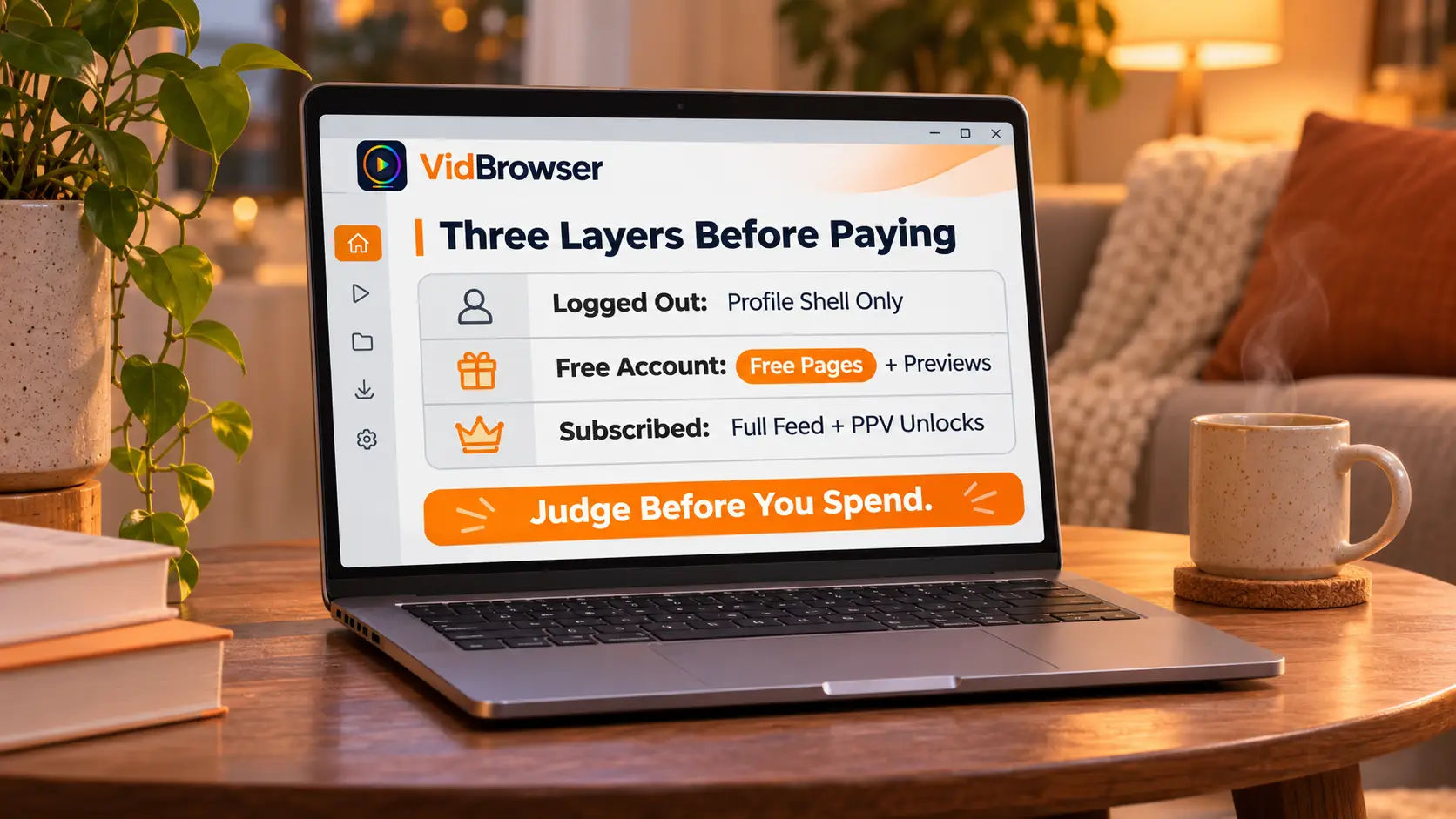
You can open OnlyFans without paying anything, and what you see comes in three layers: logged out, you get the profile shell; signed up for free, free pages are yours to browse; beyond that, everything is locked — plus a crowd of fake tools claiming to show paid content for free. How deep each layer goes differs more than most people expect.
The first OnlyFans layer without a subscription: logged out, the profile page is just a facade
Opening an onlyfans.com profile link directly works without logging in — but what opens is a "profile shell." The basics are public to everyone: profile photo, banner, bio text and the subscription price (free pages show it marked). The posts area is a row of locked thumbnails; further down comes the login prompt. Some pages show a few extra stats rows, others hit the login window within two screens — how much shows depends on the actual page.
What you cannot see is blunt: post text, photos, videos, DMs — none of it reachable. The platform also gives logged-out visitors no search or category browsing; clicking subscribe jumps straight to the signup page. OnlyFans wants registered users, not page views — the login wall is its front door.
The three visibility layers first, one table, then each layer in detail:
| Stage | You can see | You cannot see |
|---|---|---|
| Logged out | Photo, bio, price, locked thumbnails | Post text and media |
| Free account, no payment | On-site search, free page feed, preview images | Paid subscription content, locked posts |
| Following a free page | That creator free feed | PPV posts priced inside the free page |
Layer two: signed up without paying, the free page is the biggest free buffet
A free page is a creator profile priced at $0 — sign up (registration itself costs nothing), tap follow, and every free post this creator publishes is yours to read. A good share of creators run their profile at $0 and use it as a storefront: teasers, clips, daily life, with the full content sitting behind priced posts.
Two things to know up front. One: signup asks you to bind a card for age verification (anti-bot), and free pages never charge that card. Two: a free page is not the same as free content — a free-page creator can lock individual posts (PPV) with a price on each, while paid pages cannot lock feed posts and sell extras through DMs instead. Scrolling a free page, free and priced posts come mixed.
Judging whether a free page deserves a follow, check three spots: media count and posting rhythm show activity at a glance; the ratio of free to locked posts becomes clear after a few screens of scrolling; the bio and social links reveal teaser style and update promises. A free page also works as a zero-cost sample room — browse two or three creators free pages to calibrate taste before upgrading to a subscription, steadier than blind paying. For what comes after following — keep the free account or upgrade, the free vs paid comparison set out the standards; to taste a paid page first, the free trial guide covers where to find trial links and card pitfalls.
Previews are creator-made teasers, not the content itself
Locked content can carry a preview — a piece the creator sets to be seen free: a teaser image, a blurred frame, or a line of text. PPV posts and PPV DMs both support it; you see the preview and the price first, pay once, then the content opens.
Treat the preview as a tasting sample: shooting style, quality level, content taste — a preview shows enough of all three to decide whether to unlock. In reverse, do not imagine the full content from a blurry thumbnail — the preview is the one frame a creator picked to hook you, not a random screenshot and not a condensed version.
Tools claiming paid content without a subscription run the same play
Paid content goes to accounts that paid — that rule lives server-side; without a subscription, the content itself never reaches your device. So "OnlyFans viewer" and "free unlock" tools fail on principle, and their actual operation stays remarkably consistent:
- Play a fake "connecting, decrypting" progress bar to fake the feeling of work;
- Demand "human verification" — surveys, apps, browser extensions; this step is their income;
- Ask for your OnlyFans password or card details;
- Leave you empty-handed — or route you to malware-packed leak sites.
Leak sites deserve the same distance: the content is stolen, creators get infringed, the sites earn from malicious ads and fake download buttons. The full checklist for spotting fake accounts is in the OnlyFans scam guide, and it applies to these "viewer" sites too. That is why the honest free routes come down to two: free pages and trials — neither needs any "tool."
What is worth keeping from free pages, save it with a desktop video browser
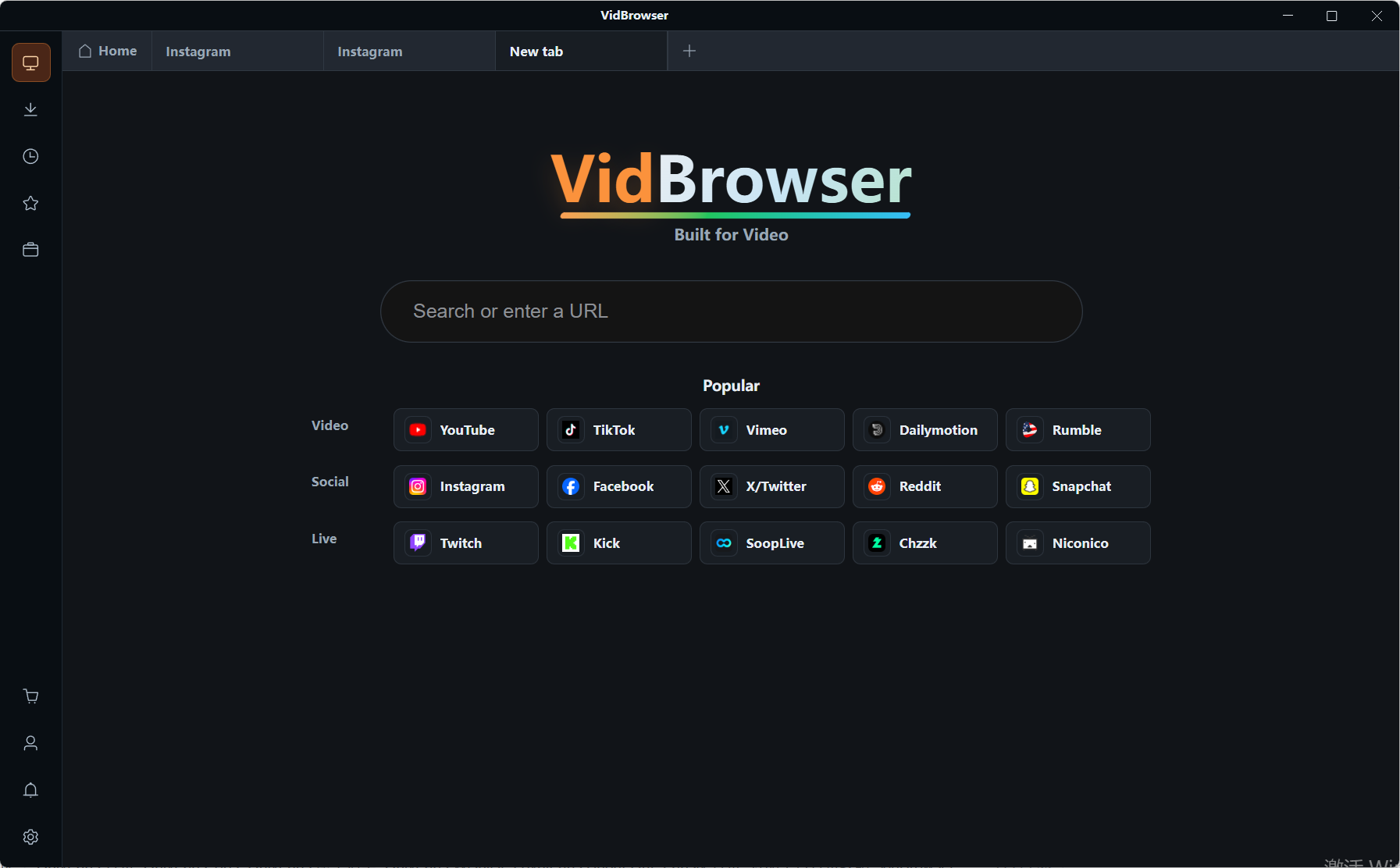
Browsing free pages and previews is exactly when "I like this" strikes most — and platform content can be deleted or moved anytime, so saving what you want starts now. Juggling a separate download tool means constant window switching; VidBrowser (the downloader page has the full feature tour) keeps browsing and saving in one desktop app, on Windows and Mac:
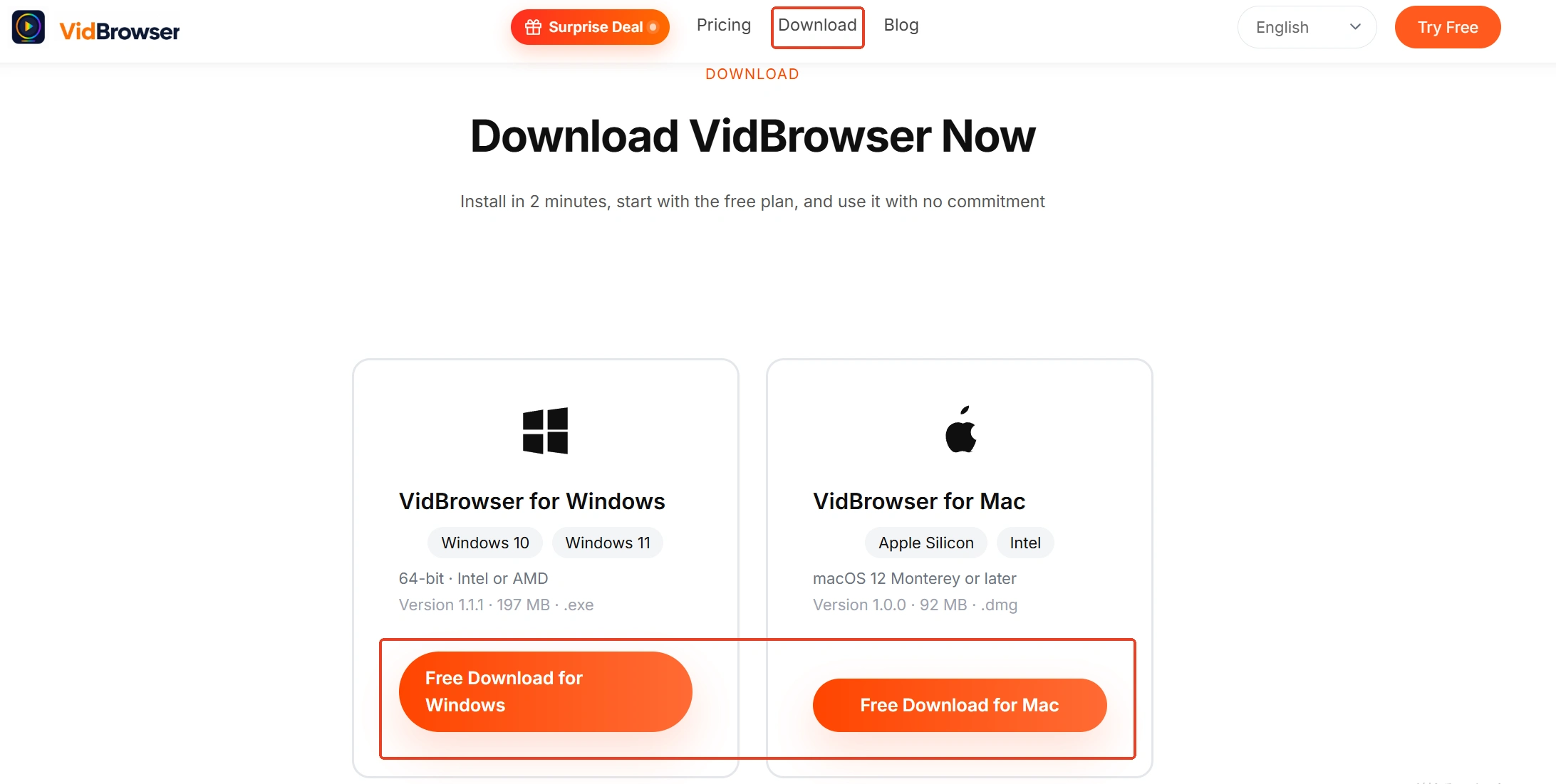
Step 1: Download and install VidBrowser
A desktop video browser with built-in download and record functions; a few minutes to install.
Step 2: Log in inside the built-in browser and browse free pages
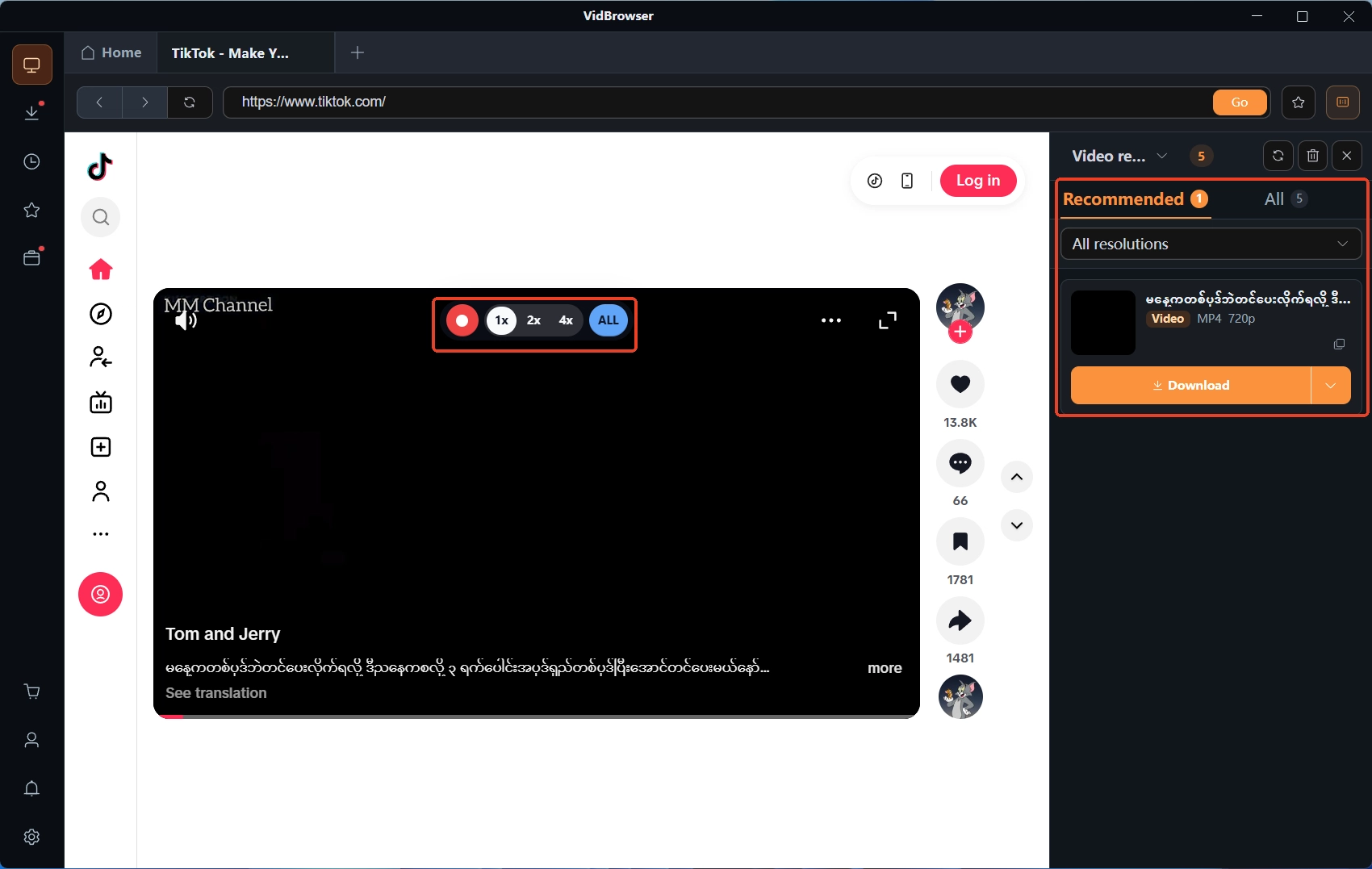
Visit OnlyFans as usual, log in, follow free pages; the video panel on the right lists detected videos automatically, no manual hunting.
Step 3: Pick download or record by content type
Free public videos: tap Download to save as MP4, filter by resolution first; for full-archive needs use recording — under platform rules and content licenses, moving the mouse over the video brings up recording controls; pick speed (1x real-time, 2x or 4x faster), hit Record All, pause anytime from the left button.
Step 4: Manage files in download history
The clock icon on the left opens download history with name, size, time and save path all listed.
Wrapping up
Without a subscription you see three layers: profile shell, free page feed, content previews — none complete, but enough to judge whether a creator is worth paying for. Paid content stays off-platform, and tools claiming free unlocks break down against the four steps above; when a free page has something you genuinely like, save it with a desktop video browser while it is still up.
FAQ
Can you view OnlyFans without registering?
Logged out you get the public shell: photo, bio, price and locked thumbnails. Posts need a free account; paid content needs a subscription or single unlock — the platform has no guest browsing.
Is following a free page the full content?
No. A free page feed mixes free posts and priced PPV posts, and locked posts are the main income there. Judge by media count, posting rhythm and the free-to-locked ratio.
Are there real OnlyFans viewer tools?
No. Paid content goes to paid accounts only; off-site tools cannot reach it. Anything claiming to unlock runs human verification, extension installs and password collection, ending with nothing.