A dead X video link comes in two kinds: one refreshes, one must be saved
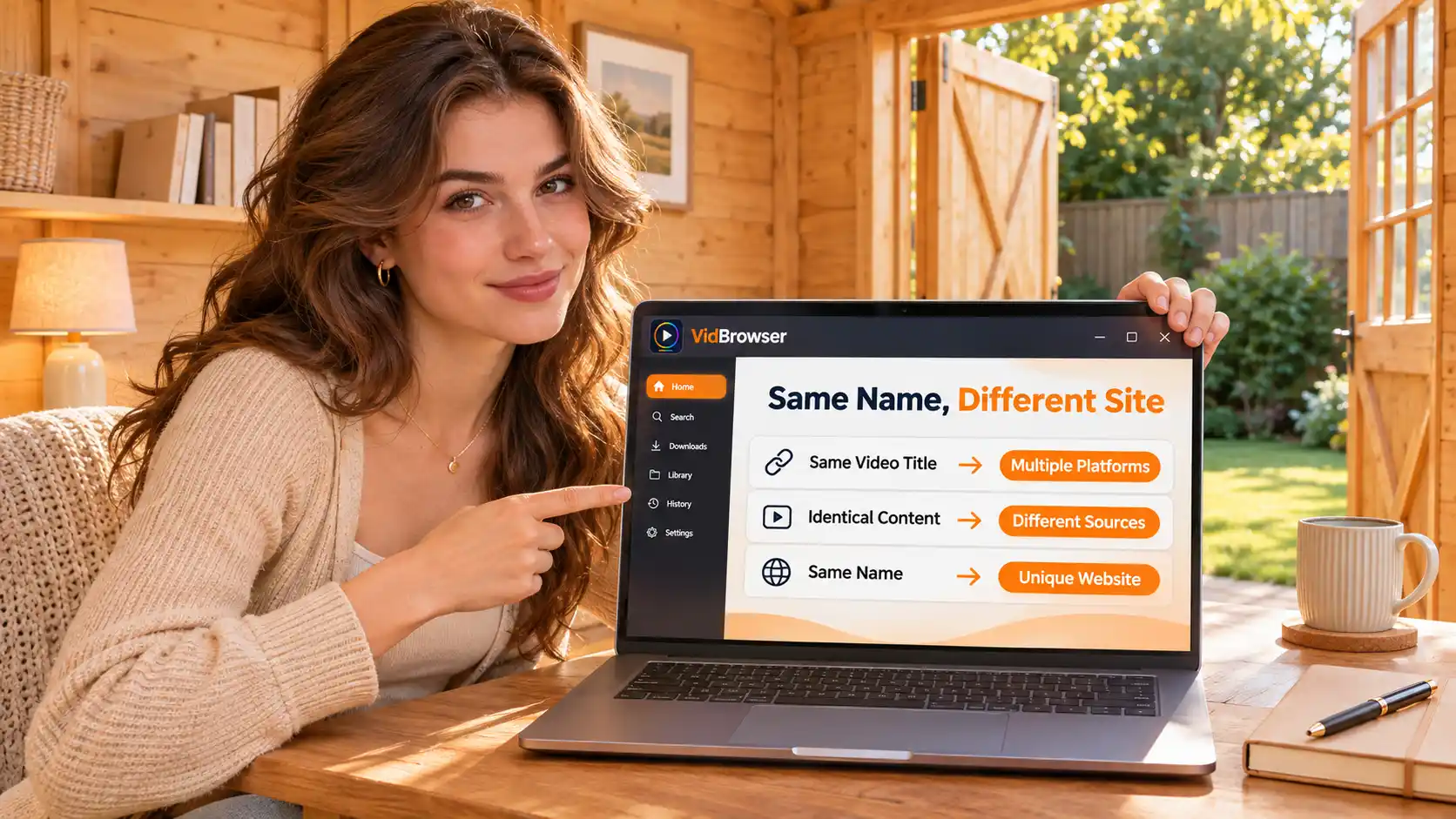
The tweet with the video in your bookmarks worked fine a few days ago; today it either plays a black frame or turns into a grey notice box. Don't rush to blame the network — a broken X (Twitter) link is two things: the address on the link side expires, and the post on the content side disappears. Same symptom, opposite causes; mixing them up means both checks come up empty.
X video link not opening? Split the link side from the content side first
An X video link fails through two independent mechanisms: the address's signature has a time limit, the post's visibility has rules — judge the wrong direction and you fix the wrong thing.The link-side problem lives in the URL in your hand — the file it points to is still there, but its pass expired; the content-side problem lives in the post itself — the file and the page were pulled down or hidden together. The first recovers on refresh, the second never comes back no matter how you refresh, and the responses don't interchange.
One move splits the path first: reopen that tweet once
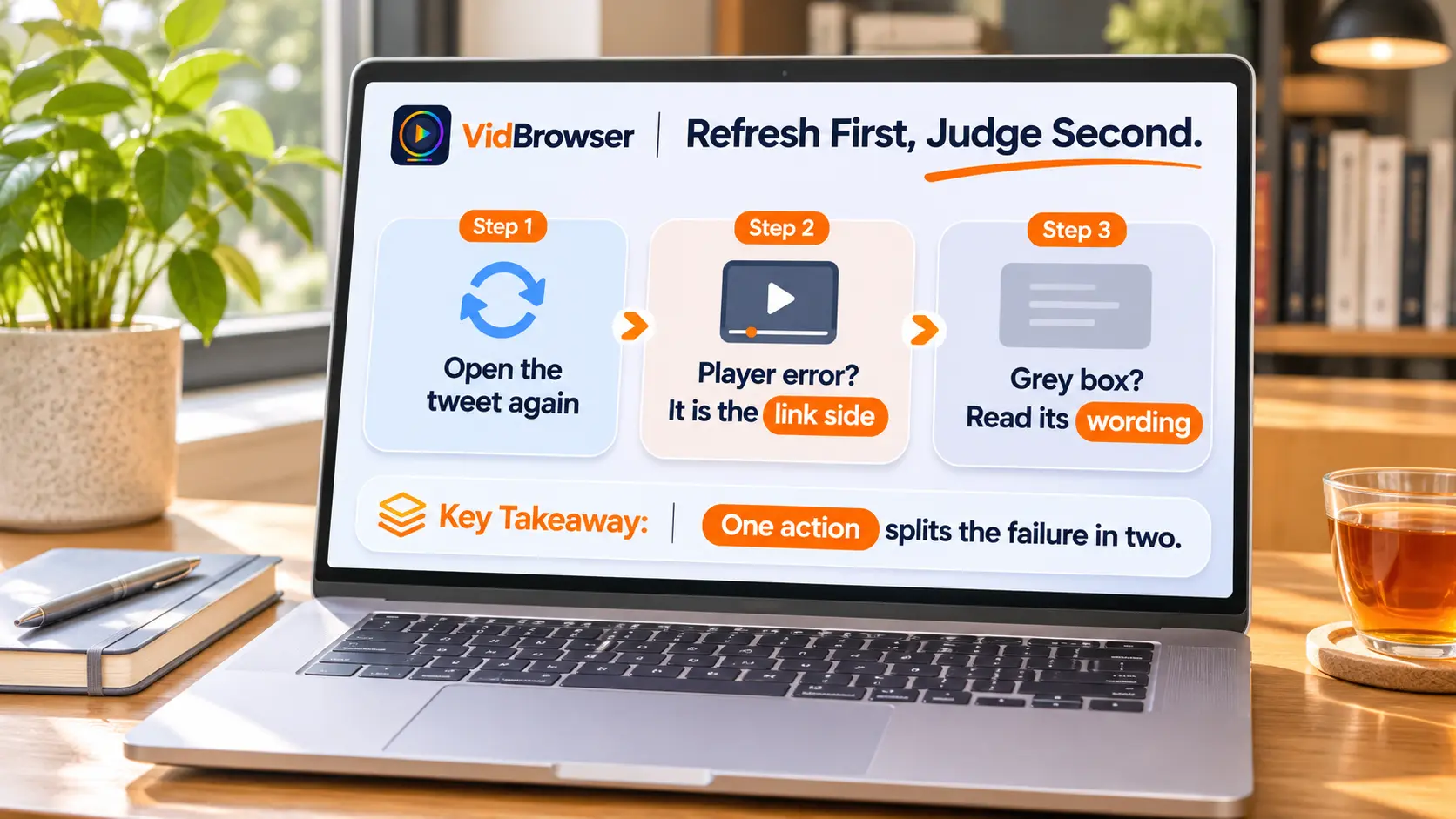
With a "won't open" link, the first move is going back to the original tweet page and reopening it there, not refreshing the old URL in your hand over and over.This step sends the failure straight to one side: the tweet page displays normally and only the player shows a black frame or spins — link side, the address expired; the tweet turns into a grey notice box reading "This post is unavailable" or "This account doesn't exist" — content side, the page itself is gone. This differs from the direct-open test in the playback troubleshooting piece: that one splits embed versus source site, this one splits link versus content.
X officially calls these grey boxes "tombstones". Per the official help center on account and post notices, an unavailable post includes: one from a protected account you don't follow, the poster blocked you, the post was deleted, the posting account was deleted. The wording on the box is half the answer by itself, and one English troubleshooting guide built a cause-by-cause table of these notices — more reliable than any guess.
Link-side cause: the video address carries its own expiry
The video file in a tweet sits on X's media server video.twimg.com, and the signature parameters hanging behind the play address decide how long that address stays alive.Past the deadline the server refuses access outright — that is why the direct link that played yesterday errors out today. The tool scene speaks with one voice here, and one Chinese write-up says it plainly: media URLs have a time limit — download in time instead of saving the URL for later.
Two things are easy to misjudge: first, the address suffix is mp4 and looks as long-lived as a cloud-drive link, but it is actually a temporary pass; second, expiry is contagious — reposts of the same address and players embedded in third-party pages run on the same signature set and die together.
As for the deeper list and segmenting mechanics behind the address, our piece on why streaming videos resist download already took that apart — for the bookmark scenario one line is enough: the address is rented, and the file waits on the server for the next legitimate request.
Content-side cause: X's list of disappearing posts is far longer than deletion
The half where refreshing doesn't help belongs to the content side: the post still sits at its original address, but its visibility was taken away by rules.Beyond the author deleting it, a suspension hides every post of the account behind notice boxes; after deactivation the profile page turns invisible immediately and comes back if the owner logs in within 30 days; protected accounts' posts are visible only to approved followers and stay out of third-party search engines; regional law may also block certain posts.
Deletion doesn't leave nothing behind. X's own documentation says it plainly: posts may be cached or reposted by third-party sites, apps or search engines, and X cannot remove copies outside its walls. Quote posts are a common remnant too — the author deleted the original, other people's quotes survive. Our piece on saving Reddit videos before they disappear covers community deletions and hot-post churn; the peculiarity on X is that the grey box wording sorts the case for you — "removed by author", "account no longer exists", "account suspended" — each phrase maps to one ending, and reading which word you got tells you whether a path is left.
While the link still opens, save the video
Signatures expire and posts vanish; both roads point at the same move: land the video locally inside the window where the link still works.X is an open platform and serves video as MP4 direct links, so the save path is download-first:
Step 1: Download and install VidBrowser
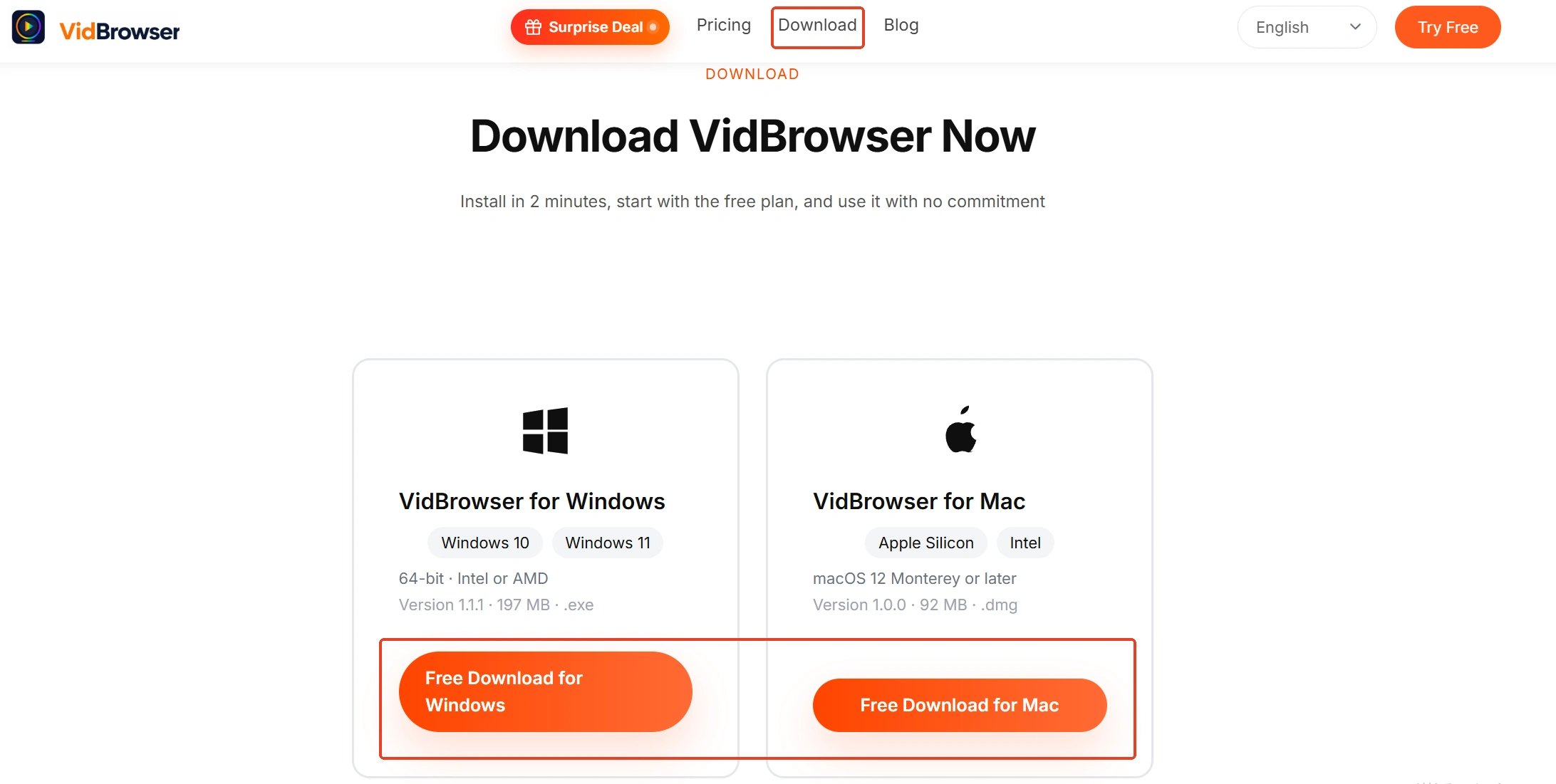
VidBrowser is a desktop video browser with download and recording as its two core features; the install entry sits on the VidBrowser video downloader page.
Step 2: Open X in VidBrowser and sign in
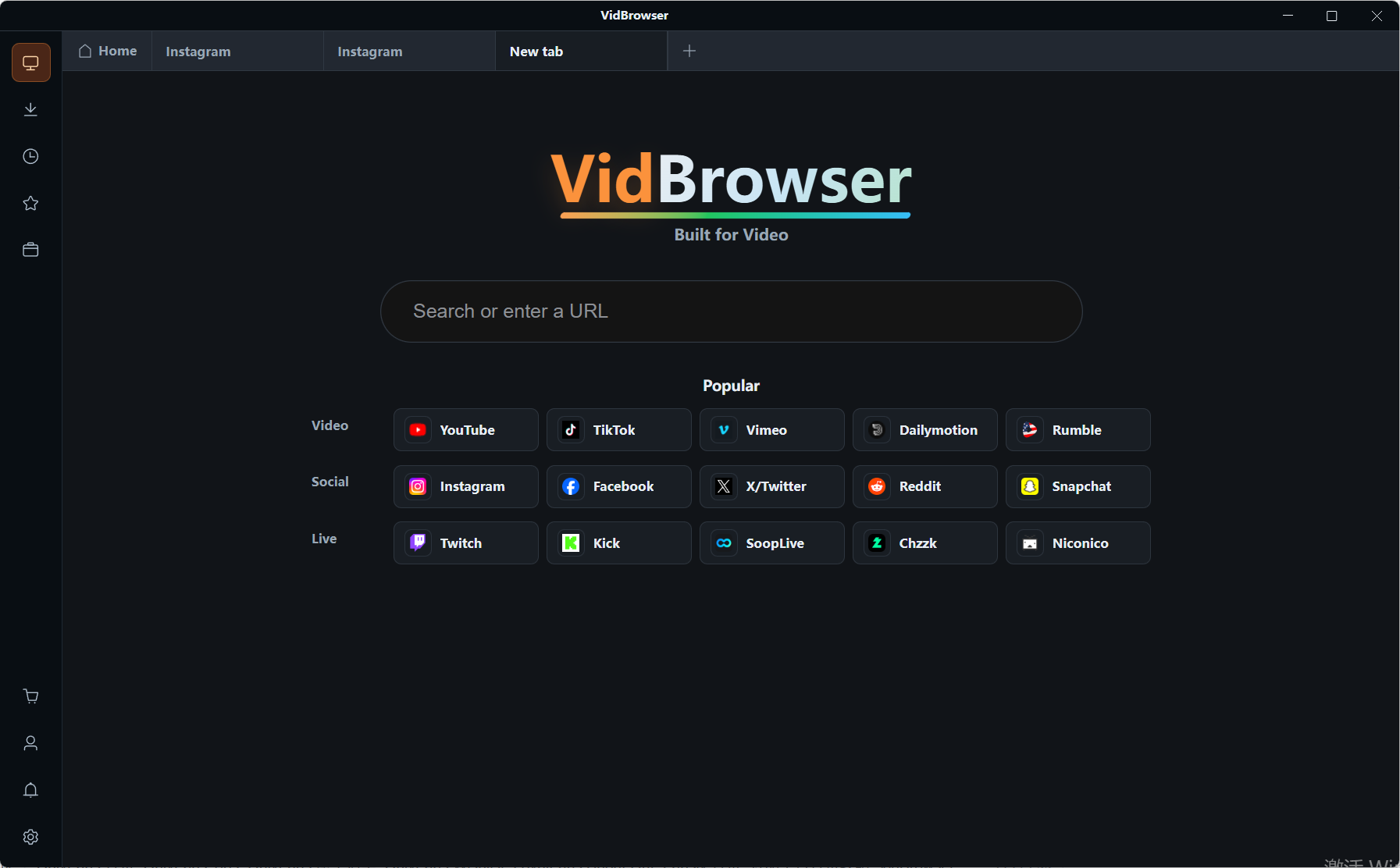
Type x.com into the address bar, sign in, and open the target tweet to play its video.
Step 3: Save with the download feature
While playing, the Video Media Library panel on the right lists the detected video entries, each carrying an orange Download button that saves as MP4; you can also pick the resolution before downloading. Download history sits under the clock icon in the left navigation, checkable anytime.
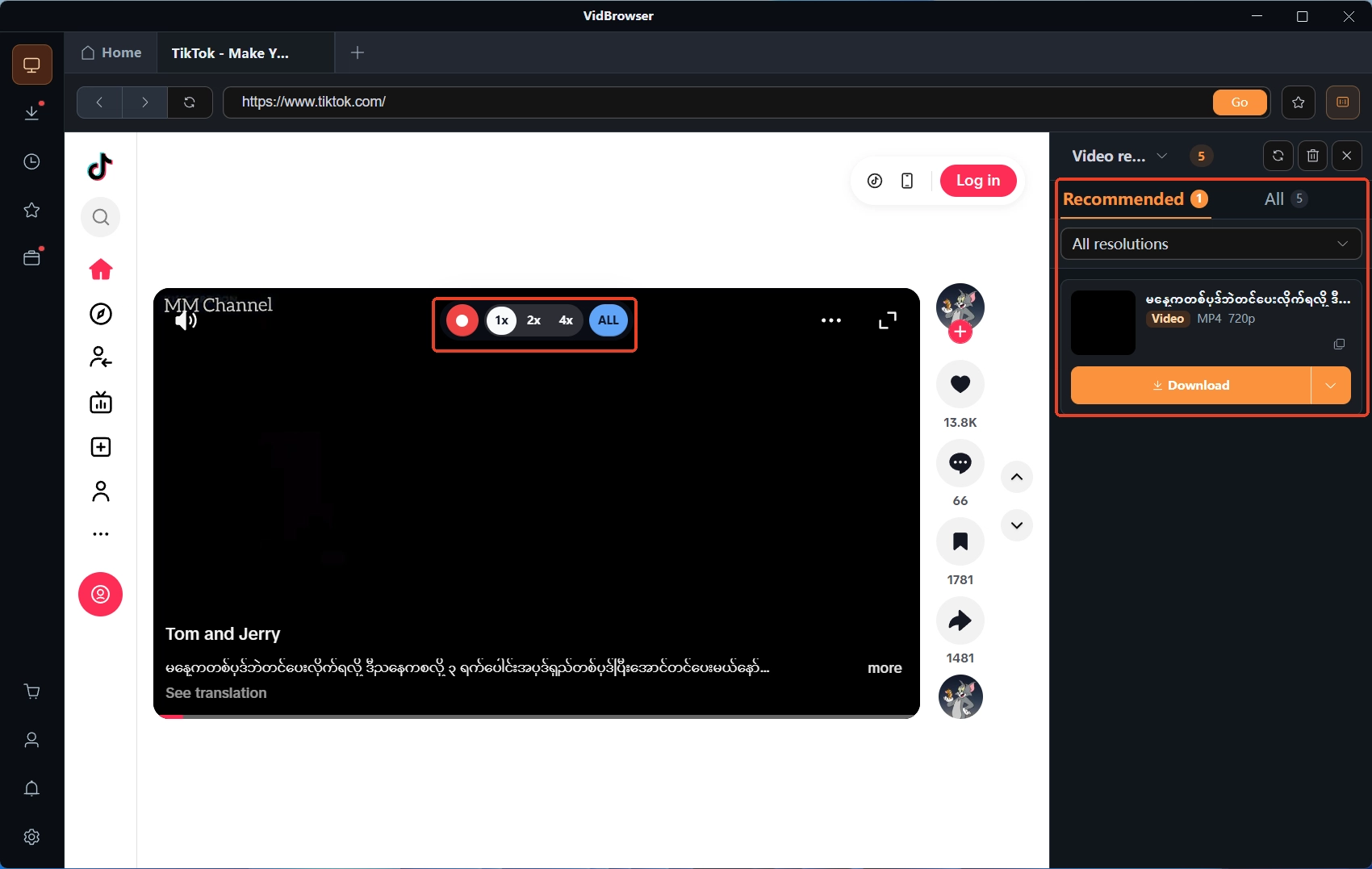
Step 4: Fall back to recording when download won't
For scenes with no entry in the panel (a live stream, say), hovering the mouse over the video overlays the recording controls — pick the speed (1x real time, 2x or 4x to finish sooner), hit Record All to capture the whole video, and the record button on the left starts or pauses anytime.
The boundary stays as always: one personal offline copy of a public platform's video is fine; re-uploading, redistribution or commercial use crosses the line. The fuller save walkthrough lives in our piece on how to download X (Twitter) videos.
Summary
When an X video link won't open, reopen the original tweet page first. Page alive, player erroring — the address expired; fetching a new one restores it. Page turned into a grey box — read the wording: author-deleted is gone, deactivated waits 30 days, protected means requesting a follow. Both lines point to one habit: what refreshes back needs no panic, what doesn't gets saved early — the address is rented, so don't hoard it as an asset.
Frequently asked questions
The tweet is still there but the video won't play — will it heal itself in a few days?
It won't heal itself, but the content isn't lost. That is link-side signature expiry; the file still sits on the server. Go back to the tweet page and play again — the player requests a new address with a fresh signature, and it plays as usual. The old direct link needs no fixing and cannot be fixed.
The MP4 direct link I saved 404s the next day — was the video deleted?
Most likely not. The direct link carries expiry parameters; expired means 404, unrelated to deletion. Look at the tweet page: if the tweet still displays, the address expired — fetch a new one; if it turned into "This post is unavailable", that's the content side, and the wording decides the ending.
Can the video from a deleted author's tweet be recovered?
X's official line is that deletion removes the post from the platform permanently, with no in-platform recovery path. Three remnants exist: quote posts of it (owned by the quoter, unaffected by the original's deletion), cached copies on third-party sites or search engines, and local files saved back then by people who watched it. Deactivation is different — within 30 days the author logging back in restores everything.