Best Video Downloader Browser Extensions in 2026: Chrome, Edge and Firefox Compared
Video downloader browser extensions have not gone away; what you can install just differs more by browser in 2026: the Chrome store restricts extensions that help download copyrighted content, while Firefox and Edge each carry their own rules and tool lineups. Below are five of the best video downloader browser extensions 2026 still has on offer, with supported browsers, main features and free-tier limits side by side, so you can tell which one fits your usage.
In 2026 the same video downloader extension means different things per store
The same "video downloader extension" can mean very different things per store — not a technical difference, a policy one.
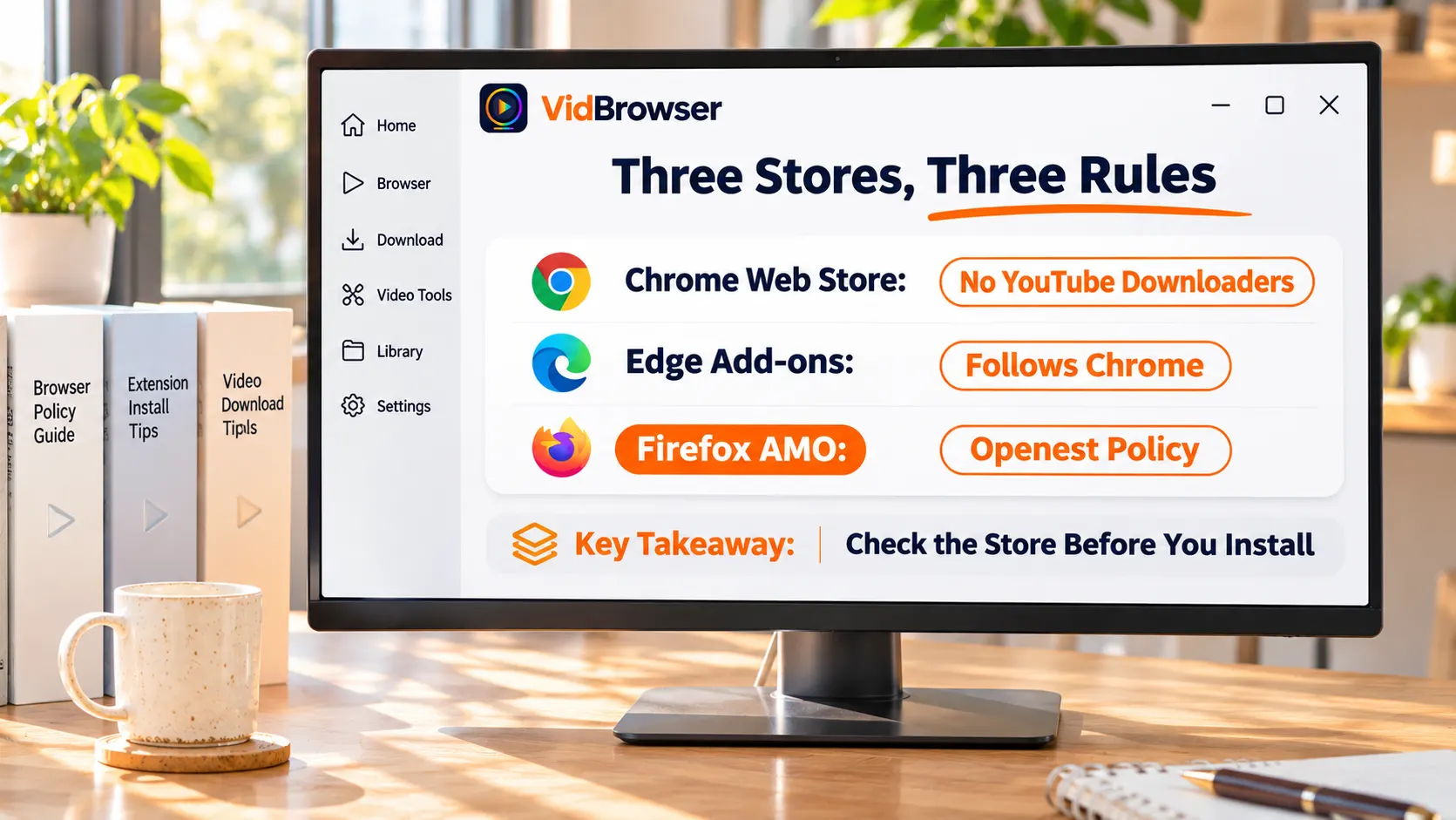
The Chrome store is the strictest: official docs bar extensions from helping download copyrighted content or media without authorization, and the troubleshooting page lists downloading YouTube videos as a common removal reason — see the policy page. YouTube download extensions have therefore vanished in batches; the 2025 sweep took out long-time tools such as SaveFrom Helper, and the Manifest V3 migration retired a batch of unmaintained ones.
Edge shares the Chromium base with Chrome, so Chrome store extensions install directly on Edge and follow Chrome policy; the Edge own-store also lists download extensions, but quality varies — vet them with the checklist below.
Firefox is the loosest: the official add-ons store (AMO) carries no such ban, so YouTube download extensions live mainly here — the Firefox version of Video DownloadHelper openly advertises YouTube support, while the Chrome version does not.
Five still-updated video downloader extensions: one table for strengths and limits
Aggregated from third-party reviews and store pages (checked 2026), the mainstream extensions still being updated come down to five. The approach is the same: watch the media stream the page hands over; what differs is coverage and the free-tier bill.
| Extension | Browsers | Good at | Free tier to watch |
|---|---|---|---|
| Video DownloadHelper | All three | Oldest, 1000+ sites | Conversion watermark, premium streams capped |
| CocoCut | Chrome, Edge | Broad detection, recording fallback | Count and speed limited |
| Video Downloader Professional | Chrome, Edge | About 5M installs | No YouTube, no Instagram |
| FetchV | Chrome, Edge | HLS specialist, with recording | Free, single purpose |
| Video Downloader Plus | Chrome/Edge/Brave | Handy quality dropdown | 3 items per day |
All of them are detection-type extensions; supported sites and sign-in content differ, so do not take one promo page as another capability. Their shared boundary: they take the stream the page hands over — copyrighted content and live streams basically never arrive. The principle is dissected in the Video DownloadHelper alternative piece; for the full landscape see the five-type downloader comparison.
Four checks before installing that spare you most later pain
Third-party reviews used four filters when screening extensions in 2026; borrow them as your pre-install checklist.
- Still listed: policy takedowns are the biggest variable — if it will not open or cannot be found, it has mostly been swept;
- Updated within the last year: the new interface spec retired a batch of tools; go easy on anything untouched for a year;
- User base and rating: large installs and steady ratings mean breakages get reported and fixed;
- Which permissions it asks: extensions inherently read page content — one that also wants your entire browsing history deserves caution.
What extensions can and cannot do on big sites such as Facebook and YouTube
Big sites are exactly where the difference is sharpest: one platform, treated completely differently per store and per extension.
YouTube draws the clearest line: the Chrome policy zone blocks the road, the Firefox store allows listing. To save YouTube from the Chrome side, desktop tools are steadier — the PC YouTube downloader roundup has already mapped yt-dlp, desktop apps and the browser route.
On social platforms like Facebook, public videos are the main battleground and most detection extensions recognize the streams inside the page; for private content behind sign-in, whether it can be grabbed depends on what the page hands over — do not set expectations by promo-page numbers. Subscription platforms and live streams you can basically skip — encrypted segments and realtime streams sit outside the "file the page hands over" scope.
When a download is beyond extensions, the desktop video browser takes over
If you save videos often and across many content types, a desktop video browser is the steadier one-stop step up from extensions. Take VidBrowser (the downloader page has the feature overview):
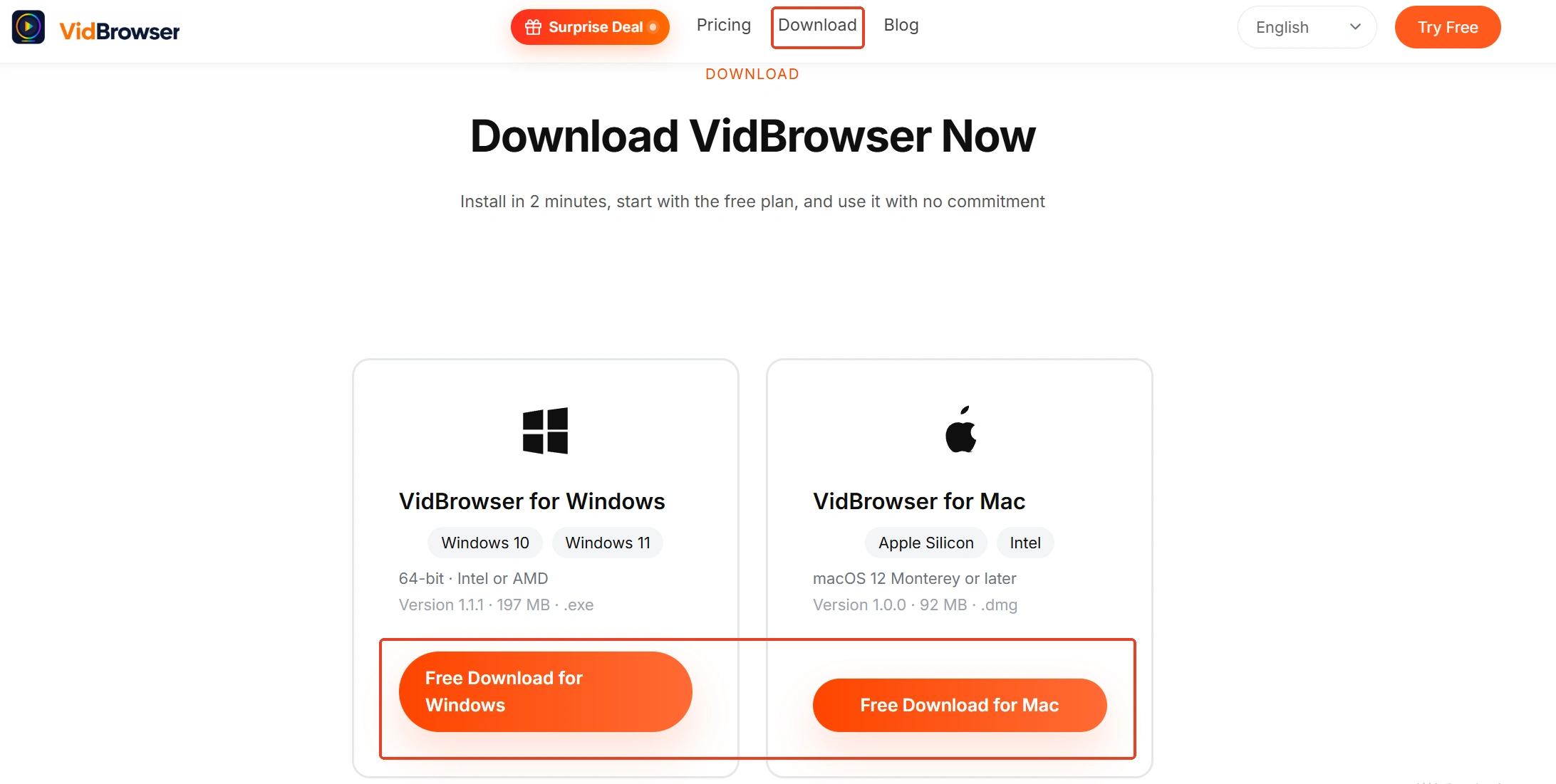
Step 1: Download and install VidBrowser
A desktop video browser with built-in download and recording, Windows and Mac both supported, installed in minutes.
Step 2: Open the video site in VidBrowser and play it
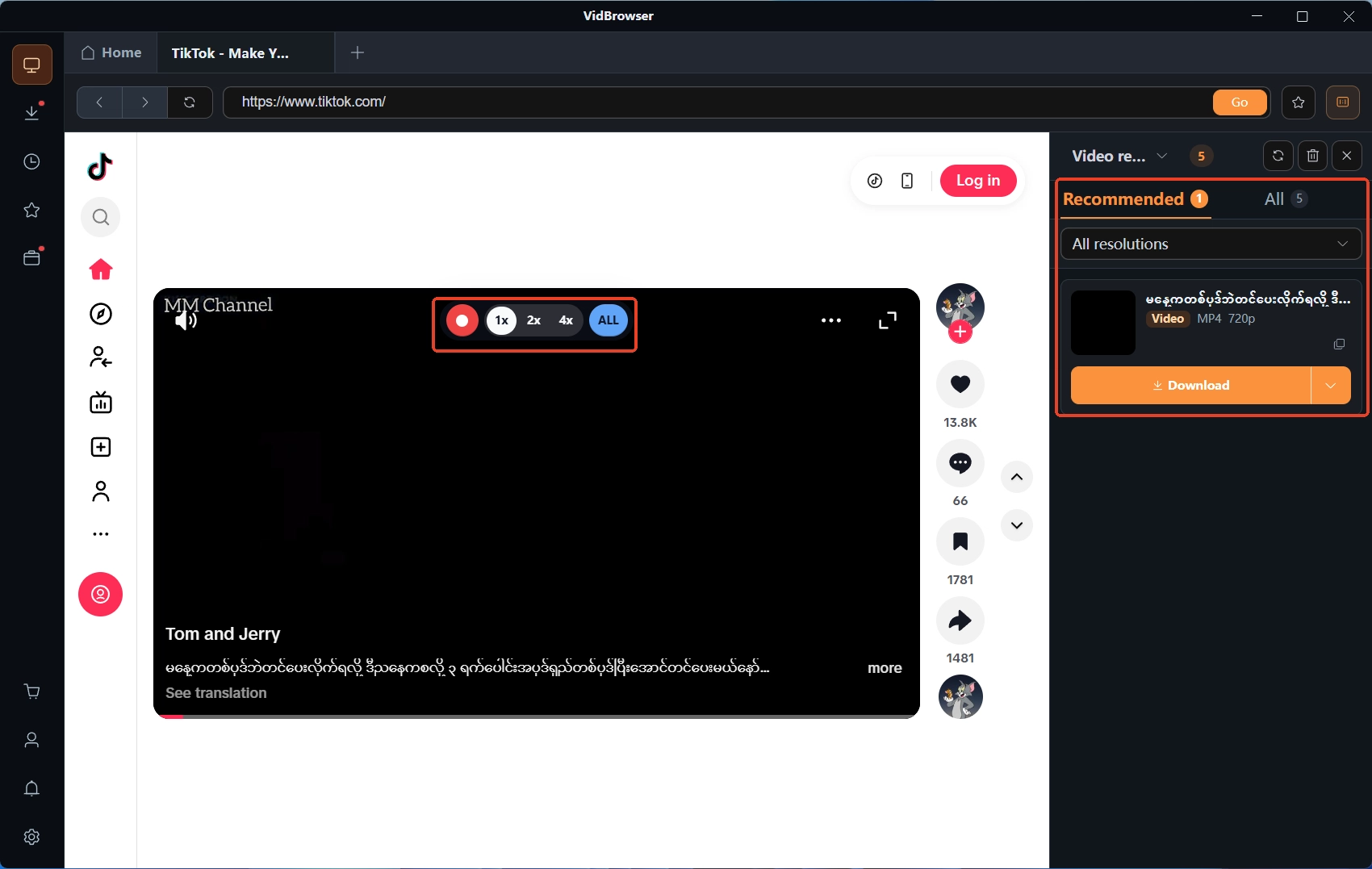
A complete browser is built in; sign in as usual, and the Video Library panel on the right lists detected videos automatically.
Step 3: Choose download or recording by content type
For public videos the orange "Download" button saves an MP4 directly, with resolution pre-filterable; protected subscription content and live streams go through recording — moving the mouse over the video overlays the recording controls, pick a speed (1x realtime, 2x or 4x to finish faster), "Record all" captures the whole video, and the left button pauses anytime.
Step 4: Manage files in download history
The clock icon on the left opens download history, where file name, size, time and save path are all listed.

Final thoughts
Choosing a video downloader extension in 2026 starts with the store landscape: Chrome covers ordinary web videos but YouTube is off-limits, Firefox is the loosest, Edge straddles both; before installing, vet each one for listed, updated, rated, permissions. Once your needs outgrow "occasionally saving a public video", a desktop video browser folds browsing, detection, download and recording into a single app — the steadier road.
FAQ
Why can I not find YouTube download extensions in the Chrome store?
Google policy bars extensions from helping download copyrighted content without authorization, so YouTube download extensions were swept out in batches. Whatever is still listed does not carry that feature — an extension advertising YouTube downloads deserves suspicion instead.
Are video downloader extensions free?
Mostly "free to use, with a bill": count limits (Video Downloader Plus at 3 per day), watermarks, or speed caps. Enough for the occasional public-video save; consider paying only with frequent use.