OnlyFans has no video call button: the call you booked never happens on-site
The chat is going well when the creator sends over her service list: video calls, priced per minute. Back on her profile, though, there is no "call" button anywhere. You did not miss a feature: OnlyFans has no video call function on-site, and every call negotiated in DMs is paid inside the platform and opened outside it. Where the money goes, which side the screen plays on, and how content gets kept — this piece covers it all in one pass.
The official OnlyFans feature list has no video calls on it
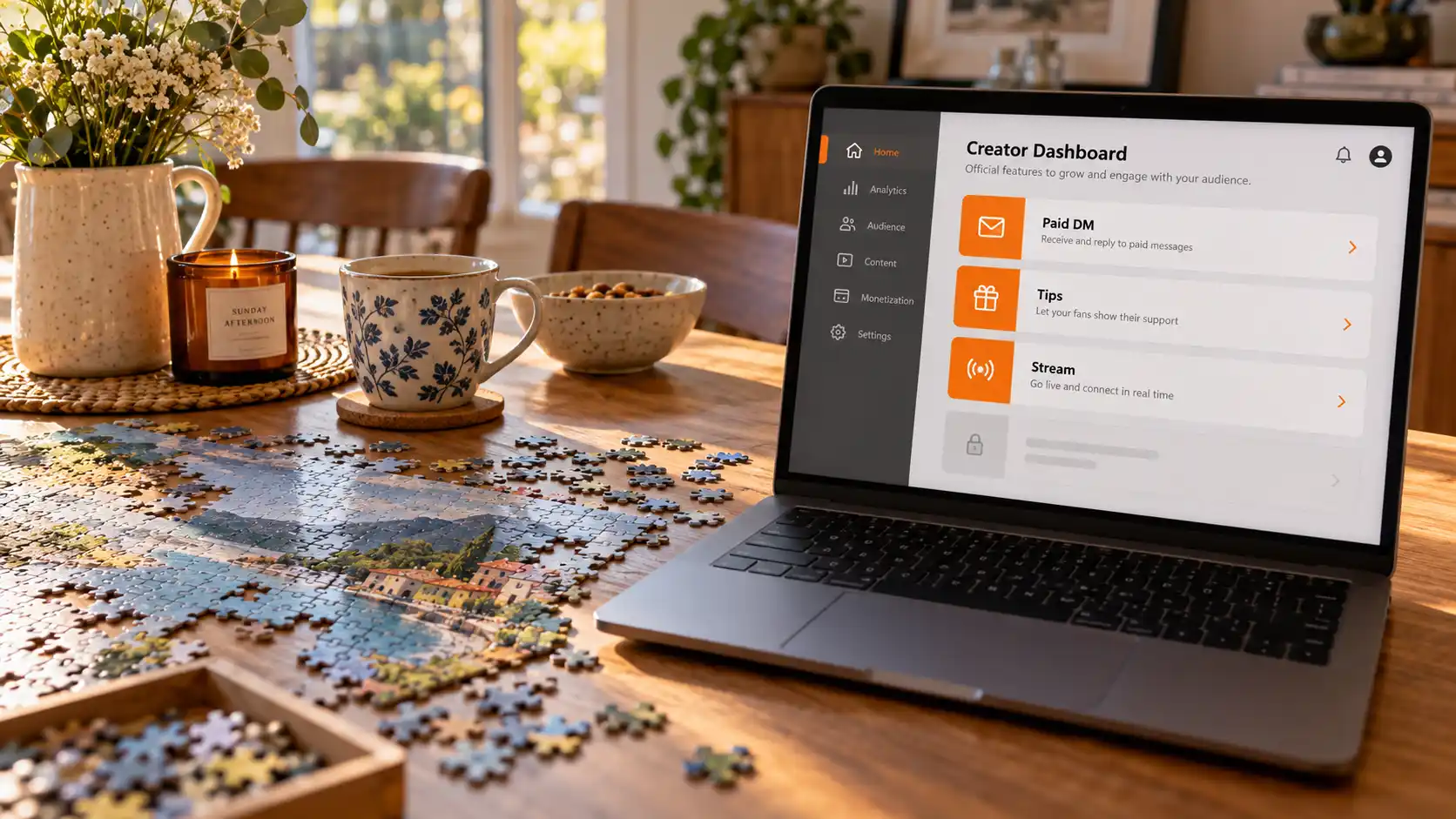
The official feature list includes no video calls: real-time video on-site is one-to-many live streaming, DMs carry text, pictures, videos and voice messages, and a call has never been among them. The official vocabulary never made room for "calls" in the first place.
The evidence runs two layers deep. The official creator site start.onlyfans.com lists the on-site features as paid DMs, tipping, statistics, polls and the feed, plus "pay-per-view messages, posts, and streams" — read it word for word and not one item is called a call. The Terms of Service define "Creator Interaction" down to subscriptions, pay-per-view content and DMs — when the platform named its interaction types, it never coined the word "call".
The confusion comes from two sides: mistaking the calls creators open in third-party apps for a platform feature, or mistaking a live stream for a call — a live goes out from the creator to the whole room, you can see her and she cannot see you, so structurally they are two different things.
The "video call" you paid to book closes like this
What the industry calls an OnlyFans video call is really a three-part service booked on-site, paid on-site and opened off-site: the money goes through OnlyFans, while the screen opens in Zoom, Google Meet, Skype or Snapchat. Multiple creator guides across the industry agree on this description.
The deal usually looks like this: a pinned post or tip menu lists the call service and its pricing; you ask about the schedule in DMs; you pay on-site with a tip or a paid message; she sends the meeting link into the DM thread and opens the room in the third-party app at the agreed time. Pricing is set by each creator, usually per minute, and often the priciest service on her profile — quotes differ from one creator to another, so go by the listed price.
Two reminders: first, keep the payment on-site — moving it off the platform means giving up the platform record, and several guides list "all payments through OnlyFans" as the precondition for keeping your account and receipts; second, watch out for quotes that look too good — an ultra-cheap long call is the usual packaging of the pre-recorded loop scam, where what plays is not a live feed. Compare the quote with her everyday content and the mismatch is hard to hide.
The call code has appeared on-site, but the switch is still off
In August 2026, a technical analysis found a full set of paid call components in the OnlyFans web code — the feature is not live and the platform has not announced it. The OnlyTraffic breakdown pulls out the list: sixteen call-related action endpoints, an account-level switch, a quote-before-connect flow for each call, and post-call ratings and statistics. The code looks like groundwork for a real feature, but as of writing no such switch appears in the account.
Live is one-to-many and runs on tips; what this code describes is one-to-one, priced per call — if it ever ships, it would be the first time the platform folds private calls into its own walls, keeping both payment and both identities on-site. Whether and when it lands, go by the official announcement; until then, any talk of "official calls" is premature.
Two ready-made ways to interact in real time on-site: live streams and voice messages
Besides calls, OnlyFans has two on-site options for real-time interaction: one-to-many live streams, and voice messages inside DMs. Neither is face-to-face, yet both genuinely sit in the official feature list.
A live stream runs on the creator-opened, subscriber-enters model, with interaction driven by tips and chat; how to turn on go-live notices and what to do after missing a show was covered in the live-stream piece. A voice message is one audio clip inside a DM thread, priced per message or bundled into a package — closer than text, cheaper than a call, and often sold as the budget stand-in for calls. One line separates the two: a live is her on stage and you in the audience; a voice message is her voice, resting in the conversation.
Saving call-related content: first sort out which side the screen plays on
The call screen opens in a third-party app and never passes through the browser, so it sits outside a desktop video browser's coverage; on-site content — the subscription feed, unlocked pay-per-view items, live replays, DM media — can be archived step by step. Before saving anything, check where the picture is playing.
For a call that happened off-site, the legitimate way to keep a copy is to buy it afterwards: plenty of creators sell "call recordings" as a priced custom service — agree on the length and the delivery method, and that is a compliant source for the file. Secret recording is another matter — ToS §13.09 lists "the circulation of Content recorded in breach of the Terms of Service" among its named cases, and breaching recording and sharing is a tripwire written into the terms. Stay away from it.
For the on-site side, follow the four steps:
Step 1: download and install VidBrowser
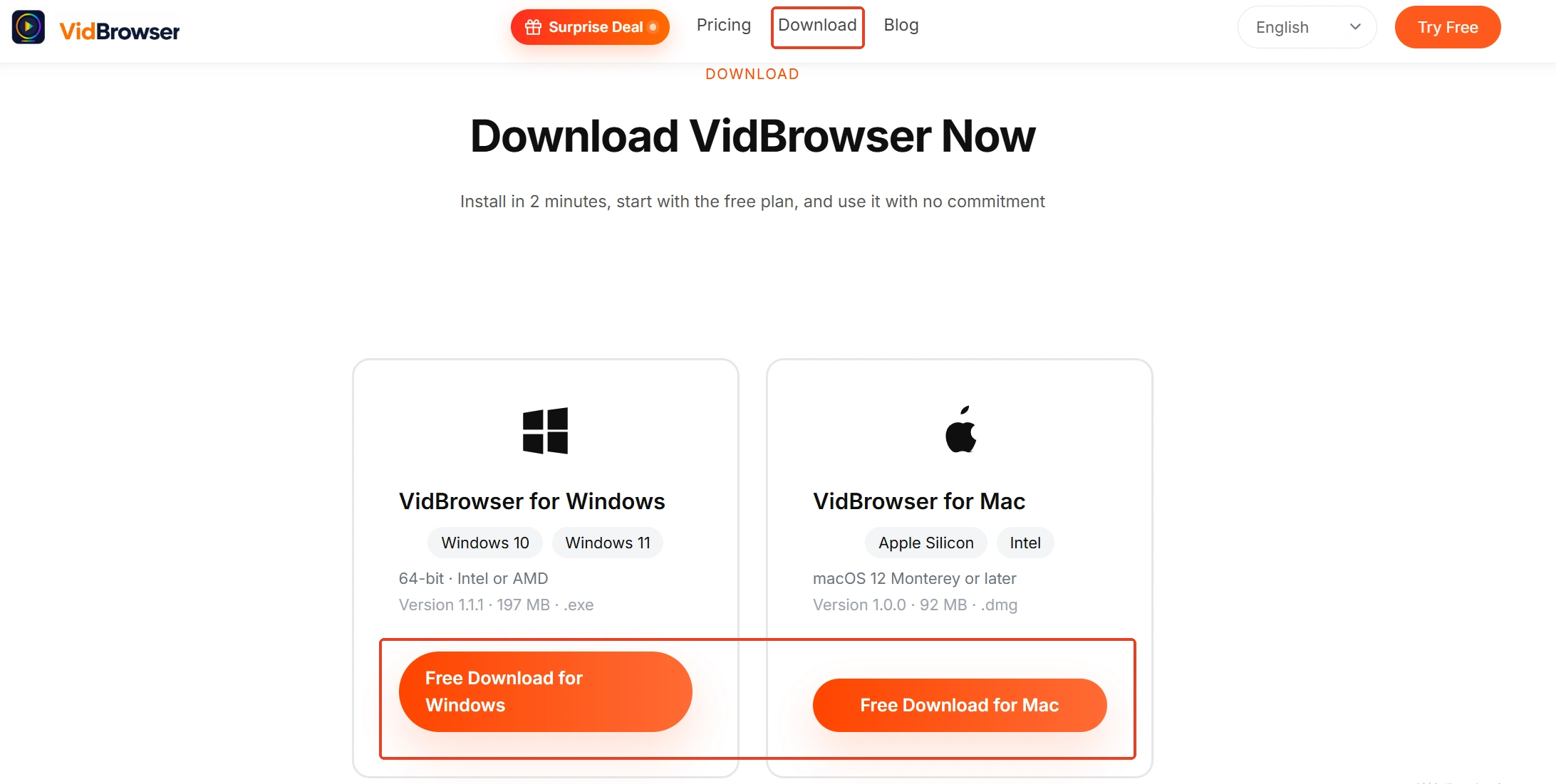
The installer lives on the VidBrowser site, with Windows and Mac both supported. It is a desktop video browser with downloading and recording built in as its two core features.
Step 2: open OnlyFans and log into your own account
Open onlyfans.com inside VidBrowser and sign in — every entry stays on the page you know.
Step 3: find the piece of content you want to keep
Posts in the subscription feed play directly; for unlocked pay-per-view content, go back to the creator profile or the DM thread — where unlocked DM videos live and why they expire was mapped in that piece; for live replays, check whether the creator has posted one on her profile.
Step 4: record first, download as a supplement, then verify download history
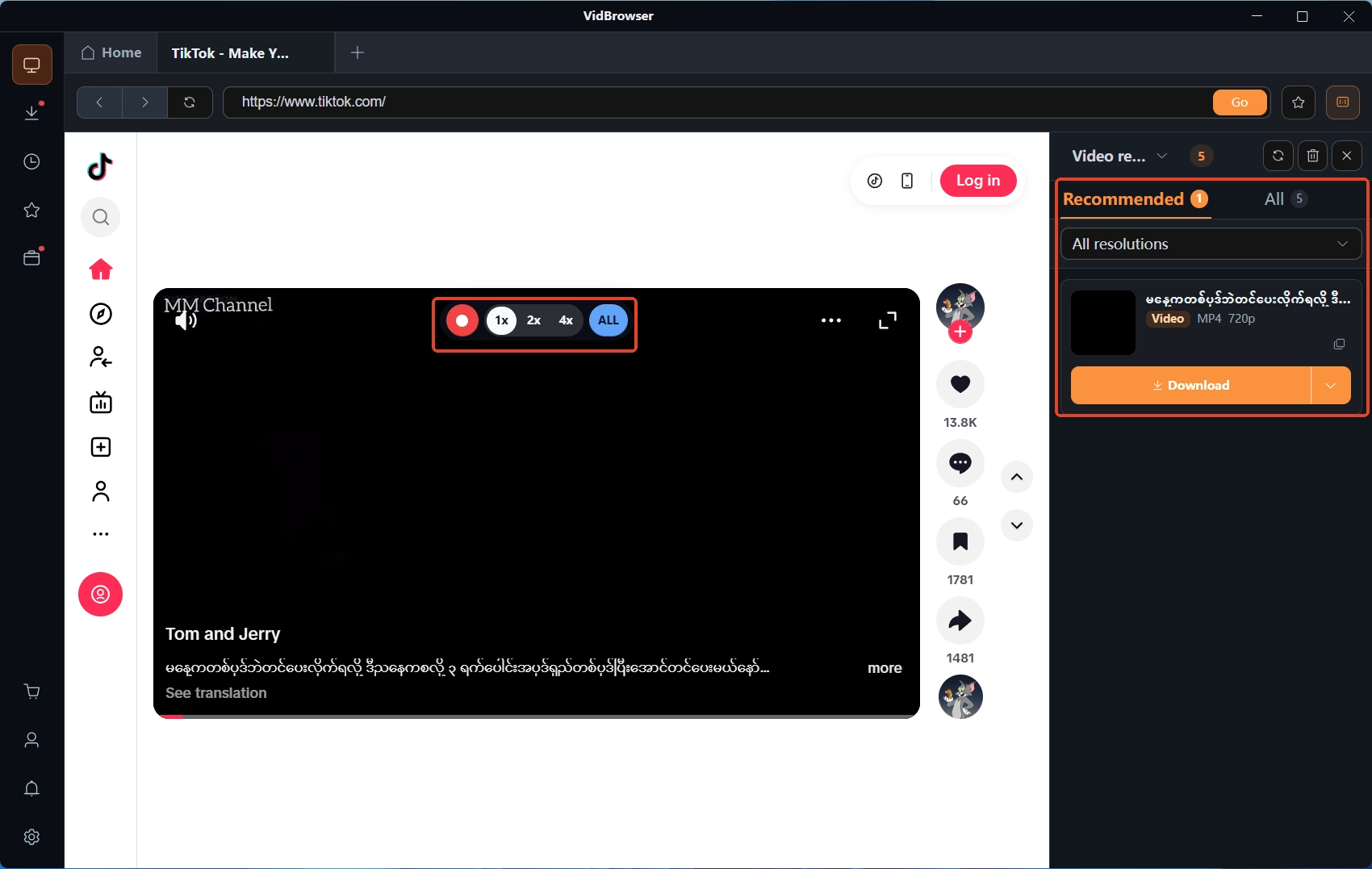
Most subscription-platform content is protected, so ordinary downloaders cannot grab it — recording is the most dependable route: hover the mouse over the picture and the recording controls overlay on screen, pick 1x realtime or 2x or 4x speed to finish faster, hit "Record All" to capture the whole video, and the recording button on the left starts or pauses anytime. Where direct download works, the "Video Media Library" panel on the right lists items with an orange "Download" button — one click saves the MP4 (you can also pick the resolution first). When done, open the clock icon in the left navigation to verify download history; keep the content for personal offline viewing, and re-uploading or redistribution falls outside fair use.
FAQ
Does the subscription fee include video calls?
No. A subscription buys access to the subscription feed for the term, and the terms state that subscriptions "exclude individually priced content" — calls, customs and paid messages, all priced per item, sit outside the fee.
Can I secretly record the call?
Not recommended. The call happens inside a third-party app, and recording without consent first breaches the creator's booking terms; ToS §13.09 also names "the circulation of Content recorded in breach of the Terms of Service" as a listed case. If you want a copy, buy the recording from the creator directly — several guides describe that as the common practice.
Will OnlyFans add official video calls in the future?
The code has already appeared in the web client, but the switch is off and there is no announcement — all you can do now is wait for news. Before anything ships, treat every entry claiming to be the "official OnlyFans call feature" with suspicion — this platform does not even have an official mobile app, and the browser is the legitimate entrance; the fake-app tricks and knowing the official entrance are covered fully in the why-there-is-no-app piece.