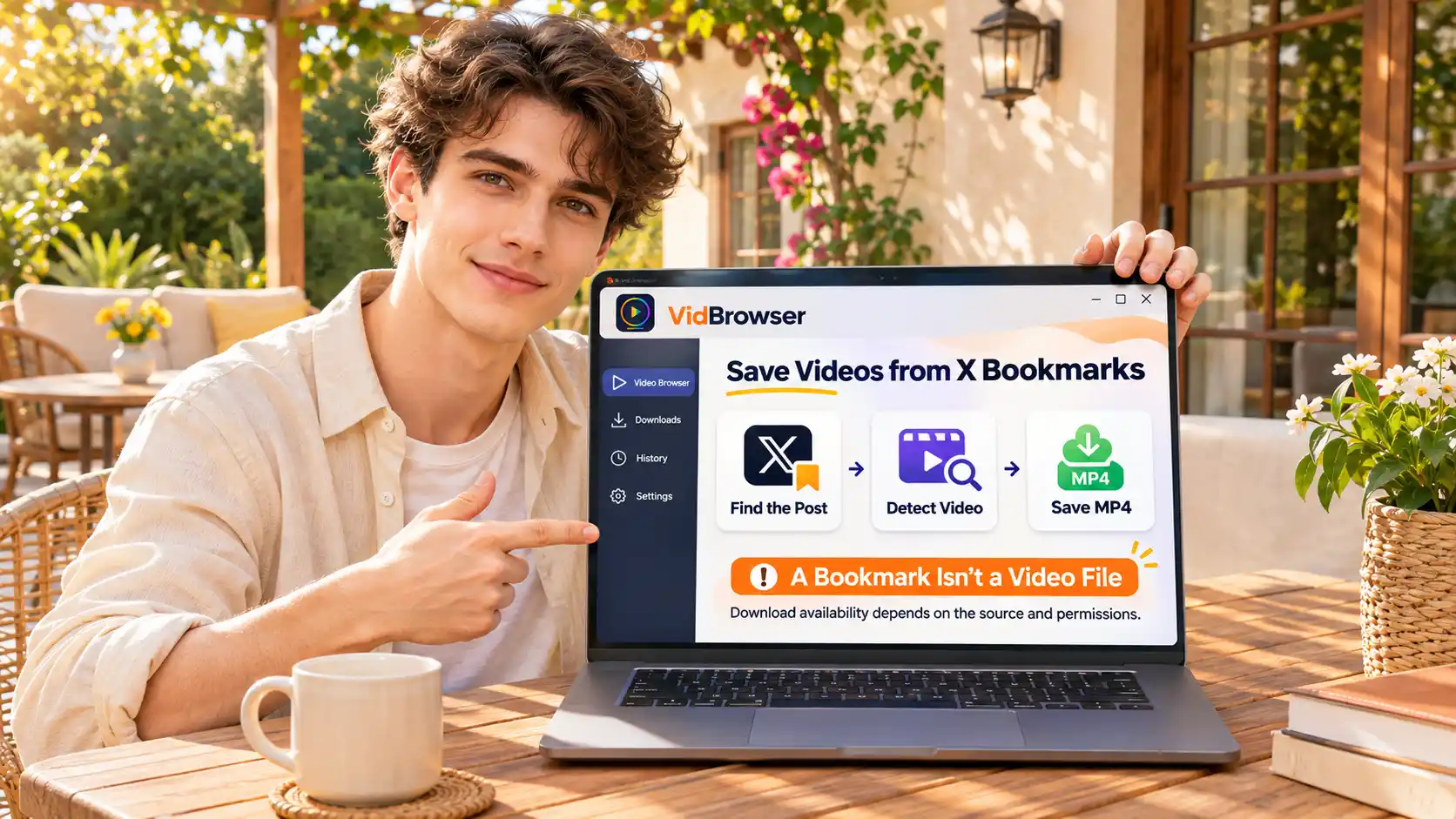
Cancel a Fansly subscription, then check one line before you close the tab
Deciding to cancel is the easy part; what comes after is the uneasy part: the button is clicked, but will next month still be charged, and where do you check? Cancelling a Fansly subscription takes seconds, yet confirming that it truly stopped means reading one more line. Following the wording of the Fansly help center, this guide explains the three options in the gear menu, the expiry-date field check, and what happens to your account and billing afterwards.
Fansly subscriptions renew by default, and management lives on the subscriptions page
Every Fansly subscription auto-renews by default and charges the next period automatically; stopping it means turning it off yourself on the subscriptions page.The official help center puts it plainly in "What is auto-renew": each billing cycle renews at its end unless you turn it off. This mirrors the mechanism described in the OnlyFans cancellation walkthrough: subscribing is effortless, cancelling takes a manual visit.
The difference from OnlyFans is where the entrance sits. OF handles it creator by creator on each profile; Fansly gathers active and expired subscriptions on one subscriptions page (fansly.com/subscriptions), each row with a gear icon. Open that page and the billing line-up is all in view.
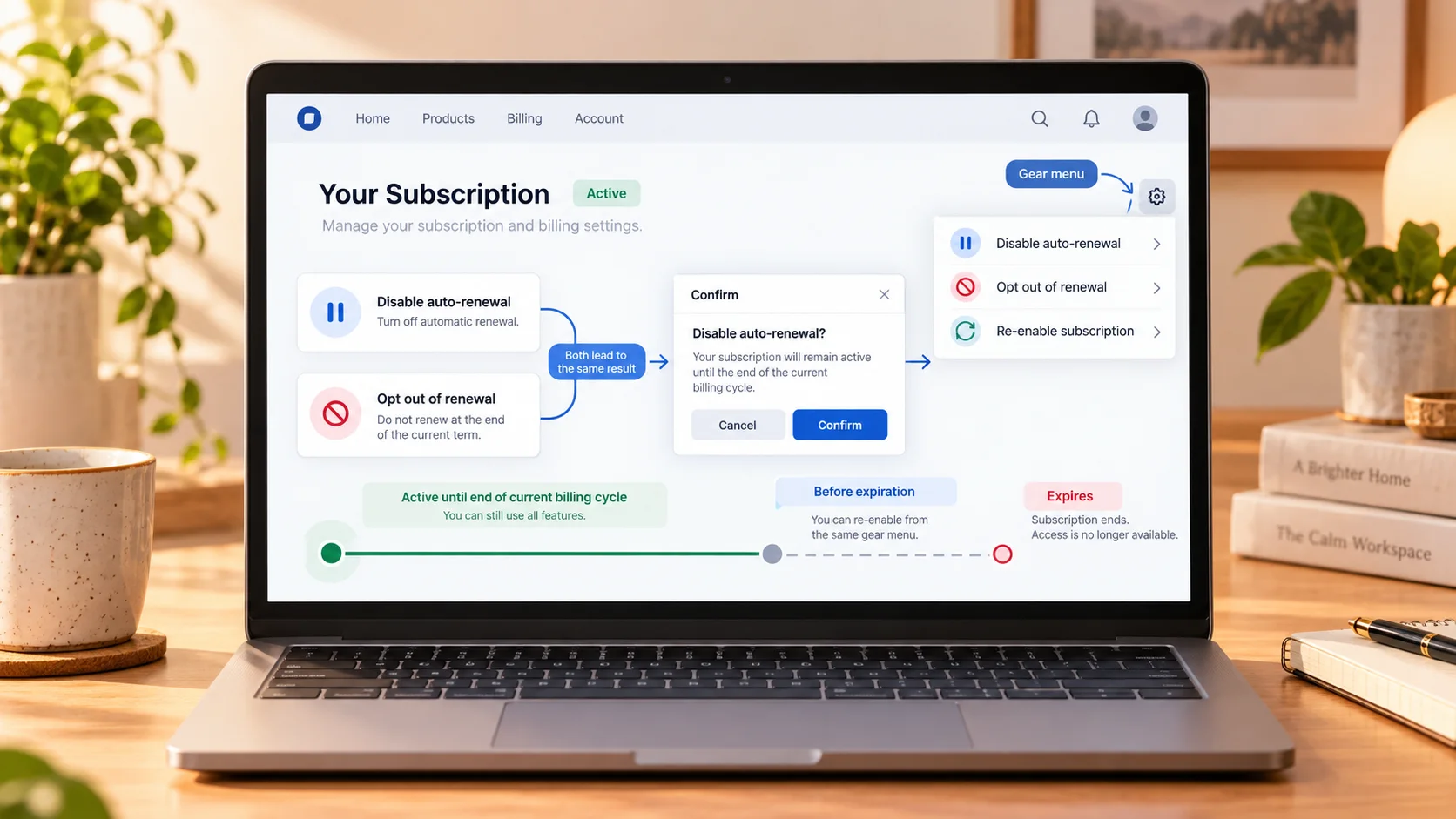
Three actions in the gear menu: pause renewal, decline to renew, and reopen
The gear icon on each subscription leads to the core move of stopping renewal; what makes Fansly special is an official, clearly documented way back.The help center's "managing subscriptions" page gives the path: find the creator on the subscriptions page, tap the gear icon, choose to turn off auto-renew, and confirm in the dialog. A second wording, "don't renew this subscription", lands in the same place.
After the change, the subscription keeps running until the current period ends. The real difference is the retreat path: any time before expiry, the same gear menu lets you switch auto-renew back on — the cancellation stays reversible until the expiry date.
Whether the cancellation worked shows in the switch from renewal date to expiry date
To verify the cancellation, the official method is reading the field: while auto-renew is on, the row shows a "renewal date"; once it is off, that slot becomes an "expiry date".The help center's own words: to confirm a cancellation, check the expiry date in the subscription details — visible and no longer showing a renewal status, the cancellation is confirmed; the expiry date is the last day of the current period.
Two details are easy to misread. First, the official contact page warns that cancelling close to the billing date may already be too late for the next charge — it belongs to the new cycle and cannot be pulled back. Second, cancelling does not refund remaining days, and refunds are reviewed case by case; access stays intact until the expiry date, so cancelling a few days early costs nothing, while waiting until billing day means paying one more period.
The renewal date and next-period price sit in two spots on the list
When the next charge lands and at what price, no guessing — the subscriptions list shows both next to each entry.The page defaults to active subscriptions and can switch to "expired" or "all"; every row lists the tier, status, billing cycle, months subscribed and price. One detail in the price cell: a subscription that used a discount code lists both the discounted price and the renewal price — discounts mostly apply to the first period, and the next one is already written beside it.
One more layer for reconciliation: the charge may not appear as "Fansly" — the statement may carry the operating company or the payment channel's name; when it looks unfamiliar, the billing descriptor guide covers how to match it. Discount and trial rules are already broken down in the Fansly discounts and free trial rules, so they are not repeated here.
Cancelling ends one subscription, not the account
Cancelling a subscription and deleting the account are two separate things on Fansly, and mixing them up is the most common mistake.A cancellation targets one subscription with one creator: the period ends, access stops, charging stops, while the account, wallet balance and other subscriptions stay as they are; leaving the platform entirely involves account closure, a separate flow in settings — the official help center splits the two into different articles, which is a hint in itself.
Another common misjudgement is "pretending the subscription does not exist": no longer opening the site, closing the browser tab — none of it stops the renewal; the platform has no duty to close things for you, and the contact page also points to manual cancellation. Quitting and resubscribing is not necessarily cheaper either: the discount price travels with that subscription, and re-subscribing signs at the current price — the bargain may be gone.
Before the expiry date, save what you want to keep
Once the expiry date passes, access to this creator's content ends, so what you want to keep must be saved after cancelling and before expiry.A subscription buys access, not file copies; expiry, deleted posts and account changes all take content away. While access lasts, use VidBrowser to store the videos worth keeping:
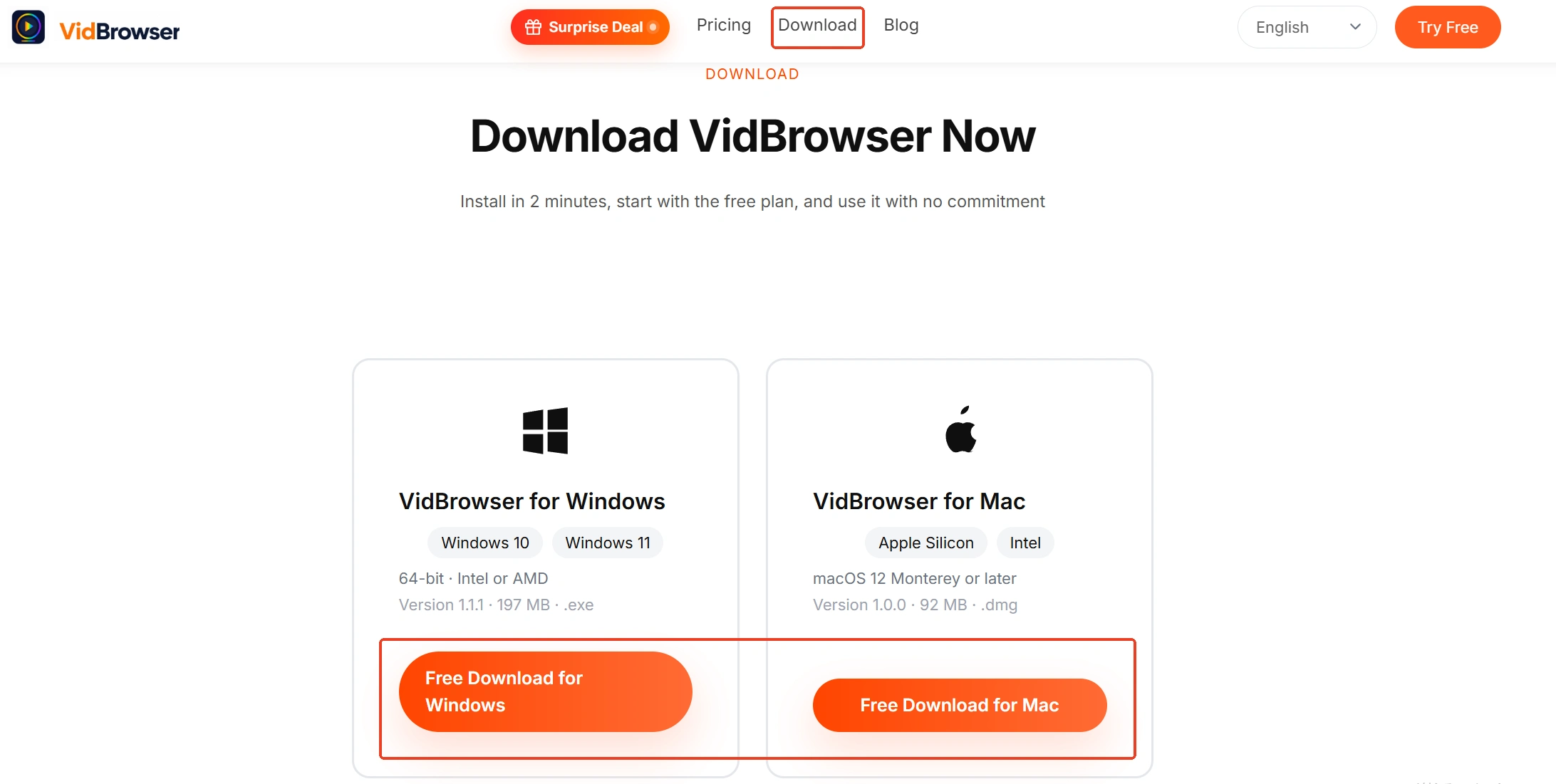
Step 1: Download and install VidBrowser
VidBrowser is a desktop video browser for Windows and Mac with downloading and recording built in; installation takes a few minutes.
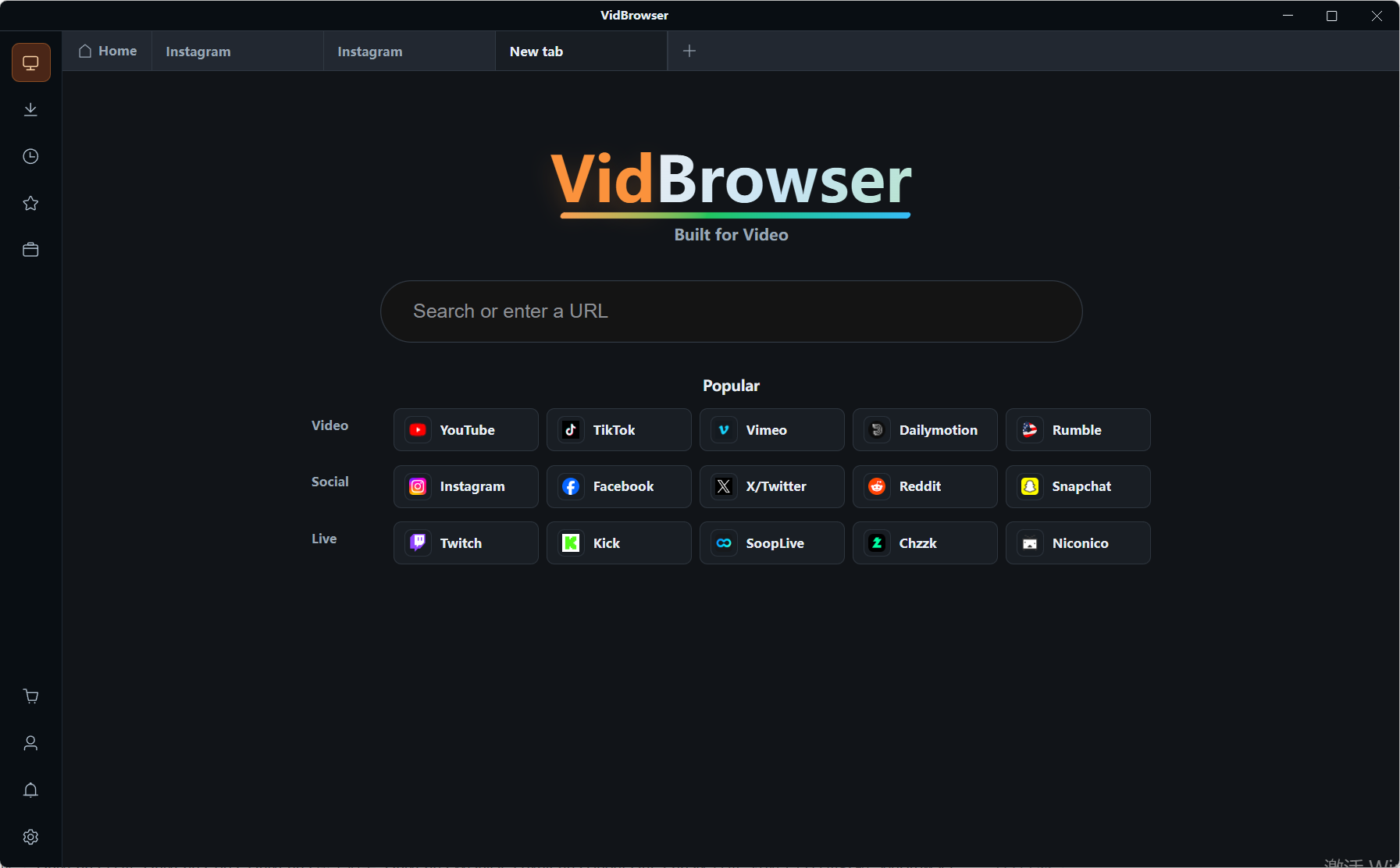
Step 2: Open Fansly in VidBrowser and log in
Type fansly.com in the address bar and log in as usual; your subscription status looks the same as always.
Step 3: Play the video you want to keep
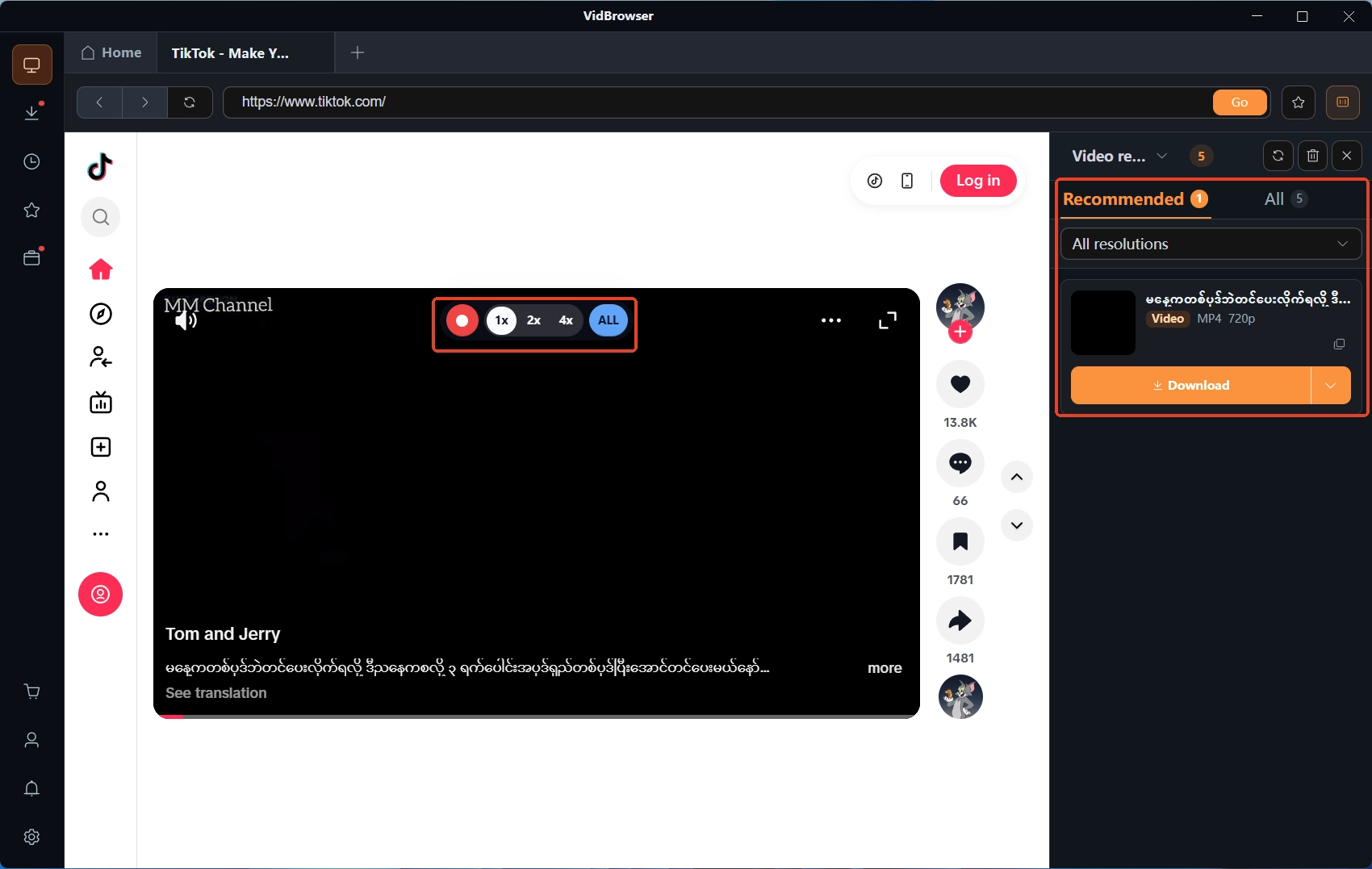
Open the video and let it play a few seconds; VidBrowser detects the video resources on the page and lists them in the "video media library" on the right.
Step 4: Record or download to local storage
Videos on subscription platforms like Fansly are mostly protected content that ordinary downloaders cannot fetch, so recording comes first: move the mouse over the frame and the recording controls appear on top; choose the speed (1x real time, 2x or 4x finishes faster), press record-all for the whole video, and the left button starts or pauses at any moment. If the video allows direct download, the right-side "video media library" shows a row with an orange "download" button — one click saves it as MP4, and everything saved is logged in the "download history" in the left navigation. The access boundary after expiry is explained in how to recover purchased Fansly content.
Summary
Cancelling a Fansly subscription comes down to two habits: the operations live in the gear menu on the subscriptions page, done one subscription at a time with one confirmation each; the proof of success is the field switching from renewal date to expiry date, not the feeling of having clicked. Near the billing date a cancellation may already be too late, so cancel early; and before the expiry date, save what you want to keep so access and content do not end together.
Frequently asked questions
After cancelling a Fansly subscription, how long can I still watch?
You can watch until the current billing period ends. Cancelling stops the next renewal only; access for the paid period is untouched and stops after the expiry date.
Does cancelling delete my Fansly account?
No. Cancelling ends the subscription with that one creator; the account, wallet balance and other subscriptions all remain; account deletion is a separate step in settings.
My free trial is about to end — how do I avoid being charged?
A trial converts to a paid subscription automatically at its end; to avoid the charge, turn off auto-renew before it expires, following the same path as a regular subscription. The details are covered in the discounts and trial guide.