Saving a YouTube Short starts with one question: whose video is it
Scrolling through Shorts, you swipe past dozens in minutes, but the moment you actually want to keep one, things turn out more tangled than expected: some videos can be downloaded straight from the studio, others get no file from the official side; the download button is there one day and gone the next; the file you save is vertical this time and mismatched the next. Behind all of these sits one and the same set of rules.
Whether a YouTube Short can be saved depends on two things: whether the video counts as a Short, and whether you uploaded it yourself. Each question has its own official answer, and sorting them out first saves a lot of detours when picking a save route.
Whether a video counts as a Short is decided by frame shape and upload time
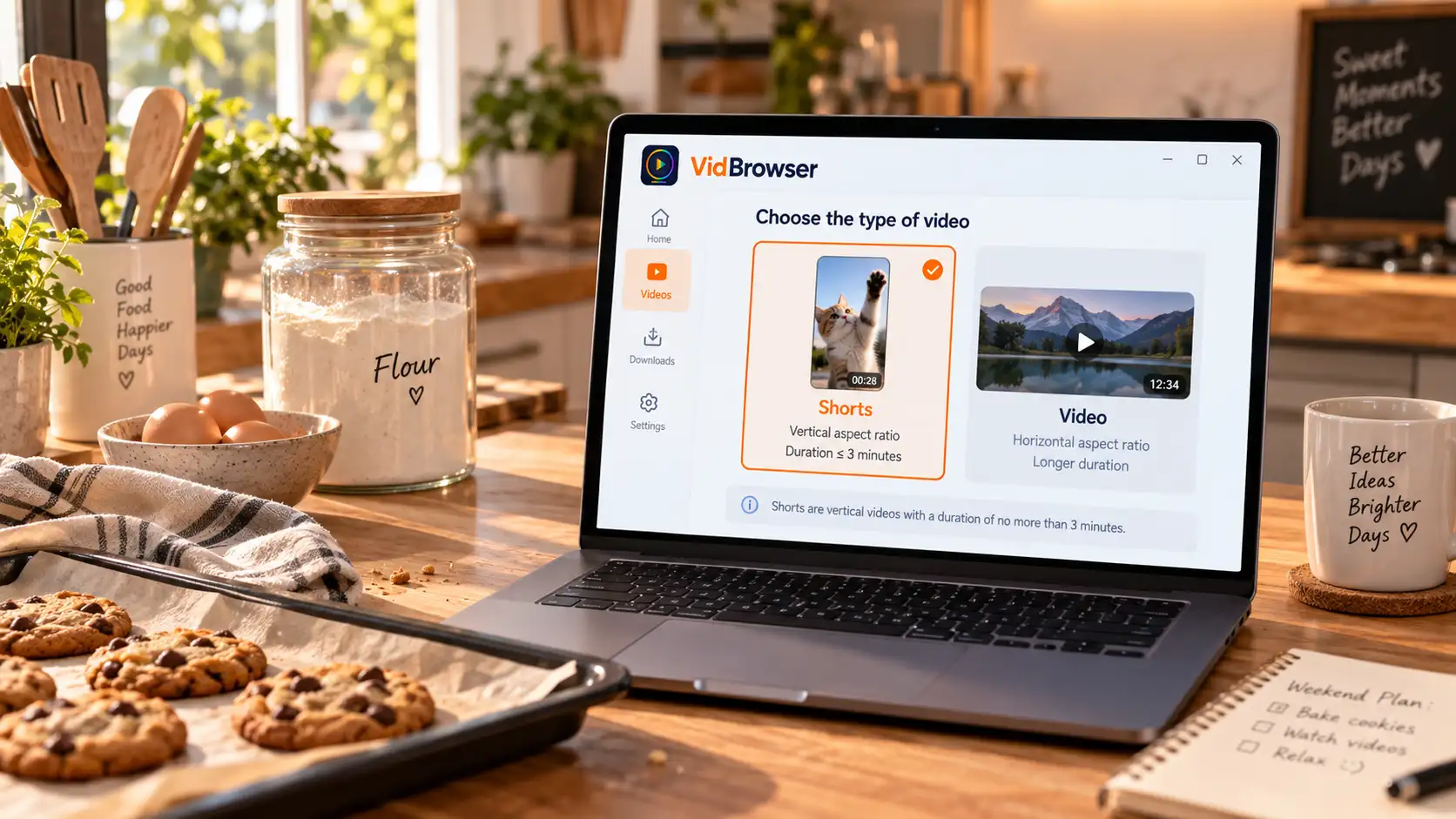
A Short is not a file format but a classification label YouTube assigns to qualifying content. According to the YouTube Help Center, videos uploaded after October 15, 2024 that are square or vertical in aspect ratio and no longer than 3 minutes are classified as Shorts; vertical videos uploaded before that date keep being treated as regular long videos.
Three corollaries of this rule are easy to overlook. First, the classification is done automatically by the system at processing time; the publisher has no switch to flip, and whether the title carries a hashtag does not affect the verdict. Second, a 16:9 horizontal video is never counted as a Short no matter how brief, and the official advice is to use a wider frame if you want a long video. Third, re-exporting the same file at a different aspect ratio can change the classification — a vertical export is a Short, while the same footage letterboxed into horizontal falls back to a long video.
For saving, this means the question "in what form does the video I want actually exist" can be answered on your own: check the frame shape, check the duration, and match them against the upload date — once those three line up, how it plays on the site and which save route applies is basically clear.
Your own Shorts have an official exit, with hard limits on resolution and attempts
For creators retrieving their own uploaded Shorts, the official path is the download feature in YouTube Studio. Whether it can be downloaded and at what quality, the official help page states plainly: download your own videos as MP4 files at 720p or 360p depending on video size; to retrieve an entire channel of uploads in bulk, go through Google export (Takeout) instead.
Studio downloads are not always available; the official side lists four situations where the download will not happen:
- The video has been removed from YouTube;
- The video has received a copyright or Community Guidelines warning;
- The video uses pre-approved audio tracks;
- The video has hit its download limit within the last 24 hours — each video can be downloaded at most five times per day, and the option reappears after a day passes.
One more thing worth knowing ahead of time: 720p and 360p are the two tiers the official side assigns, not necessarily the quality you originally uploaded. So for material that truly matters, keep local backups of your own exported source files, and treat the Studio download as an emergency exit.
Other people's Shorts get no file from the official side; offline viewing and saving a file are two different things
The official ability to "download your own uploaded videos" explicitly does not cover other users' content. The same help document states verbatim: you cannot download other people's YouTube videos. If you are a Premium member, you can watch offline in the app — note the difference between these two actions: offline viewing is an encrypted, account-bound copy inside the app that stops working the moment you leave the app or the membership; saving a file means holding an MP4 you can move and open in any player. Being able to watch is not the same as being able to keep.
This is also why so many people keep hitting walls on third-party "Shorts downloader" sites — those sites are essentially requesting the file from YouTube on your behalf, and rejections, dead links and quality downgrades are all common. The mechanical reason was laid out in the earlier piece on streaming mechanics: between a stream that plays in the player and a complete file sitting on a server waiting to be fetched lies an entire delivery pipeline.
Saving Shorts with VidBrowser: vertical frames are detected as usual, four steps to local files
Shorts are public videos, so the order of ordinary download first and recording as backup applies here too. VidBrowser's built-in browser and the YouTube web version share the same pages; the vertical player, comments and recommendation feed all work as usual and detection is unaffected by aspect ratio. The full workflow on the long-video side was written up in the YouTube video download tutorial, and Shorts follows the same line:
Step 1: Download and install VidBrowser
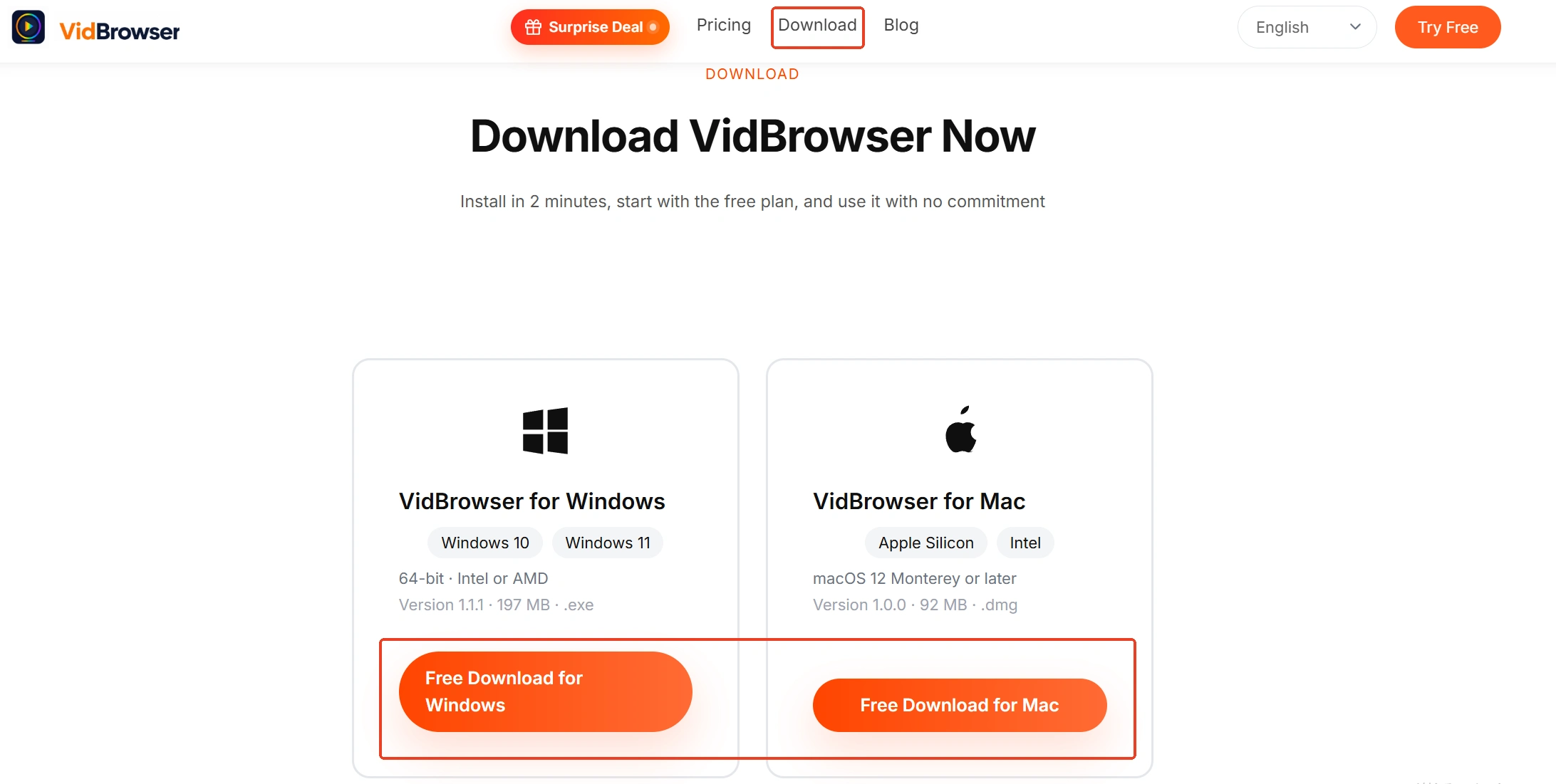
VidBrowser is a desktop video browser for watching videos, trimming clips and saving them locally on Windows and Mac, with downloading and recording built in; the official homepage has the download. Installation takes a few minutes.
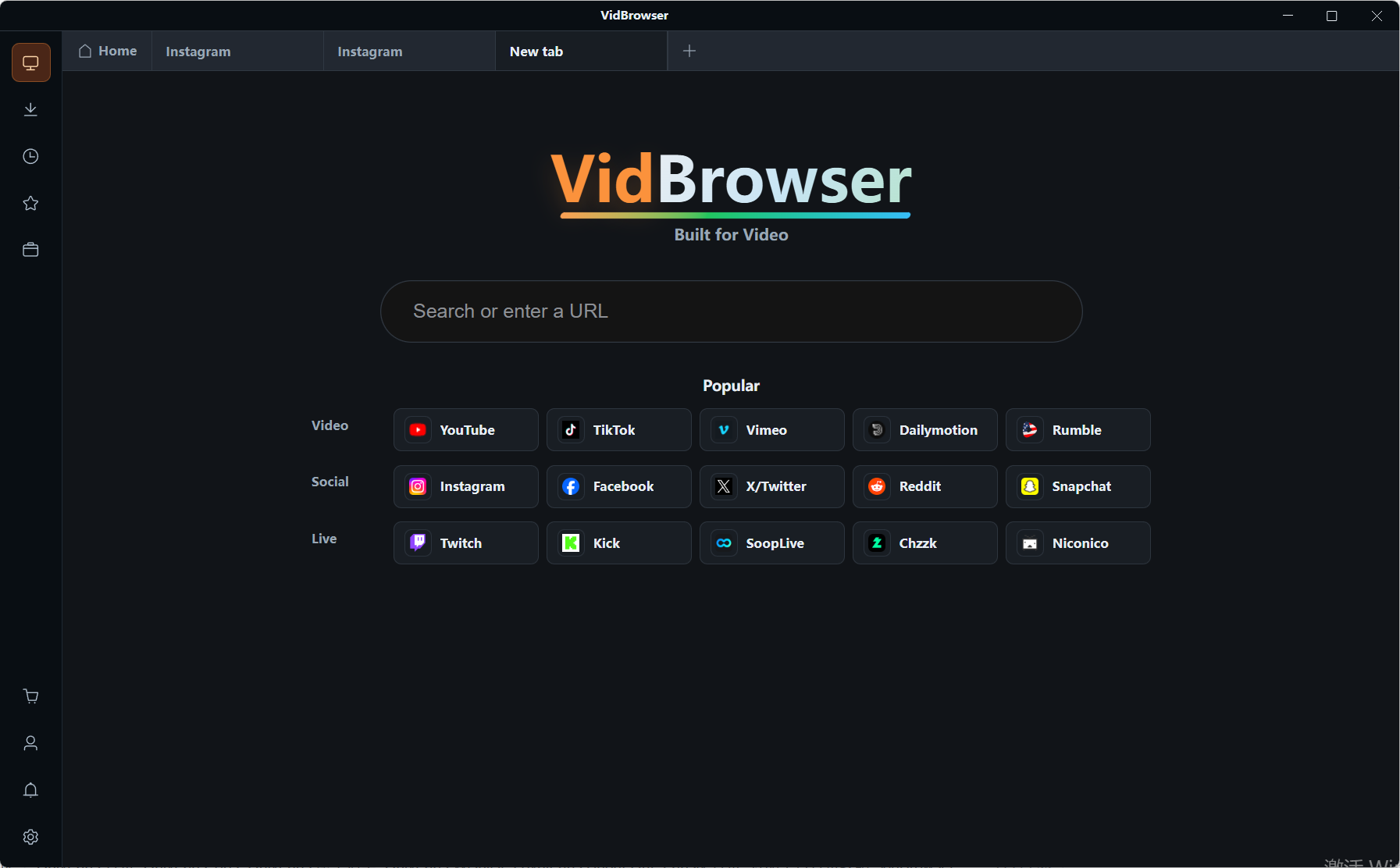
Step 2: Open YouTube and play the Short you want to keep
Open the YouTube web version inside VidBrowser, enter the Shorts feed or a specific Short's watch page, and let the video play.
Step 3: Download directly from the video media library
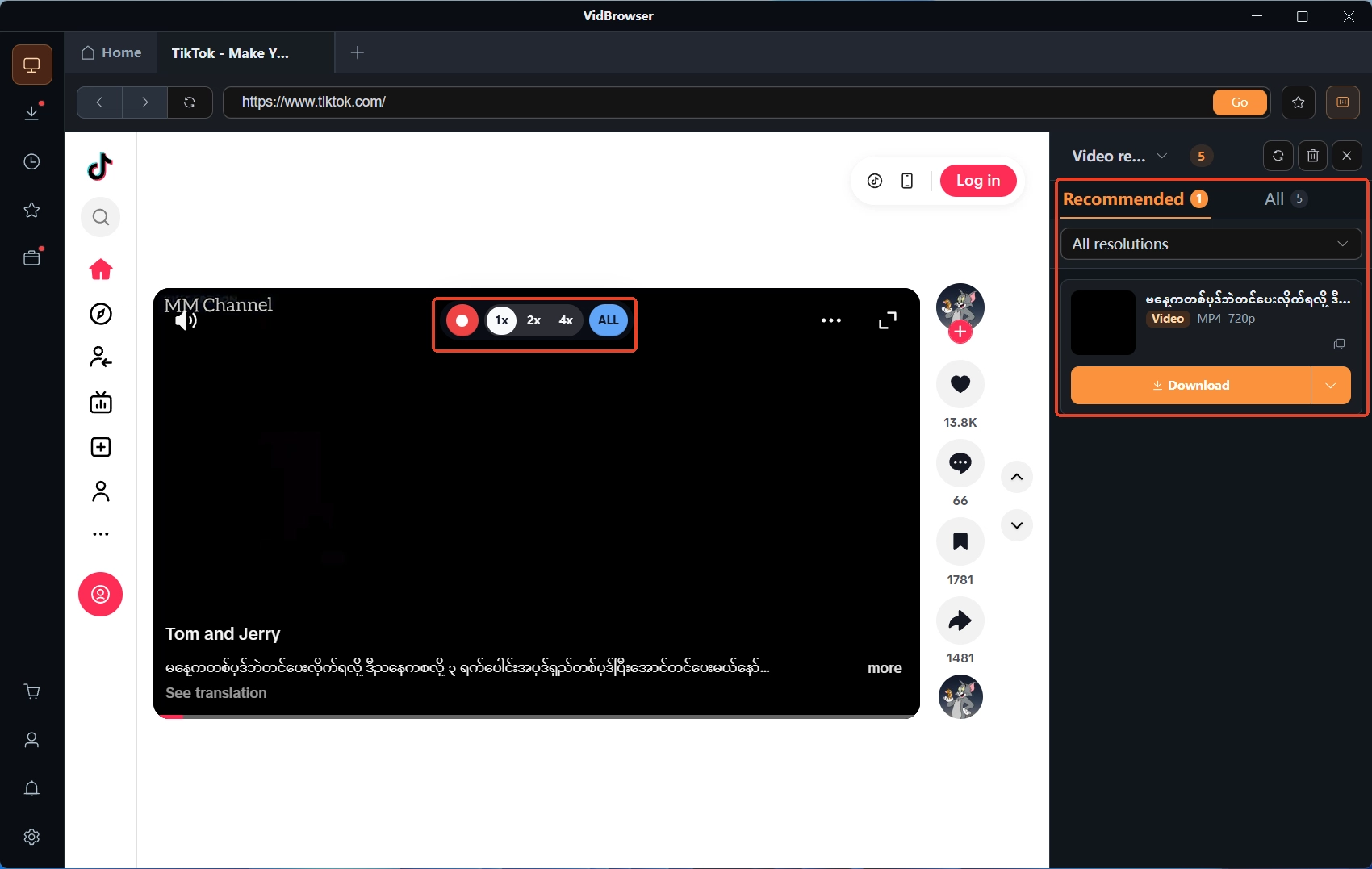
The "video media library" panel on the right lists the detected video entries. Pick a tier with the resolution filter dropdown, then click the orange download button on the entry to save; the Short's vertical frame comes along into the file.
Step 4: Fall back to recording when a download is unavailable
If an individual video shows no downloadable entry in the panel, move the mouse over the frame and the recording controls appear: choose a recording speed (1x real time, or 2x and 4x to finish faster) and click record-all to capture the whole video from start to end; the record button on the left can pause at any time. Saved files can all be found in the download history, opened from the clock icon in the left navigation.
FAQ
Is the saved Short a vertical file?
Yes. VidBrowser saves the video's own picture; since Shorts are published vertically, the saved file is a vertical video. If it looks small in an ordinary player, narrow the window or use a player mode that supports vertical fullscreen. To convert formats or extract audio, the Tools page has the entries you need.
Why has the download button in Studio disappeared?
Check against the four official situations one by one: the video was removed, it received a copyright or Community Guidelines warning, it uses pre-approved audio, or the video has already been downloaded five times in the last 24 hours. Most people hit the last one; wait a day and the option returns.
Is downloading Shorts different from ordinary YouTube videos?
Not at the file level: the same vertical video carries the same picture whether it is classified as a Short or a long video. The difference is official treatment — your own videos can all go through Studio download, other people's videos get no file. To save the thumbnail separately, the YouTube thumbnail download piece has a dedicated method.