OnlyFans code not arriving? Stop tapping resend, check the right path
The SMS code never arrives, the authenticator code gets rejected, the backup codes were never saved - plenty of people get stuck at the verification step. The official path is documented, but scattered one-liners in login guides cannot carry a full self-rescue. This article splits the two paths into separate check lines and gives actions you can take on the spot.
OnlyFans two-step verification has two roads: claim which one you are on before hunting the code
The official name is Two-Step Verification and the entry lives in settings: first work out whether you signed up with SMS codes or an authenticator, because the two get stuck in completely different places.After logging in, go to Settings then Account then Two-Step Verification to see the switches; both roads can coexist: bind a phone number to receive SMS codes, or scan the QR code with an authenticator like Google Authenticator and type the six digits it generates at login. Several third-party guides record this settings path the same way: authenticator codes never touch a carrier, while SMS codes depend on the phone number receiving messages normally.
Telling the paths apart matters because a missing SMS code usually means the message was never sent or got filtered, while a wrong authenticator code usually means the phone itself is at fault. Check each line on its own; mixing them only burns time. If you have not turned it on yet, it is worth doing first - it is the first ring of account protection, the gate that holds when a password leaks.
SMS code not arriving: beyond resending, filtering and expiry are the usual choke points
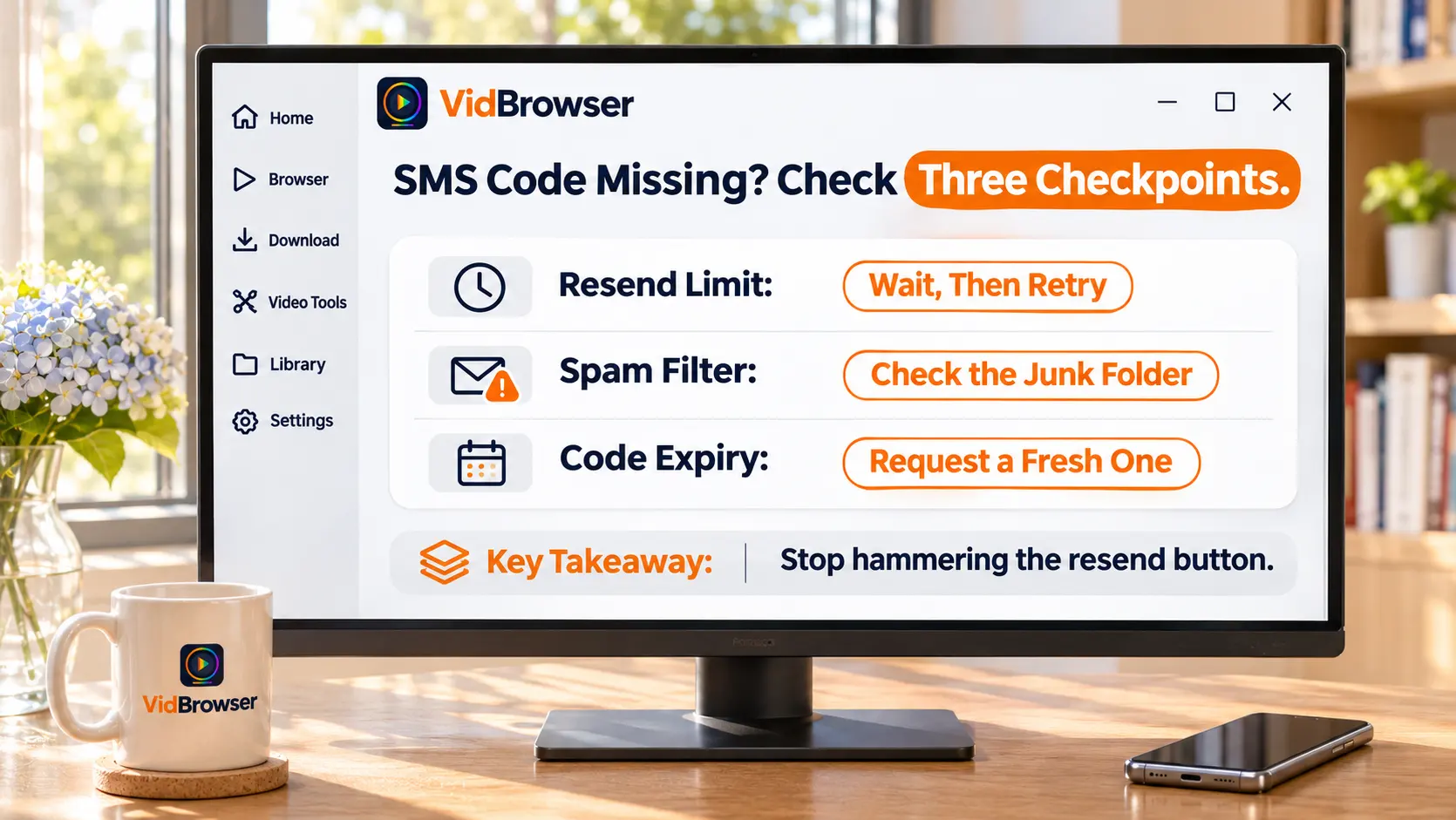
A lost SMS code breaks into three stages: never sent, filtered on the way, or expired on arrival - check them in order.When the code is late, wait a minute or two before resending - tapping resend over and over trips the platform's sending rate limit. While waiting, switch networks once: flip between Wi-Fi and mobile data and the code sometimes lands immediately.
If two rounds pass and nothing arrives, check the phone side: go through the junk-filtering folder in your messages app, since verification codes from overseas platforms are often misfiled as spam; on Android, watch the notification toggle and number-block rules of any filtering app. Move fast once the code lands - codes expire, and if you dig around for a few minutes before typing it in, it may already be dead; return to the login page, resend once, and use the fresh code. If the problem is not limited to the code - the password also fails, the site itself will not open - work through the side-by-side login checks first, then come back to this step.
Authenticator code rejected: automatic time is the first gate, a lost phone transfer is the bigger fall
When the authenticator code does not match, eight times out of ten it is the clock, and most of the rest is a phone switch without migration.An authenticator generates the six-digit code from the current time; if the phone clock was set manually or the time zone is off, the code drifts out of sync with the server - set system time back to automatic, fix the time zone, then retry. If the code is rejected, wait until the number in the app rolls to the next cycle before typing it, never the one about to expire.
Losing the codes in a phone switch is worse: the authenticator is bound to the device itself, and wiping the old phone or reinstalling the app does not restore the binding. Multiple guides give the same advice - before moving to a new phone, use the app's built-in export and migration to carry the accounts over, and confirm codes appear on the new device before wiping the old one. If it is already lost, do not rush to uninstall the app; try the backup codes first, the official channel.
Backup codes are the official last channel, and the recovery path after losing them is written down too
Backup codes are generated when you turn on SMS verification, and when the phone number is unusable they are the officially documented way in.Per the official help center: when you cannot access the bound phone number, you can log in with the backup codes generated when SMS verification was enabled; if the codes were not saved and the number is unreachable, contact support@onlyfans.com with your @username and registration email. Third-party security guides all warn the same way: this set of codes is shown once at setup, with no entry point afterward, so anything not saved has to go through email recovery.
In the email: the @username and registration email are the two items the official flow names; explain where you are stuck and roughly when it started to speed up verification; passwords and verification codes are not needed, and official identity checks never ask for them - any "support agent" asking for a code outside this flow is a problem in itself. The first thing after recovery is storing the new backup codes in a password manager or offline notes.
Once you are back in, save the content you want to keep first
The time and energy a lockout burns beats one saved video many times over. While login works, bring the content you want down to your local drive, in four steps:
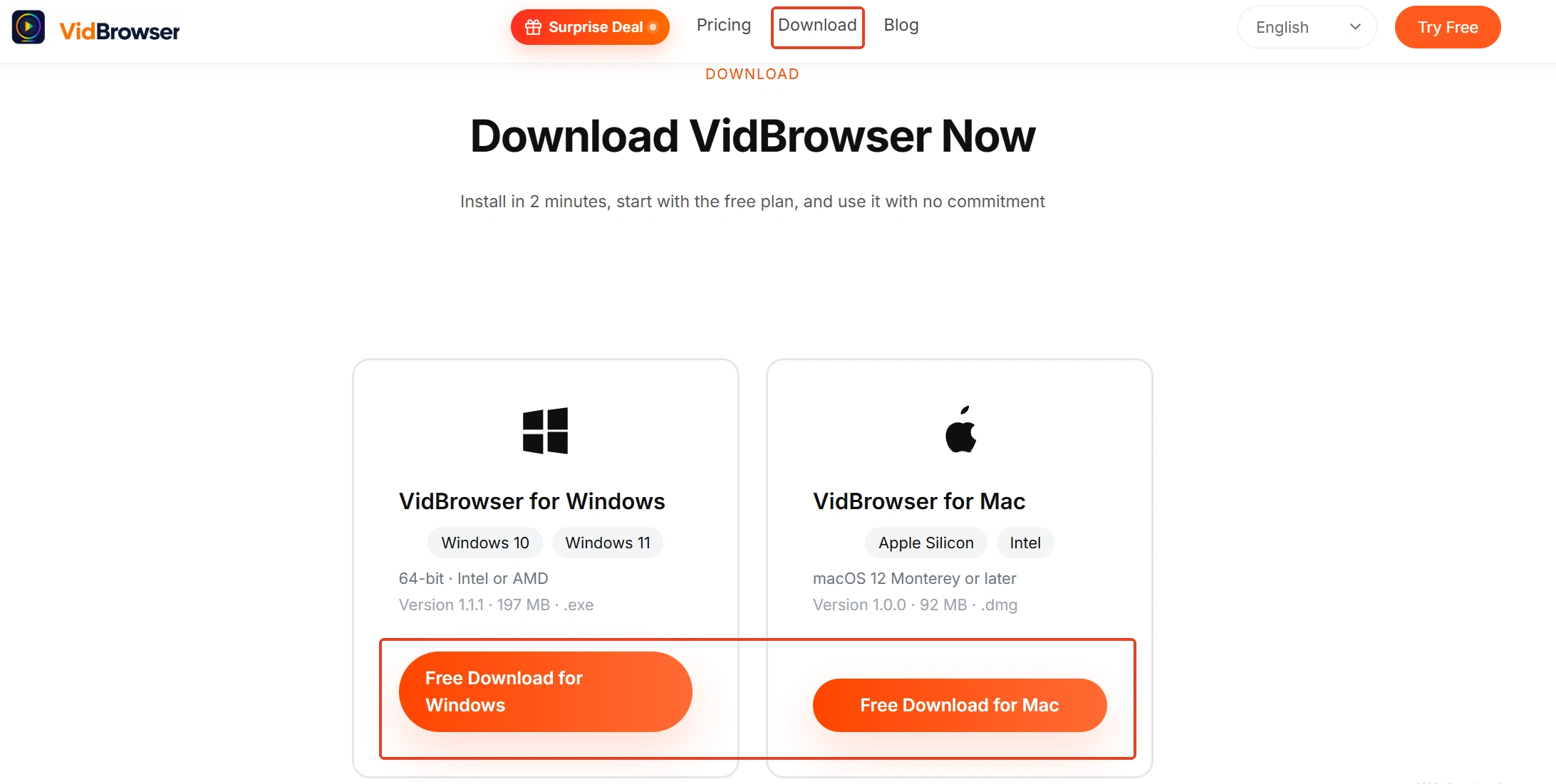
Step 1: Download and install VidBrowser
VidBrowser is a desktop video browser with two built-in strengths, downloading and recording; the install entry is on the VidBrowser OnlyFans downloader page.
Step 2: Open OnlyFans in VidBrowser and log in
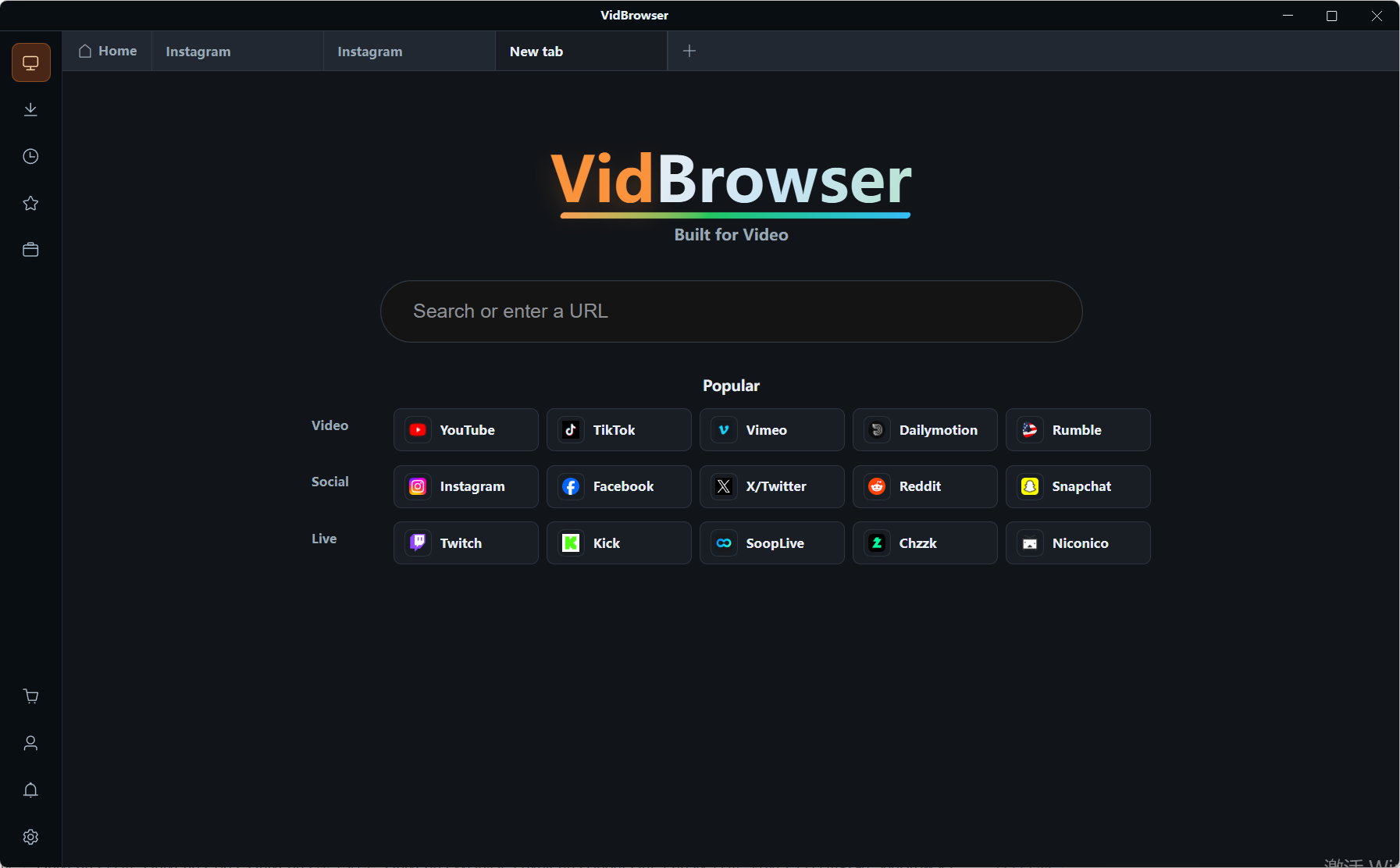
Type onlyfans.com into the built-in browser and sign in to your account; subscriptions and access work exactly as in a normal browser.
Step 3: For items that can be downloaded directly, use the download button
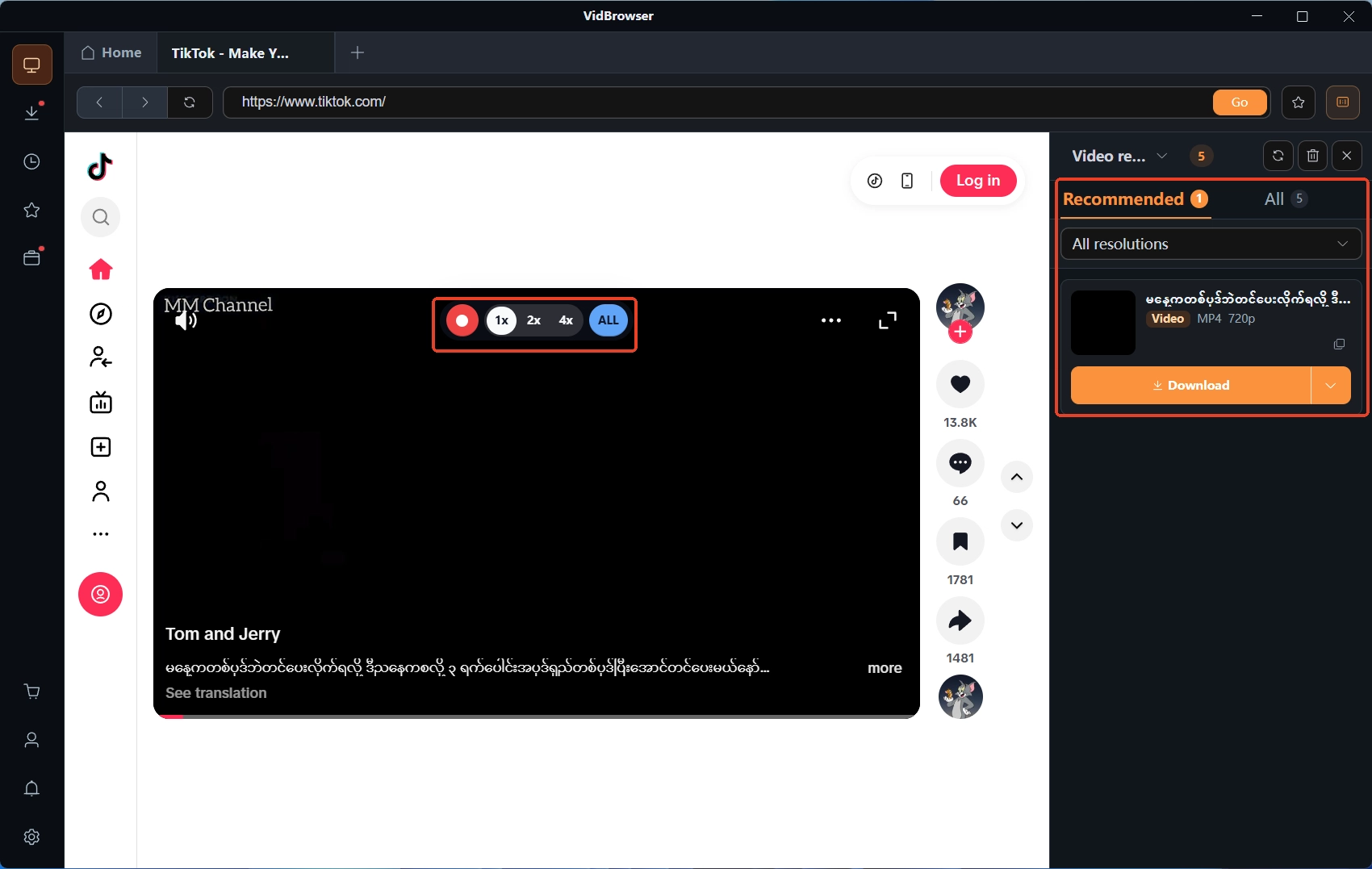
The Video Library panel on the right lists detected videos, each with an orange download button - one click saves the file, and you can pick the resolution at the top of the panel first. Download history sits behind the clock icon in the left navigation, where file names, status and save paths are all traceable.
Step 4: For protected content, save it with the recorder
Most videos on subscription platforms like OnlyFans are copyright protected and ordinary downloaders cannot grab them, so recording is the most reliable way to save: move the mouse over the video and the recording controls appear as an overlay - pick the recording speed (1x real time, 2x or 4x to finish faster), press record-all to capture the whole video, and the record button on the left starts or pauses anytime. The full saving path is laid out in the OnlyFans saving guide.
Written at the end
When the code will not come, split the two roads first: for SMS codes check sending, filtering and expiry; for authenticator codes check time and device migration. A dead phone number goes through backup codes; codes not saved means support@onlyfans.com with the @username and registration email. The real fix happens beforehand - store the backup codes the day you enable two-step verification, migrate the authenticator before switching phones, and rebind before changing numbers. Once you are back in, save the content locally while you can; do not leave it for the next lockout.
FAQ
Support asked me for the verification code - should I send it?
No. The official recovery flow asks for the @username and the registration email, never for codes or passwords; any "support agent" asking for either, wherever it pops up, is treated as phishing. The tricks are broken down in detail in scam spotting and account protection.
My backup codes are used up - can I generate new ones myself?
The official help center offers no self-service regeneration, so do not gamble on this step. If the phone number still receives messages, use SMS codes; if not, go through the support email check. After recovery, ask support whether a new set can be issued, and store it like a password.
Switching phones or numbers - what comes first?
New phone: use the authenticator's export and migration to move to the new device, and confirm codes appear before wiping the old one. New number: update the bound number under Two-Step Verification in settings and complete one verification before retiring the old number; before any of it, store a copy of the backup codes offline.