OnlyFans not loading? First tell the blocked road from the stuck lock
You click OnlyFans and it either spins on the login page or the browser reports a connection error. Before you rush to blame a ban — when an account is banned there is a clear notice and an email — the vast majority of "site not loading" cases are ordinary faults in two layers, access and login, and mixing them up wastes time on both.
OnlyFans not loading? Split the two sides with one move first
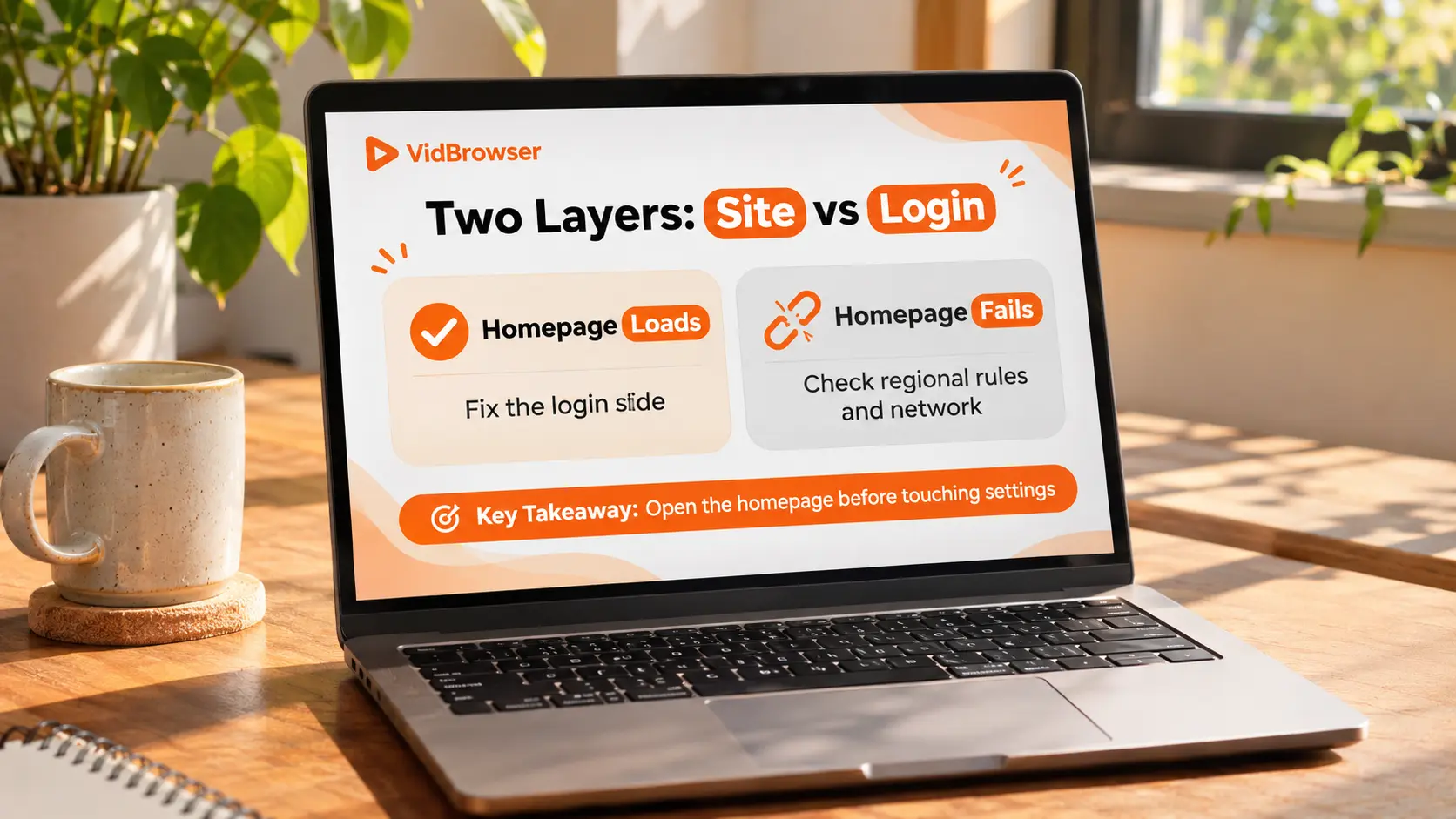
Open the onlyfans.com home page without clicking log in.This move cuts the fault in half: if the home page loads, the site and network are fine and the problem sits in the login step, read the next two sections; if the page fails to load or times out, the problem is on the access side, mostly regional rules or the network.
Page wording is a clue. "Region not available" points to access rules; "unable to connect to the server" points to the network path; a clear account-restricted or identity-verification notice belongs to the account side — follow the instructions.
It is not the same case as troubleshooting videos that won't play — playback checks the player and the streaming leg, while a dead home page means you never even reached the login form.
Access layer: where the whole site stays out of reach
The first family of causes for a fully unreachable site is the access rules where you are, not a broken website.According to a third-party 2026 roundup, at least 16 countries block or heavily restrict it, including Saudi Arabia, Thailand and Turkey — Turkey stems from a court blocking order in June 2023, and Russia has had unreachable reports since January 2023.
About half of the US states passed adult-platform age-verification laws, ruled constitutional by the Supreme Court on June 27, 2025. Platforms chose opposite paths: some shut down entirely in law states, while OnlyFans connects age checks per state (selfie estimation with ID fallback), which is one more step rather than a dead site. The UK Online Safety Act age checks took effect in July 2025, and Ofcom fined a company about 1.05 million pounds for inaccurate verification details. This sits in the same regulatory layer as the trimmed-down version in the RedGifs piece; OnlyFans goes the compliance route.
The two-layer split — platform-level and government-level — was taken apart in the Fansly geoblocking piece; the method carries over.
Login loop: the password is right and you are bounced back anyway
Password correct, page accepts it, one spin and you are back at the login page — that is a login loop, the most common OnlyFans login fault, and the problem sits in the browser rather than the account.The site cannot keep your session, usually because something local keeps clearing or blocking cookies, with privacy extensions the prime suspects.
The verification takes minutes: log in once in an incognito window. If it works, the problem is confirmed in your usual browser's site data or extensions — go back, clear only the cookies for onlyfans.com and retry, and do not wipe saved passwords; if it fails, look at the account.
Credential-side slip-ups worth checking: accounts signed up with X or Google must enter through the original entry, the email form does not recognize third-party signups; reset emails often land in spam, search the whole mailbox first; a trailing space in a copied password voids it — type it by hand once to rule that out.
Missing codes and two-step verification: the official backup path
When the code refuses to arrive, wait a minute before resending — repeated requests run into sending limits.SMS codes get delayed or dropped by carriers all the time; authenticator codes depend on accurate phone time, a manually set clock desyncs them, set it back to automatic.
When the phone number is dead, the official path is: use the backup codes generated when you enabled SMS verification; with no backup codes saved and no working number, contact support@onlyfans.com with your @username and signup email, as written in the help center. Once back in, save the new backup codes immediately so the next time never reaches customer service.
Once access is stable, save what you want to keep
After troubleshooting, with the page stable, keep a local copy while access is normal, in four steps:
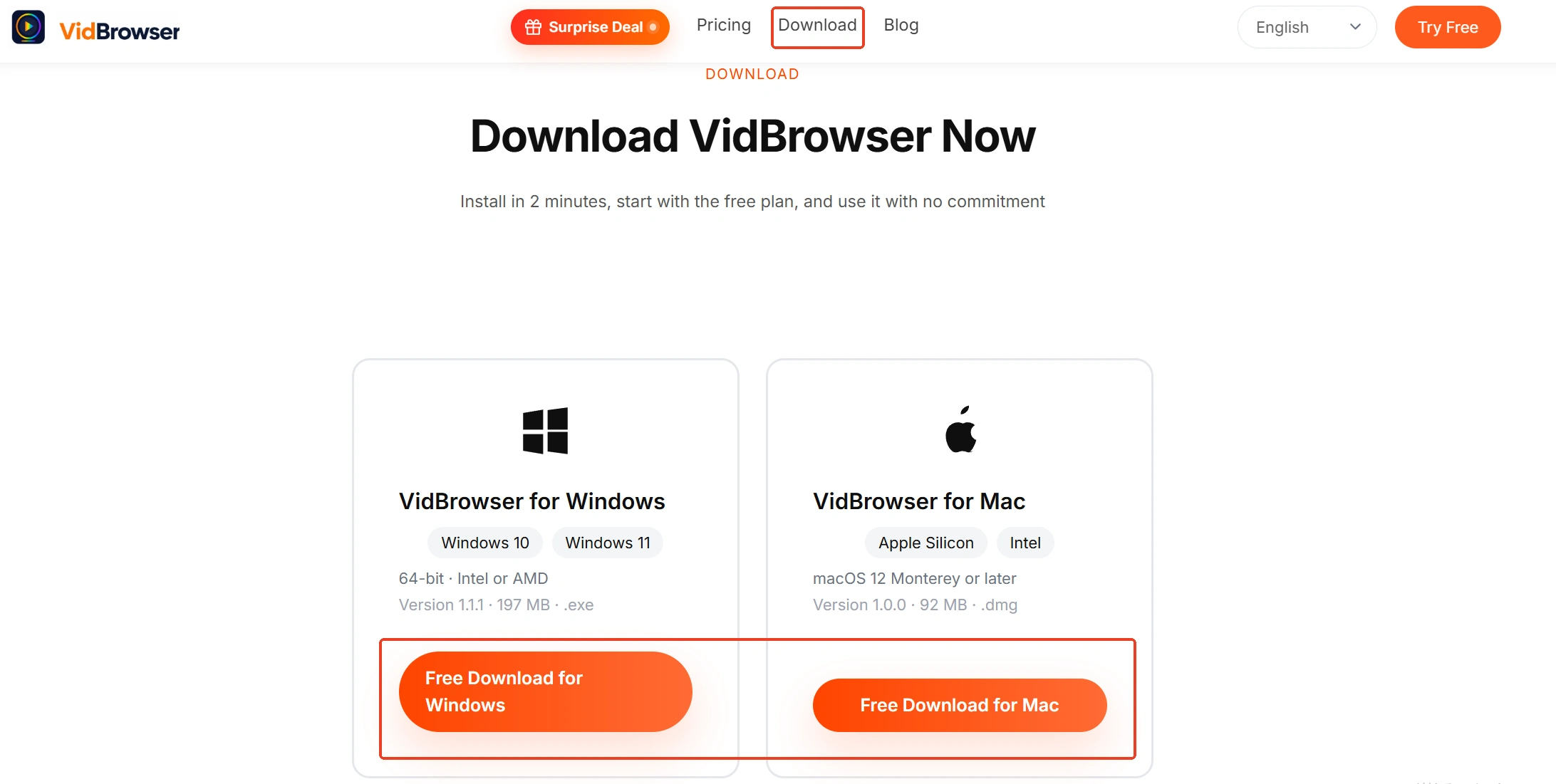
Step 1: Download and install VidBrowser
VidBrowser is a desktop video browser with download and record as its two core functions; the install gate is on the VidBrowser OnlyFans downloader page.
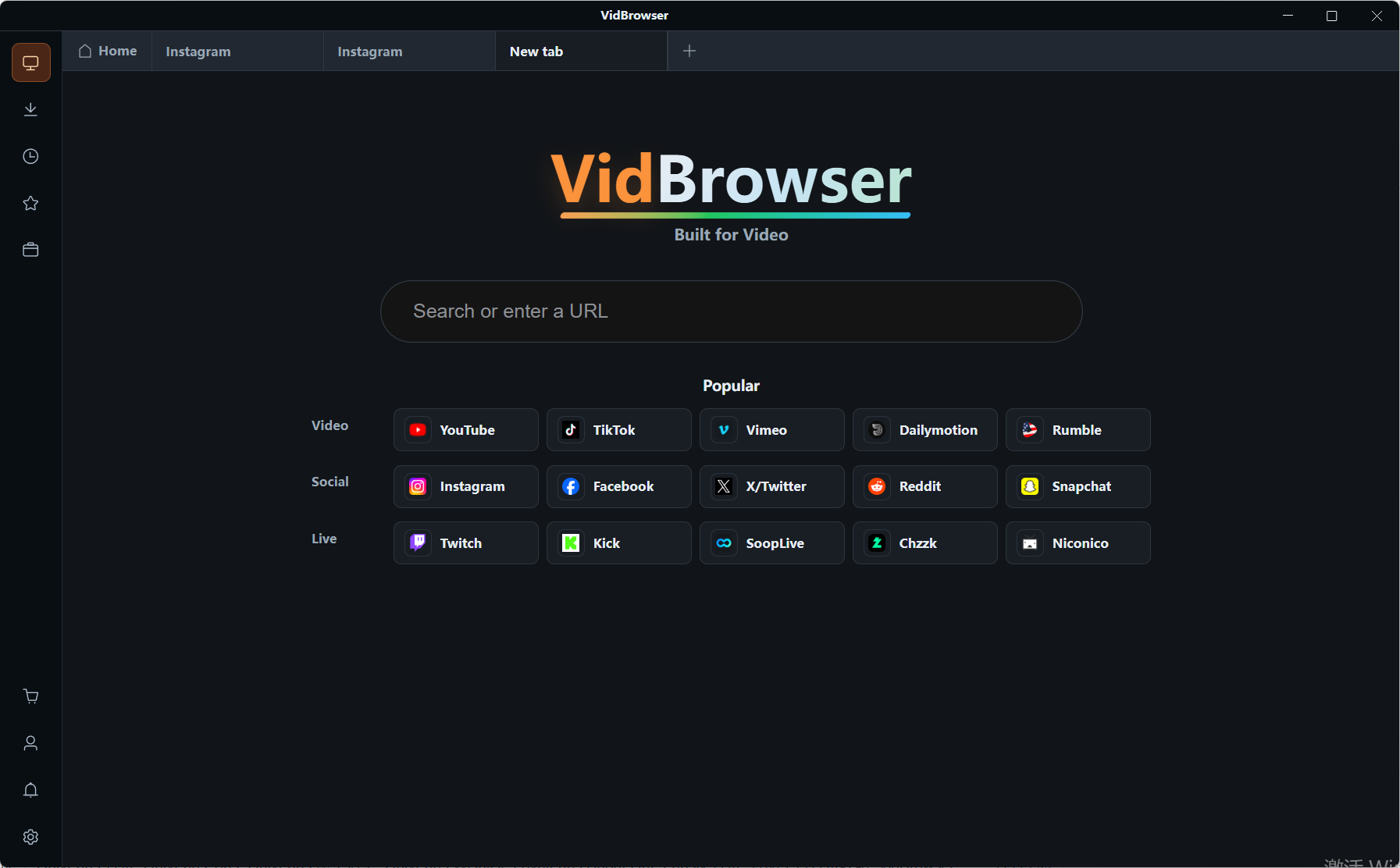
Step 2: Open OnlyFans in VidBrowser and sign in
Type onlyfans.com in the built-in browser, log in and open the creator page you want to save.
Step 3: Save directly downloadable items with the download button
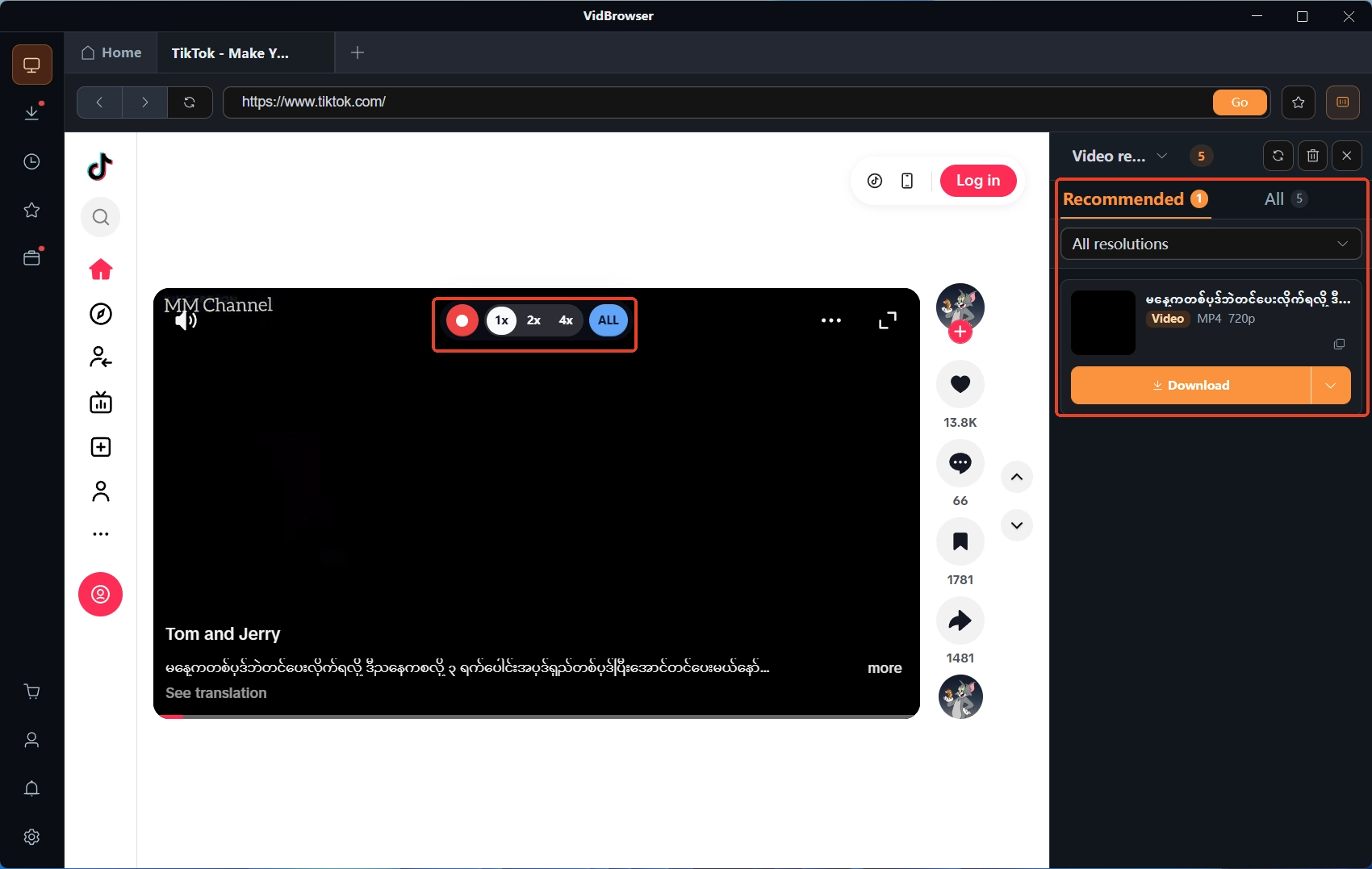
The Video Media Library panel on the right lists detected videos, each entry carries an orange download button that saves as MP4, and you can pick the resolution before downloading. Download history sits under the clock icon in the left navigation, with file name, size, status and save path all listed.
Step 4: For protected content, use the record function
Videos on subscription platforms like OnlyFans are mostly protected content that ordinary downloaders cannot grab, and recording is the dependable way to keep them: move the mouse over the video and recording controls appear on top — choose the speed (1x real time, 2x or 4x to finish sooner), hit Record All to capture the whole video, and the record button on the left starts or pauses at any time. Details in how to save OnlyFans videos.
Summary
OnlyFans not loading — open the home page first and split the two sides: loads, check login; fails, check regional rules and the network. Login loops settle in minutes with an incognito window; codes get a one-minute wait before resending; a dead number goes through the official backup codes. A banned account announces itself with a notice and an email, and looks nothing like these faults. Save a copy of your subscriptions while access lasts — it holds up better than the next login success.
Frequently Asked Questions
Is the site not loading a sign my account is banned?
Not the same thing. A ban or restriction comes with a clear on-page notice and an email; a login loop, missing codes or a dead home page are mostly browser, network or regional-rule issues, and the account was never touched. Split the two sides first, then read the wording.
Does a VPN fix OnlyFans not loading?
Depends on the case — not a master key. For regional-rule blocks a different exit may open the page, but in countries where adult content is illegal it can break local law and platform terms; and OnlyFans has been intercepting large volumes of commercial VPN addresses since 2026, so a VPN raises the odds of repeated human verification. The Fansly geoblocking piece covered the same mechanism.
No backup codes saved and the phone number is gone — can the account still be recovered?
Email support@onlyfans.com with your @username and signup email, and access is restored after identity verification per the help center. The first thing after recovery is saving the new backup codes, so the same wall never stops you twice.