
Erome albums and videos: know the deletion rules before you save
You land on a solid Erome album, a hundred-plus pictures with a few videos mixed in, and you want to keep the whole thing. Saving image after image by right-click is slow and easy to miss a few, and the videos do not give in to ordinary download tools at all. What makes it worse, albums like this can vanish as a whole at any moment — Erome is not a cloud drive, and the deletion right has always been in the uploader's hands.
Saving Erome content splits into two routes by media type: album images go through batch grabbing, and videos go through browser detection download with recording as the fallback. Before you start, get the album rules straight so your saving order and expectations stay on track.
How Erome albums are structured and capped: images and videos in one collection
Erome is an anonymous image and video sharing site where content is organized as albums, and the official rules hard-code two caps on size. According to the official Erome FAQ, a single file tops out at 2GB and one album holds at most 100 items, with images and videos allowed to mix in the same collection. Albums come in public and private tiers; private albums never appear on the front page and are kept out of search engines. There is no official download button on the site — saving has relied on local tools from the very start.
One easily missed setting: the official FAQ states plainly that this is a sharing site, not personal storage. The system automatically checks whether your albums are being shared and visited, and accounts that stay unvisited for a long time get restricted from uploading further. The implication for savers arrives in the next section — content nobody visits is content the uploader has little motivation to maintain.
Why albums disappear: the deletion rules are written in the FAQ
The top reason albums vanish is the uploader deleting them, and the official promise is blunt. The FAQ says album owners can delete their albums at any time, and all files are removed from the servers immediately — there is no "deleted but still cached" grace period. Next come violations: one warning blocks adding or editing content for 48 hours; three warnings accumulated mean permanent account deletion; illegal content is handled directly, with no warning at all. Advertising-style accounts are also deleted without notice.
Put those three cases together and the conclusion is: every album you see on Erome exists in a "still here for now" state, with nothing on the server side keeping it for you. The Save Album feature is essentially an on-site bookmark — when the link dies, the bookmark still points to an empty page. That is why content you follow should land on your local drive early, instead of piling up in a favorites list for later.
How to save album images in bulk: three Erome-specific points for batch grabbing
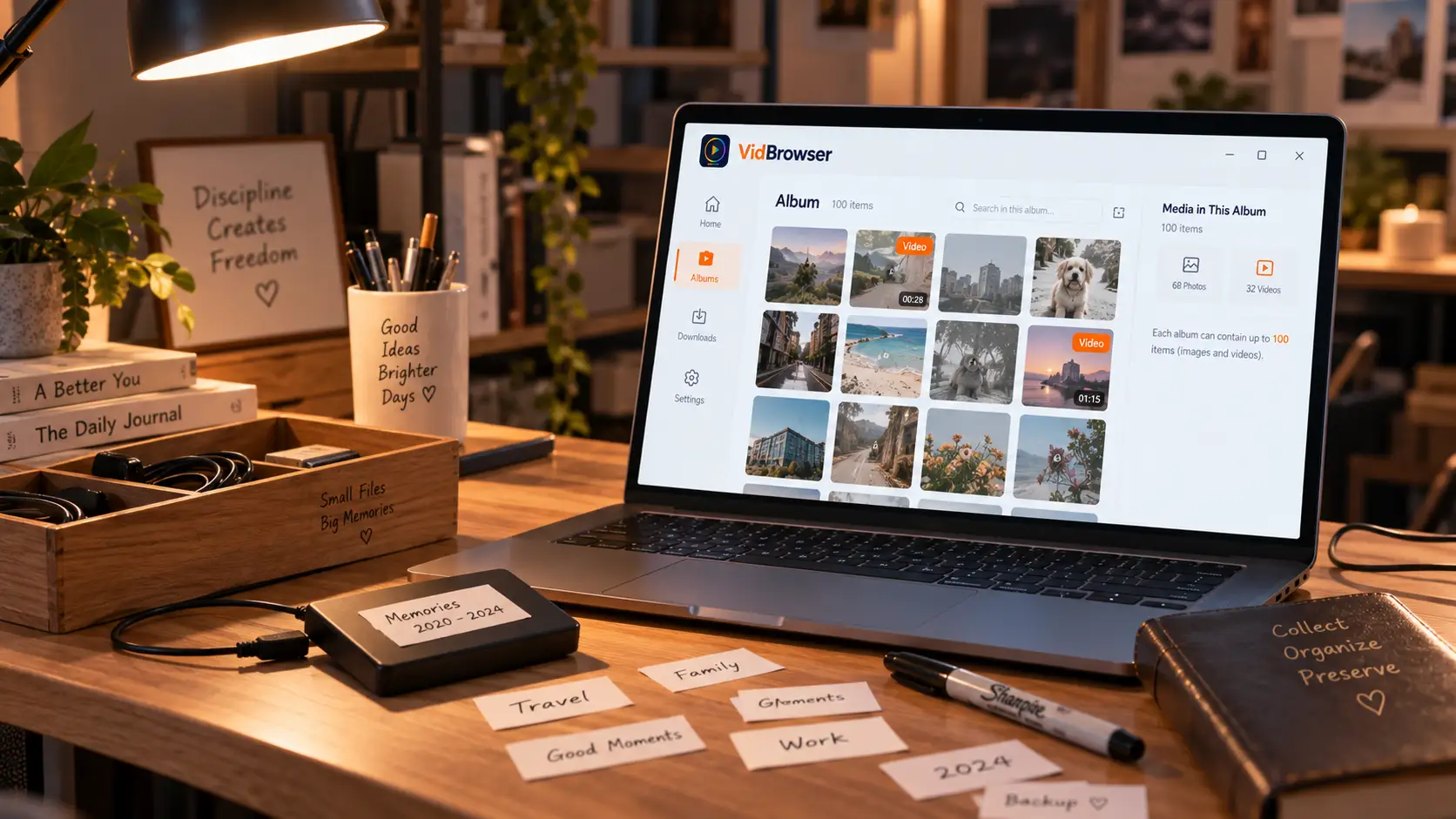
Bulk image grabbing uses the image batch download entry on the VidBrowser tools page; the general workflow is covered in the image batch download tutorial, so here are the three points specific to Erome albums. First, album pages mix images with videos: when the batch tool scans the page, videos show up in the list as cover thumbnails — do not save them as pictures, videos follow the route in the next section. Second, the 100-item cap per album means one page address grabs the whole album, with no pagination to stitch. Third, private albums require logging in inside VidBrowser's built-in browser before visiting; public albums just need the URL pasted in to produce a list — filter by format to drop the small images and covers, and what remains are the full-size originals.
How to save the videos in an album: detection download first, recording as fallback
Erome videos are streams played on-site, ordinary download tools cannot reach the files, and VidBrowser handles them the same way as subscription platforms. The mechanics of why they cannot be reached are covered in the streaming video download piece. For the hands-on part, four steps:
Step 1: Download and install VidBrowser
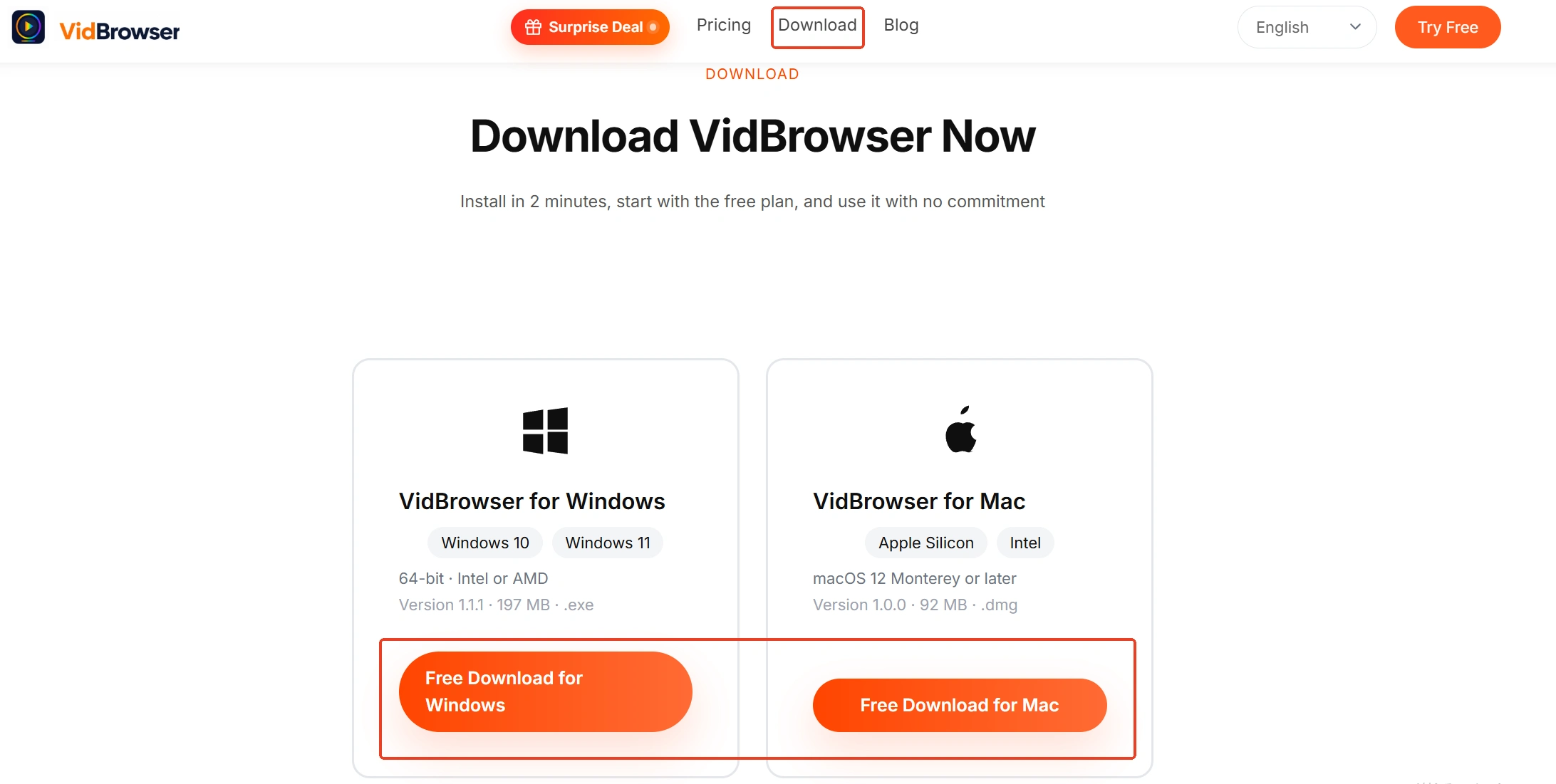
VidBrowser is a desktop video browser for watching videos, trimming clips and saving them locally on Windows and Mac, with downloading and recording built in; the official homepage has the download. Installation takes a few minutes.
Step 2: Open the album page and play the video
Open the target album in VidBrowser's built-in browser and start the video you want so it is playing; public albums need no login, private albums need your own account first.
Step 3: Download directly what the panel allows
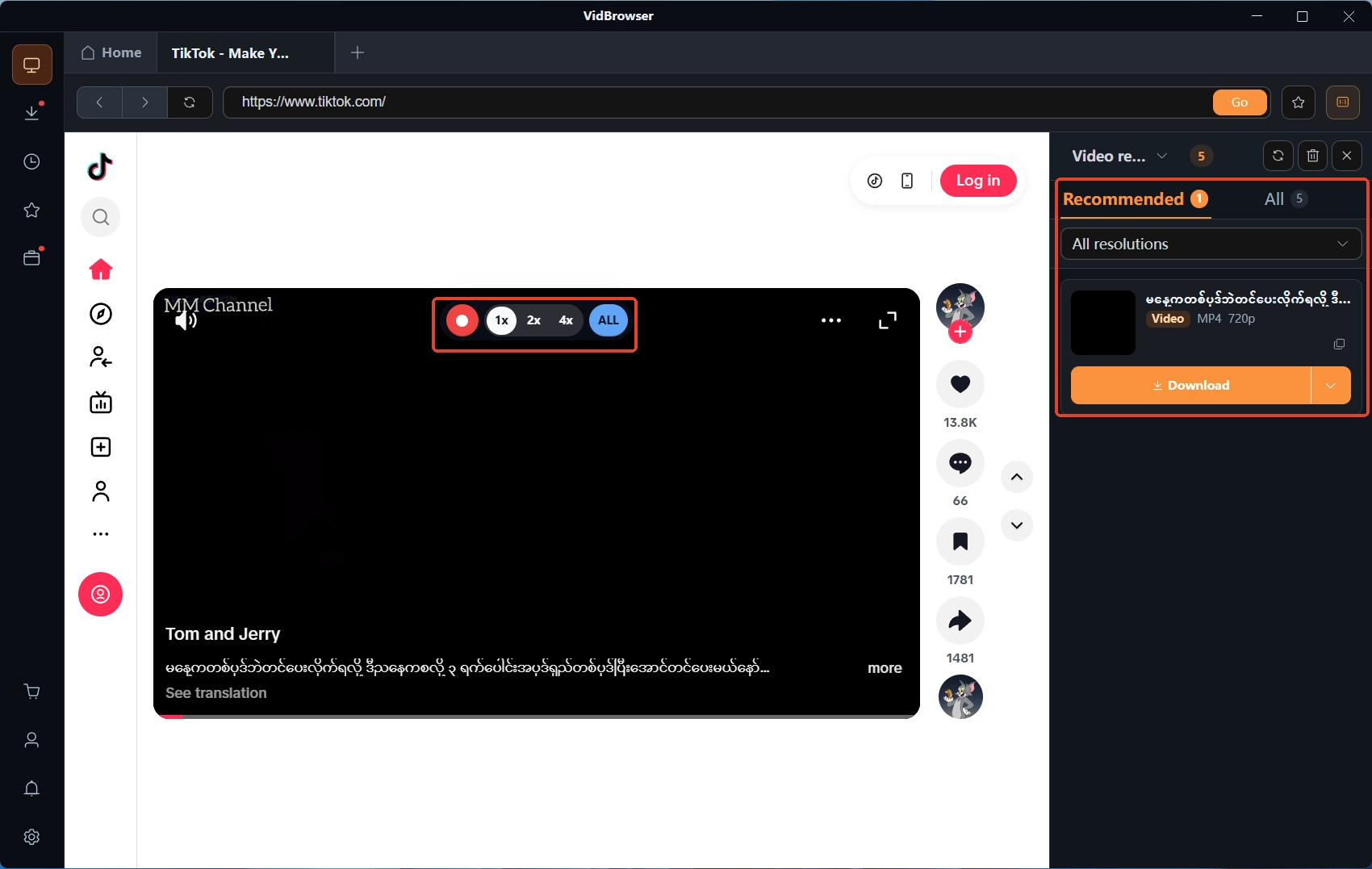
The "video media library" panel on the right lists detected video entries; pick a quality with the resolution filter dropdown first, then click the orange "Download" button on an entry to save it as MP4.
Step 4: Fall back to recording when no entry appears
If a video shows no downloadable entry in the panel, move the mouse over the frame and the recording controls overlay appears: choose a recording speed (1x real time, 2x or 4x to finish faster), click record-all to capture the video from start to end, and the record button on the left can pause at any time. Everything saved can be found in the download history, opened from the clock icon in the left navigation.
Private albums and saving boundaries: access first, keep it to yourself
Saving presumes you are allowed to access the album: public ones are open to everyone, private ones are an arrangement between people holding the link. Erome's anonymity keeps the sharing barrier low, but copyright in the content still belongs to the uploader — keeping a copy for yourself is one thing, reposting or repackaging it elsewhere is another; the legal boundaries of content downloading piece covers that line. One practical note: the official site supports anonymous uploads, which means you cannot verify whether the uploader had any rights to the content. Saving for personal use is fine — do not treat albums of unclear origin as material you can spread.
On order: run the batch image grab first, then work through the videos one by one. Images are the bulk of an album and can be grabbed in one pass; videos are few but each needs detection or recording, so put the time-consuming part last and take it slow.
FAQ
Does Erome have an official download feature?
No. The official FAQ positions the site as a hosting and sharing platform; the closest on-site feature is the Save Album bookmark, which involves no file downloads. Images rely on batch tools, videos on VidBrowser's detection download with recording fallback.
Why will an album no longer open?
Most likely the uploader deleted it — official deletion takes effect immediately with servers synced, and the page returns a 404. It could also be an account permanently deleted after three warnings, or direct action over illegal content. When an on-site bookmark points at an empty page, the album is effectively gone.
Will saved images match the quality shown on the site?
Yes, provided the batch grab filters out thumbnails by format and size. Erome stores originals at upload quality with a 2GB per-file cap, so full-quality originals are preserved; videos save at the highest tier the panel detects, with recording covering what detection misses — recorded quality matches playback.