Stop searching for an OnlyFans Android APK: neither real path on your phone is called installing
Search "OnlyFans download Android" and the top results look more official than the official site. Here is the short answer: OnlyFans has never released an Android installer, and on iPhone there is no app to install at all. The real entry point is adding the website to your home screen, not installing. Where those APK files come from, what happens after a fake one lands on your phone, and which route iPhone users should take - all covered below.
There is no official OnlyFans APK for Android - the phrase "official installer" itself is a forgery
OnlyFans put it plainly in a July 2026 post on its official blog: no dedicated app exists for iPhone, Android or desktop, and the browser is the legitimate entry.That statement sits on the App topic page of the official blog. If the company does not even have an app, an "official APK" cannot exist either - any download site showing those words can be closed on the spot. The earlier piece on why the app never shipped covers it: store content policies plus commission, two walls it cannot climb.
Search OnlyFans on the Play Store and the official-looking result is OFTV, a free, policy-compliant video app from the same company, published by OF Media Productions Limited. Some wrapper sites do look earnest: their own description admits being unofficial, or the contact address is a Gmail inbox - one hit and it is a no.
After a fake APK lands on the phone: a cloned login page, SMS codes and excessive permissions
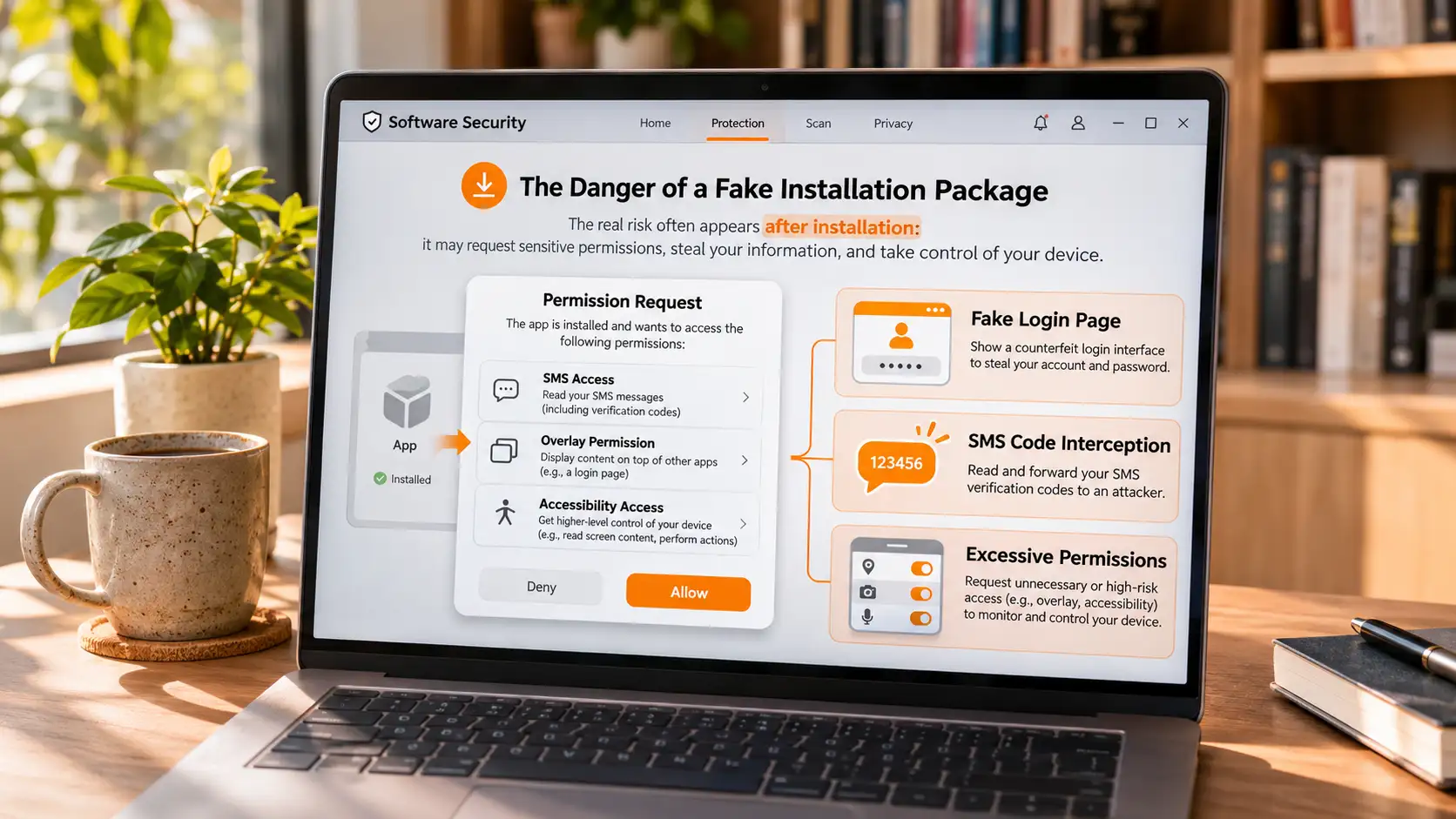
The danger of a fake installer is not the moment of download - it is the three moves that come after installation.
The first is the cloned login page: open the app and a pixel-perfect copy of the official login screen greets you; once the password goes in, it has left your device, and saved payment methods go with it.
The second targets verification codes. Security firm F6 disclosed a fake job-offer scam: fake postings lured people to Telegram, got them to install an "OnlyFans app" from a fake Google Play page, then used a "subscribe for 1 ruble" hook to make victims bind a card, after which the trojan intercepted SMS codes - 93 victims lost a combined 869,000 rubles in 2025. The third hides in the permission list: a video app asking for SMS reading, overlay access and accessibility rights goes beyond every legitimate need. As for "free unlocks", the paywall stands on the server side; no amount of client-side tweaking opens it.
When Play Protect blocks an installer, do not try to force it through
Android's built-in Play Protect scans apps installed outside the store; when the block warning appears, the right move is deleting the file, not switching off the protection.Everything sideloaded goes through the scan and can be warned about, blocked, disabled or removed automatically. Tutorials for fake packages teach you to turn off scanning and allow unknown sources - that is tearing down the last gate with your own hands.
If a suspicious package has already been installed, do the cleanup in this order:
- Uninstall the app and delete the installer file with it;
- Change the password from onlyfans.com, typed in by hand - never trust a password box inside an app;
- Review login sessions and linked payment methods, and kick unknown devices offline;
- Turn on two-step verification, then run a Play Protect scan again.
On iPhone the concept of an APK does not exist - the route changes from "install" to "add"
On iPhone the very idea of downloading an installer does not hold: iOS has no entry point for Android packages, and the App Store has never had an official app.The legitimate path is called adding: open the official site in Safari, pick Add to Home Screen from the share menu, and the icon still opens in the browser with your login state shared. The steps are written up in the piece on whether OnlyFans has an official app.
Scams on iPhone took another shape: not APKs but configuration profiles and third-party installers, better hidden, still hunting for your login. To keep content as files, the piece on saving OnlyFans videos on iPhone covers the phone-side boundaries.
The phone is for access - saving videos happens on the computer
The home-screen icon covers quick access; when a video is worth keeping as a file, the computer is where it lands.The OnlyFans downloader page of VidBrowser has the full introduction; follow the steps below:
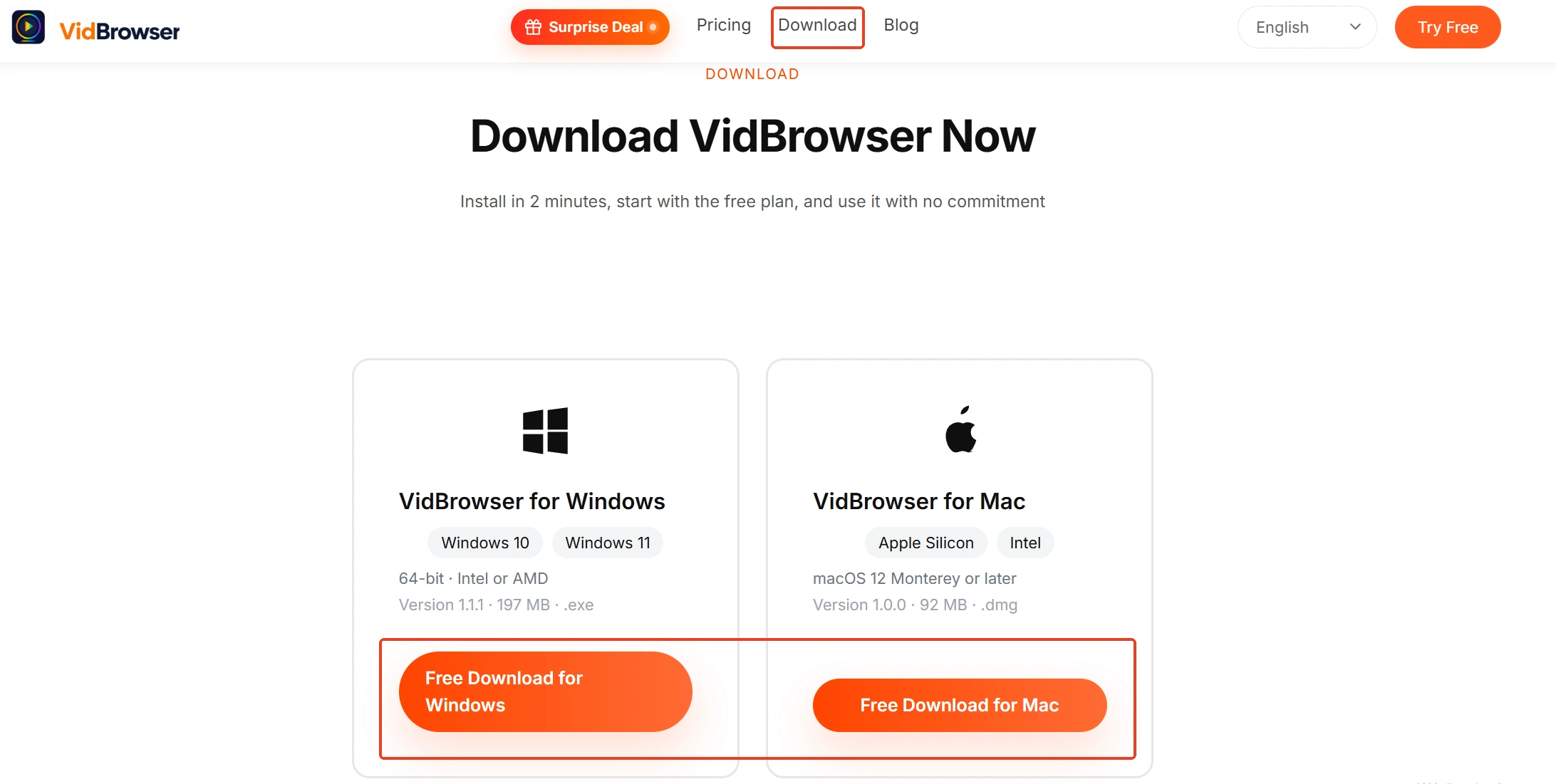
Step 1: Download and install VidBrowser
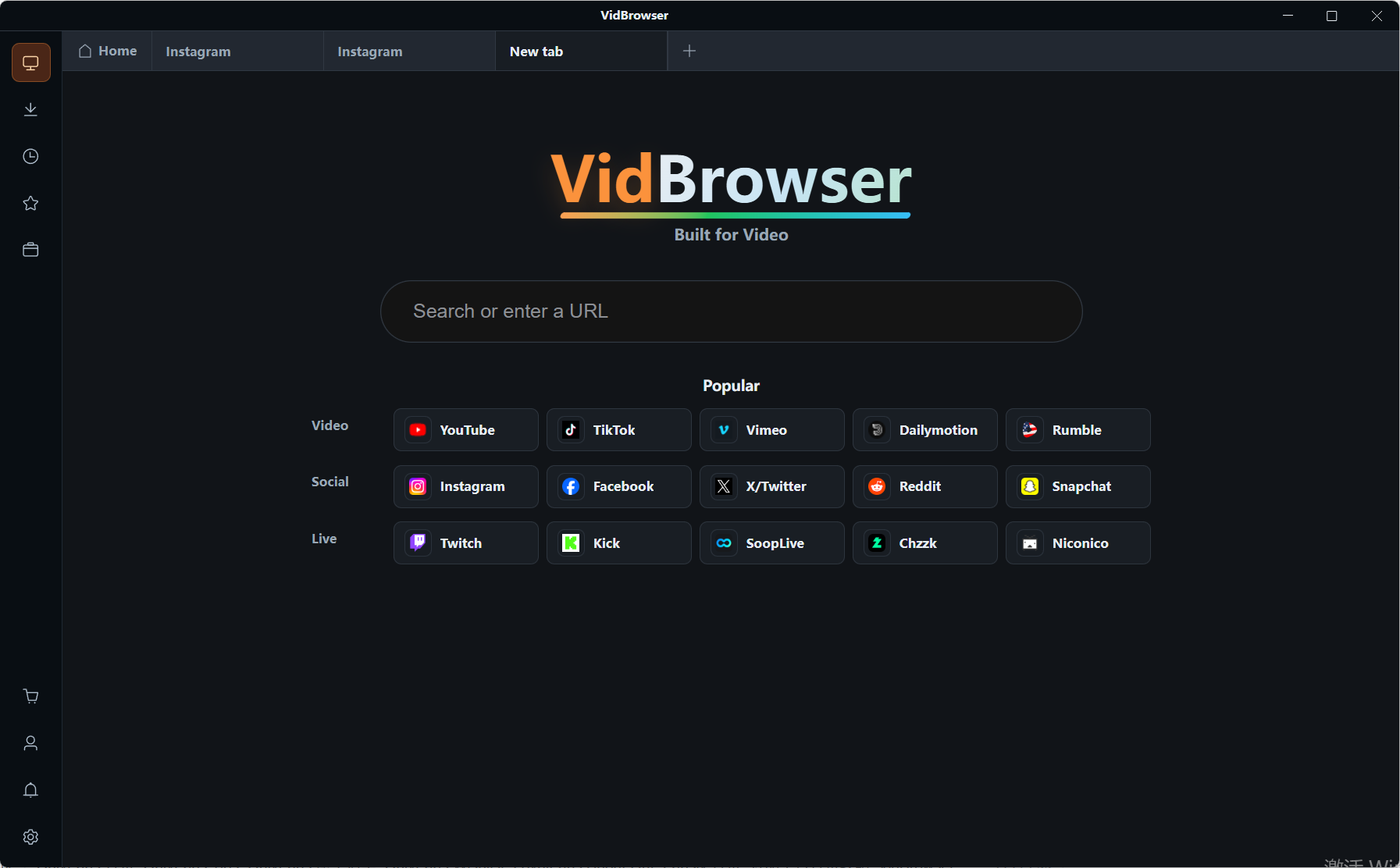
VidBrowser is a desktop video browser for watching videos on Windows and Mac, clipping segments and saving them locally, with download and record built in as its two core functions; installation takes a few minutes.
Step 2: Open onlyfans.com and log in
It is a browser itself, so after login the page matches the phone, favorites and messages come from the same account, and you can head straight to the video you want to keep.
Step 3: Record protected content, download what allows direct saving
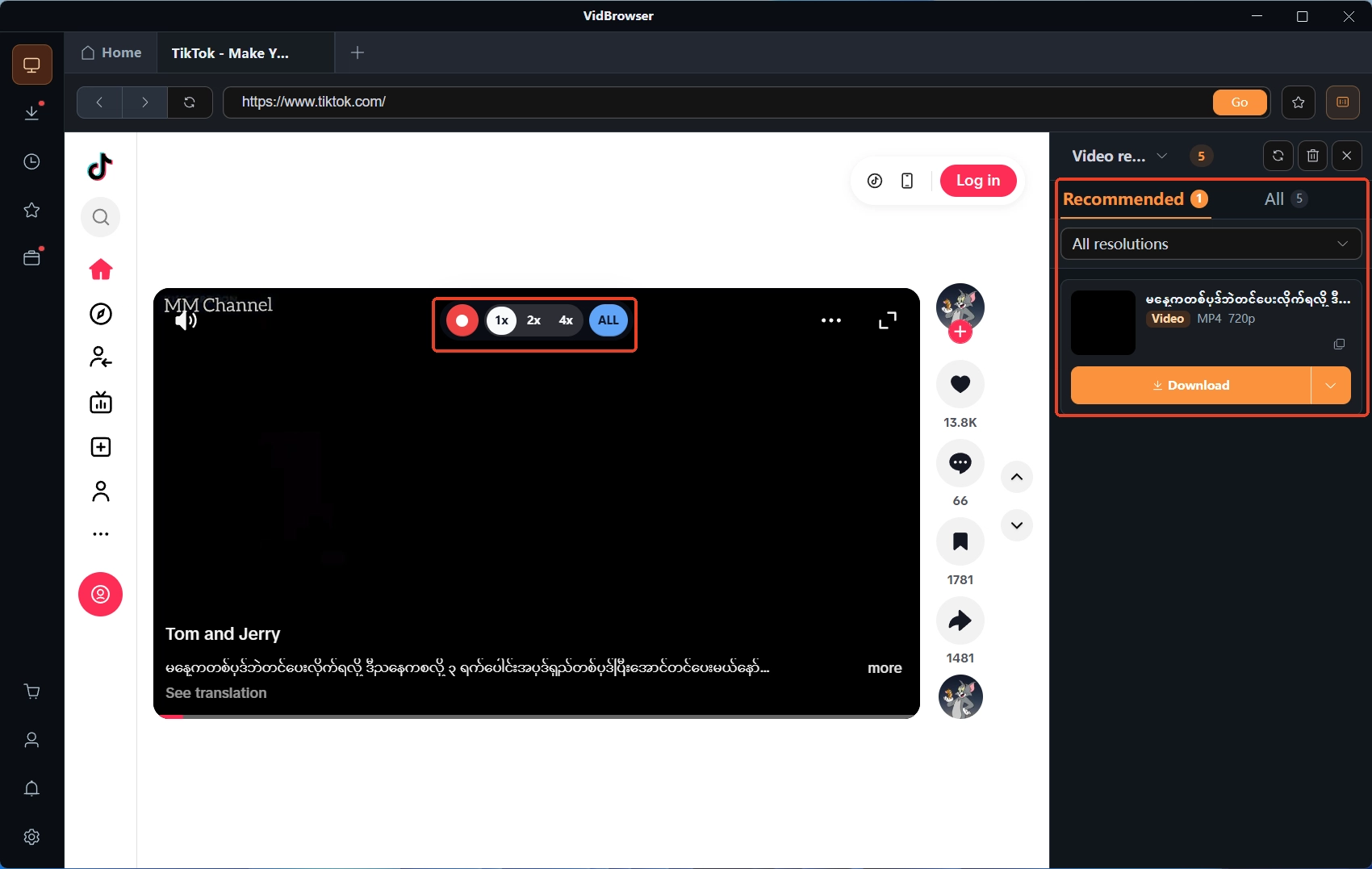
Videos on subscription platforms like OnlyFans are mostly copyright-protected and out of reach for ordinary downloaders, so recording is the dependable way to save them: move the mouse over the video and the record controls appear as an overlay, choose a recording speed (1x real time, 2x or 4x to finish faster), click "Record All" to capture the whole video, and the record button on the left pauses anytime. For videos that can be saved directly, the "Video Library" panel on the right lists entries with an orange "Download" button - one click stores them as MP4 files, and you can filter by resolution first.
Step 4: Check the download history
The clock icon in the left navigation lists every task, with file name, size, status and save location all in one view.
Summary
No official APK exists on Android - the moment "official installer" appears, it is fake; when Play Protect blocks it, delete the file instead of disabling protection. On iPhone there is no such thing as installing: adding the official site to the home screen is the legitimate route.Once access is set up, content worth keeping lands on the computer as files: the phone for opening it anytime, the computer for keeping a copy.
FAQ
Does installing OFTV count as installing OnlyFans
No.OFTV is a free, policy-compliant video app from the same company, with no subscription content inside and no login to the main site - treat it as the official companion video channel.
An unknown APK is already installed - what comes first
Uninstall first, then secure the account.Change the password from onlyfans.com, review login sessions and payment methods, turn on two-step verification, then run a Play Protect scan. Type the official address by hand for the password change; more self-check items are in the OnlyFans privacy and account security guide.
How to tell apart the "OnlyFans install tutorials" on iPhone
Look at which action the tutorial ends with.One that lands on the Safari share menu and Add to Home Screen is the legitimate path; one that asks for a configuration profile or a QR code into a third-party installer should be closed immediately.